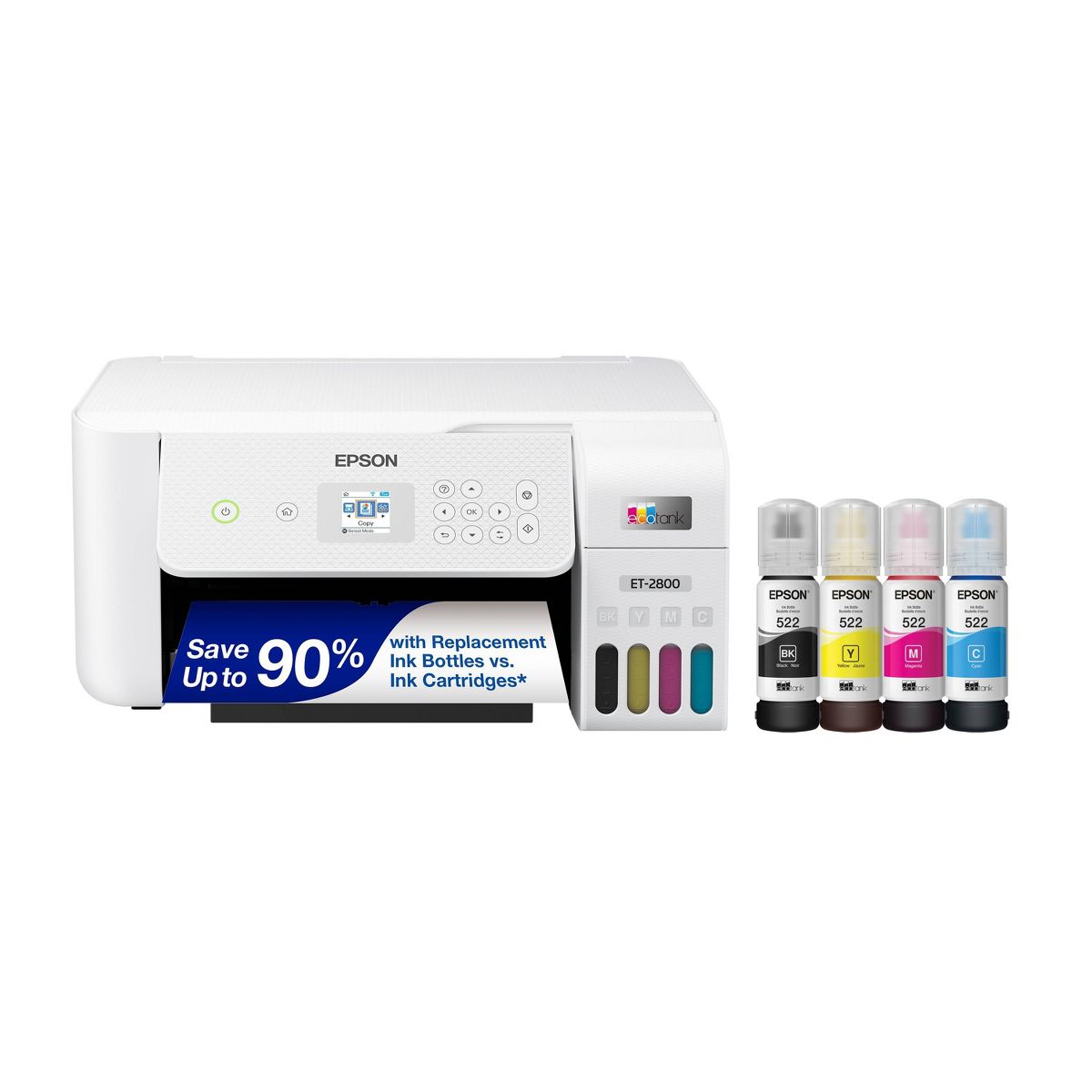








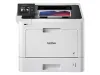


Epson EcoTank ET-2800 Wireless Color All-in-One Cartridge-Free Supertank Printer: Inkjet, Wi-Fi, Apple AirPrint
Write a review
$19999 $23999

Epson EcoTank ET-2800 Wireless Color All-in-One Cartridge-Free Supertank Printer: Inkjet, Wi-Fi, Apple AirPrint

Write a review
90762990
+
Add to wish list
Starget Electronics is a leading online electronics store offering a wide range of gadg...

City: US, New York

Delivery
Pickup at your own expense
Tomorrow from 09:00 to 20:00, Store location
Free
Payment options
Apple Pay Google Pay Mastercard Visa
Cash, bank card, credit/installment payments, cashless payment for legal entities
Warranty and returns
Exchange/return of products of proper quality within 14 days Official manufacturer's warranty: 12 months
Description
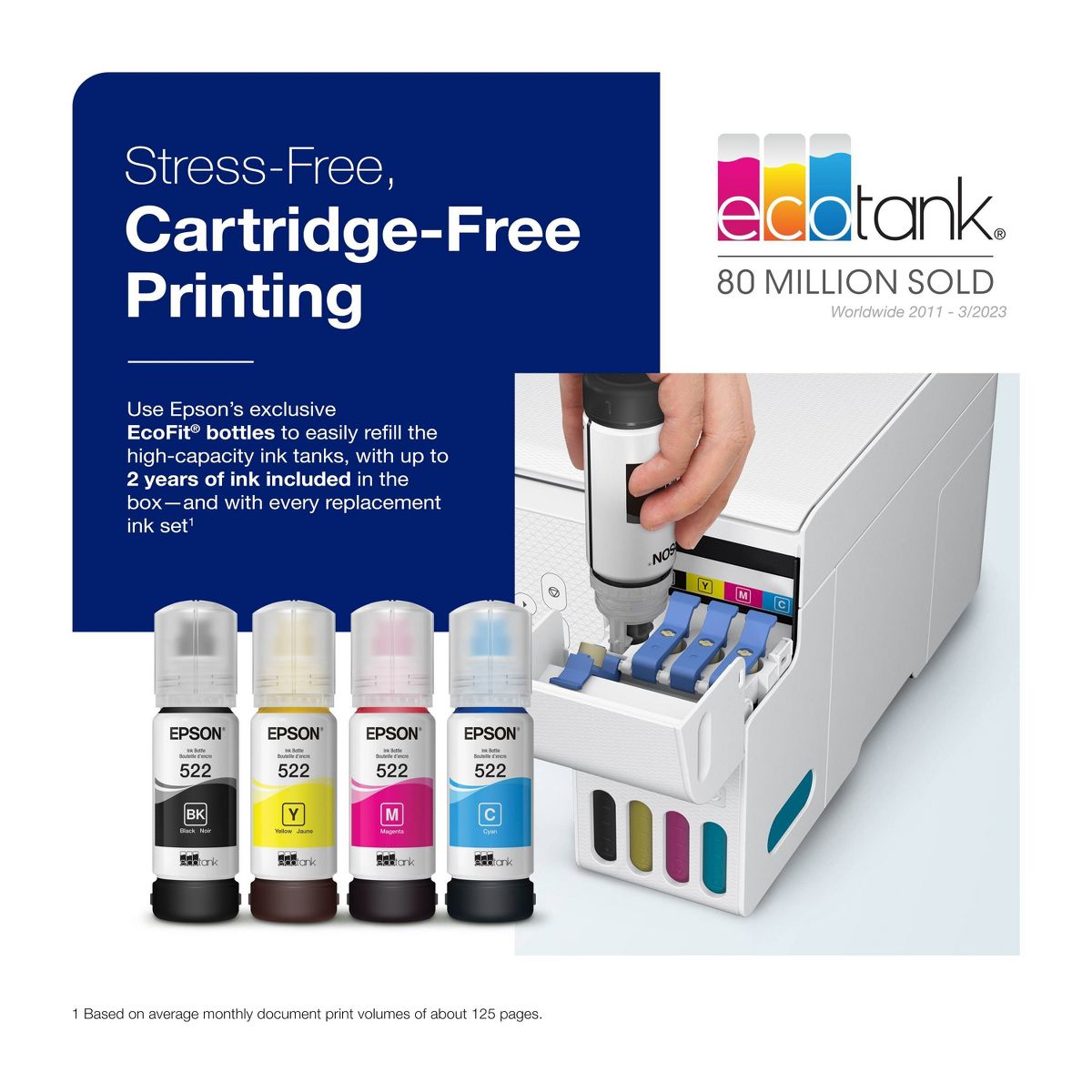
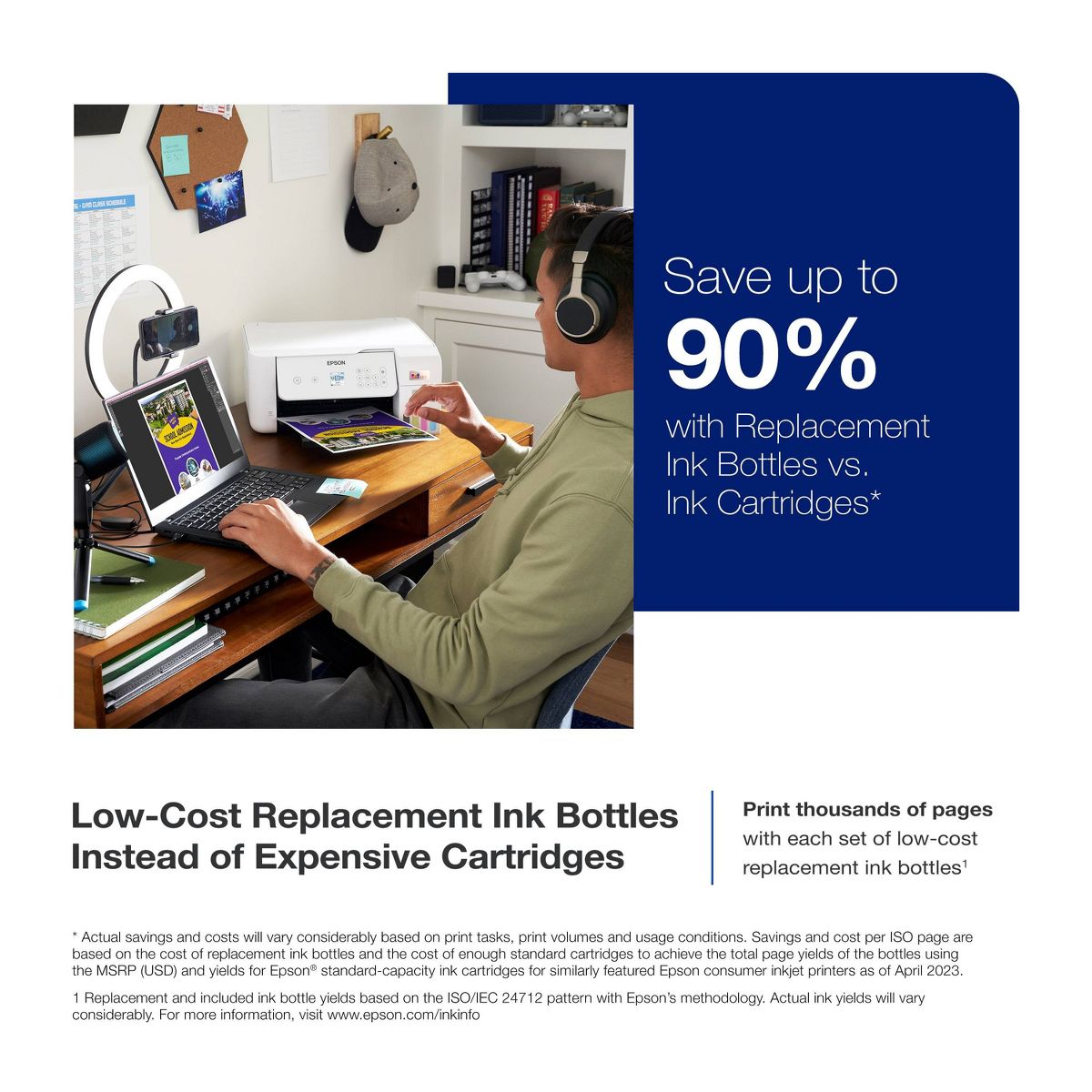
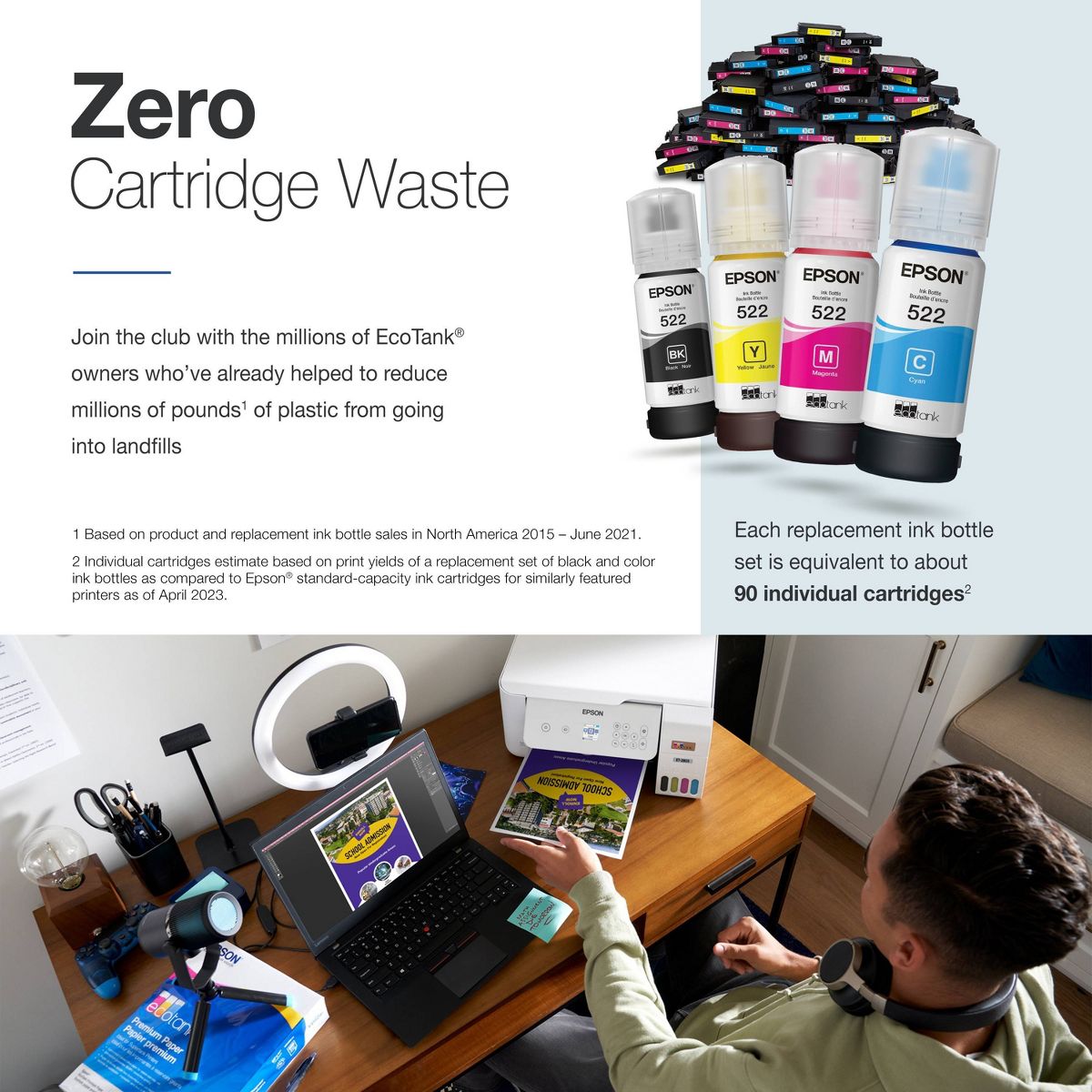
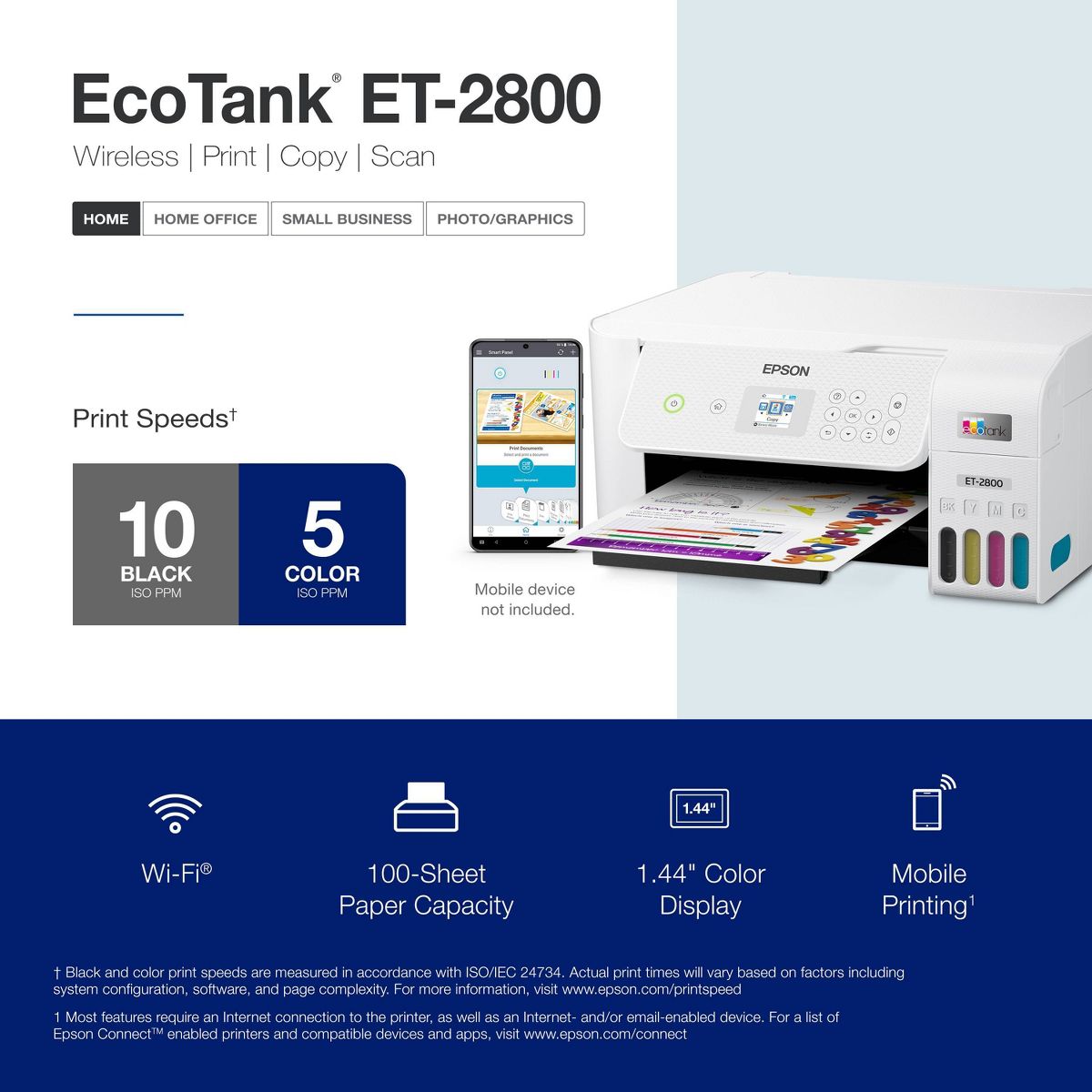
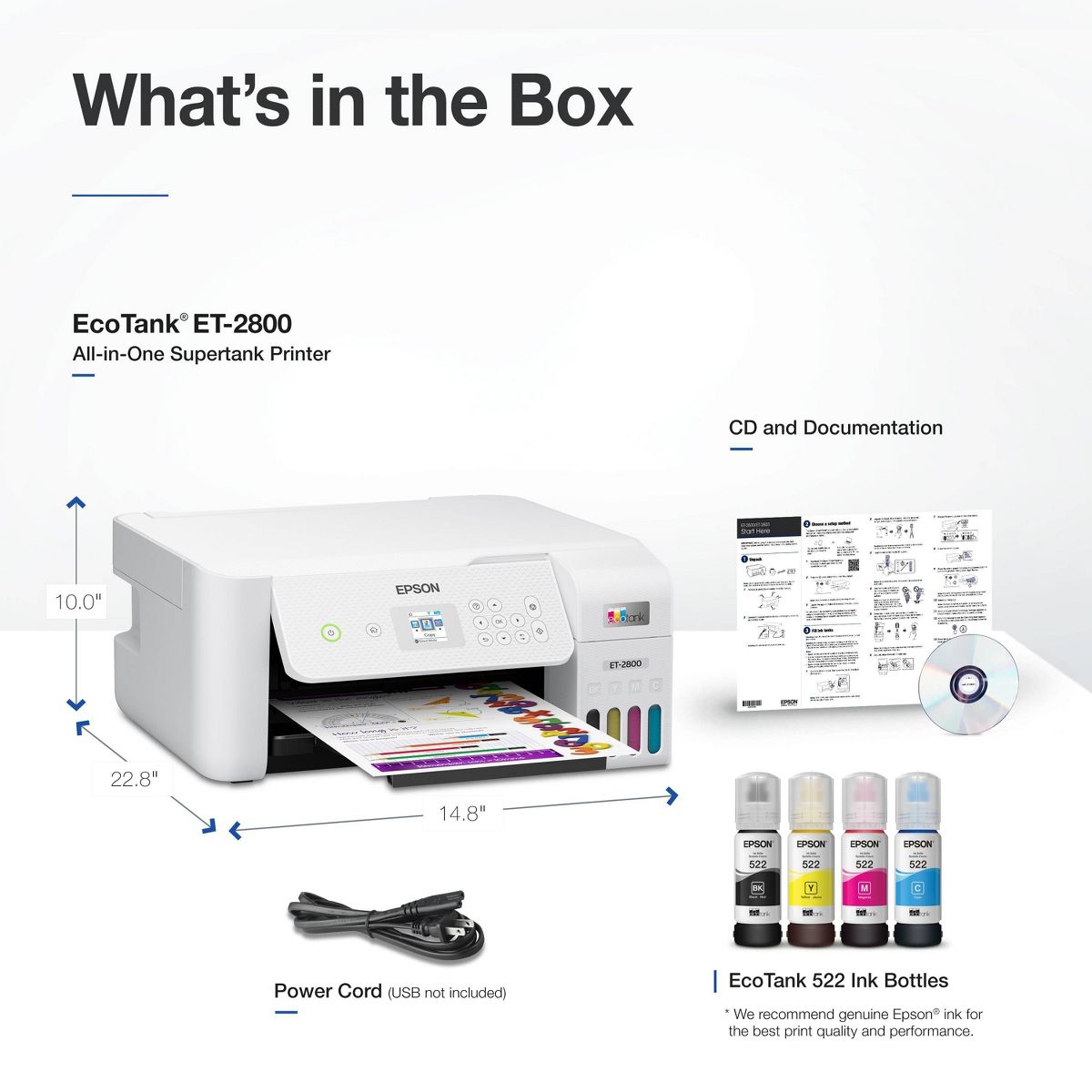
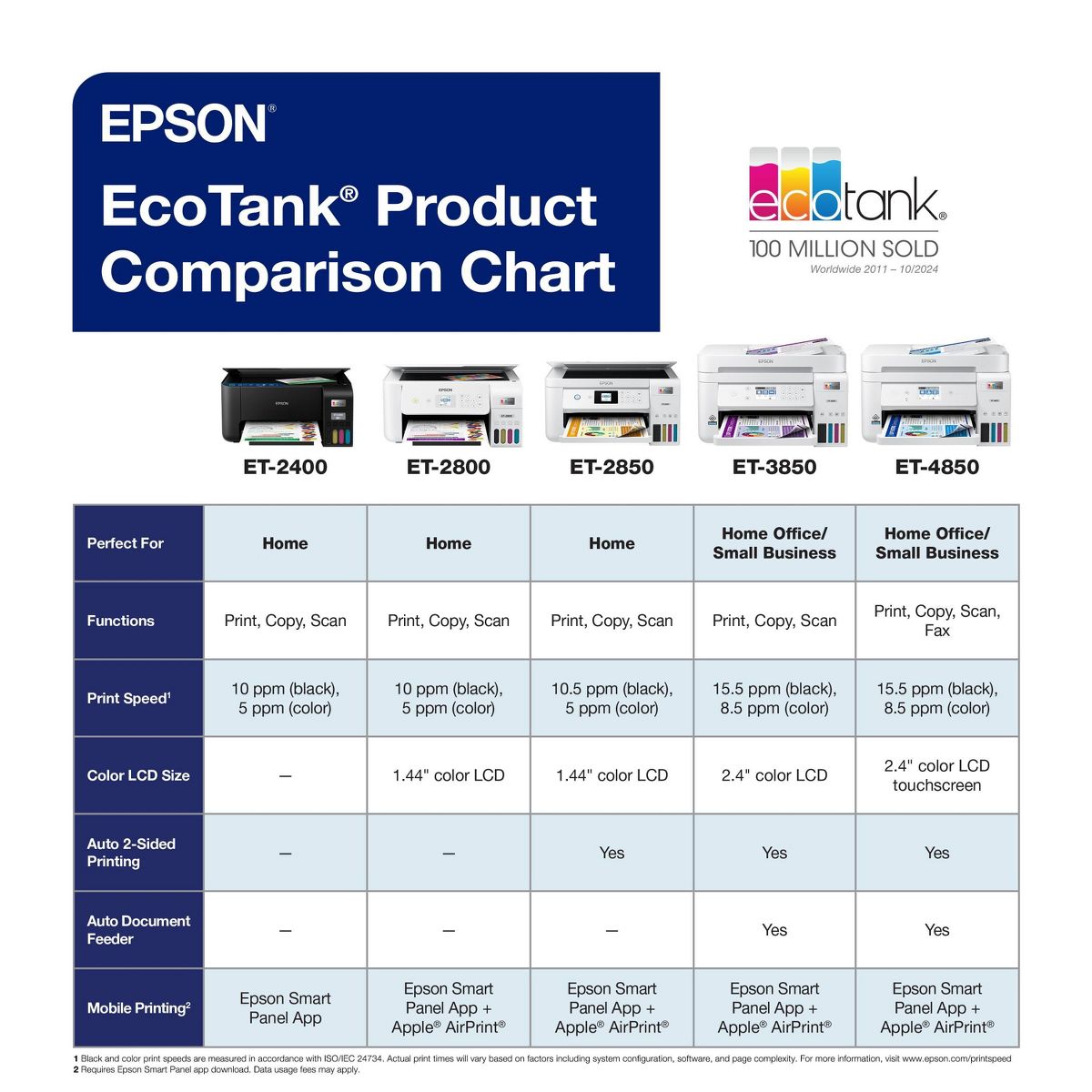
Your family needs a printer that’s fast, affordable, and easy to use. That’s why we developed the EcoTank ET-2800 – an innovative cartridge-free solution that uses high-capacity, easily refillable ink tanks. So you’ll worry less about running out of ink, and save a lot on replacement ink. The ET-2800 features genuine Epson print quality, a high-resolution flatbed scanner, and convenient color display – making it the ideal basic home printer.
Reviews
2.6
Reviews: 30
5 stars
27%
4 stars
13%
3 stars
3%
2 stars
10%
1 star
47%
Most Helpful Positive Review
JMay
4
Nice little printer, but having trouble with the color print
Just got this printer. Pretty easy to set up and I 'm no techie. I wanted to use this printer to print pictures onto fabric paper in order to use for quilting. BLack and white prints are great, however color printing is not working well foer me. I have printed in color on regular paper and fabric paper. There are blue lines running through the entire picture. The colors are also off. Green grass actually looks yellow. I've tried troubleshooting according to the manual, but nothing has helped. Maybe this is an operator error, but none the less, I was disappointe with the color printing.
Most Helpful Critical Review
happy print
1
none
A small spring fell out of bottom of printer and now my paper won’t go through the printer at all. This happened on the 1st of September,2024. This was only three months old printer
Erin
5
Very pleased
I love the quality of the photos and heat transfer papers I print. I recently switched this to a sublimation printer and I couldn’t be happier.
Sami Hanna
1
I am having an issue with my Epson ET-2800 All-in-One. When I try to scan, the printer asks me to choose between “Computer (USB Connection)” or “Last User.” After selecting either option, it shows an error message and does not scan. I have been struggling with this problem for a long time and have tried many times to fix it, but nothing works. I hope Epson can provide a solution or update for this issue. Sami Hanna
Roguemom
1
do not buy
fault printer sent
TT
1
Wished the Product worked
I have always relied on Epson printers, trusting their reliability and quality. However, my latest experience has been disappointing. I purchased this particular model on October 15, 2025, and have used it only twice since then. Recently, when I attempted to power it on, I found that the scanner was jamming during the power-up cycle, rendering the machine useless. I carefully followed all the troubleshooting instructions provided in the manual, and followed the error screen instructions by resetting the device. Despite these efforts, the problem persisted. I also reached out to Epson customer support via email, but unfortunately, I did not receive any helpful assistance or follow-up. This situation is quite disheartening, especially given my previous positive experiences with Epson products.
Sleepy
4
Excellent quality art prints - until they make the machine literally inoperable without a hard reset from an Epson service center.
The quality of the color printing is excellent, however, the internal print counter that is designed to ensure that the waste ink pad doesn’t overflow will eventually cause the printer to stop working entirely. You can change the waste ink pad, but if you install the new firmware on this printer you won’t be able to use an aftermarket counter reset, and you would have to take it to an Epson service center to have them use proprietary software to reset it. For us that is three plus hours away in Denver. I am still buying another one because the cost is low, I like refilling my own ink, and for what I am doing, I can’t beat the quality of the prints (printing on high-quality cotton matte paper for art prints). EPSON - this is wasteful and stupid. Allow people to reset their own machines! We still buy the ink! Don’t pollute the planet!
Lacey
5
converted to sublimation
easy set up and conversion to sublimation printer
Stephanie
1
DO NOT BUY
Broken out of box. Scanner doesn’t work - apparently it’s a known defect. Now a pain to take back to the store or package up for a refund. Avoid this issue by not buying.
Debbie A
2
ET 2800 Printer
Bought the ET2800 in Sept of 24. I have so many issues with the photo printing having lines. I run all the maintenance suggested and it works for a couple of weeks then it's back doing the same thing. Getting pretty fed up. I have always bought a Canon but hated buying cartridges all the time so thought this was a better choice. I feel like I wasted my money
Rocky40
5
great printer
I am on my second one. I print so many Horse racing forms that I wore the first one out and purchased the same exact one: ET2800. I just love this printer and its large capacity in holding tanks.
Homer
1
Paper feed sucks
It states in the product details it holds paper for printing, it does not. You must feed each sheet or photo individually. Previous EPSONS I have owned have the option to store multiple size of sheets while this does not.

Showing 10 of 30 reviews

You may be interested
  • Bestsellers
  • Recently Viewed
 
Similar products
Fast and high quality delivery

Our company makes delivery all over the country

Quality assurance and service

We offer only those goods, in which quality we are sure

Returns within 30 days

You have 30 days to test your purchase