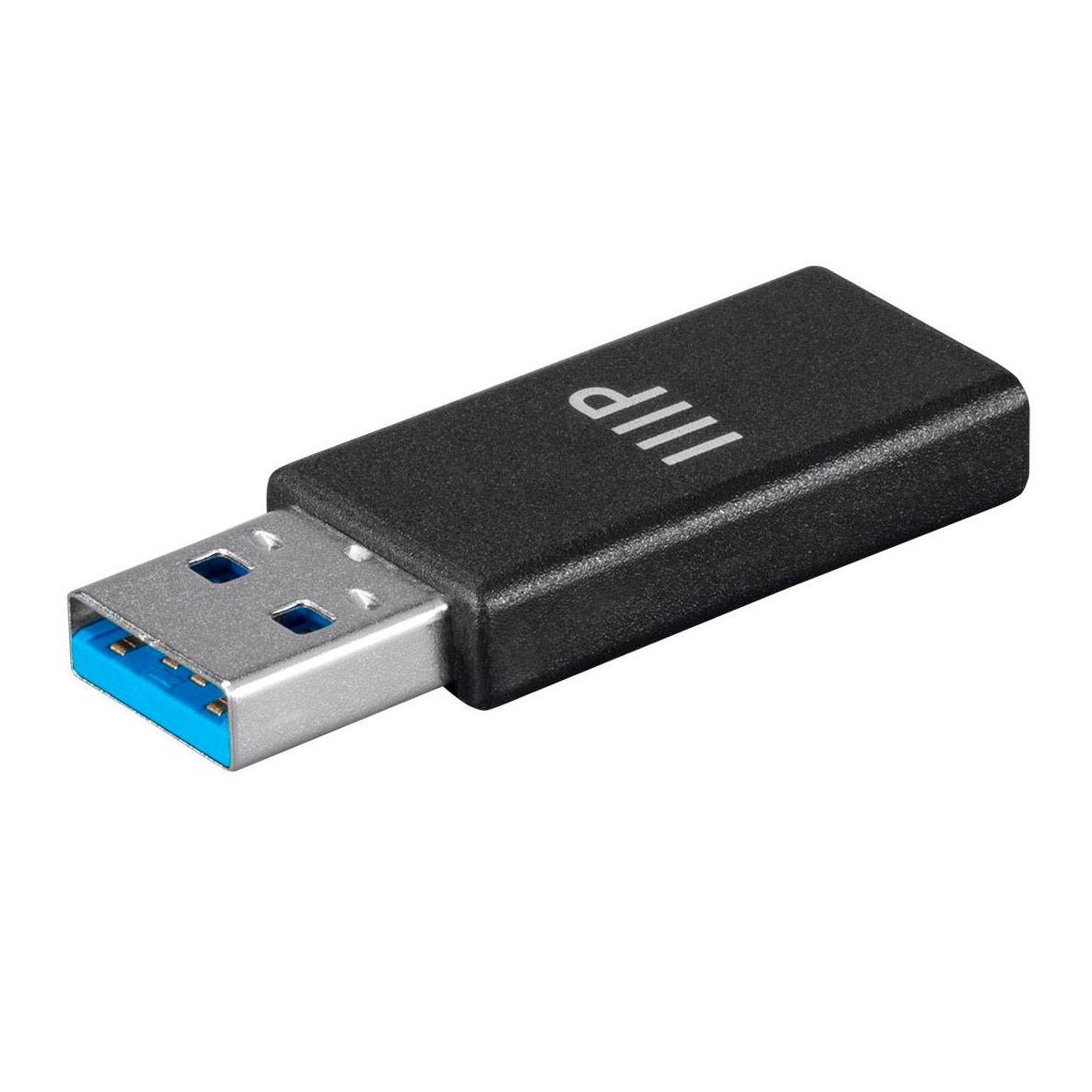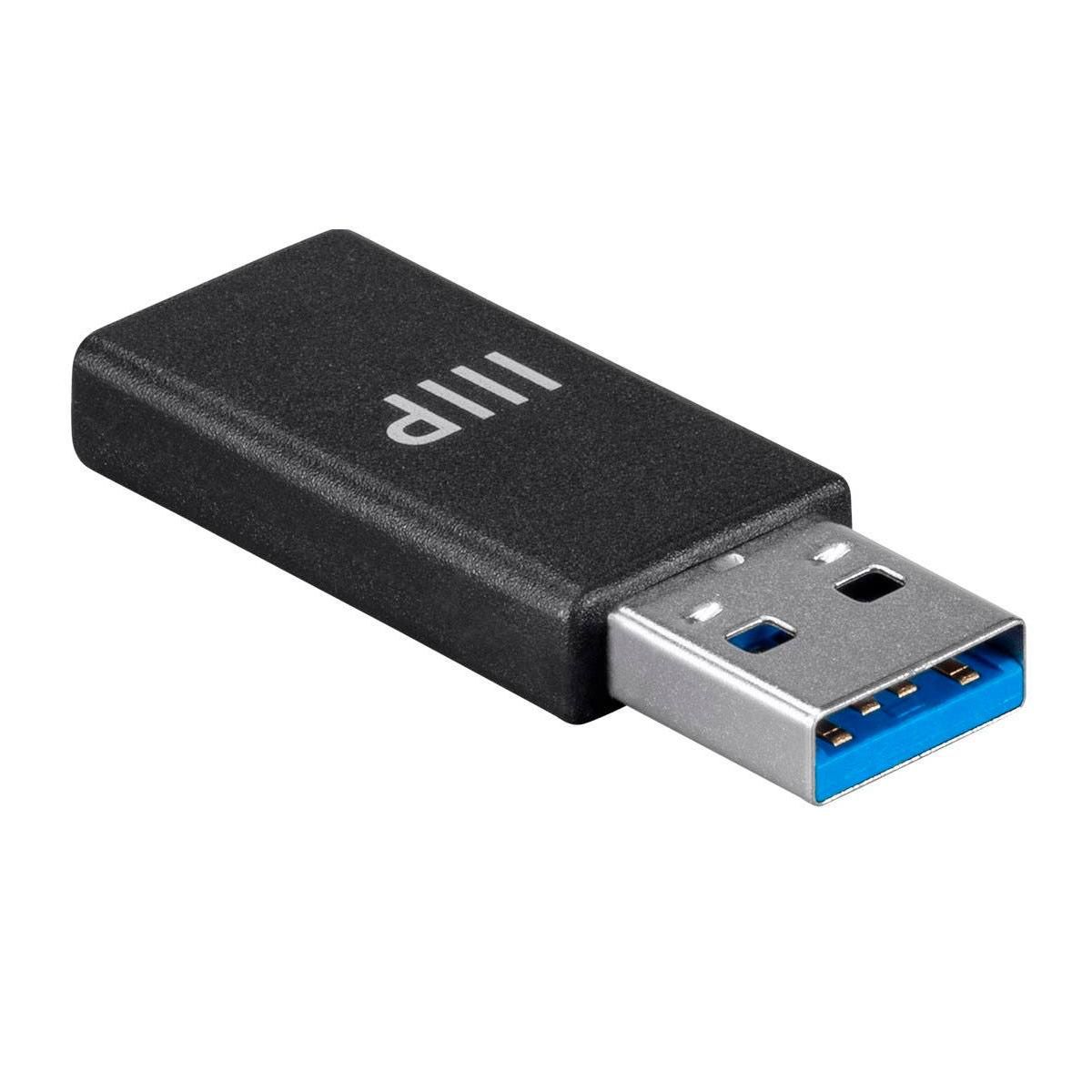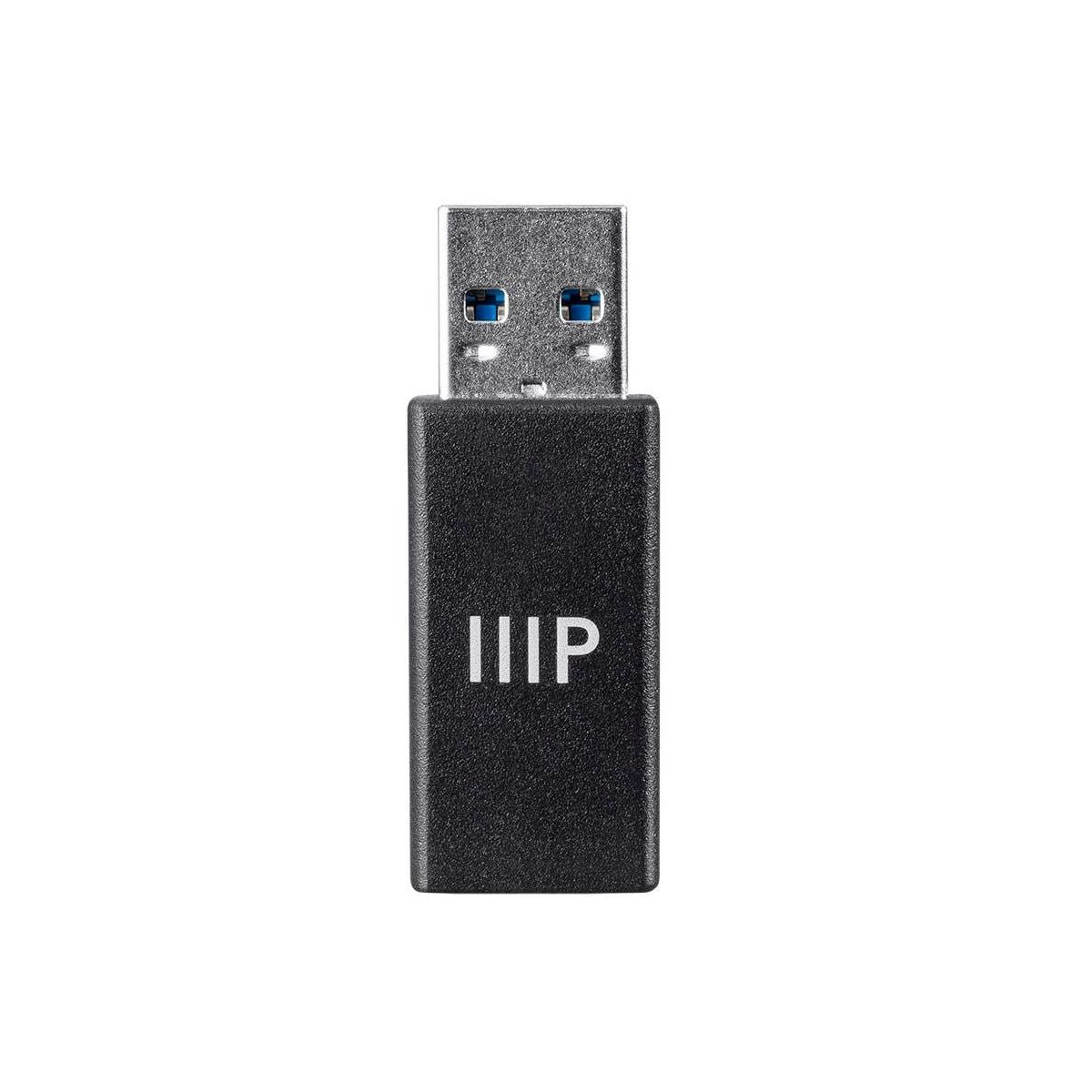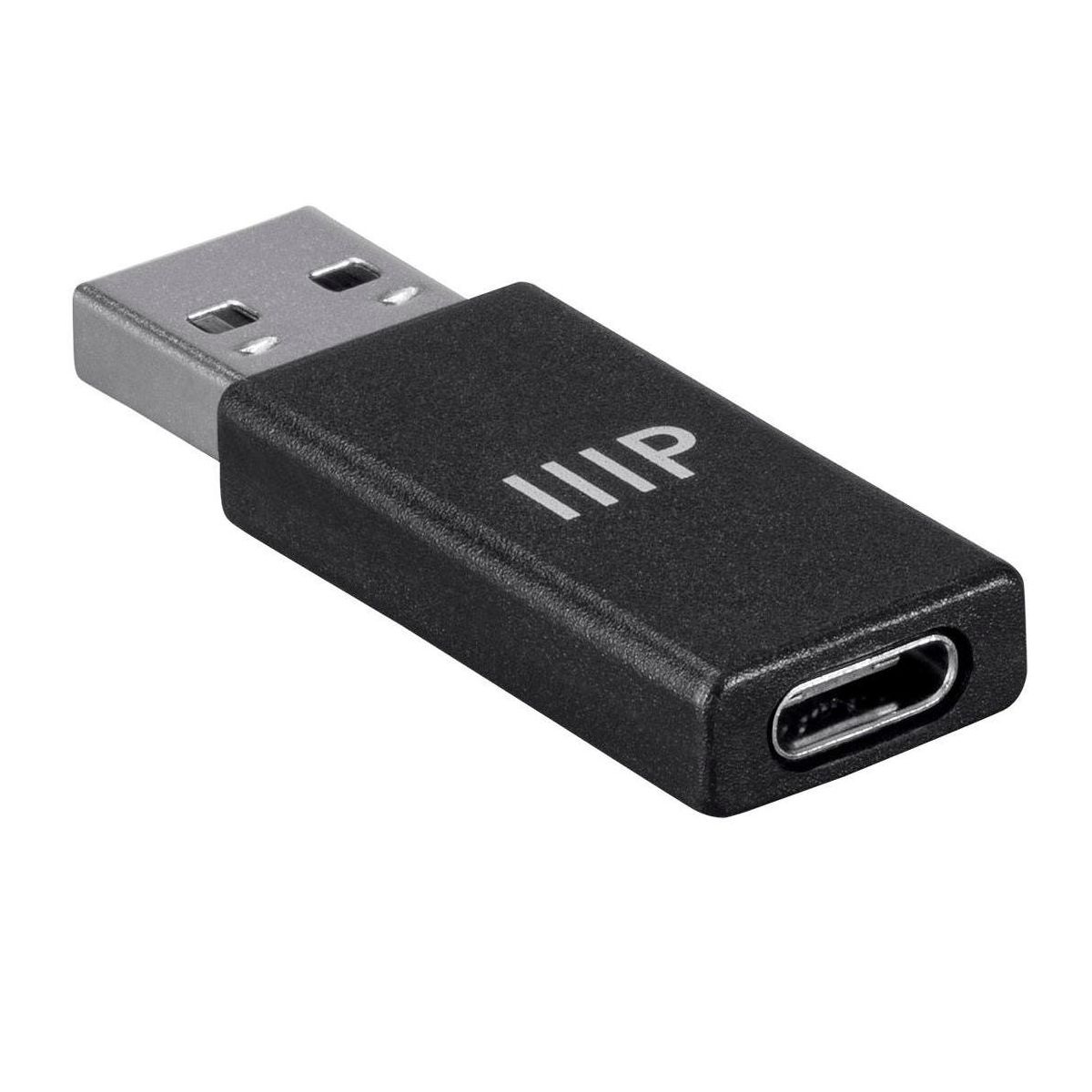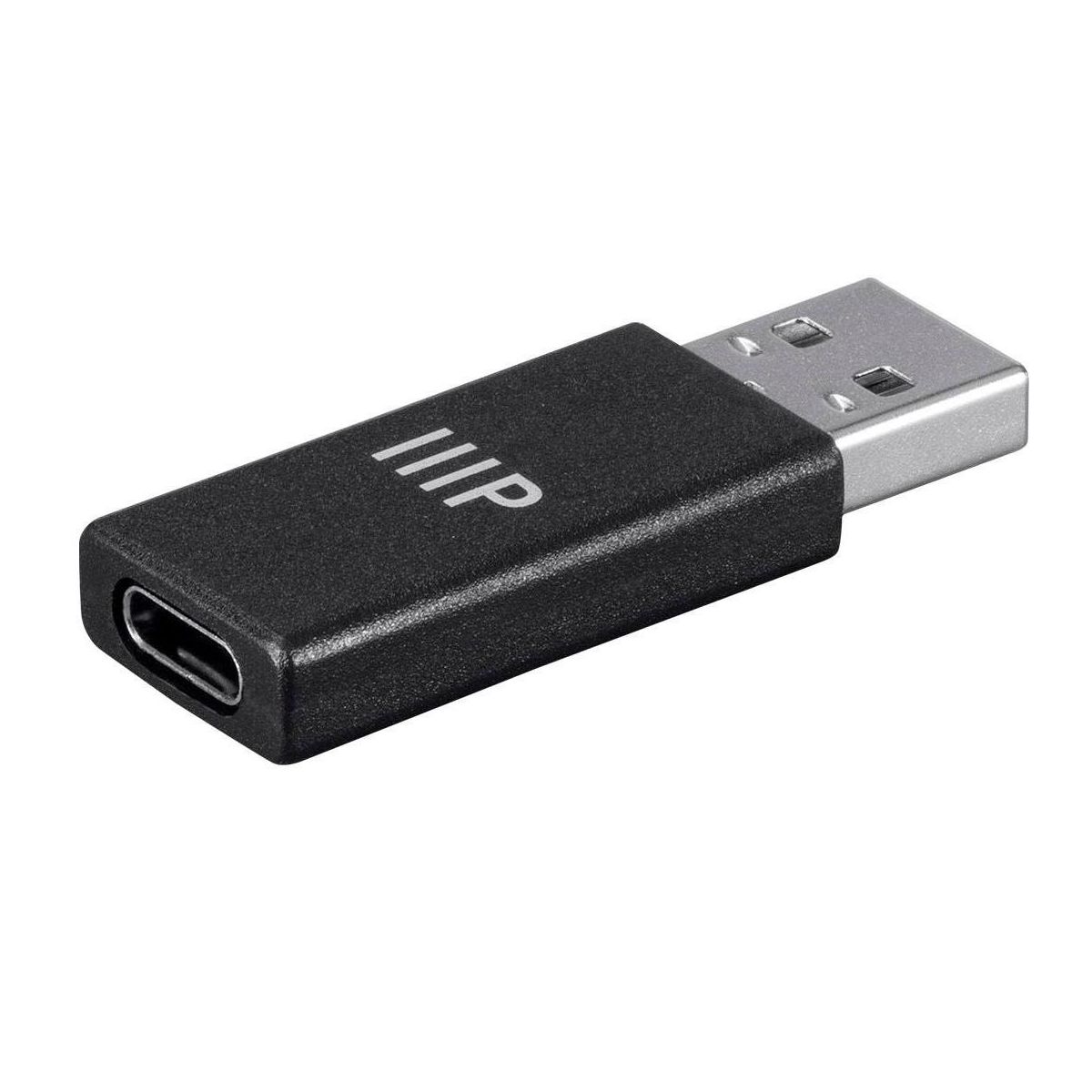










Monoprice USB-C Female to USB-A Male | 3.1 Gen 2 Adapter, Up to 10Gbps data transfer speeds through a compatible connection
Write a review
$1298 $1628

Monoprice USB-C Female to USB-A Male | 3.1 Gen 2 Adapter, Up to 10Gbps data transfer speeds through a compatible connection

Write a review
76803923
+
Add to wish list
Starget Electronics is a leading online electronics store offering a wide range of gadg...

City: US, New York

Delivery
Pickup at your own expense
Tomorrow from 09:00 to 20:00, Store location
Free
Payment options
Apple Pay Google Pay Mastercard Visa
Cash, bank card, credit/installment payments, cashless payment for legal entities
Warranty and returns
Exchange/return of products of proper quality within 14 days Official manufacturer's warranty: 12 months
Description
Do you have all new USB Type-C devices, but no more USB-C ports? With this Monoprice USB-C to USB-A 3.1 Gen 2 Adapter, you can connect your USB Type-C device to a compatible USB Type-A port. With the ability to identify the orientation of the Type-C connector, you don't have to worry about losing any data speeds if connected the wrong way. Supporting the USB 3.1 Gen 2 standard, this adapter can connector and transfer data at speeds up to 10Gbps through a compatible connection.
Features
Item Weight
.02 pounds
Brand Name
Monoprice
Connection Gender
Male-To-Female
Reviews
5
Reviews: 1
5 stars
100%
4 stars
0%
3 stars
0%
2 stars
0%
1 star
0%
BrianM
5
Works well but EVERYTHING about it confounds me!
I have SO many questions! The more I tested this cable, the more confused I became. 1) This cable DOES succeed in 10 Gbps data transfer (see picture with CrystalDiskMark results. (1000 MB/s is approximately equal to 10 Gbps). 2) This cable works equally well in either orientation of the adapter relative to attached USB-C cable. (While that seems like it should be a given, 2 other similar adapters from other companies only worked at 10 Gbps in one orientation of the adapter, so I'm very happy with this point on this adapter.) 3) BUT, when I connected this adapter (via a known/trusted/pre-tested Anker USB-C 4.0 cable) to a Treedix USB wire/pin tester, the test results are not showing ANY of the TX/RX pins being connected. That 'usually' means a cable is USB 2.0 only (without TX/RX wires in the cable at all). But this adapter definitely does use the TX/RX wires since it can do 10 Gbps speed. So why do USB pin testers not light the TX/RX wires? Is anything special going on in adapter that would explain this? 4) The 2 pictures from the other tester from Bit Trade also reflect only USB 2.0 wires being connected in the adapter. You can see the 'USB 2.0' lights are lit up, but the USB 3.2 lights (connected to the TX/RX lines) are not lit. But again, that can't be true based on this adapter's demonstrated 10 Gbps speed? What's going on? 5) Using the Bit Trade tester with a USB-C cable connected to the A-side of the tester on one end and the Monoprice adapter on the other end, the tester reads the adapter as advertising 2 different Rp pull-up resistors: A56 k Ohm resistor on one CC line and 22K ohm resistor on the other CC line. The 56 k Ohm resistor is expected, normal, and required by the USB-IF spec. But there is NOT supposed to be a 22 K ohm resistor here! A 22 k Ohm resistor is not allowed here by USB-IF spec and could cause a USB-A source port to try to send more power than it is capable of providing and overheat. I hope that somehow this tester reading is inaccurate since I really like this adapter but this seems like an issue. 6) When I connect the same cable/adapter connection to the B side of the Bit Trade tester, the MP adapter advertises a 5.1 K ohm pull-down resistor. This is surprising because I don't expect to see a change in the resistor just by switching from the A to B ports on the tester. A 5.1 k ohm resistor would be used when the USB-C side is the source/host side and the USB-A side is the device/sink side. So I wondered if this adapter was allowing power flow in BOTH directions (which I have not seen before with similar adapters). But when I tried testing power flow, it only worked in the expected USB-A to USB-C direction, but not from USB-C to USB-A. So while I LOVE the speed of this adapter, I am very confused that it shows weird results for every test I tried. I hope Monoprice has some idea of why i see these things. And the tester seeing a 22 k ohm resistor is worrisome so I am especially interested in understanding why that is present.
You may be interested
  • Bestsellers
  • Recently Viewed
 
Fast and high quality delivery

Our company makes delivery all over the country

Quality assurance and service

We offer only those goods, in which quality we are sure

Returns within 30 days

You have 30 days to test your purchase