

























Nicolas C.
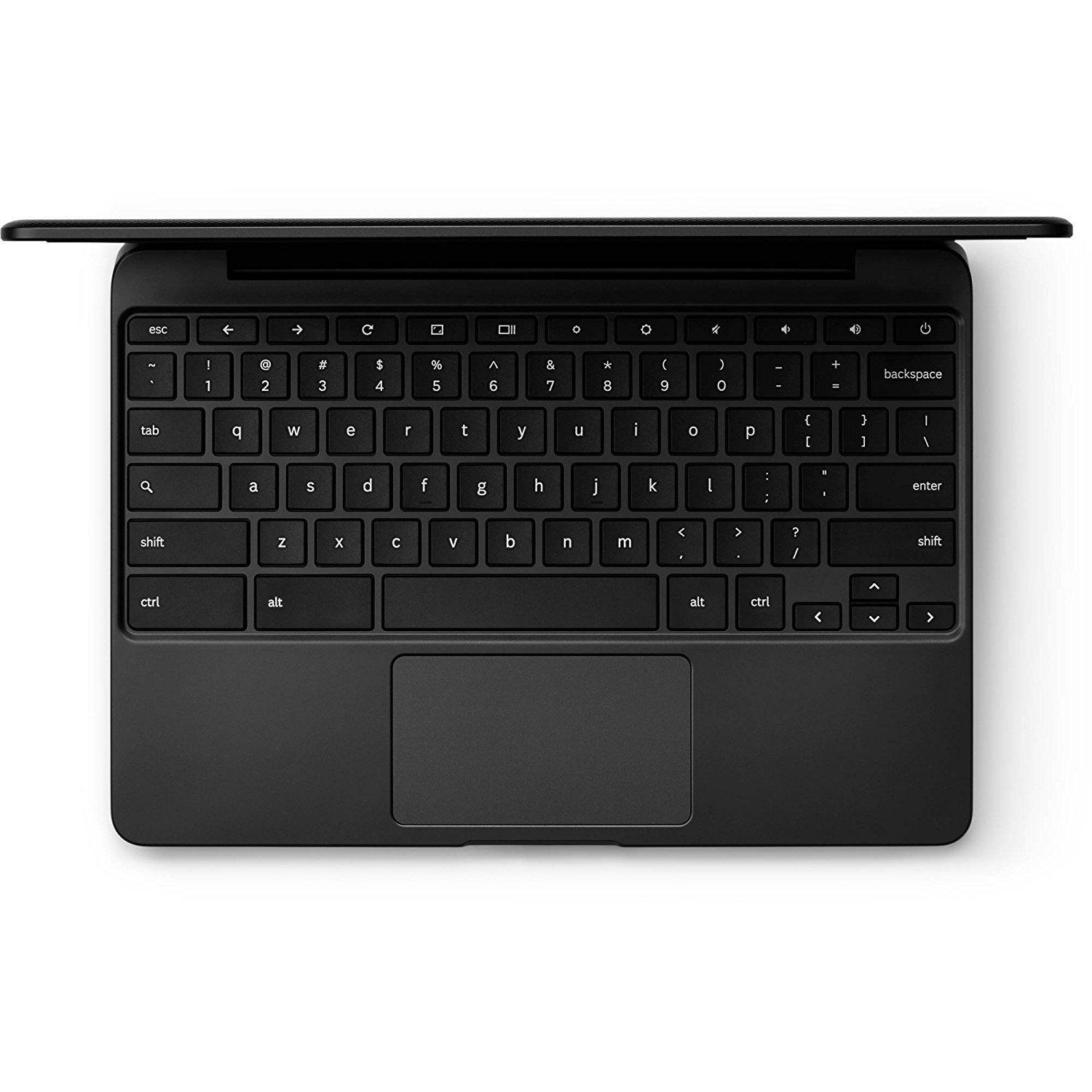
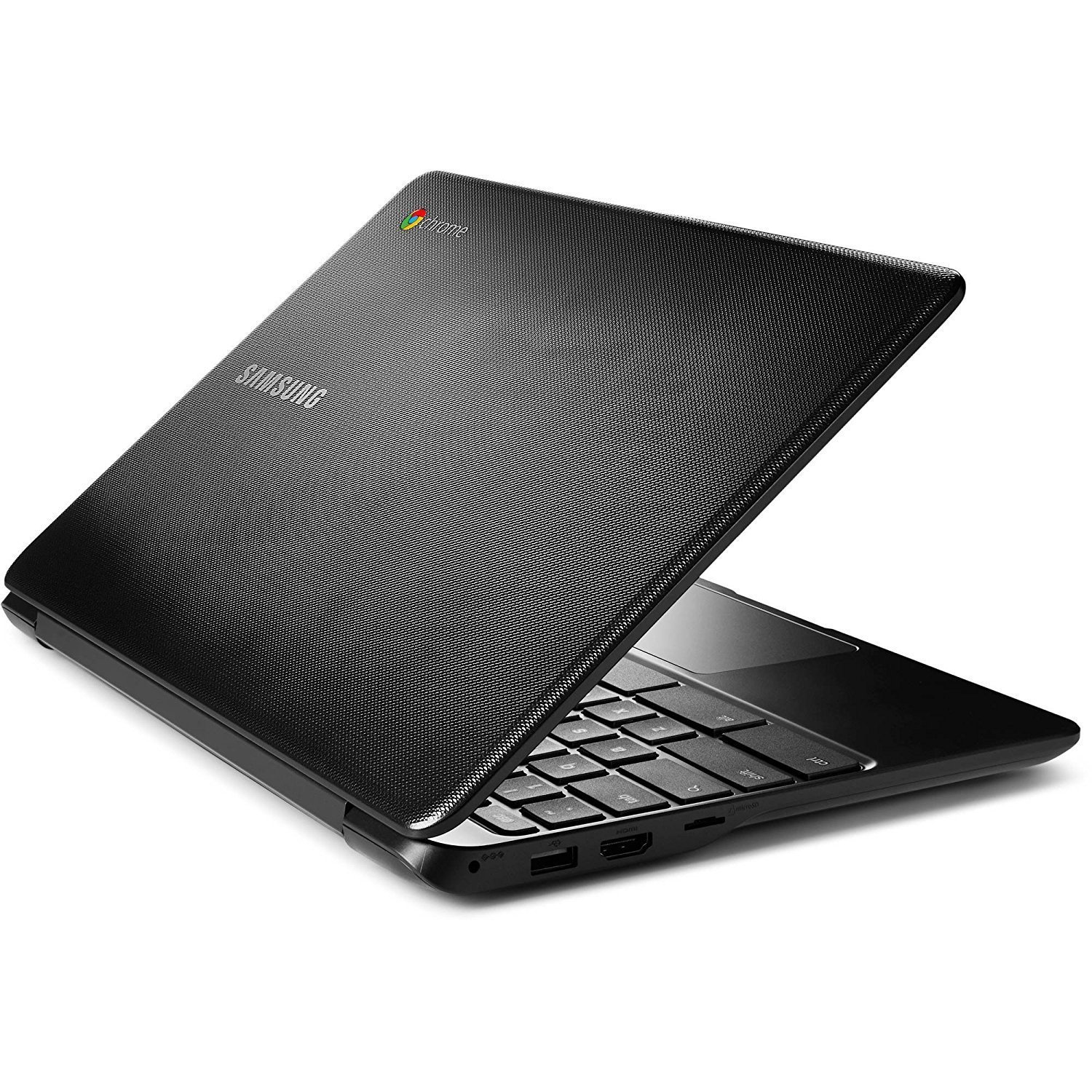
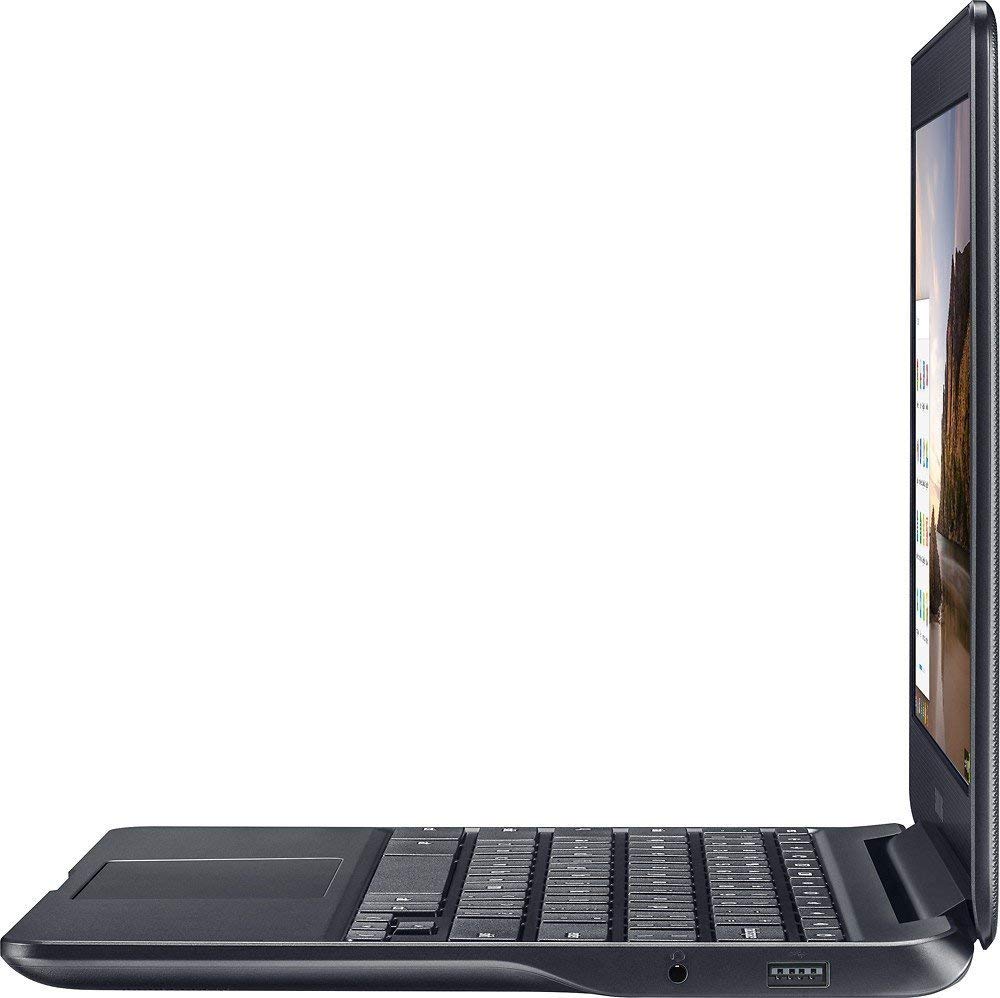
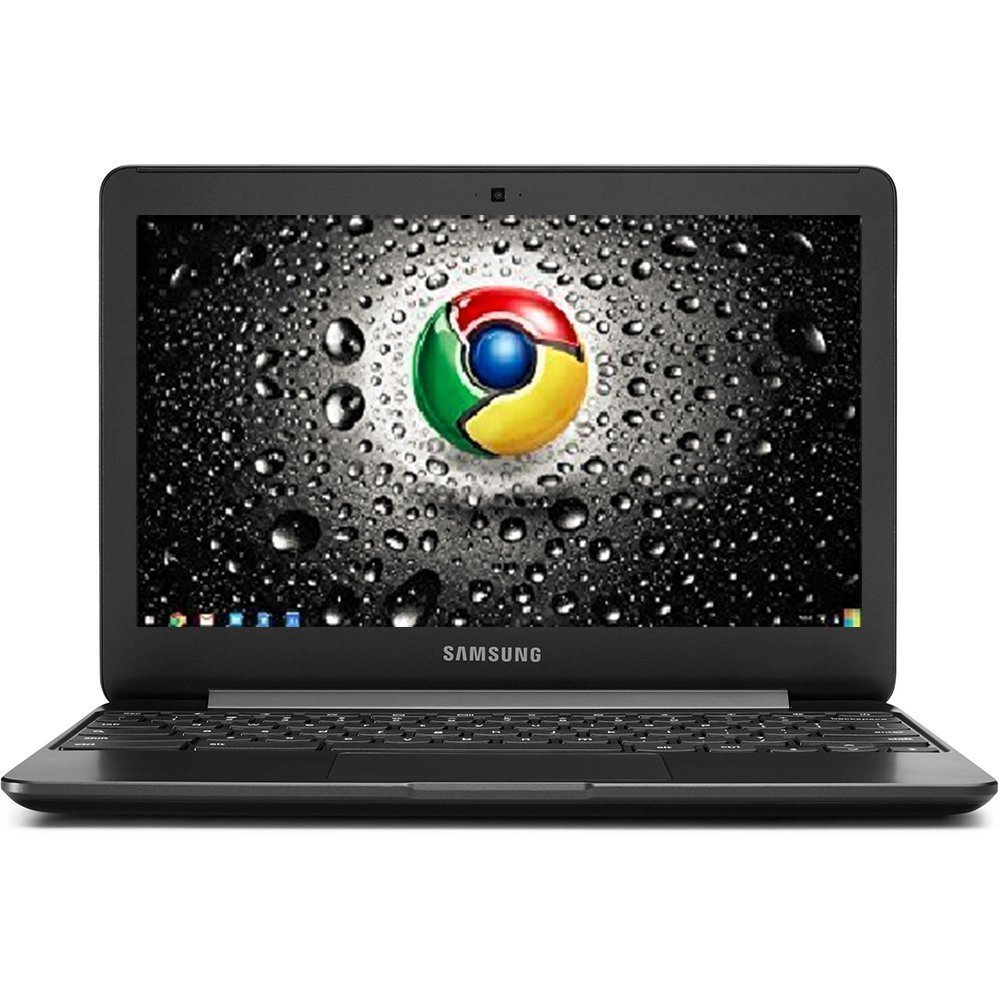
I have been using this Chromebook for one month now and would like to share my first impressions about it. I do not intend to make a technical review, you may find several ones on the internet. Rather, I would like to tell you my experience using Chrome OS on this seemingly underpowered laptop. First, I bought this machine for my nine year old son, who will use it mainly for school. He had a tablet and broke it. While I was searching for a new one, I came across these inexpensive machines and I thought I should give them a try. I bought the one having 4GB of RAM (to have more room for multitasking) and 32GB of storage, in case all apps had to be installed on internal storage. I was lucky to make that decision, since this model received Google Play store. When I bought it, it was available on beta channel, but this month it became available on stable channel. Having android is a big plus, since the Chrome Web Store features way less apps (actually they are chrome extensions). The catch is that the android OS does not allow to install apps from unknown sources so far, nor to install apps on external storage. So, you are left with 20GB or so, if you buy the 32GB variant. But maybe this is not a problem for most people. Since I have a huge collection of movies for my kids in a NAS, one of the first things I did was to look for an extension called “Google File Share for Chrome OS”, which basically lets you mount a network drive to the Chrome file manager. After using it for a few weeks, I am coming to the conclusion that it is buggy. It is so slow, that it takes ages to load the folders, and the file manager cannot load the pictures thumbnails. I do not believe it’s a wifi issue, since I also have a Windows laptop and it can easily load the mounted shared folders. Anyway, I managed to stream movies by installing VLC for Android. I have yet to find a gallery app that lets me see pictures from the network share. Granted, chromebooks are meant to be used with the cloud, but it would be nice to access local network shares. This laptop is very capable for using the google suite of apps, so it is useful even for an adult if you are comfortable with Google’s apps. Youtube videos load almost instantly with no noticeable buffering. Streaming apps like Netflix or Spotify work fine also. I even managed to stream modern videogames from my gaming machine having Nvidia Gamestream on, and the Moonlight android app in the CB. Most of them were playable. I tried GTA V, Hitman Absolution, Far Cry IV, Rocket League, Disney Infinity, Mark of the Ninja and others. I first tried with a wifi N router and it was laggy. Then I tried with an AC router in the 5Ghz band and it performed way better and videogames were actually playable. Amazing! One thing about android support. You should consider buying a CB with touchscreen if you want to be able to take advantage of the huge collection of apps the Play Store has to offer. This laptop does not have a touchscreen and it is a limitation for playing games, for example. If you are considering buying a CB for a kid, I would strongly recommend to buy a foldable laptop with touchscreen, such as the Acer R11, which is not expensive and has similar specs. If you are not going to play games, then I believe a touchscreen is not that important. Other issues I had was some difficulty for pairing bluetooth headphones. Sometimes they are quickly detected but other times I had to turn them off and on so the CB can detect them and pair to them. In my experience, battery life is around 9 hours, but I honestly did not do a proper battery rundown test, so it’s hard to tell whether it reaches the advertised 11 hours. Anyway, you can expect it to last all day. This is a little laptop, very lightweight, but it’s screen size makes it usable. Overall, I believe it is a good laptop for basic tasks and entertainment. And with the addition of Android, it is even more appealing. I do not rate it five stars because of the buggy network share app, and the inability to install apps from unknown sources and to install apps on external storage, but, for the money, it is an awesome little machine.