



























Nancy Lee
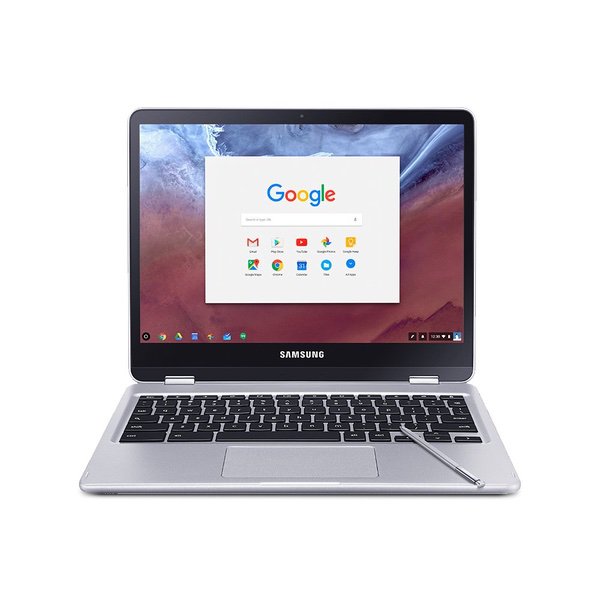
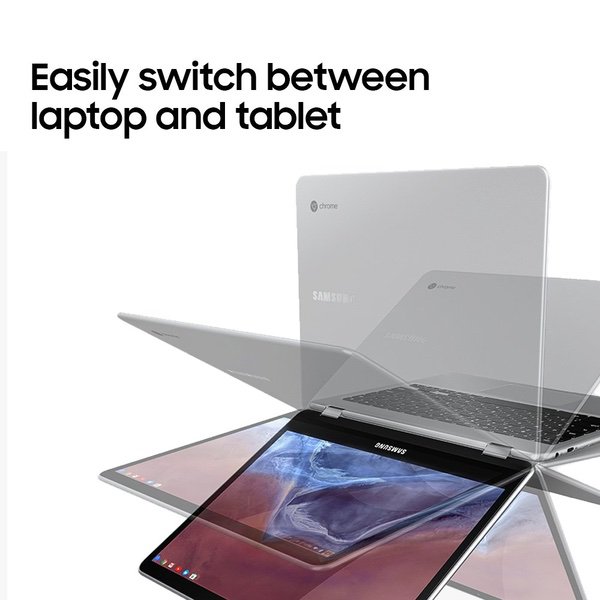
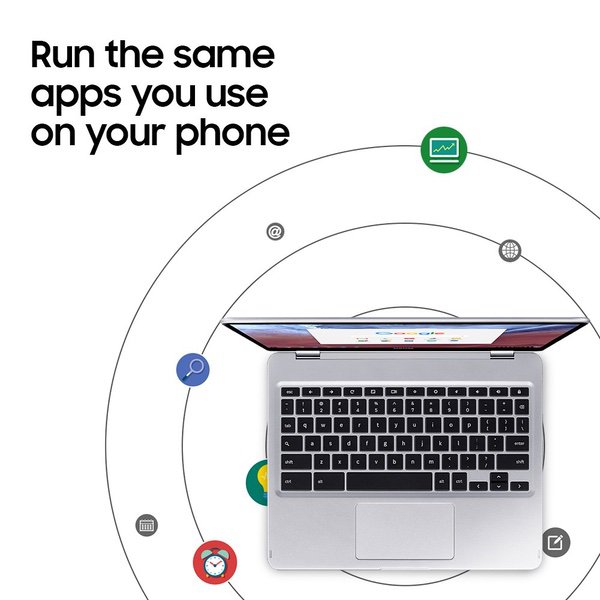
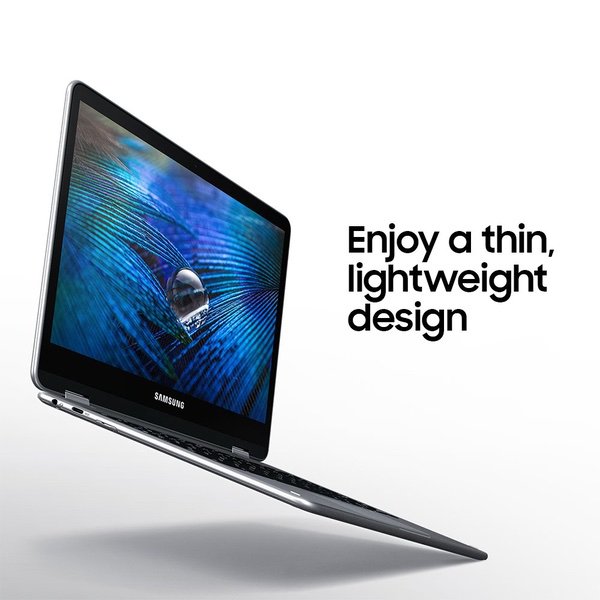
I absolutely love this product, and would easily give it 5 stars for what it is. It does everything it is supposed to do while being very lightweight, versatile, and looking sleek. You need to understand what it is though. A chromebook is not a computer. It can run all google applications and a large portion of the googleplay store. It is more than perfect for me as a student, but it is not for you if you are looking for an art tablet or a gaming tablet. For the price, it is rather steep, but I feel that it is justified with this build quality. The battery life is not as advertised however, as it lasts anywhere from 2-6 hours depending on what you are doing. Playing games drains it very fast, while browsing the web lets it run all day basically. Overall, I am very satisfied with my purchase, and if you have the money and it meets your needs, I recommend it to you as well. 8/2/17 EDIT: I AM HAVING HUGE ISSUES WITH THIS THING. First off, before I explain, I treat my electronics, this included, with as much care as possible (I worked my ass off for the money!), and as such, this has never been dropped, hit, or damaged in any way whatsoever. It has always been handled carefully and is in perfect condition, so these are all software issues. The touchscreen is buggy. Very buggy. Usually a few hours a day (in a full day of use) the screen freaks out. It acts as though it is being randomly touched in random places sporadically and it is entirely unusable when it is like this. Restarting it solves the issue for a few minutes only. Its impossible to get through a movie as it randomly pauses it and unpauses it- and a movie is long enough that the issue WILL occur sometime during it. The Bluetooth struggles big time. It is very easy to "connect" to a speaker or headset. You put the item in pairing mode, and click on it on this laptop. In a moment, it says "connected." But it isnt. It isnt connected at all. With any and all bluetooth devices (Ive tested 6-7) it takes anywhere from 2-20 (yes, twenty) minutes to get it to work. The only effective way of doing this to unpair it in the settings, and set it up as a new device. This takes an annoying amount of time. Oh hey, my screen just started glitching again. I guess that means I should hurry this up. After checking online, these issues seem to be somewhat common, and yet Samsung customer support is useless telling me to reset the device even though I specifically made it clear that that didnt work the first 3 times. So its not just me. Also, it doesnt have a caps button. Only a search button in its place that opens up google search. Stupid feature. It can be remapped in the settings. Taking off 3 stars for all of these new issues. I would give it 0 if I didnt love it so much when functioning. However rare that is.