

























Eduardo R.
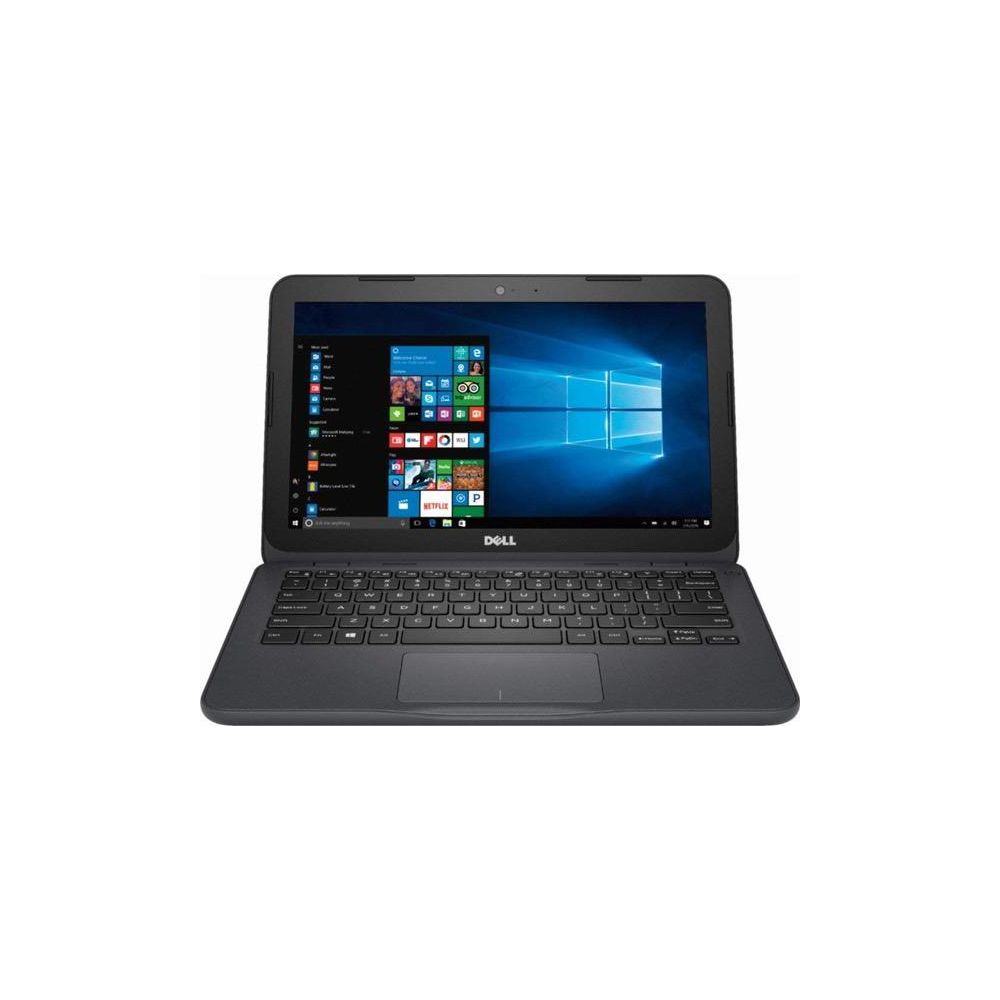
I am pleased with this device and use it for a few activities while on the road traveling: email, word processing and web surfing (videos). This is great for students and the form factor is small so it is perfect for travel. However, there is some work to get it going out of the box and if you are a technical person, you can make this system run well. As a technical person myself, I will break up my review into 2 parts - a non-technical section and a technical section. Non-Technical: Out of the box, everything is loaded but the upgrade process (windows and system updates) will require an external drive or a micro SD card (I used a 256 GB micro SD card inserted into the slot on the side). Go through the update process, activate your 1 year of Microsoft Office 365 and enjoy. I would recommend going to a technical shop and upgrading the memory to 8 GB especially if you want to watch videos and allow the system to move a little faster. Also be careful of the limited hard drive space because that will slow things down and make use of the SD card when you save or download things. This process can take about 4-6 hours because of the limited hard drive space and depending on your internet connection. Technical: PLEASE DONT TRY THE FOLLOWING WITHOUT TECHNICAL EXPERTISE! Before starting this: - Make sure you activate your 1 year of Office 365 as mentioned above. - Go to the Dell support site and enter the service tag to download all the drivers and key Dell software for this device (I placed them on my Micro SD card). As many of you know the amount of "bloatware" is huge. I did a clean "custom" install of Windows 10 Pro 64-bit completely erasing all the partitions (the system out of the box has Windows Home and a couple of recovery partitions with Dell drivers and utilities). I created a local administrator account (since none of the drivers were installed). I proceeded through the update process to patch and update the OS (I hardwired with a USB ethernet connector to my network connection). After several reboots, the update process completed and the base OS was ready. I then went through and installed the Dell drivers for Audio, Wifi, Graphics, Chipset, Micro SD (the default was loaded with windows install) as well as the Dell Support Assistant and a few others. After several reboots, the system was ready. At this point, I have about 13GB of free space on the hard drive. I then installed Office and several utilities that I use. I made the changes in the Settings to manage storage and save everything to the micro SD card. I still recommend upgrading the memory to 8 GB. By the time I was done, I had about 11 GB free on the hard drive. This process is also about 3-4 hours to get everything ready to go and current. Please note that the hard drive is 32GB eMMC flash and is not upgradeable to an SSD (The eMMC is soldered onto the Motherboard). NOTE: you are removing all the recovery partitions and utilities but if you are technical, you know how to recover. Overall: I am really enjoying this little laptop and its perfect for on the road. I would have loved the capability of the touch screen but the extra cost for the touch model was not worth it for me. I use an external mouse and can do what I need. I also bought a Chromebook and I sent that back in favor of this system. I hope this was helpful. Enjoy the 2018 Dell Inspiron Flagship High Performance Laptop, AMD A6-9220e accelerated processor 2.5GHz, 11.6 inch HD (1366 X 768) Display, 4GB DDR4 SDRAM, 32GB eMMC Flash Memory, Windows 10 (Gray) !
