

























Atlas
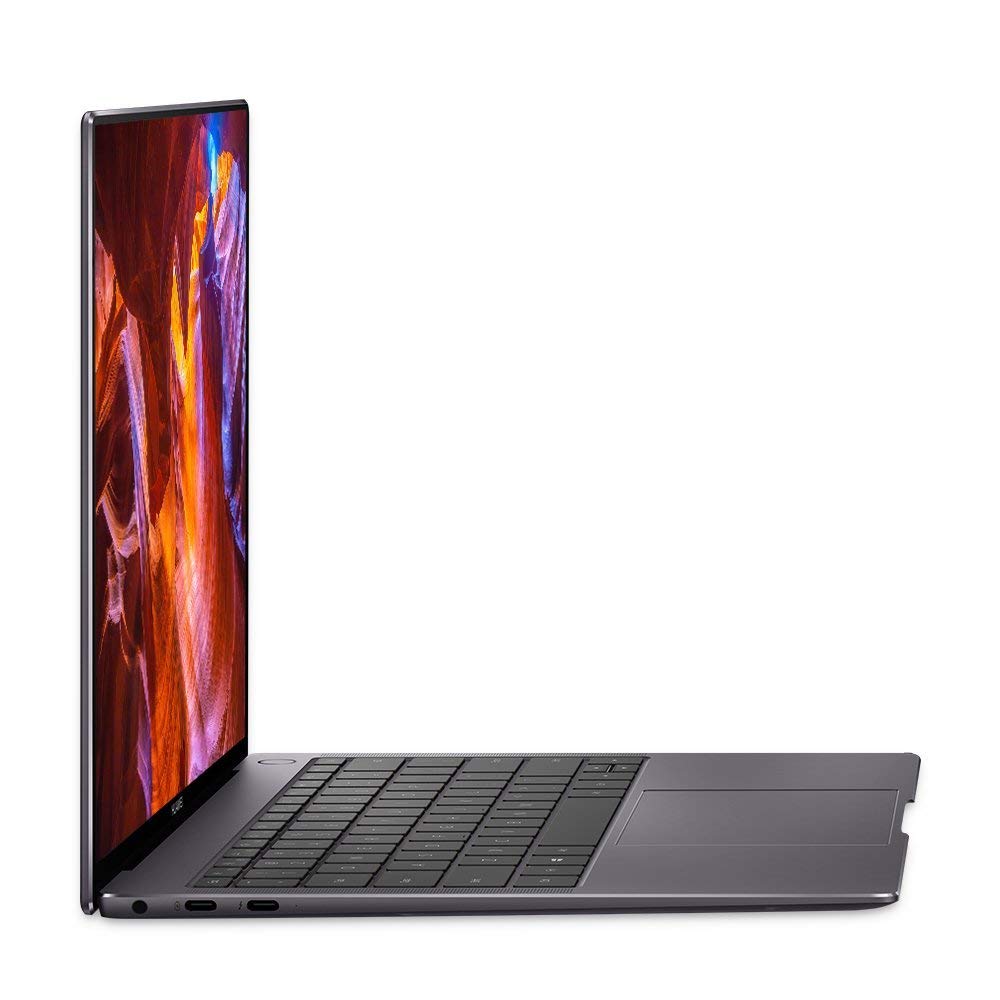
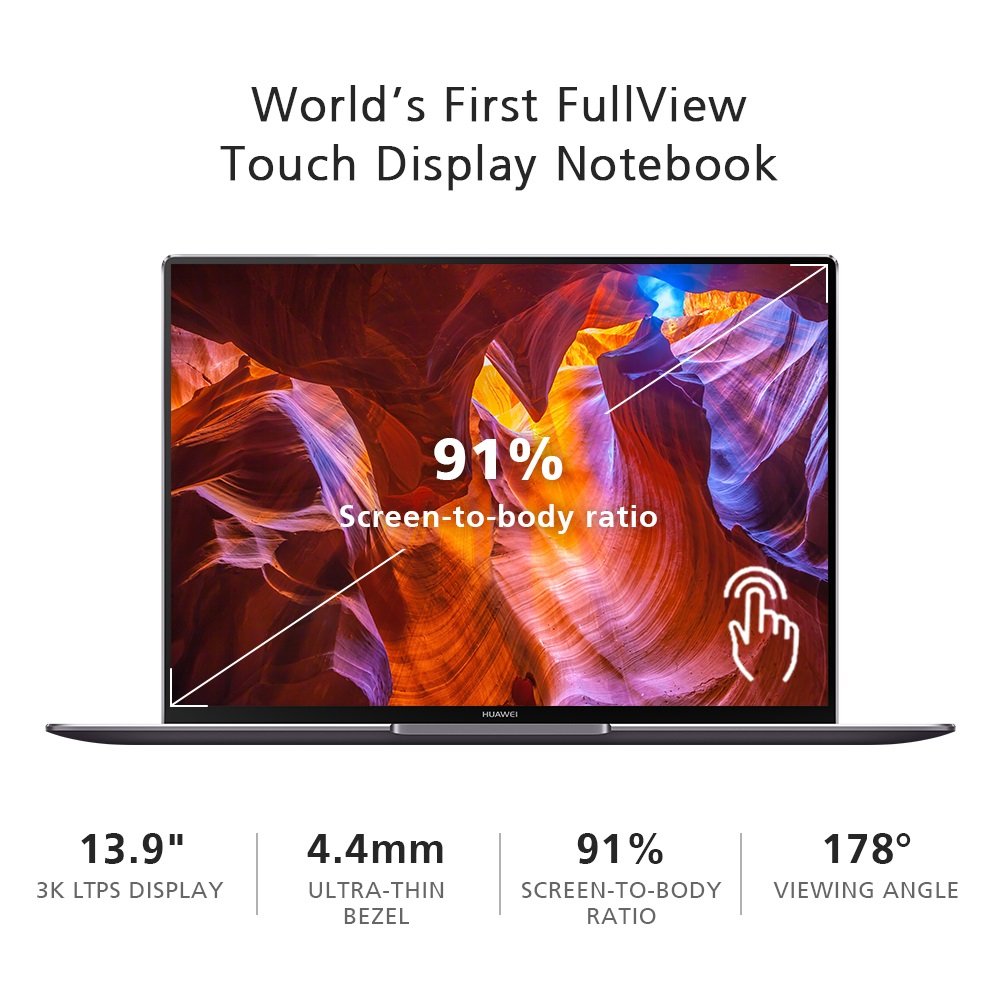
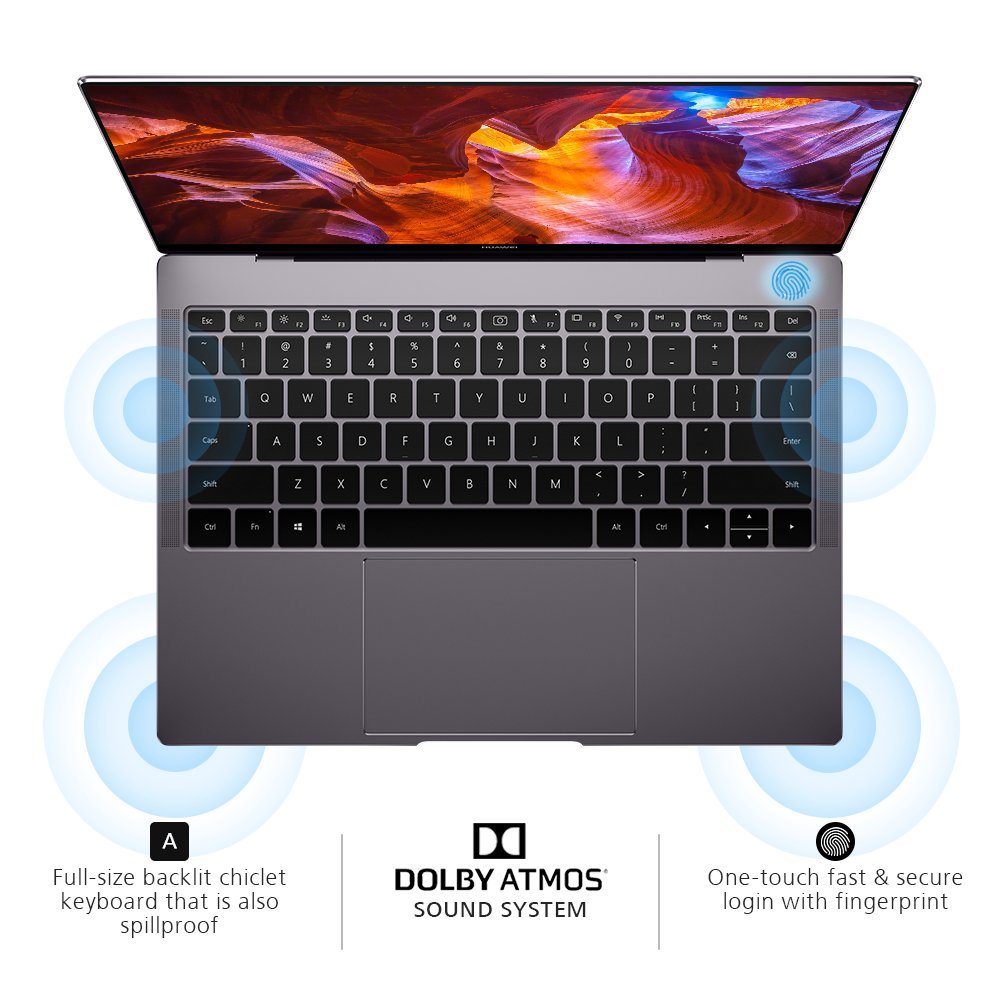
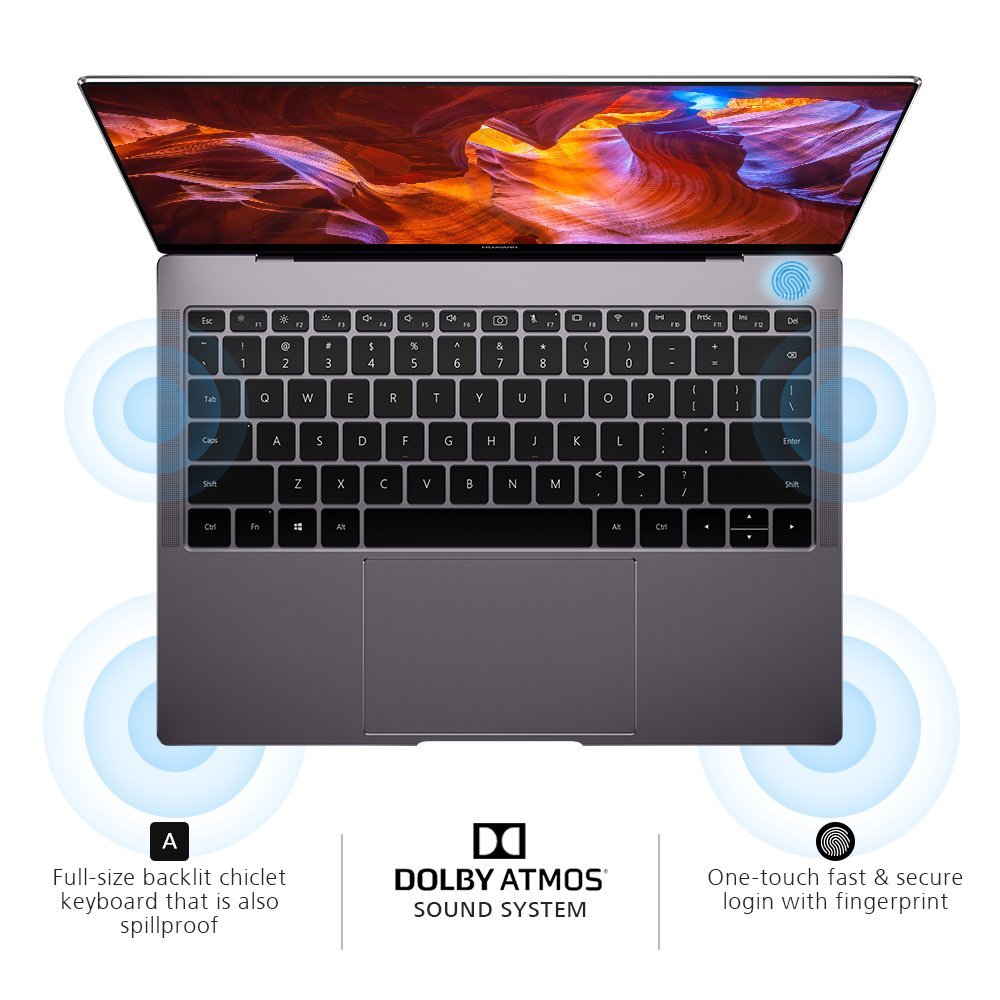
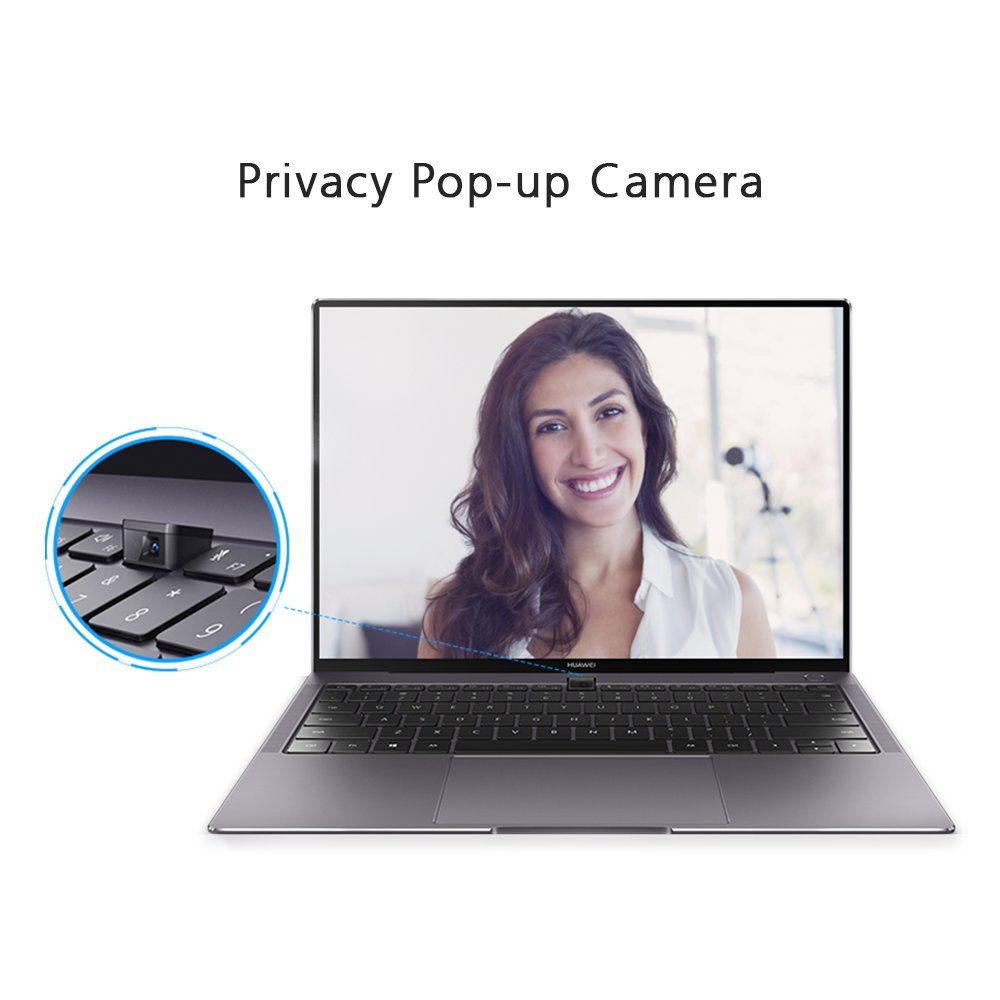
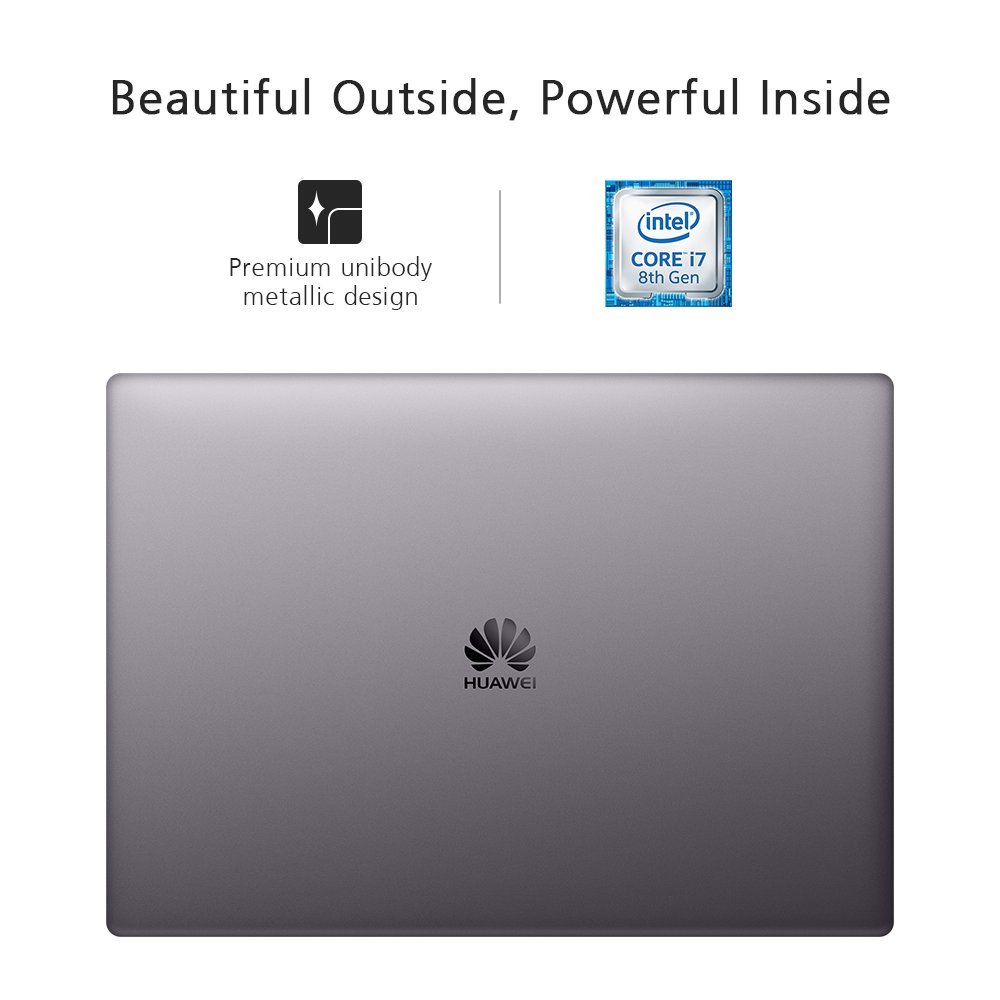
I bought the high-end model of this ultrabook a few weeks ago and I am amazed by the mere speed this thing produces when doing everyday tasks such as browsing the web or video streaming. My pros and cons: Pros: ● Its stunning display. Since the refresh rate isnt listed by Amazon, this ultrabooks display runs at 60Hz. Id wish for a higher refresh rate, but if that is to keep the price down then it is what it is. ● Excellent build quality (albeit nearly identical to the Macbook but thats a good thing if you are into a minimalist style). ● The keyboard is excellent. It travels well, and coming from a desktop keyboard, I got used to it rather quickly. ● The price. The initial price you can get this for is such a steal with what comes included and the specs. You would be spending an upwards of $2k for numerous brands with similar specs as the high-end X Pro. (At the time of this writing, I would advise visiting Microsofts or Neweggs store and purchasing it at a more retail price compared to what sellers on here may offer). ● Best speakers I have ever listened to on an ultrabook. ● The hidden webcam is a perfect idea for the majority of users who rarely use a webcam and take privacy as a big deal (you can even disable the webcam from being recognized by POST via disabling it within the BIOS settings). Cons: ● The web cam is in an awkward place but since I hardly use a webcam, I dont see it as a big deal. (Just buy a Logitech HD Pro Webcam C920, Widescreen Video Calling and Recording, 1080p Camera, Desktop or Laptop Webcam and use that USB A port this ultrabook has included to your advantage). ● The keyboards backlight has three modes that can be set with its dedicated function key: off, low brightness, and high brightness. I would rather have a plain and simple on and off function but thats not the main complaint. The complaint is after nearly 15 seconds of not typing anything, the backlight turns itself off. This is troublesome at night when youre reading an article or watching a video and you can barely see the keyboard when you want to type again because the keyboard light turns itself off. ● If you hold down on the trackpad to - lets say when you drag something and you move your finger to the edge of the trackpad, the cursor starts to move in the same direction on its own until you either lift your finger or move your finger away from one of the edges. This could possibly be a hardware defect in with my specific purchase but I would like to bring this out there. ● The heat dissipation on this ultrabook is horrible. You will find that just mere web browsing will make the machine quite warm (I normally see the processor float in the range of 40-50 C when doing everyday tasks and reaching 70 degrees when gaming). I tried to undervolt the CPU some and while it did help a tad bit, it wasnt enough to keep the whole bottom of the chassis from getting awkwardly warm every now and then. So if you can get past the few caveats the Matebook X Pro has, you will find yourself loving this product at first sight.