




























T-Kettle
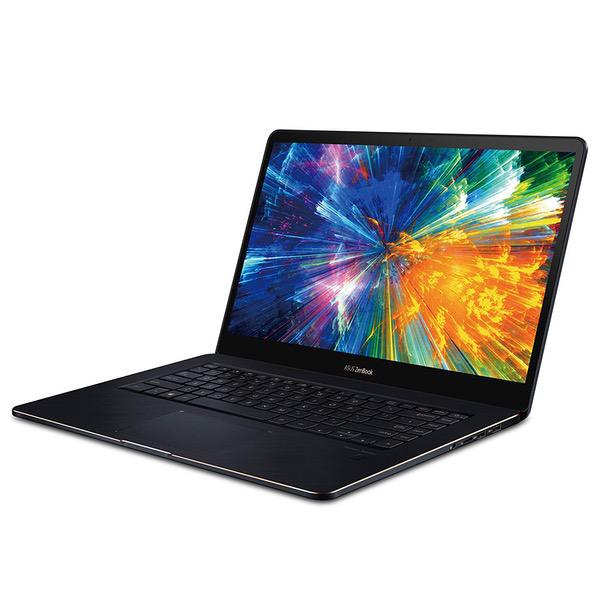
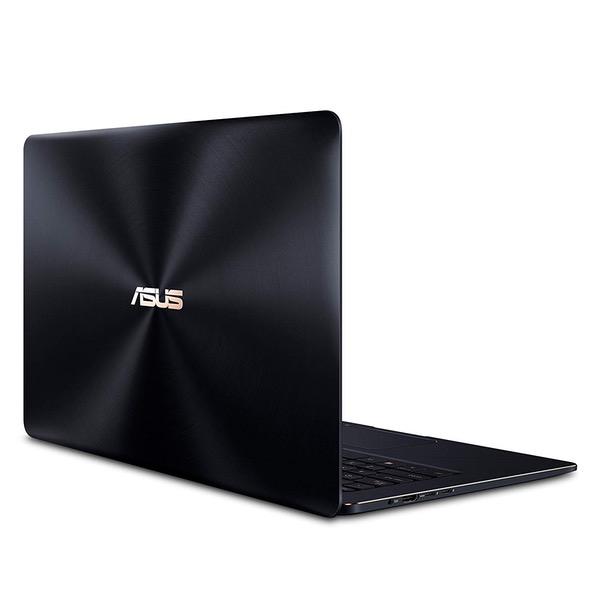
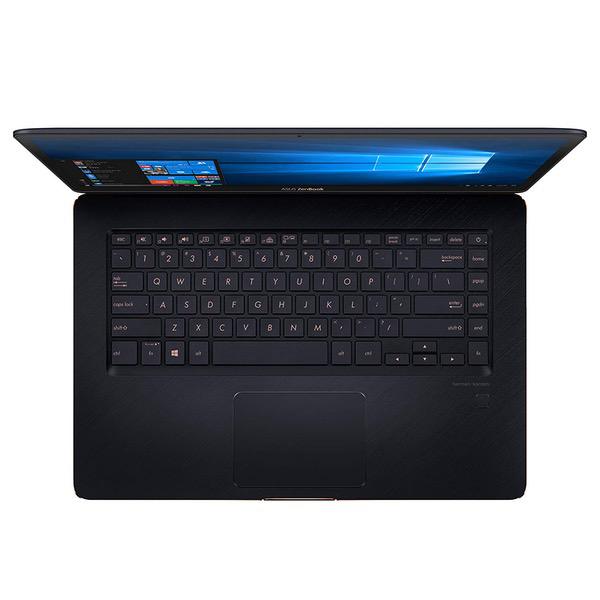
Just got this laptop and have been using it over the weekend. Forwarning, this may be long-winded. Update 10/6/2018: Still having touchpad failures, and now my bluetooth mouse is becoming disconnected. Turning the laptops bluetooth on and off indicates the laptop is deciding not to see the mouse. Yet another problem with this computer. At this rate, Ill be unable to control the cursor with anything but the touch screen. Lowering the score a star. tl;dr/summary: Overall performance great. 4k monitor is the bees knees and also ankles. Style makes you look like a wealthy startup CEO. Obnoxious touchpad issues. Battery "meh". Runs hot but tolerable. First, of course is the display. 4k in a 15 inch screen is crazy. I can put my eyes up to the screen as close as I can focus, and can just BARELY make out the individual pixels. I bought this for photo editing so I think it will work well. Im not quite sure on the color acuracy yet. Shortly after booting for the first time, I noticed the color temperature of the screen changed. I looked around everywhere for what might have caused it, but couldnt figure it out. Night mode wasnt on, adaptive bightness wasnt on, I dont get it. There is an Intel application for changing RGB hue and saturation, but it doesnt give the results I want. Its almost like the color temp of the backlight changed. Quite odd. Honestly though I wouldnt have noticed the change if I didnt see it happen. I am still confident that Ill be able to edit photos acurately. First thing I did when I booted up was open a white image to check for any dead pixels. All good! I briefly want to mention the color of this thing. Oh my god does it just ooze class. A bit of a fingerprint magnet, and the surface below the keyboard can look gross if youre typing (like I am right now), because the laptop is almost always warm and causes your palms to get a bit clammy. Thankfully, Im not too picky about stuff like that and dont mind wiping it down every once in a while. Backlit keyboard is on point, and I like it just like the Asus laptop I used to own. They shine through under the keys with white, and the button lettering is like a light beige. Im assuming if they tried to match the gold accents too closely, they would look like an ugly yellow. I think this color is quite good. Touchpad. Ill be honest, I have a huge problem with this thing. When moving the mouse around the screen, or scrolling, sometimes it just stops responding, or it will let me move up, but not down. I dont think its lag, but for some reason its just not registering my input. I ran through all the bases trying to troubleshoot this. Tried several drivers, checked to make sure windows gestures werent interfereing, tried downloading Asus Smartgesture, tried cleaning it, and of course double checked that they didnt put some super-thin protective film on it. Still having the issue. I mean, Im a mechanic by trade, but I by-no-means have grizzled old calused hands. I really dont think baby-soft fingertips should be a requirement for using the touchpad. This could probably be solved if there were a way to adjust the sensitivity of the pad. Asus customer support, I appretiate your assistance, but before you respond, Im not talking about pointer speed. I mean the sensitivity of the touchpad registering an input. The sensitivity either needs to be increased, or give us a utility to increase it ourselves. That is, assuming thats the problem. My bluetooth mouse works flawlessly with no issues whatsoever, so its undoubtedly a problem with the touchpad. Who knows, maybe its just a problem with only my touchpad, but I really didnt plan on spending close to 2 grand just to immediately send it back, and possibly have the same issue. If anyone else has this problem, I would greatly appreciate if you commented and let me know how common it is. For now, its not unusable, just occasionally quite frustrating. Battery. (update 9/18/2018: Have generated several battery reports that put the battery life around 4 to 4.5 hours of general web browsing and video watching) I havent timed the discharge rate of it, but Id put it around 5 hours just surfing the web and watching videos. Not great, but Im by no means complaining. Driving a 4k monitor takes a lot of juice, and I probably wouldnt have an issue with the battery life unless it were under 4 hours. Bought this thing to be a powerhouse editor, and occasional light gaming computer. I would never expect to be able to to do those things all day on battery. Thats just unrealistic. You might be able to increase battery life by setting a custom resolution of 1440, or 1080p, but I can certainly live with it right now. Noise/Heat. When I first booted the computer up, I was honestly surprised at all the noise it made. Fan noise is one thing, but this thing has so much coil whine when completing tasks that I took the bottom off to make sure I didnt get sent a unit with a traditional hard disk drive. Solid-state, and no moving parts aside from the fans, but this thing clicks and whines more than my $2500 desktop. It got a bit better once it wasnt constantly installing Windows updates in the background, but its still there when under slight load. When you start to stretch its legs, the fans spin up and sound like little jet turbines. A bit loud, but I wouldnt say obnoxious. In a busy environment, like a coffee shop, you probably couldnt even hear it. It definitely heats up though. The fans honestly do a great job at keeping the top of the laptop cool, but the cooling effects dont transfer to the bottom very well. When using it as a LAPtop, it will definitely keep you warm if youre taxing the system. It hasnt gotten so hot that I need to take it off my lap though. Handled Cities: Skylines okay so again Im not complaining. Oh, SPEAKERS! Wow theyre definitely the best laptop speakers Ive heard, though its not like Im a laptop speaker tester. They have great bass that holds out until volume level 30-35 on Windows, after that, the bass stays the same and the treble just gets louder. For watching some netflix in your room, theyre top notch. Playing some music while you clean your whole house, might want to get a bluetooth speaker. For entertaining a house party, thats a terrible idea and youre probably not a good DJ anyway. Overall, the touchpad thing is really my main gripe with this computer. My last laptop was an $800 Asus and I honestly had no complaints about it, so I was really expecting the trackpad to be much improved since the one I bought ~5 years ago. Cant think of any more topics to touch on, but please feel free to ask any questions. Not sure if Amazon sends notifications when someone comments, but Ill try to check every once in a while since I seem to be the only reviewer so far.

