

























Laurance Scott
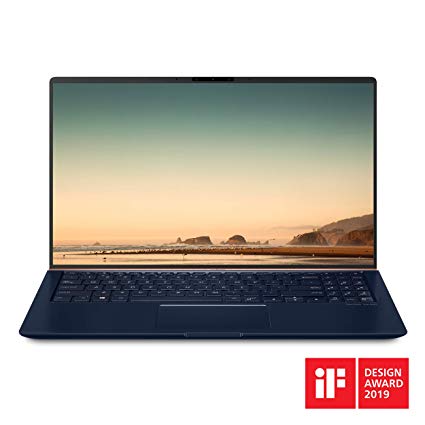
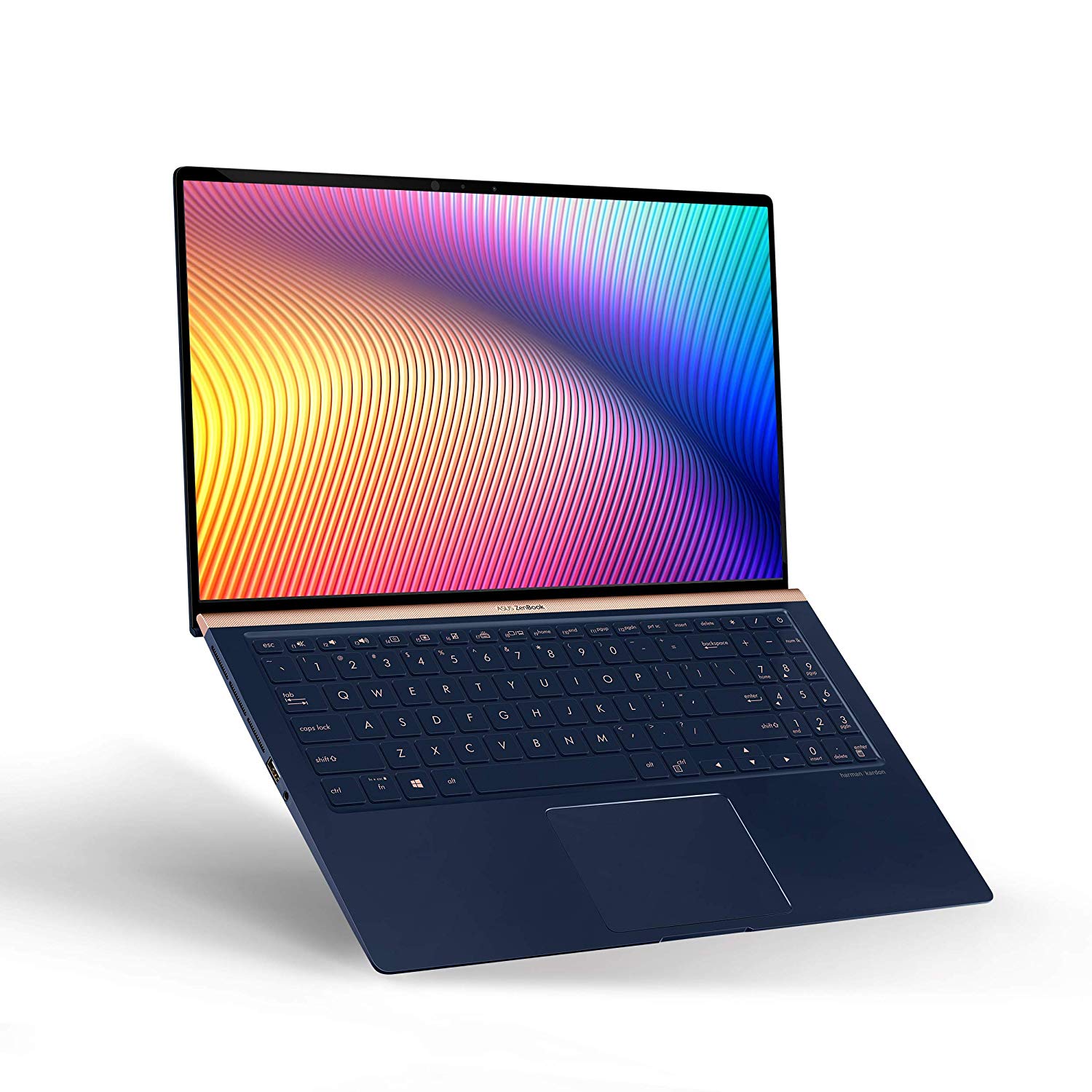
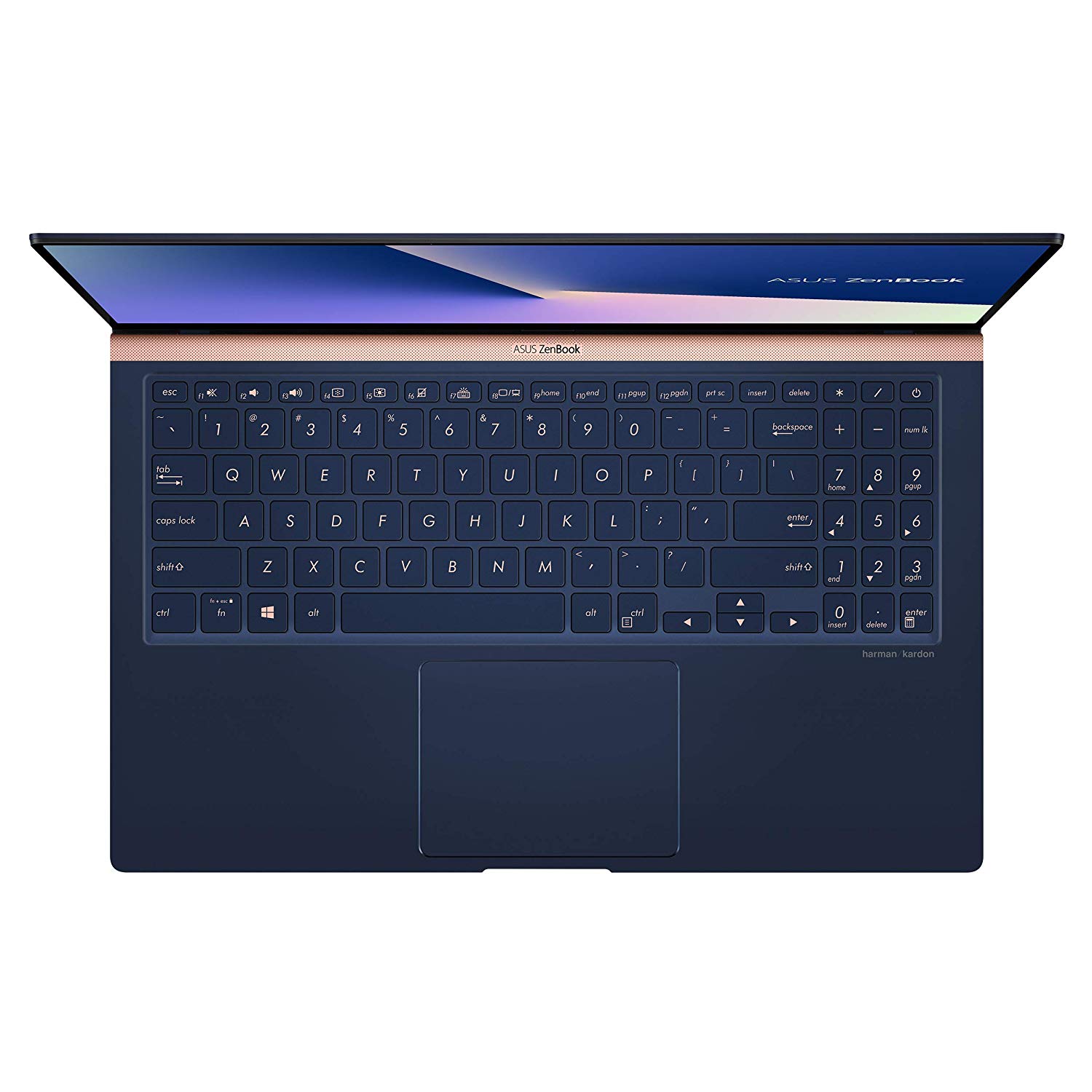
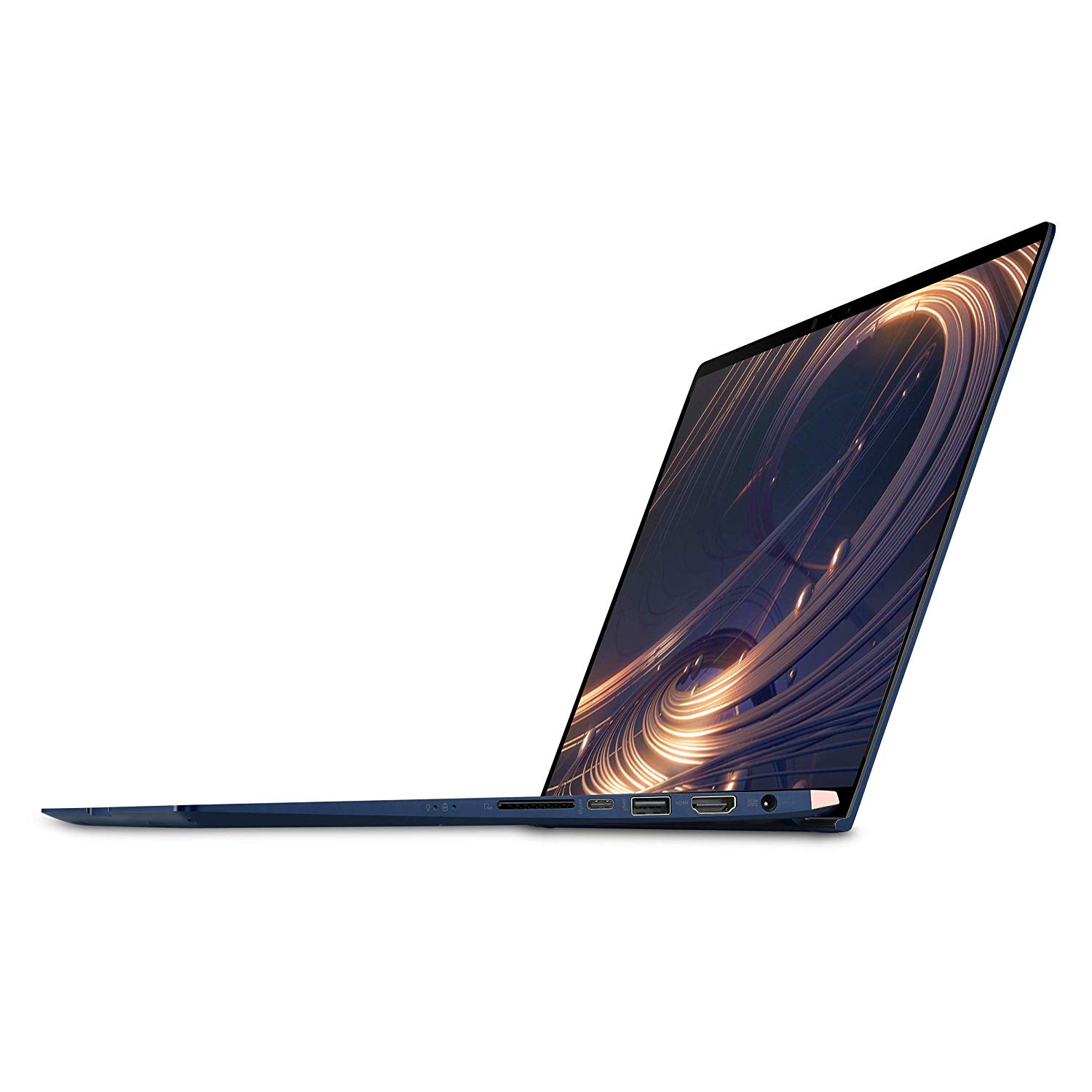
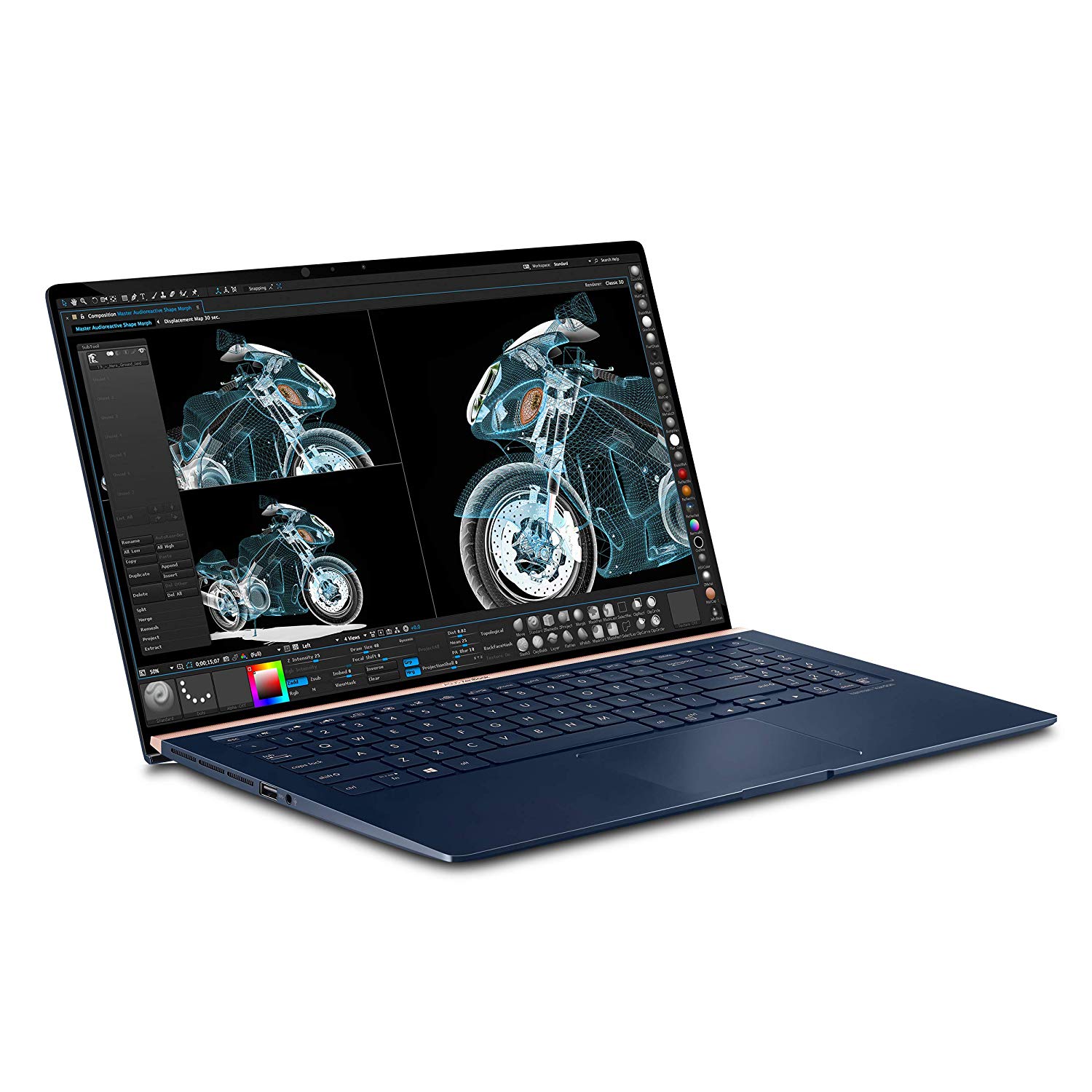
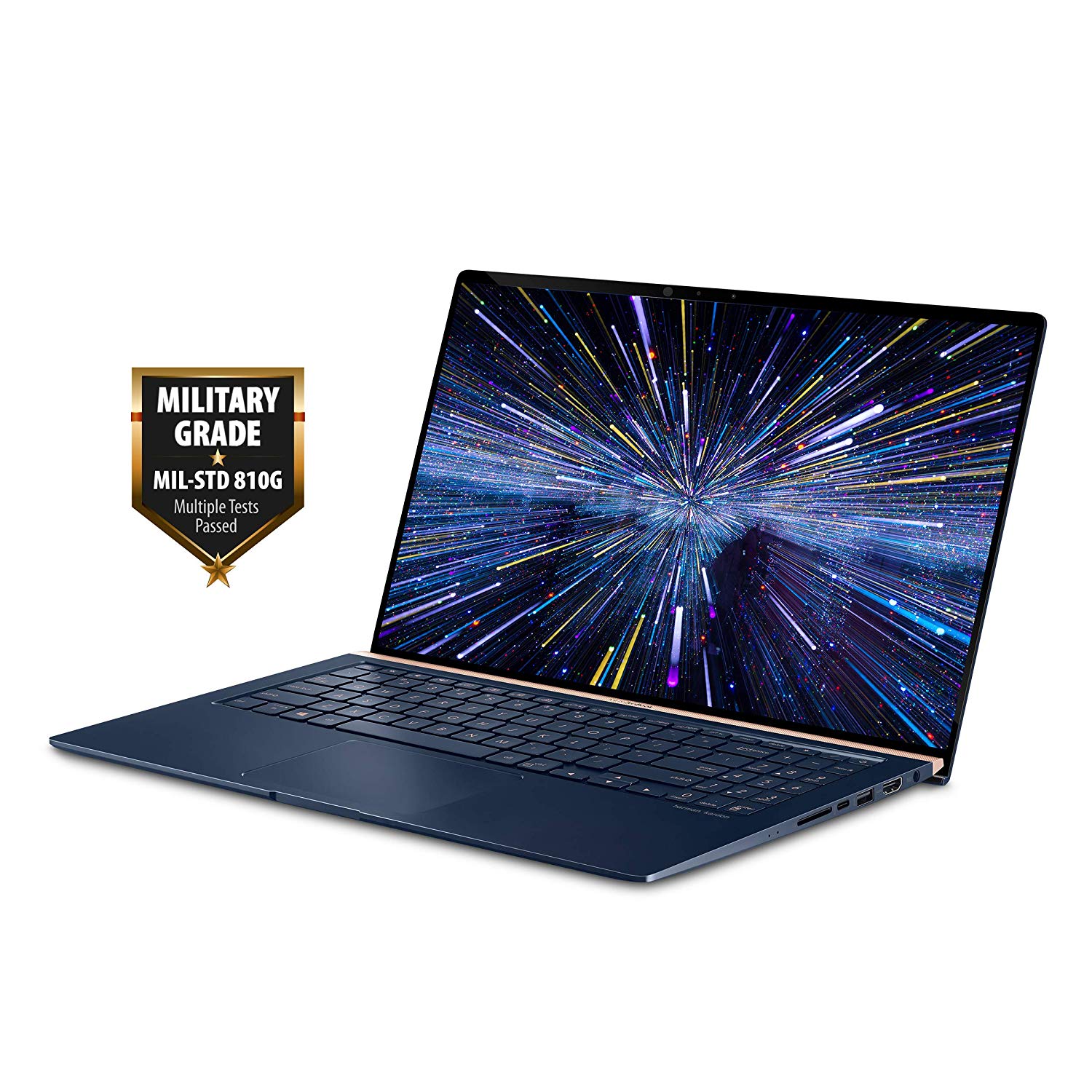
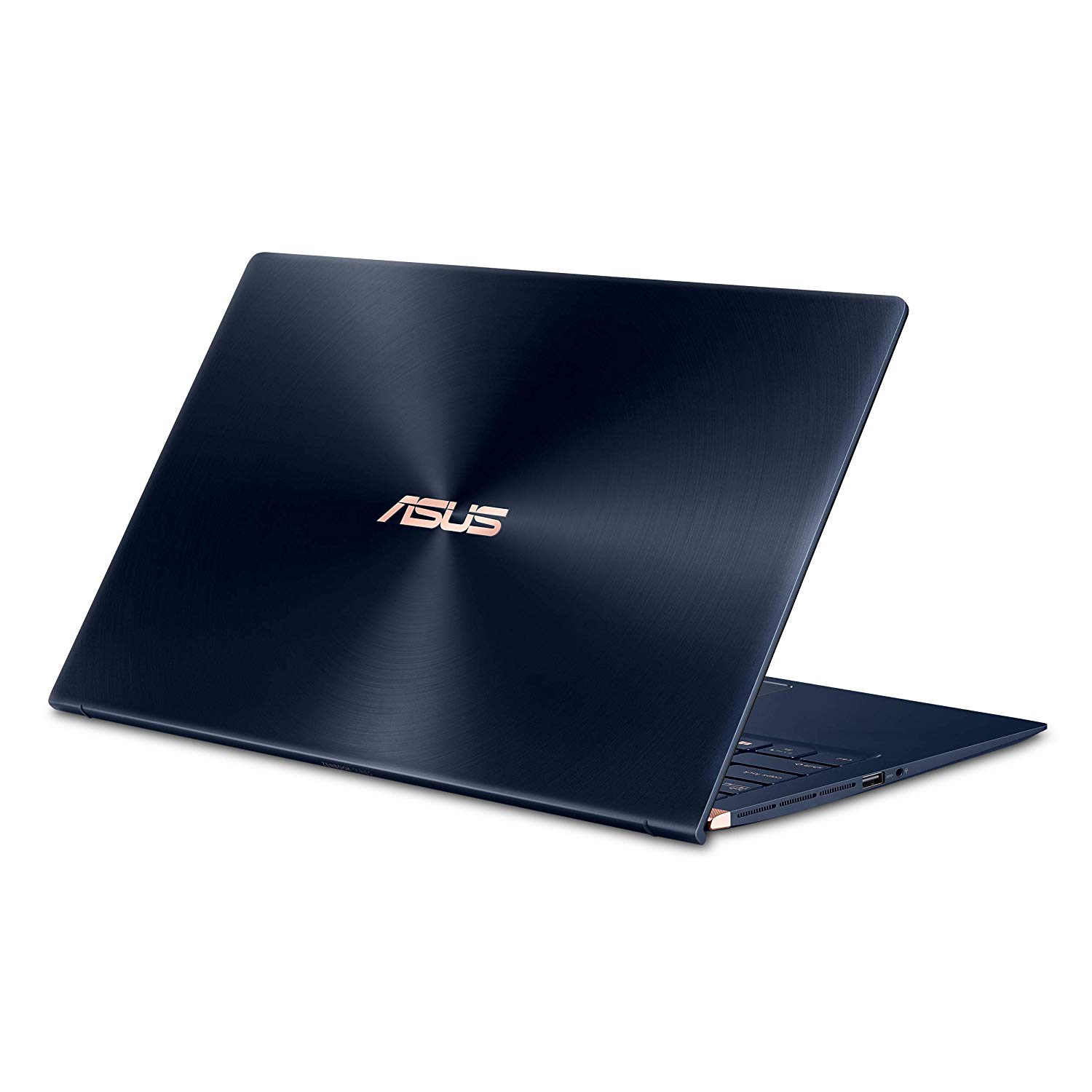
I needed a laptop that is blazingly fast, but not for gaming. It seemed all of the laptops that came with the good speed stuff also were bundled with expensive displays, graphics cards and other bloat that I didnt need. Then, I found this Zen Book. Quad Core processor that clocks up to 4.1 ghz. 16MB of DDR4 RAM. A 512MB M2-PCIe SSD drive. Windows 10. Very reasonable price. Sweet. Be advised, some features you may expect might not be on this laptop. Specifically, it is not a touch screen. It doesnt have the latest/greatest graphics card. The keyboard isnt laid out as nice as my old Sony VAIO. But, it is fast. Really fast. I was concerned at first because typically there is a "getting started" document in the box. Nothing in this box except the laptop, and a card that says to plug in the power source. However, when I opened the laptop, a rather pleasant voice came on reassuring me that the installation was going to be a snap. And it was! It found my home Wi-Fi, and walked me through the entire setup. It installed Windows 10. Took a pic of my face for facial recognition log-on. Since the disk is SSD, the install was very quick. I was up and running in less than 10 minutes. I dont have any complaints at all with the Zen Book. The processor clocks up to 4.1 just as advertised. Even with a CPU intensive application executing full bore @ 4.1ghz, I can breeze through other tasks without hesitation. All of my complaints surround Windows 10. Im coming from Windows Pro 7.1, and some of the little conveniences I have come to expect arent visible in Windows 10 by default. Like a start button, go to desktop icon, decent calculator, etc. After a few hours of searching and trial and error, I have been able to overcome all of the Windows 10 obstacles, and have my environment set up just the way I want. If you are running into frustrations with Windows 10, just know that everything can be overcome - just get good at Googling your issue. One tricky issue I ran into that may be of help to someone out there who is upgrading from Windows 7.1: I have another 7.1 computer that has a discoverable printer attached. Every other computer in the house can see the printer, but not the Zen Book. It turns out the even though the printer is attached to a 7.1 computer that has no administrative password, this version of Windows 10 requires that you provide the username of the 7.1 computer in order to access the printer. I can access the shared files without the user name, but not the printer. After I provided a user name to the network manager, the printer appeared. I bought a cooling pad, as I am running this laptop at max speed virtually 24/7. Its been running now for over three days at constant 4.1ghz, and hasnt skipped a beat. I also bought a full licence for Windows Office 2016 Pro for $70 as a download, and the install process was flawless. If you are looking for raw speed and super functionality, this laptop + Office Pro 2016 is just the ticket. You dont need Windows 10 Pro, as most all of the Pro features are now bundled into the Home version. If you are not sure you need Windows 10 Pro, just go with the Home version.


