
















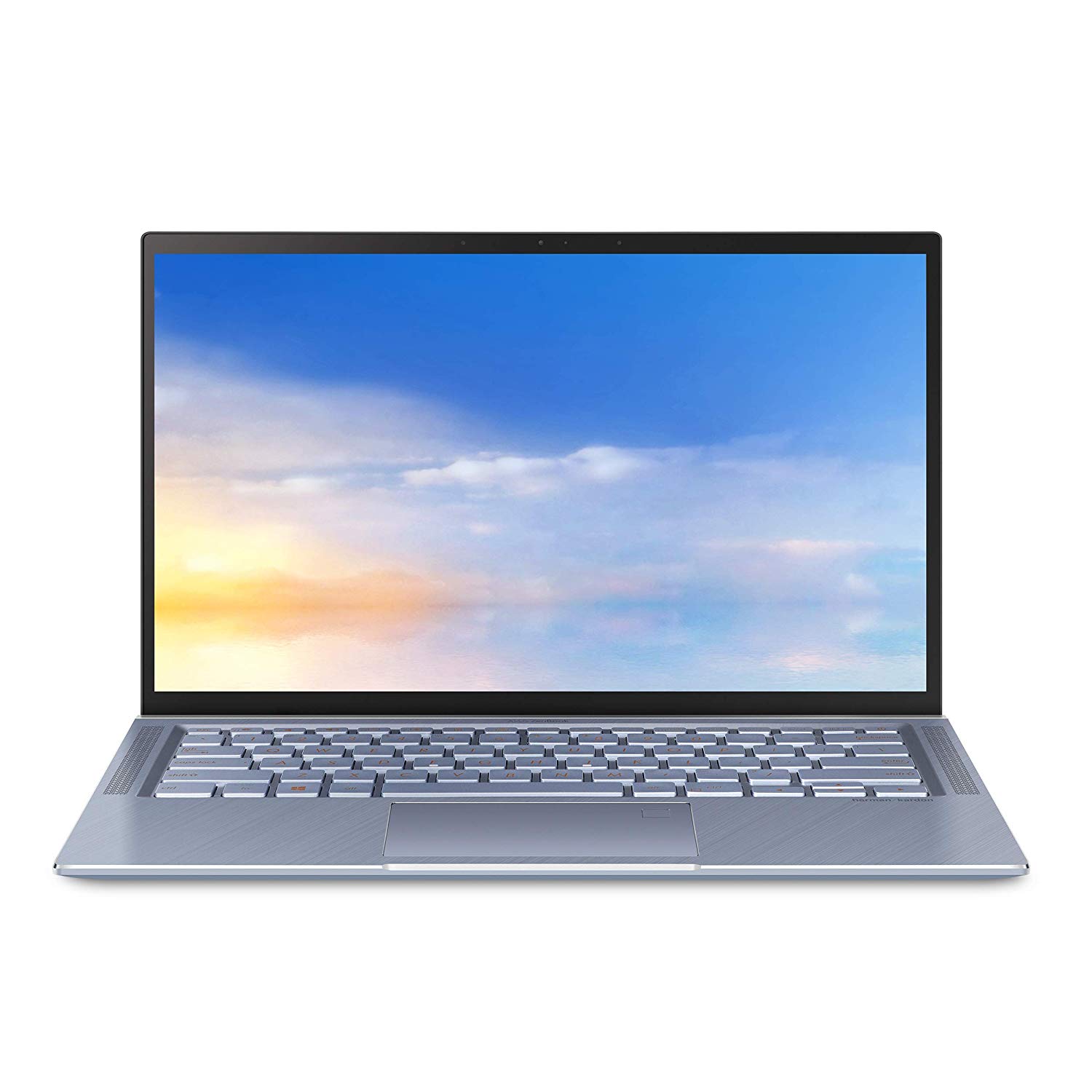
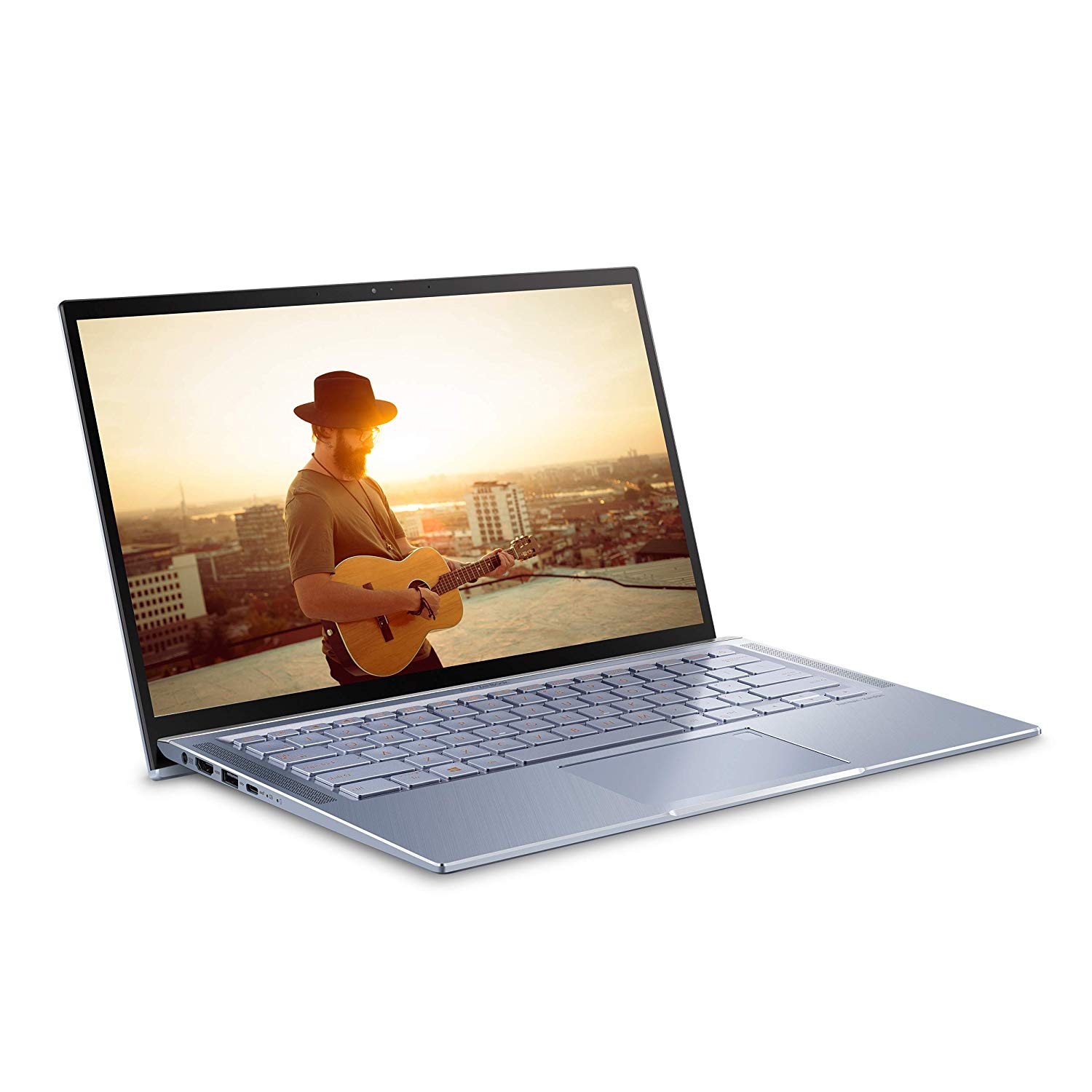
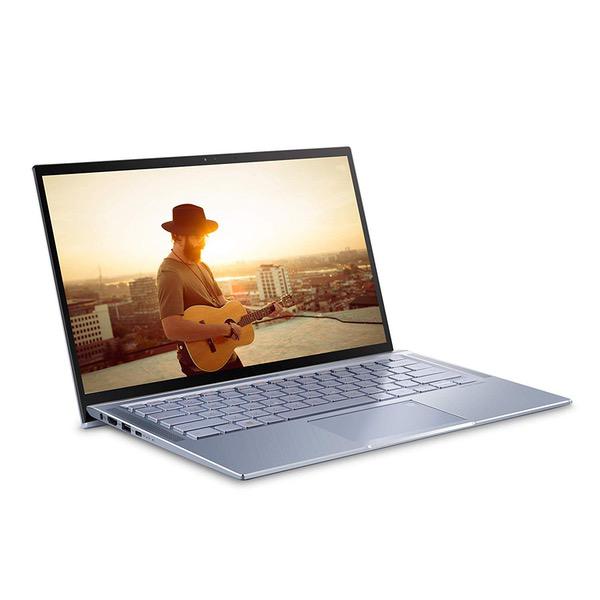
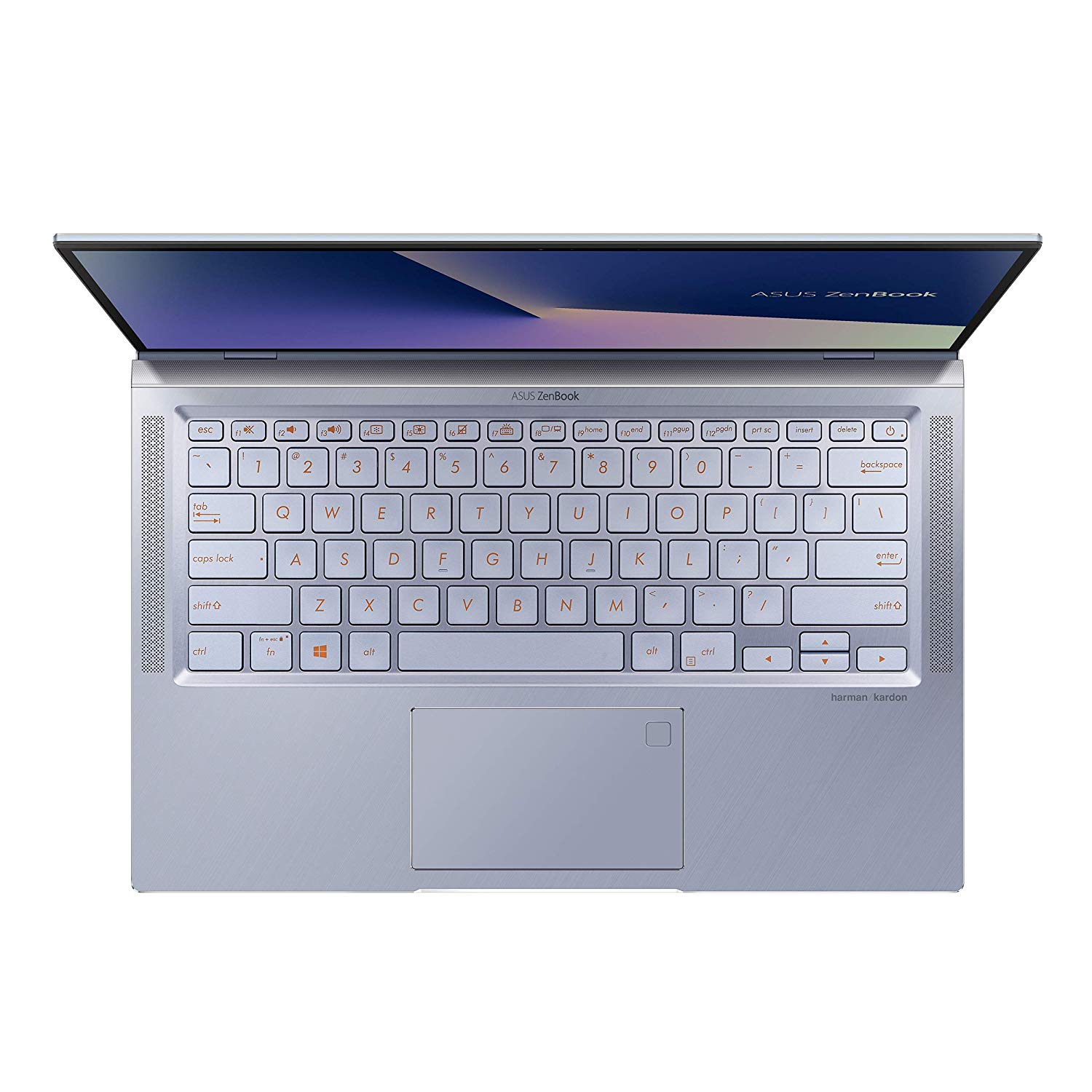
ASUS ZenBook 14 Ultra Thin & Light Laptop, 4-Way NanoEdge 14” Full HD, Intel Core i7-8565U, 8GB DDR4 RAM, 512GB NVMe PCIe SSD, Wi-Fi 5, Windows 10, Silver Blue, UX431FA-ES74
Write a review
$89900

ASUS ZenBook 14 Ultra Thin & Light Laptop, 4-Way NanoEdge 14” Full HD, Intel Core i7-8565U, 8GB DDR4 RAM, 512GB NVMe PCIe SSD, Wi-Fi 5, Windows 10, Silver Blue, UX431FA-ES74

Write a review
B07P4QM4XS
Core i7 | 512GB PCIe SSD
+
Add to wish list
Hard Drive512 GB Hybrid Drive Processor BrandIntel Processor4.6 GHz Intel Core i7
Target is a general merchandise retailer with stores in all 50 states and the District...

City: US, New York

Delivery
Pickup at your own expense
Tomorrow from 09:00 to 20:00, Store location
Free
Payment options
Apple Pay Google Pay Mastercard Visa
Cash, bank card, credit/installment payments, cashless payment for legal entities
Warranty and returns
Exchange/return of products of proper quality within 14 days Official manufacturer's warranty: 12 months
Features
Graphics Coprocessor
Intel HD Graphics 620
Item Dimensions
12.7 x 8.3 x 0.6 inches
Item model number
UX431FA-ES74
Item Weight
3.2 pounds
Operating System
  • Windows 10 Home
Series
Asus ZenBook 14
Style
Core i7 | 512GB PCIe SSD
Wireless Type
802.11a/b/g/n/ac
RAM
8 GB DDR3L SDRAM
Hard Drive
512 GB Hybrid Drive
Batteries
1 Lithium Polymer batteries required. (included)
Brand Name
ASUS
Processor
Processor Brand
Intel
Processor Count
4
Processor
4.6 GHz Intel Core i7
USB
USB 2.0 Ports
1
USB 3.0 Ports
2
Description
This fits your .
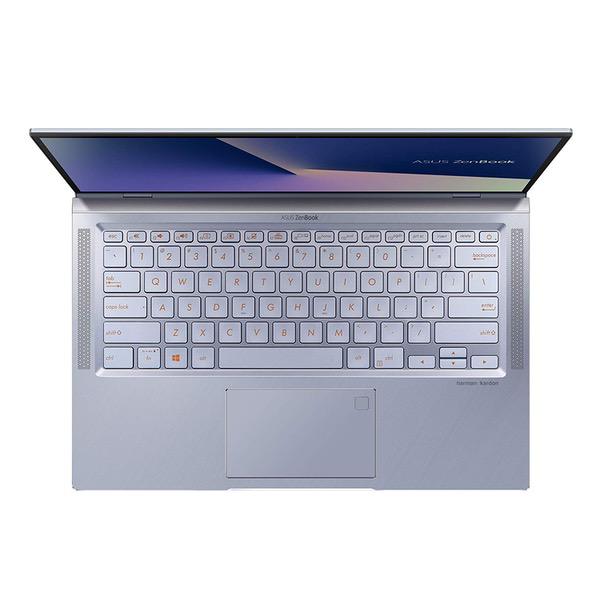
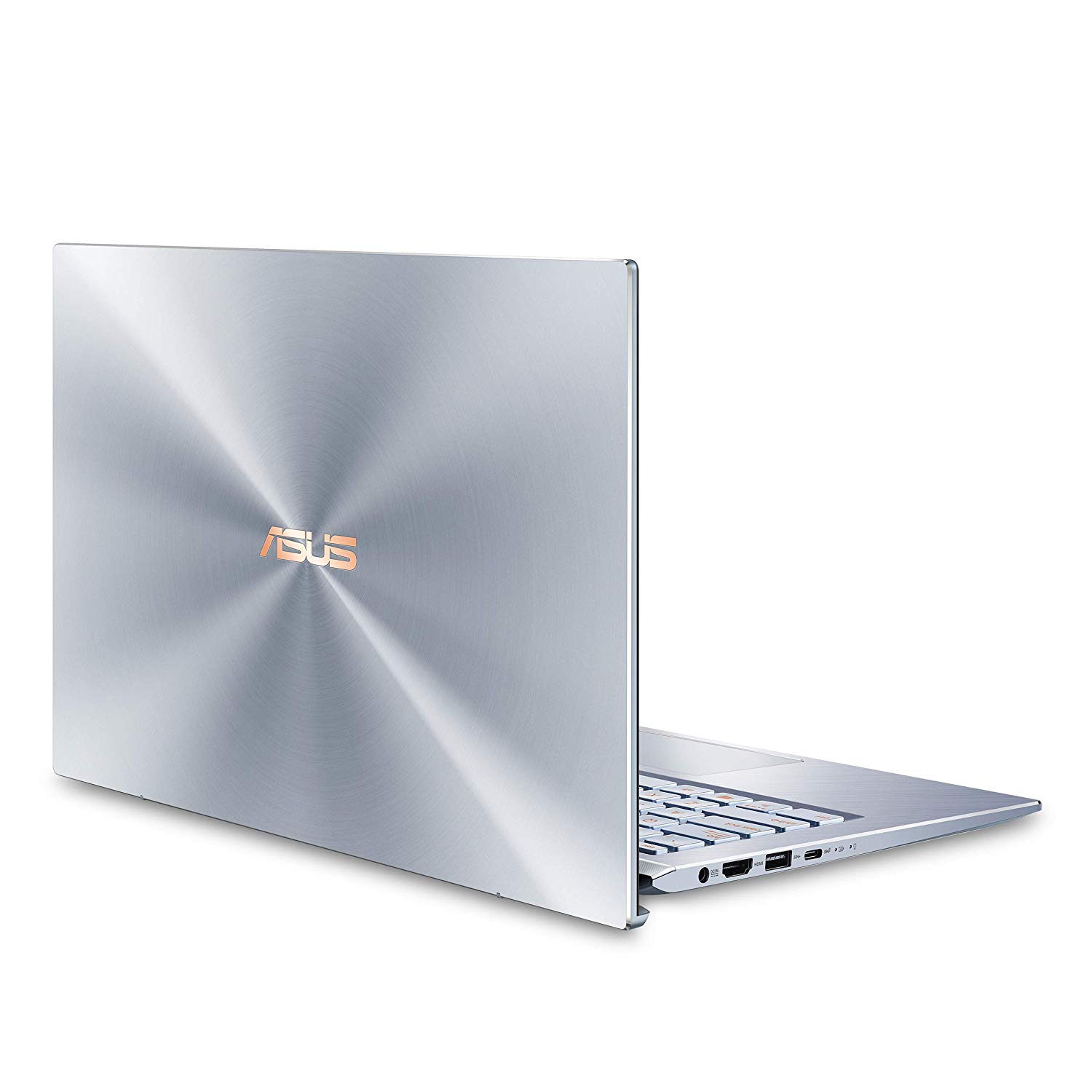
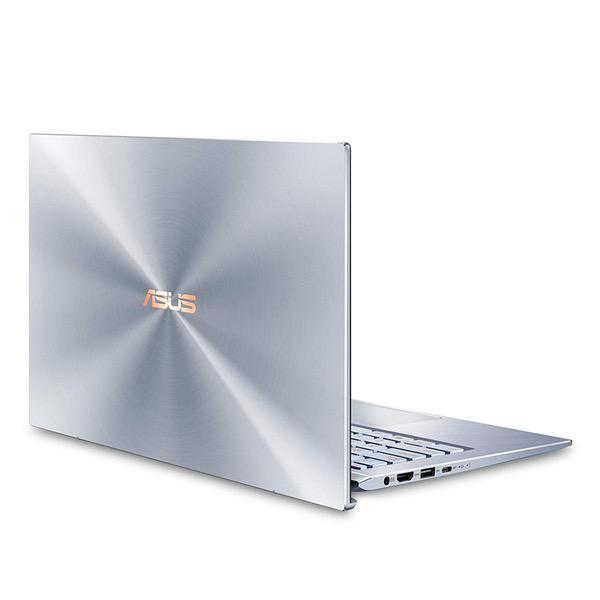
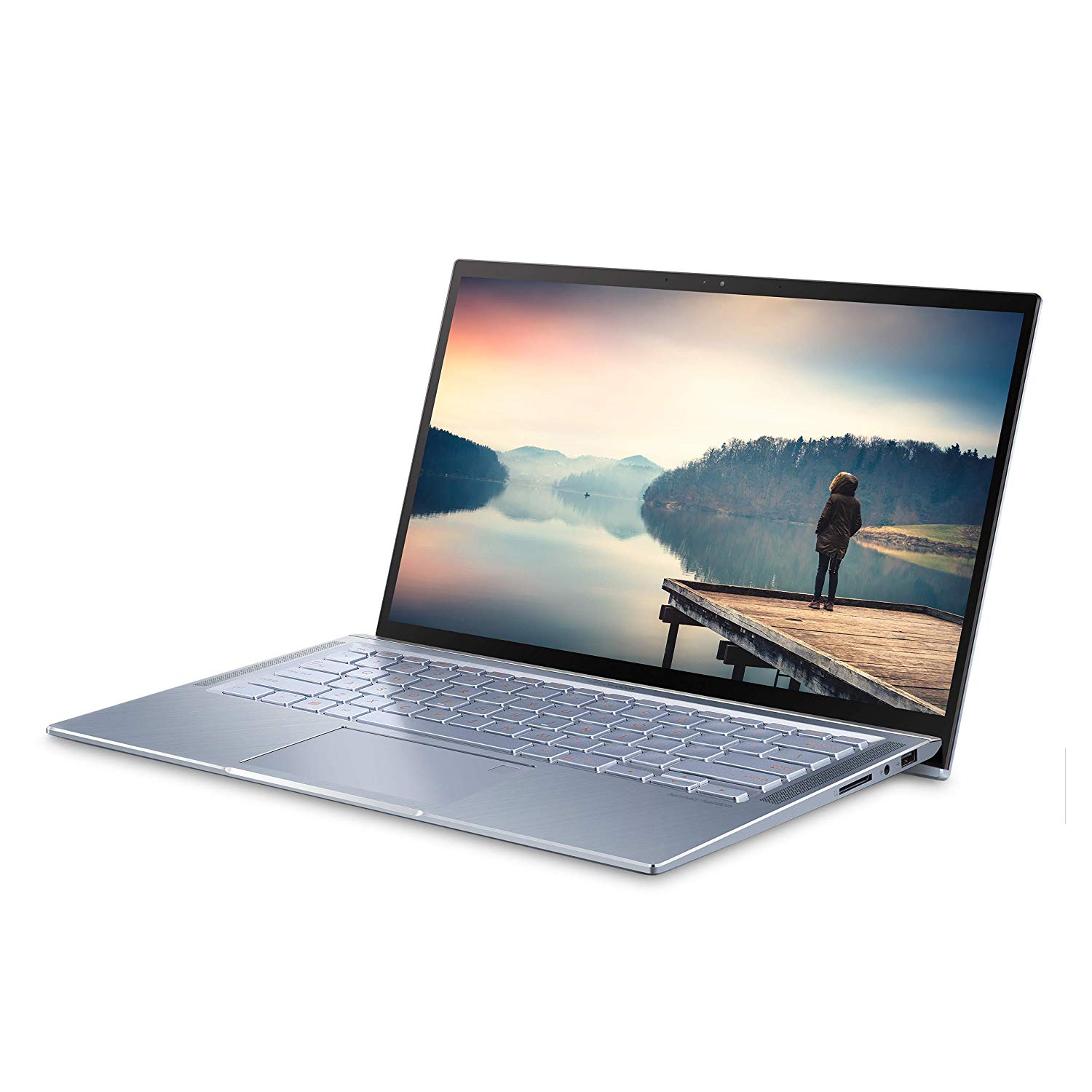
Make sure this fits by entering your model number. Stunning NanoEdge 14” FHD display with 86% screen-to-body ratio in 13” body Super Compact & Slim at less than 0.65” thin, weighs only 3.2 lbs Latest Intel 8th Gen Core i7-8565U Processor (Up to 4.6 GHz); Built-in IR camera for facial recognition sign in with Windows Hello 8GB LPDDR3 RAM, 512GB NVMe PCIe M.2 SSD, Wi-Fi 5 (802.11AC), Bluetooth 4.2 Exclusive ErgoLift hinge automatically tilts The keyboard to the most comfortable typing position. Backlit keyboard 47Whr Li-Polymer battery providing up to 10 hours of battery life. Windows 10 Home. Built-in fingerprint sensor for enhanced security and one-touch login using Windows Hello feature
Reviews
3.9
Reviews: 20
5 stars
45%
4 stars
25%
3 stars
15%
2 stars
5%
1 star
10%
Jon Craig
5
I use my laptop every day for a variety of tasks - email, document creation (Word, Excel and pdf), online research, on line research, banking, and shopping, and streaming music, videos, and podcasts. I upgraded from an older Zenbook, which now houses my "archive." My previous Zenbook was fast, but the new 14" is even faster. Everything loads without delay, including video files. Downloads are faster, as are software installs. Screen resolution is excellent and the 14" screen is installed in a 13" chassis. It has a 256gb solid state hard drive, which makes it lighter and faster. The audio is the best Ive encountered, although I frequently use a wireless speaker. The Zenbook is slim and light, making it easy to use away from home I often use it to take meeting notes. For those who care about looks, my new Zenbook is a very attractive light blue aluminum and has blue metallic keys instead of black plastic. I compared to similar Dell and HP products the Zenbook boasts equal performance at a lower price.
Mr. Goodwill
5
I bought this for my wife since her 8-year old Macbook Air has been getting old and feeling slow now. I didnt want to pay again more than $1000 for a laptop. All she needs is MSOffice and Chrome, it doesnt matter if it is MacOS or Windows. I wanted a laptop with comparable quality and good looks at a lower price. So in the end, ASUS Zenbook 14 looked like an option. The hardware is actually better than Macbook Air since Zenbook 14 has U series quad-core processor instead of dual-core Y-series processors used in latest gen Macbook Air. I have been using a Y-series dual-core Dell Latitude E7370 Ultrabook and I can tell that the quad-core U-series CPU is noticeably faster. However U-series CPUs require better cooling. My Dell E7370 does not even have a cooling fan and about 1/2 lbs lighter. I think the interesting LCD hinge design of Zenbook 14 actually helps with cooling (more than ergonomics as advertised) by elevating the air intake grill at the bottom for better air flow. When the processor is has work load, I can hear the fans of Zenbook 14. Screen is a very high quality LCD panel, it has accurate colors, good contrast, and brightness. The body looks very much like metal (although I think it is plastic) and there is no excessive flex; construction quality is strong and materials feel high quality. The installed Windows 10 came with McAfee security software which I have uninstalled at once together with some other minor unnecessary software like ASUS application store, LinkedIn, and a couple of games. I have reverted back to default Microsoft security software and I did not feel the need to reinstall Windows. I have updated the Intel graphics, WiFi, and Bluetooth software to the latest versions directly from Intel as well (installing graphics driver required uninstallation of the original). WiFi performance (Intel AC 9560) is pretty good with our TPLink A7 router. The SSD is an OEM Western Digital unit and performs great. Keyboard is backlit with three lighting levels plus it can be turned off. Actually, keyboard backlight was initially off and I had to figure out that the F7 key was controlling it. Oh and the sound! Zenbook 14 has a very good sound system. If there is nobody to disturb around, one can simply enjoy the music/video without the headphones. The battery life looks decent; it can easily last two full movies on battery or typing a document all day. The keyboard has good feeling with decent travel distance while typing. I would still prefer my Latitude 7370 but ... anyway. The trackpad has good sensitivity and response as well. Overall, I think 5 stars rating is well deserved. My wife is happy; not looking back at her old Macbook Air. I would have given 6 stars if the price was $100 lower.
LOG
5
I bought this laptop because it seems to pack a lot of bang for the buck as far as processing power as replacement for a 10 year old macbook. I wanted a laptop that could handle the smaller data processing jobs before transferring to a larger super computer. But I also use it for fun like listening to music, streaming videos, and light gaming. I also dual boot linux (ubuntu distro currently, see below why only ubuntu). hardware likes I read reviews of the older zenbook 433 that said the speakers stunk, the screen was dim, and the trackpad felt loose. Asus fixed all these problems! The screen is bright(!) with sharp resolution, and the speakers are VERY LOUD. I usually just play music between 2-10% but you can crank this puppy up if you wanna listen in the shower. The trackpad feels fine, no complaints. The processing power is a good bang for the buck with an intel 8th gen i7, not bad for under $1G. I expect itll be out of date in 2 years but yeah, what chu gonna do? The general feel of the laptop is sturdy and the aluminum finish is a nice find for a laptop under $1G. hardware cons Be aware, the UX431-FN model series DOES NOT COME WITH THE LIGHT UP NUMBERPAD ON THE TRACKPAD. A slight bummer (I tried it out in a store, its not a gimmick, i would have used it, so jealous) but if you want that you can wait for the UX-431FN series to come out and pay mas dinero (written 5/27/19). The keyboard has a wee bit of give. Coming from a macbook (which has zero) this might bug some people. Hasnt bothered me yet, but thought it is worth mentioning. If youre a gamer, this computer does not come with a dedicated graphics processor (GPU) so take that into account if a high performance gaming machine is what youre after. That being said, Ive tried a couple slightly-older fast-paced online zombie first person shooters (left for dead 2 and Killing floor 2) without any problem. One more tiny thing, theres no play/pause button on the keyboard which I am quite used to on my old macbook. Slight bummer BUT on windows 10 you can adjust trackpad settings to play/pause/volume control with 3 or 4 fingers. So thats ok wik me. Review Part 2, LINUX! While this review is being written, most (all?) stable linux distros do not support the whiskey lake iteration of 8th gen intel core processors, at least not out of the box. If using a LTS release, youll get a black screen after booting. The temporary fix of adding "nomodeset" while booting will reveal a very low resolution screen that will chew threw your battery life. There is a patch out there, but I couldnt find much in the way of documentation for it. My ad hoc workaround is just using the latest ubuntu release (disco dingo) and adjusting the boot parameter. It works for now for what I need it for and the screen looks sharp. Newer versions of other lighter linux distros didnt work. Just be aware, brand spanking new hardware isnt always the best for linux.
RD
5
I gambled and bought this to run Linux. To get Linux running smoothly required solving one major hurdle related to the graphics system (you can do a search on Ubuntu launchpad for UX431 to see how I finally solved that), plus a few other minor hurdles. Now it is running Linux smoothly: graphics works, and is fast, sound is excellent (minor tweak to fix a problem where the volume adjustment range is extremely compressed to the low end), Bluetooth works, camera works, WiFi is fast and works out of the box with Ubuntu 18.04. I bought a USB C to Ethernet adapter (Uni, $19) and that worked without hassle too. I havent tried the fingerprint scanner. Physically this laptop is outstanding. Sturdy, with a nice keyboard and screen for my tastes, and good performance for the price. If the Lightning Deal for this machine were still active Id buy another one for a family member. Since my use case (Linux) isnt the expected one for this product, I wont deduct any stars in this review for the hassles I went through getting the graphics system working in Linux. But I do wish ASUS would have tested this in Linux. It would have been a simple matter for ASUS to program the LCD panel with an EDID string that could be recognized by Linux, FreeBSD etc.
Ashley McGowan
5
I was hesitant to buy this with so few reviews, but this is a great laptop for a price. Its lightweight, fast & the graphics are good quality. It doesnt get overly hot or loud, even playing games.
Jk8134
5
There is no number pad. Yes, it is included in the product description. The description is wrong. I am not an expert on all things ASUS; this is only my second Asus Zenbook. From what I can determine, if you have the fingerprint reader there is no number pad. Overall, this new Zenbook is fast. The connectivity is excellent. And it is significantly more durable than older models. Follow-up. The description has been changed removing the number pad. Love this machine. Just bought another for the business.
Leota
5
Nice device I purchased the I5 variant. Appears to be a quality build. Works betterfaster than expected. Used to replace an older system wit an I7 chip. And this device performs faster. If you want a gaming system purchase one with a dedicated video card.
Dimas B.
5
I like how light and well built the laptop is. Programs run quick and windows takes seconds to boot up. I bought it to do my homework and find it perfect for the job. Not a gaming computer, however simple games can run on it. Battery life is good to with average 9 hours.
Traigo Club
5
i love it
Product variations
Column filling
Sort by Price Sort by Availability Sort by CODE Sort by Style Sort by RAM Sort by Processor
$89900
In stock
+
B07P4QM4XS
Style:
Core i7 | 512GB PCIe SSD
RAM:
8 GB DDR3L SDRAM
Processor:
4.6 GHz Intel Core i7
$79900
In stock
+
B07NZ8HBBK
Style:
Core i5 | 256GB PCIe SSD
RAM:
8 GB DDR3L SDRAM
Processor:
3.9 GHz Intel Core i5
You may be interested
  • Bestsellers
  • Recently Viewed
 
Fast and high quality delivery

Our company makes delivery all over the country

Quality assurance and service

We offer only those goods, in which quality we are sure

Returns within 30 days

You have 30 days to test your purchase