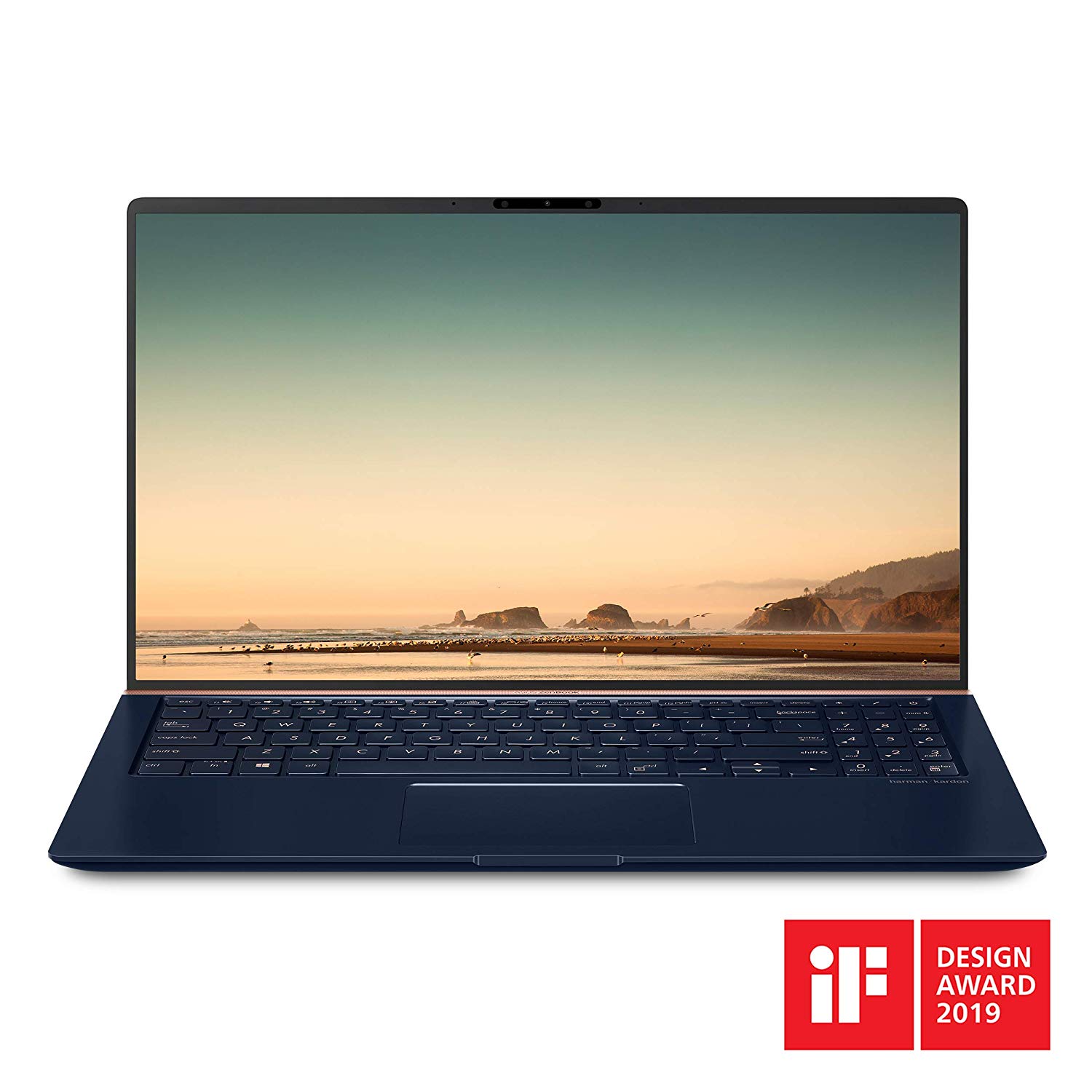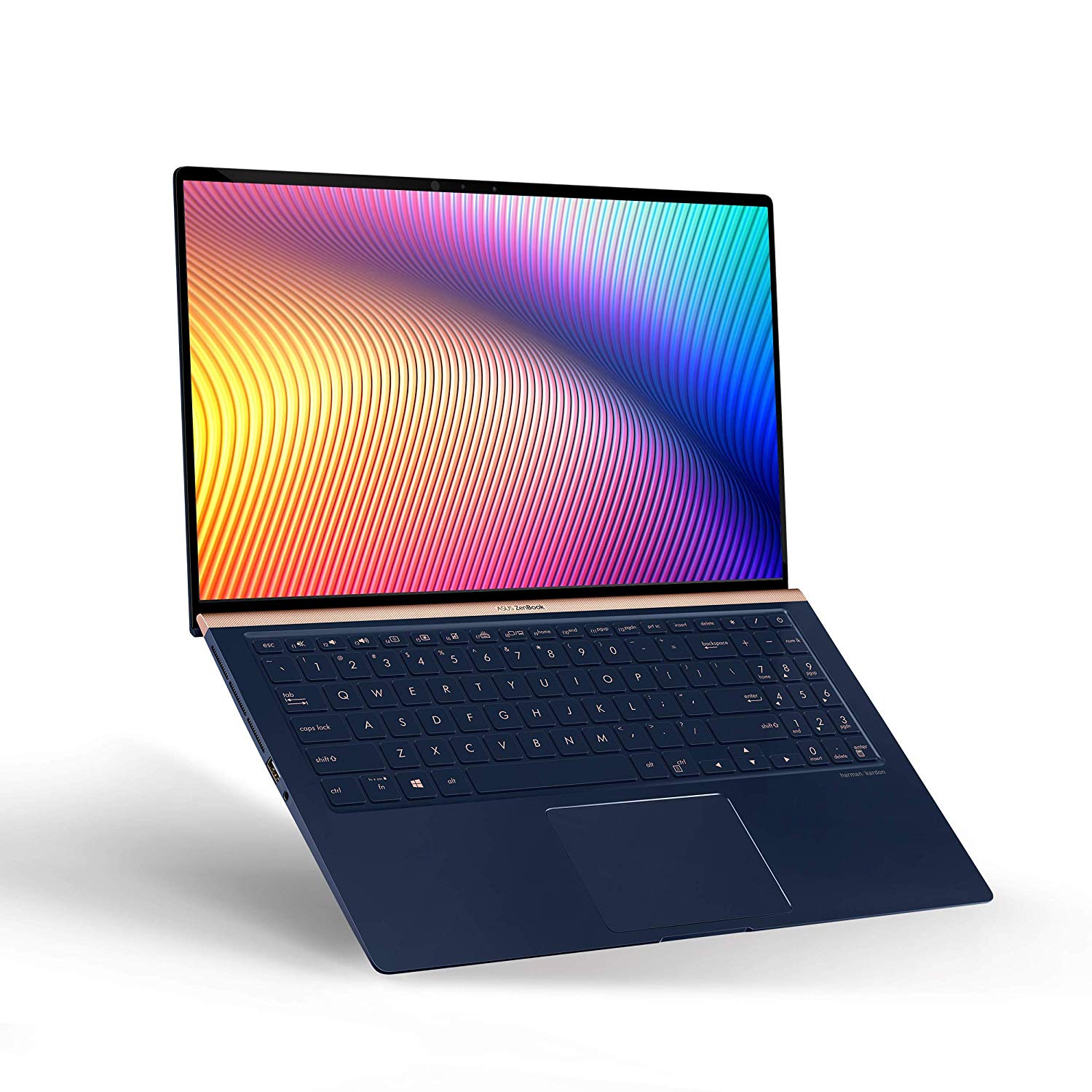
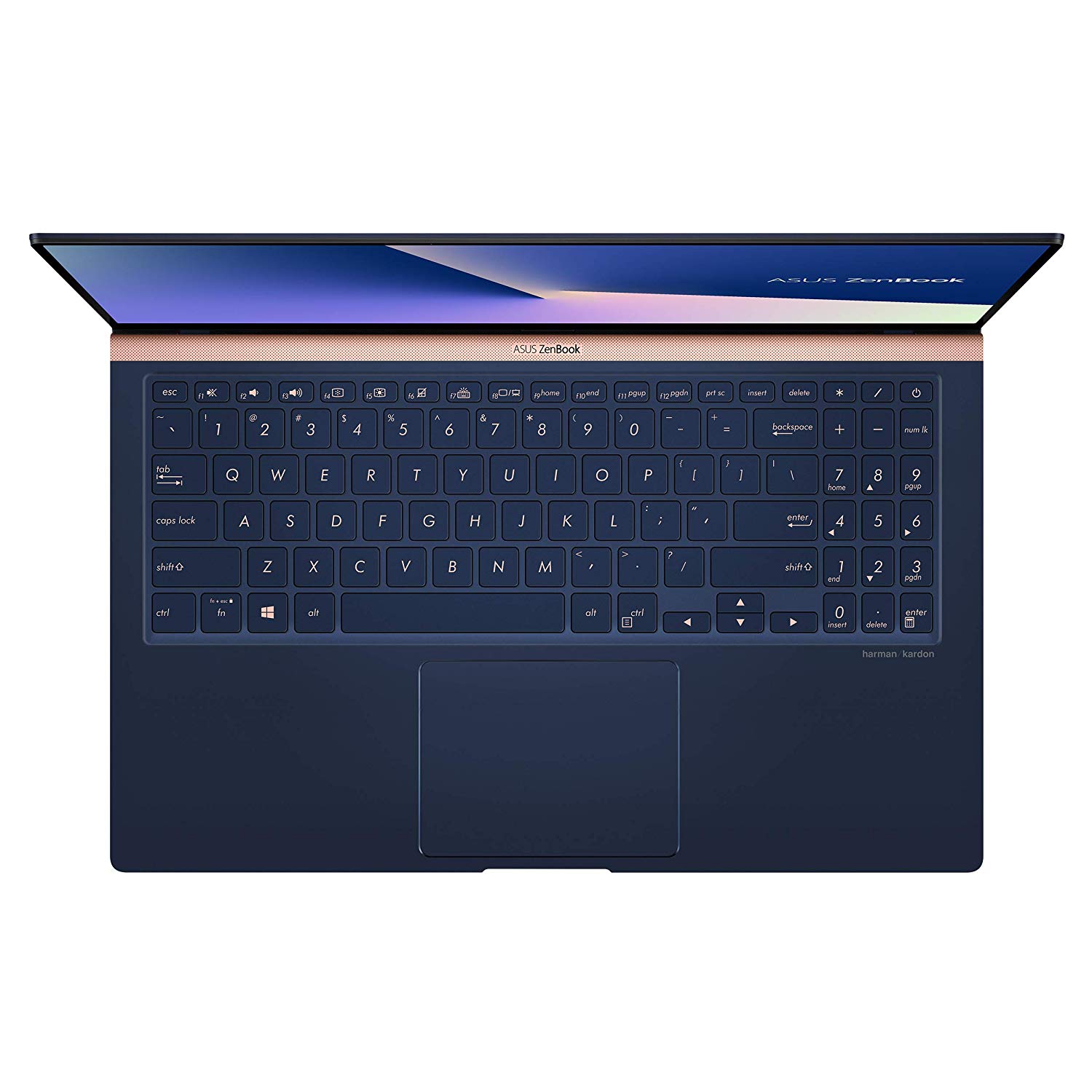
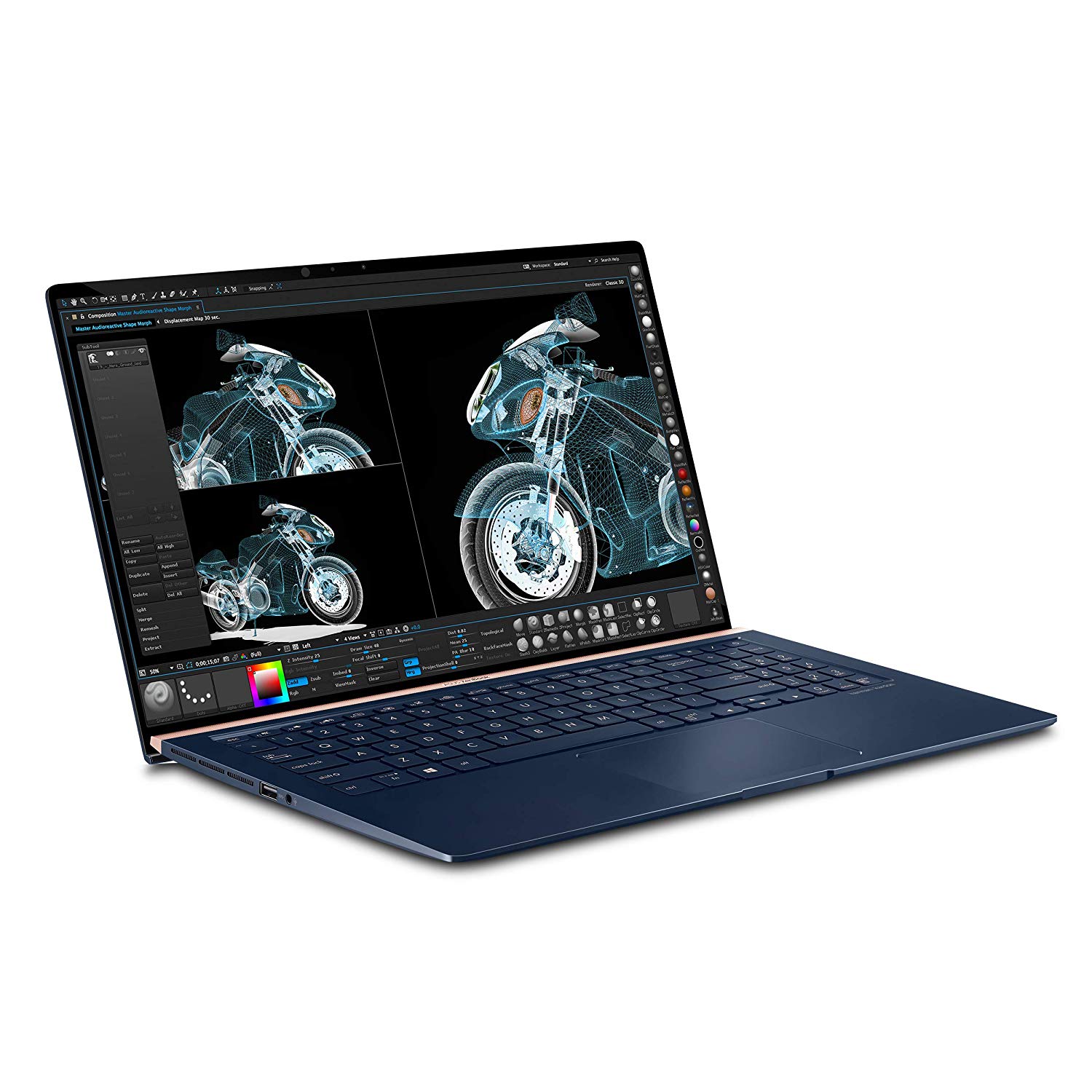
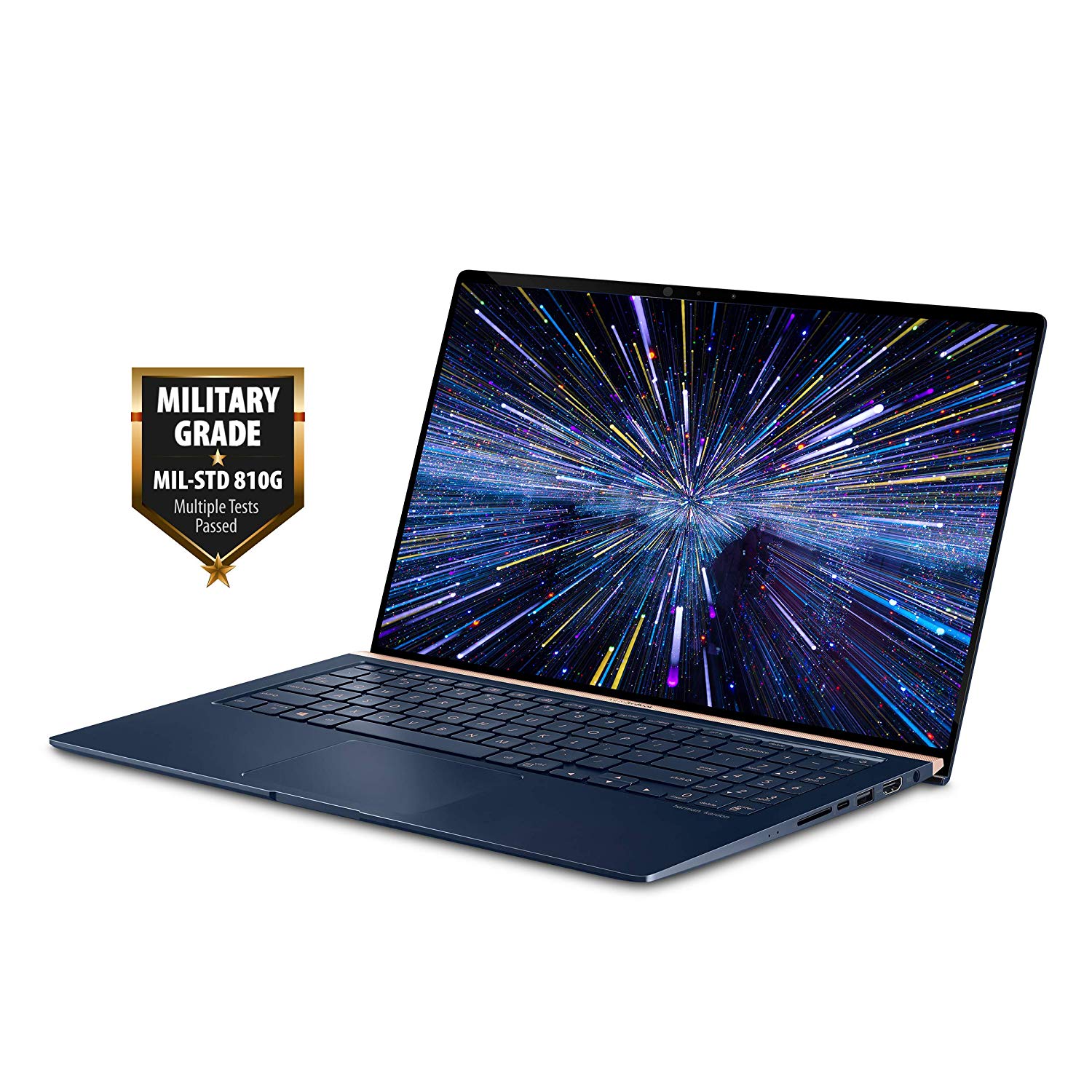
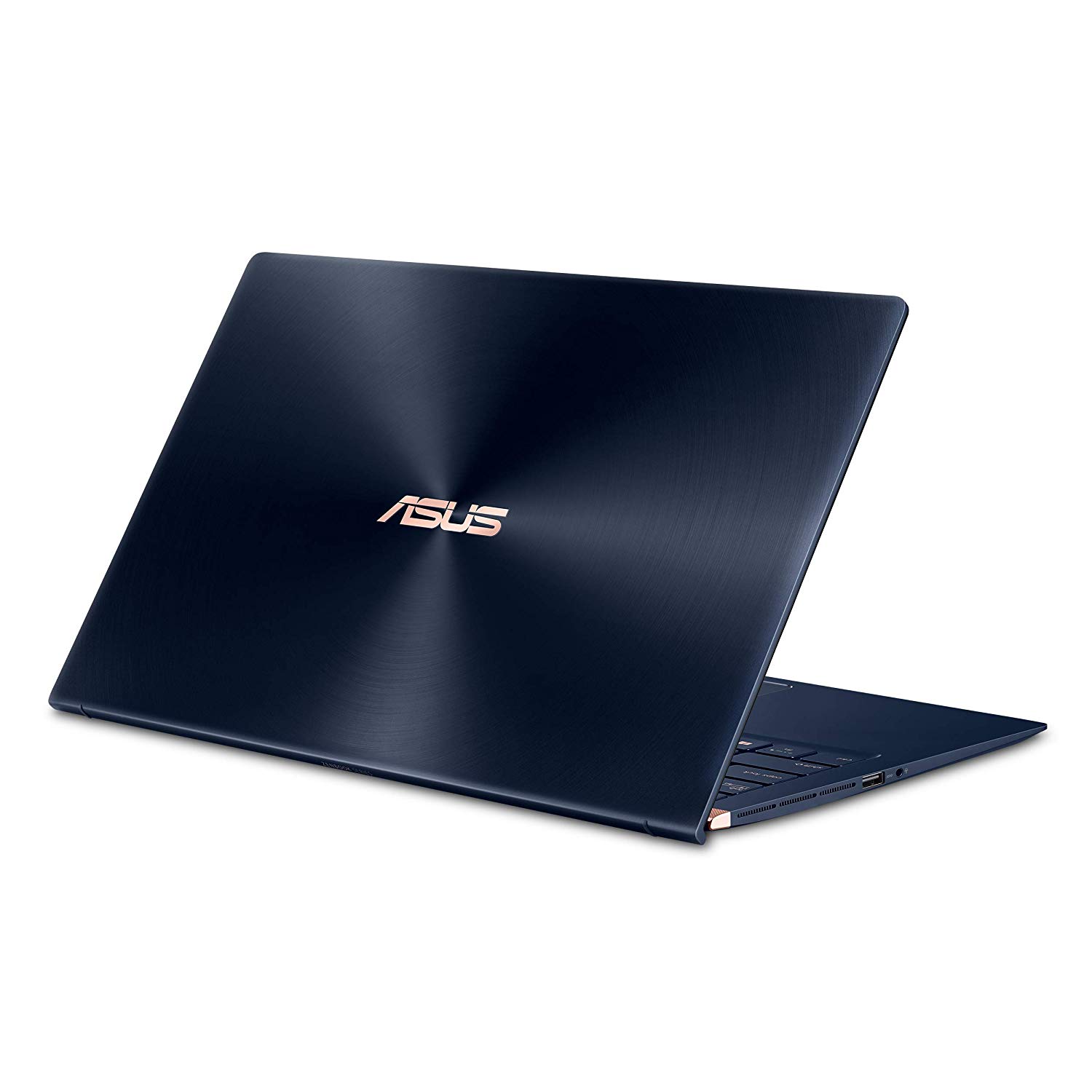
ASUS ZenBook 14 Ultra-Slim Laptop 14” FHD Nano-Edge Bezel, 8th-Gen Intel Core i7-8565U Processor, 16GB LPDDR3, 512GB PCIe SSD, Backlit KB, Numberpad, Windows 10 - UX433FA-DH74, Royal Blue
Write a review
$43960 $1,09900

ASUS ZenBook 14 Ultra-Slim Laptop 14” FHD Nano-Edge Bezel, 8th-Gen Intel Core i7-8565U Processor, 16GB LPDDR3, 512GB PCIe SSD, Backlit KB, Numberpad, Windows 10 - UX433FA-DH74, Royal Blue

Write a review
B07HRZRLVJ
It’s Black Friday all month long with new deals each week.
Promotion expires within:
14" | i7 | 16G | 512G | Blue
+
Add to wish list
Hard Drive512 GB Flash Memory Solid State Processor BrandIntel Processor4.1 GHz Intel Core i7
Target is a general merchandise retailer with stores in all 50 states and the District...

City: US, New York

Delivery
Pickup at your own expense
Tomorrow from 09:00 to 20:00, Store location
Free
Payment options
Apple Pay Google Pay Mastercard Visa
Cash, bank card, credit/installment payments, cashless payment for legal entities
Warranty and returns
Exchange/return of products of proper quality within 14 days Official manufacturer's warranty: 12 months
Features
Graphics Coprocessor
Intel UHD Graphics 620
Item Dimensions
12.6 x 7.8 x 0.63 inches
Item model number
UX433FA-DH74
Item Weight
2.6 pounds
Operating System
  • Windows 10 Home
Series
ASUS ZenBook Flip 14
Style
14" | i7 | 16G | 512G | Blue
Wireless Type
802.11a/b/g/n/ac
RAM
16 GB DDR3L SDRAM
Hard Drive
512 GB Flash Memory Solid State
Batteries
1 Lithium ion batteries required. (included)
Brand Name
ASUS
Processor
Processor Brand
Intel
Processor Count
4
Processor
4.1 GHz Intel Core i7
USB
USB 2.0 Ports
1
USB 3.0 Ports
2
Description
This fits your .
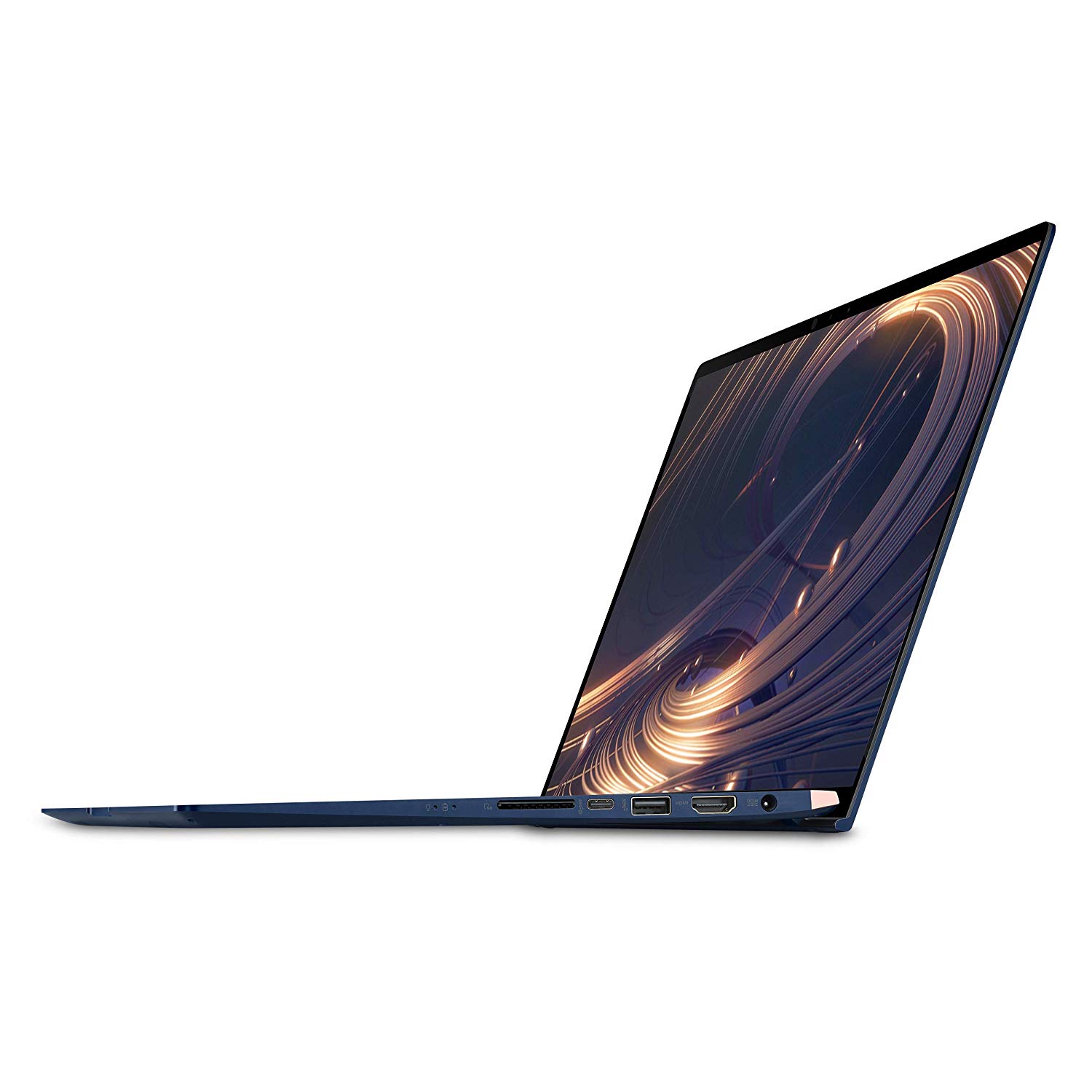
Make sure this fits by entering your model number. 14-Inch wide-view full HD 4-way Nano-edge bezel Display Latest 8th generation Intel Core i7-8565u Quad Core Processor (8M Cache, up to 4.6 GHz) Fast storage and memory featuring 512GB Pie NV Me SSD and16GB LPDDR3 RAM; Windows 10 Home Exclusive Ergo Lift design for improved typing position, optimized cooling System and enhanced audio performance Built-in IR Camera for facial recognition sign in with Windows Hello Exclusive dual-function touchpad: a touchpad with switchable numeric keypad for immediate data entry Extensive connectivity with HDMI/USB Type C, gigabit-class Wi-Fi 802.11AC, Bluetooth 5.0 and Micro SD card reader
Reviews
2.8
Reviews: 20
5 stars
10%
4 stars
35%
3 stars
5%
2 stars
20%
1 star
30%
Chris
4
I love this laptop. Its the perfect student laptop for those in engineering or demanding fields. I run virtual machines daily, play light games, and mess around on Reddit and YouTube with this laptop. Its great. However, the trackpad has SERIOUS issues. The trackpad will lag at the worst times and make the cursor jump around like crazy. It works most of the time, but the lag will happen every 5-10 minutes. Get a wireless mouse and save yourself the trouble. If you can deal with a buggy trackpad, this is the perfect laptop for you. UPDATE: There is a fix below in the comments that helps make the trackpad work much better. Also personal fixes I did that helped: * Turned off anything to do with tapping (single, double, multi select taps off)
Jasdent
4
Trackpad: No tracking issue at all out of the box, glass surface. Satisfactory Keyboard: Comfy to type on. Satisfactory COIL WHINE: It does exist on my unit. But, I went to ASUS retail store in China Mainland (China offers FN model instead of FA) and was not able to hear any coil whine even with my ear lying on the top left corner, which is the main reason I decide to purchase it from amazon (simply because I need 16g of RAM). I understand that there is always a risk of having a coil whining unit if one purchases an ultrabook. But overall, I am not satisfied with it because it is audible in a completely quite environment (perhaps the quiet floor of a library) and I was expecting it to be able to kept the same as the display unit at the retail store that I previously saw. Speaker: I was not expecting any problems with the speaker as it was rated as pretty decent by D2D and other Amazon customers. However, when my unit is playing music on YouTube with pretty high volume, there is some kind of electric sound. I would think that it has got some relation with the coil whine but I am not entirely sure. I am going to make a dual boot system and will update this review if I have encountered any problems. ———————————————————————————————————————————————————— UPDATES Speaker issue and coil whine have gone to a acceptable level after a Windows update, which is quiet nice. You can not hear coil whine in a completely quiet environment unless you lay your ears on the top left corner of the keyboard. Tracking and tapping however, misses sometimes, but it resume to good tracking after locking and log-in again. It happens one time at around 10 hours of normal use and is easy to fix, so I am ok with that. I made a dual boot of Ubuntu + Windows. On Ubuntu, the speaker does not work at all because the Realtek driver is not working. A fix has been introduced by Jian-Hong and you can get the speaker working on Ubuntu if you re-compile the newest kernel. The thing that bugs me though, is that on Ubuntu all the multimedia keys are only accessible by using Fn key. The fn+esc mechanism does not work on Ubuntu. My Dell laptop without the Fn lock can use multimedia keys directly.
Zheng i.
4
Its a really good laptop to have. overall specs and design is great! only problem is with the trackpad, like the previous comments stated, it doesnt really work. It just jumps around most of the time therefore actually killing the point of having the lit up keypad on the trackpad. But if you dony really mind then i guess u can just buy a wireless mouse, that fixes the problem.
Emily
4
Ive been loving this laptop since I purchased it! I have it for personal use and havent run into any huge deal-breaking issues. Great look, feel, and speed. The facial recognition for Windows seems to work really well, much better than it did on my previous laptop. The screen is nice and bright and everything on it looks crisp and colorful. The fan doesnt kick on too often and the laptop doesnt overheat. When the fan does come on, its not very loud at all. Very lightweight! The keyboard is comfortable and the keys have a good amount of give. Photoshop runs on it smoothly and Ive had no issues with video playback. Im someone who has this thing on constantly, as I have it on any time Im not at work or asleep, so Ive used it for many many hours so far and its been a great experience! The few negative things that Ive experienced are pretty minor and havent impacted usage too much, but I definitely want to share those so others are aware and can know what to expect. - The touchpad works perfectly about 99% of the time, but every now and then there will be this spurt of a few seconds where it seems to get hung up and wont move. Its almost like it lags behind. Ill just swirl my finger around the touchpad for a bit till it catches up and then its back to normal. Very annoying in those couple seconds, but its a rare enough and short-lived thing that doesnt really ruin my use of the computer. - The speakers are on the bottom of the laptop, which is a little awkward, and Ive even had the volume turned all the way up without it sounding too loud. You definitely dont want to sit it on anything too soft that can muffle the sounds if you want to watch something on it. You can still hear everything, but itd sound better if the sound was pointed upwards. - Sometimes the internet connection will mess up after the laptop falls asleep. Itll wake back up and say its connected, but itll have the little yellow triangle symbol on it and say its connected but with no internet. All you have to do to fix it is disconnect and reconnect and it works fine after that. - It attracts fingerprints super easily, if thats a concern for you!
Ari
4
As mentioned before, this laptop has two problems, 1- It has coil whine. Yeah, its disappointing, but its tolerable, I think that if I havent read the existence of coil whine, Ill just think that is a normal issue that any computer could have, and it isnt audible all the time, just sometimes when youre in a really quiet place. 2- The trackpad issue. Having owned a bunch of laptop, I think this trackpad is great.... Overall. Sometimes it jumps, but this happened with all the laptop Ive used, except on MacBooks. So, for the AMAZING build quality, EXCEPTIONAL screen, GREAT performance, I dont think there is a better quality/price ratio laptop in the market, that is, if you dont have a issue with some mild noises and a little bit of trackpad issue, like any other Windows laptop in the market.
Dave in San Diego
4
ASUS was able to peel me away from Sony, which was an incredible feat five years ago. Time for something new for my old ASUS nb. So yeah, I tried a black-friday Surface 6; hated it. The Surface is too top-heavy, too clumsy, too expensive. I read the negative reviews here, which oddly the windows-home ver has great reviews..., thought Id give it a try. Not sure if I would return this, so I paid the extra $50 for pro since MS does not transfer windows pro licenses. KB has a great touch, ASUS finally got wise and place the touchpad in the center of the chassis, not centered under the spacebar; I hated that! I terminal service into everything, although, I may load my dev tools on this nb, its quick... Five stars if it were touchscreen... Unit comes with a USB-C charger, that is rapidly charging my Pixel... One last thing, hate the charger... I gonna bust that thing off the wall by accident. WHAT was ASUS thinking cheaping-out on the charger at this pricepoint!
emax
4
I bought this because I needed a light, portable designated laptop that I could use for running CAD software like Solidworks and Autodesk. It fits the bill in that regard. It’s one of the slimmest laptops out there and has enough specs for me to run these programs without slowing down. Audio is meh. Graphics are alright—not horrible but also not 4K quality either. I know lots of people are mentioning how the screens on their models have gone out within the 5-6 month mark, but I haven’t run into that so far. It gets a little hot at times but it usually happens when I don’t have battery saver turned on and brightness is at 50% or higher. No huge cons, but the dock is a pain to use because you only get one hdmi, usb-3 and usb-c3.1 port. So there’s not much room for my work flow. Fortunately I have another dock that I just connect to and this lets me use as many as I need.
Product variations
Column filling
Sort by Price Sort by Availability Sort by CODE Sort by Style Sort by RAM Sort by Processor
Contact us for a price
In stock
B07HRWKN9R
Style:
15.6" | i7 | 16G | 512G | GTX 1050 | Blue
RAM:
16 GB DDR4
Processor:
4.1 GHz Intel Core i7
$43960 $1,09900
In stock
+
B07HRZRLVJ
Style:
14" | i7 | 16G | 512G | Blue
RAM:
16 GB DDR3L SDRAM
Processor:
4.1 GHz Intel Core i7
$99900
In stock
+
B07L38H5KG
Style:
14" | i5 | 8G | 256G | Silver
RAM:
8 GB DDR3
Processor:
3.9 GHz Intel Core i5
You may be interested
  • Bestsellers
  • Recently Viewed
 
Fast and high quality delivery

Our company makes delivery all over the country

Quality assurance and service

We offer only those goods, in which quality we are sure

Returns within 30 days

You have 30 days to test your purchase