




























kyncaith
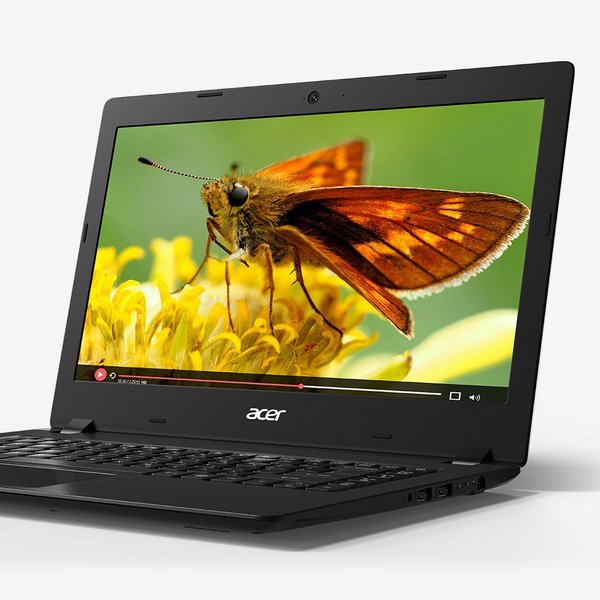
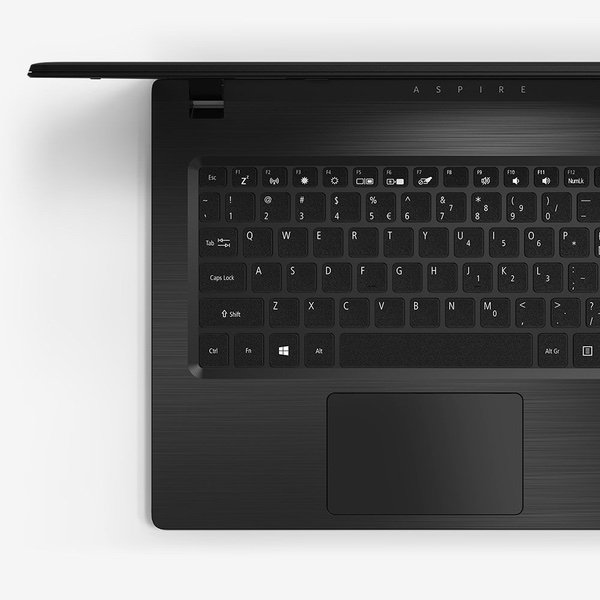
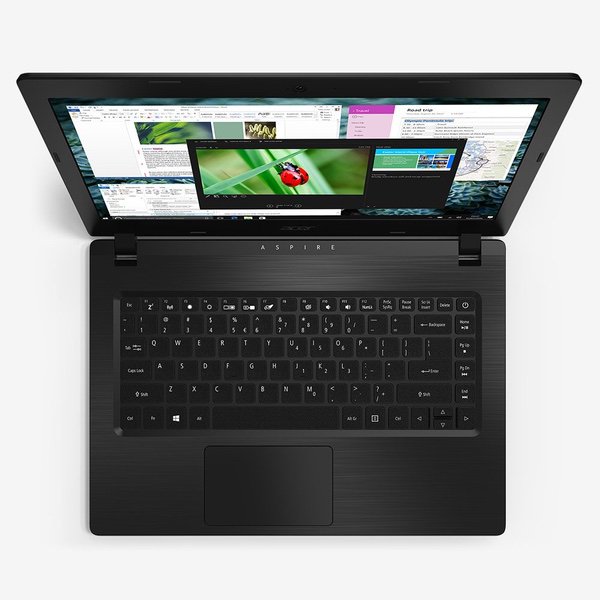
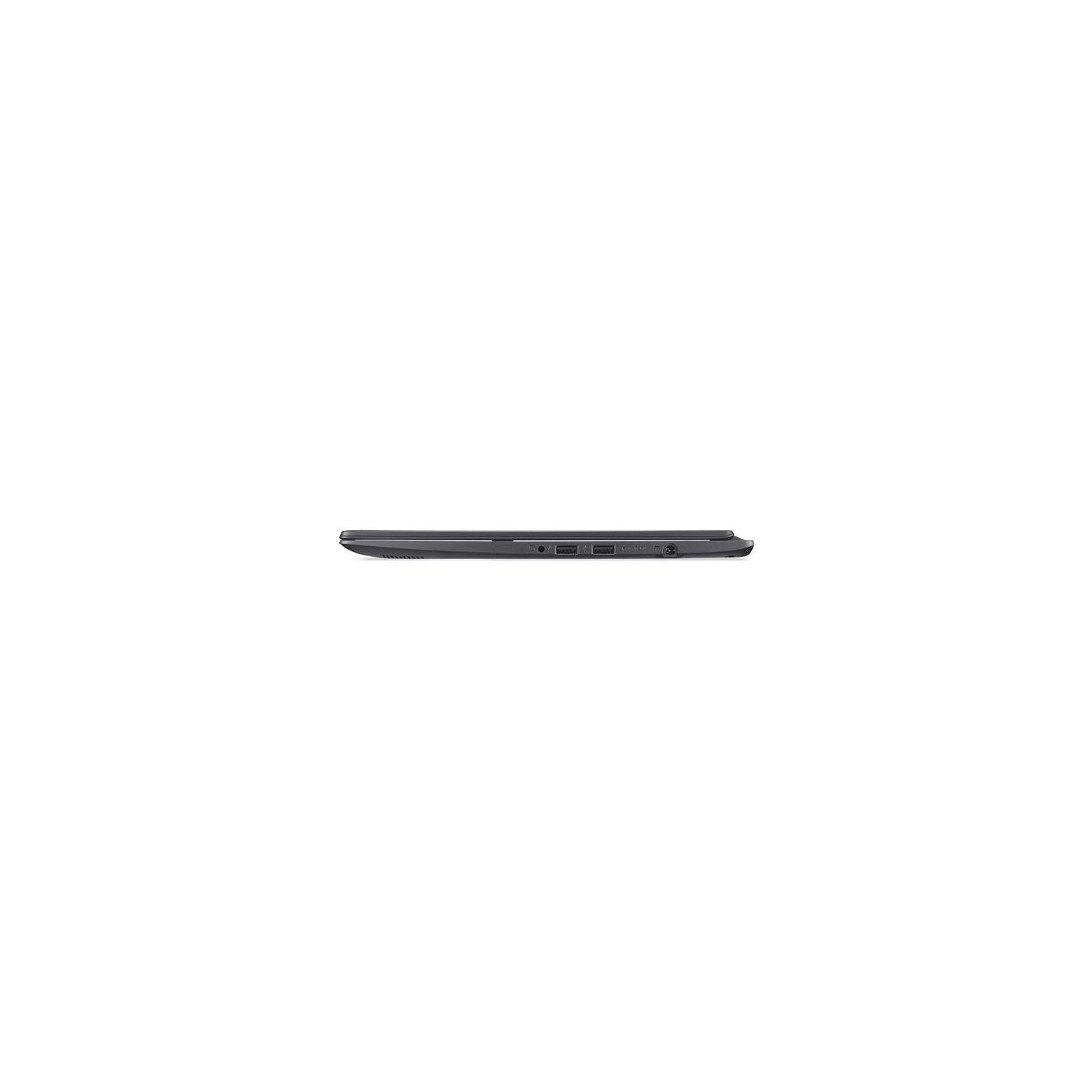
This laptop is a great buy that fits nicely between "cheap" and "too cheap". Youre obviously not going to be playing graphics intensive games on this. Thats not what its for. If youre looking for a solid internet/email/office apps laptop that is light weight, has decent battery life, is surprisingly speedy, and is cheap, this is it. I personally use mine for programming classes and meetups. It runs Visual Studio Code with a dozen Chrome pages and LibreOffice open no problem. If you want to watch some YouTube or Netflix, it does that nicely too. Ive never noticed any video lags or stuttering. Most apps open up in about 5 to 7 seconds. Chrome opens in less than 5 usually. I also have Linux (Ubuntu 18) running in dual boot. The only problem I have faced with running Linux is that you have to put the touch pad into Basic mode in the BIOS before using Linux as it doesnt support the touch pad in Advanced mode. Advanced mode allows the touch pad to use advanced gestures like pinching and three finger swipes. I dont really miss it in Linux honestly as I dont usually use those gestures much in Windows. As many have mentioned, the biggest draw back to this laptop is the screen quality and the storage space. If you find that 64GBs isnt enough for you, this problem can easily be solved by an external SD card, USB drive, or cloud storage. One issue with the SD card reader is that the SD card sticks out about 5/8 of an inch. This would mean youd probably want to remove it before storing the laptop in a bag. Another option is to buy a Micro SD card and a Shortening Micro SD Card Adapter. These are used in some models of MacBooks and in Raspberry PIs. This would make it so the card sticks out only about 1/4 of an inch, which would make a better permanent space solution. I have not personally done this yet, but I have read that it works. As for the screen, theres not much you can do there. It is obvious this is the area that Acer decided to make the most cuts, and I cant say that was a bad decision. Since graphics is not going to be an important task on this machine, the screen is going to be adequate for most tasks. Really the only time that I notice it is when Im trying to share the screen with someone next to me. There simply isnt enough of a viewing angle for a second person to get the best view. But when Im engrossed in coding, or browsing the internet, I dont notice the screen that much. This laptop comes loaded with Windows 10 Home S. The "S" means that it comes in what Microsoft calls "S Mode." S Mode simply means that you can only use Microsoft approved apps from the Microsoft store. In order to run third party apps like Chrome, or LibreOffice, you have to switch out of S Mode. This is a permanent change. Once out of S Mode, you cant go back, although I dont suspect most people will care. You will then have a regular version of Windows 10 Home for free. This is a quick and easy switch, and Im guessing most people would be better off doing this right when you get your laptop. If you need Windows 10 Pro, you will need to purchase the upgrade from the Microsoft Store, which is $99 at the time of this review (11/9/18). The bottom line is, you have to make sacrifices somewhere when you are this far down on the price spectrum. Its really about what is going to fit your needs the most.