
















Razer Cynosa Chroma Gaming Keyboard - [Customizable Chroma RGB Lighting][Individuallly Backlit Keys][Spill-Resistant Design][Programmable Macro Functionality][10 Key Anti-Ghosting]

اكتب تقييم
B075KMZ4MX
Target is a general merchandise retailer with stores in all 50 states and the District...

المدينة: US, New York

Delivery
Pickup at your own expense
Tomorrow from 09:00 to 20:00, Store location
Free
Payment options
Apple Pay Google Pay Mastercard Visa
Cash, bank card, credit/installment payments, cashless payment for legal entities
Warranty and returns
Exchange/return of products of proper quality within 14 days Official manufacturer's warranty: 12 months
Description
This fits your .
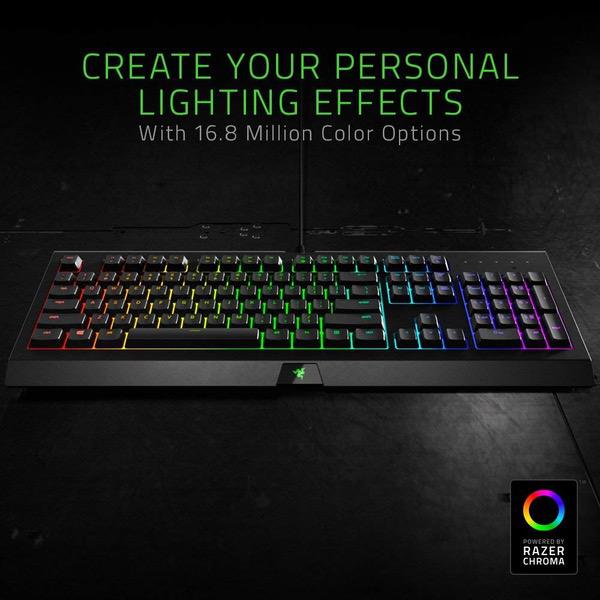
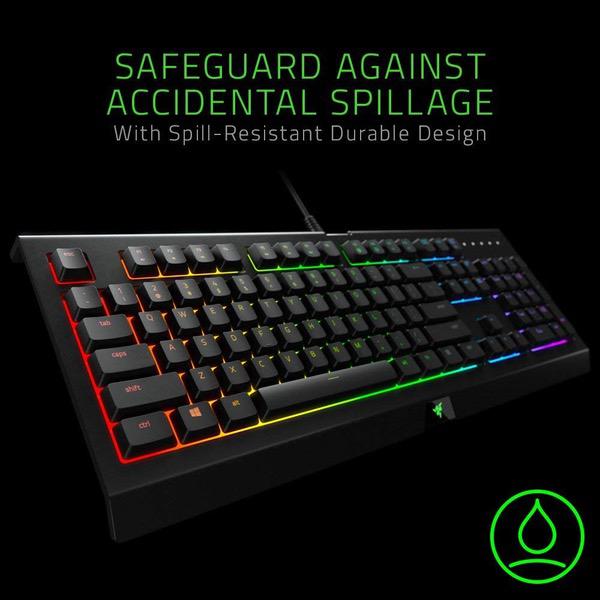
Make sure this fits by entering your model number. All-Around Gaming Performance: Able to execute up to ten commands at the same time with built-in 10-key rollover anti-ghosting Ultimate Personalization and Gaming Immersion with Razer Chroma: Offers effortless, full integration with popular game titles and syncs with Razer hardware, Philips Hue, and gear from 30+ partners; supports 16.8 million colors on individually backlit keys Spill-Resistant Design: Built to withstand most accidental liquid splashes Fully Programmable Macro Support: Razer Hypershift allows for all keys and keypress combinations to be remapped to execute complex commands Durable Construction: Supports up to 80 million clicks with a 2 year manufacturer warranty
Reviews
3.5
التقييمات: 20
5 نجمة
40%
4 نجمة
20%
3 نجمة
15%
2 نجمة
0%
1 نجوم
25%
Caroline Kornelsen
5
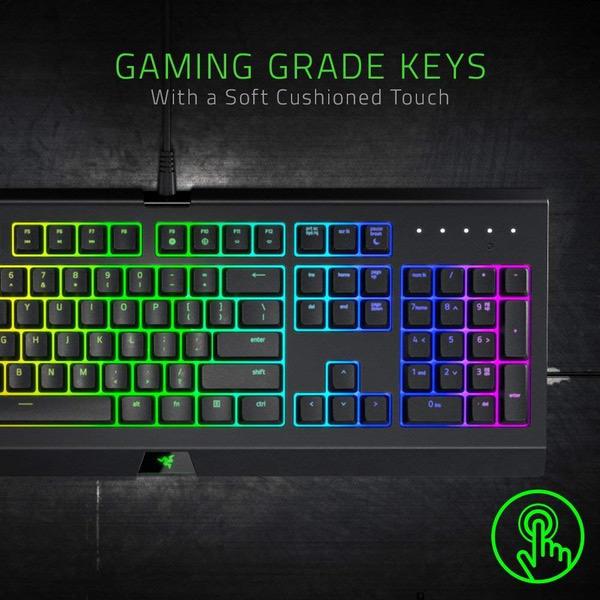
Wonderful keyboard! I have had it for over a month, and I use it for gaming and lots of writing. It works great for all standard functions. Pros -Fantastic price -Gorgeous lighting (backlit with strong colors and completely adjustable with total customization) -Soft clicks, very quiet for a keyboard -Zero issues with any of the keys or ghosting, which I what I would expect from a gaming keyboard -Sturdy feeling, yet not too heavy -Adjustable feet to suit the height of your hand. Very comfortable even for long periods of use. Cons (all minor) -For a while, the backspace and space bar squeaked when pressed occasionally. It was not very noticeable, didnt interfere with any of the functions, and disappeared after a few weeks. Only reason I am including it is because it did irk the perfectionist in me. -Occasionally the driver doesnt boot up right, so the keyboard lights either turn off or revert to standard lighting. Easily fixed by opening the Synapse driver program. -The customization driver could be more user-friendly. Once you get the hang of it, its fun to mess around with! Overall a fantastic keyboard for the budget. I wanted something that would work with my gaming, but also not be obnoxiously loud as I do a lot of typing. The Cynosa Chroma checks all of my requirements, and looks epic! UPDATE 2/2019: Ive now had this keyboard for a year and would not trade it for anything else. It still runs like a dream with absolutely zero issues. The lighting remains strong and no keys have needed replacing/repairing. I would give it 6 stars if possible!
Ben
5
I am old school and grew up playing games on a membrane keyboard. I decided to make the switch to mechanical keyboards a year ago using the Corsair K70 LUX with red swtiches. I love that keyboard but I found myself missing the feel of membrane keys. I decided to give this keyboard a shot and immediately fell in love with it. It has a soft feel and the key presses are very quiet compared to mechanical switches. This has a 1000hz polling rate too making it very responsive. I have been using this for a little while now and it has become my daily driver. Excellent membrane key based keyboard!
J Walters
5
Rock sold keyboard. Love the feel of the keys and sound of them. Lighting is awesome too. Not a RGB fan at all, but its nice to be able to have the KB lights the same as my mouse. :UPDATE: After less then a month of use, i had to return my KB for another one. Nothing major, but 2 keys started to get a real high pitched squeaking noise to the backspace and left shift. I had no issue whats so ever getting a new one.
Glenn A. Maningas
5
Best Keyboard i ever had! This is the perfect keyboard! I was using a Cynosa non Chroma before and upgrading to the Chroma is the best decision i ever had! Will continue to buy Razer products!
Joe D. Thomas
5
This is my third Razer keyboard, and is my favorite so far. I had the V2 with the quiet keys and I did not like it, gave it away. This one is much quieter, and the entire key lights up, not just the bottom one. I dont miss the extra keys on the V2 because I never really knew what to do with them. These keys seem as responsive to me as the V2 and when I type fast, I do not scare the dog.
Phil
5
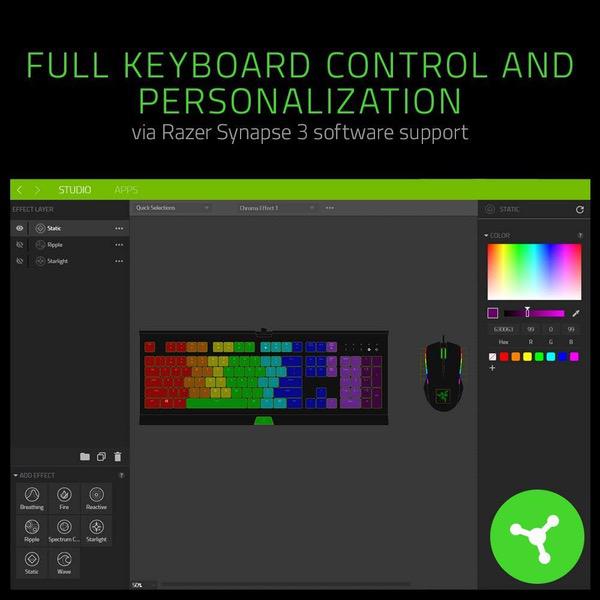
I have a love/hate releationship with Razer products. I will stay away from any laptops/tablets that they make going into the future and have a KOTOR headset that has barely worked out of the box and now has no support because its been discontinued. HOWEVER, their mice and keyboards are my pride and joy. This is my second Razer keyboard and my first Chroma product. I also have 3 different Razer mice and Im looking at buying the new version of the Naga. I am not a fan of mechanical keyboards at all, so to find an affordable membrane keyboard with the extra LED effects was a no-brainer purchase for me. Its still a little louder than I generally like from other chiclet keyboards that I prefer (Razer Deathstalker Expert), but I got this mainly for my kids to learn how to type on so the chunky keys were a must. The amount of customization and effects that you can program on this thing are amazing and the software makes it relatively easy. Unfortunately, the Synapse 3.0 is still in beta so it has some quirks. Certain layers dont always like to load on my Chroma lighting setup, I cant add older devices from the Synapse 2.0 era to manage in 3.0 so I have two different Synapse programs installed and running at the same time. My biggest issue to date is that it does not seem to allow multiple instances of the same program to run across different user accounts on Windows 10. Allow me to explain: I have a Win10 PC setup with my account and two children accounts (microsoft accounts). Each of our accounts has our own Razer Synapse account associated with different emails. If I boot up and log in to any one of the three accounts, the Chroma profile works just fine and all lights are as I programmed them to be. However, if I remain logged in but lock one user account and log in with another, it will not allow Synapse 3.0 to open and load my Chroma profile associated to that account unless I go back and log out of the first account OR close Synapse 3.0. There is also quite a bit of bleed between colors that are next to each other. Would be nice to have an option to turn off the outlining LEDs and just have backlit keys so I can have a yellow key next to an orange key next to a red key and be able to visually tell the difference. As it stands, I have to separate like colors strategically to give my kids a good visible template for learning touch typing. I am still giving this a 5-star rating because it works as advertised and my two gripes are minor gripes and I have found workarounds (log out instead of locking account/separate like colors on my keyboard layouts), but I would definitely like to see improvements made on these aspects over time as they continue to improve the Synapse software. UPDATE: The issue with switching between user accounts has resolved itself. :)
Stef
5
Just quiet enough to be good for an office setting. I love the programmable colors and its relatively easy to set up. I have an adapter for my Macbook Pro and the keyboard doesnt do well drawing power off of it so I have to use a hub, but otherwise this keyboard is everything I could have asked for. It makes up for how bad the new Mac keyboards are.
Amazon Customer
5
I have this one and the Black Widow Chroma. Why both? Well, the loudness of the Black Widow mechanical keyboard was interrupting my husbands sleeping and when I would type at length it really was even too loud and obnoxious for me. One thing I love was that the Razer uses their keyboard lighting system per key where as others have only a few lighting pads so its a lot more smooth on the Black Widow and Cynosa. I plan to keep using the Black Widow for when I game or as a back up. But this Cynosa is a great alternative. It is, essentially a regular keyboard with the chroma lighting i adore. For gaming, I believe the mechanical is likely superior. I just wanted to give perspective of someone who has both. I was leary about the bad reviews I saw here. Then I decided to go read the reviews of the black widow on amazon. The metrics were similar so I went ahead and got this one. So far so good! One tip, when I installed the keyboard I was asked to install a new synapse. It would not show on 2.0 and I have read about various fixes to make this work but in the end I just installed synapse 3.0 to save time and effort (no reason not to).
You may be interested
  • Bestsellers
  • Recently Viewed
 
Similar products
Show more
Fast and high quality delivery

Our company makes delivery all over the country

Quality assurance and service

We offer only those goods, in which quality we are sure

Returns within 30 days

You have 30 days to test your purchase