

























Jonathan
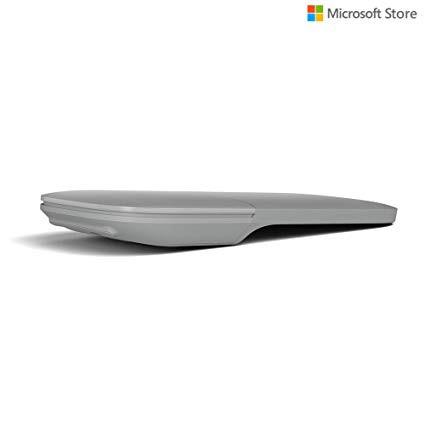
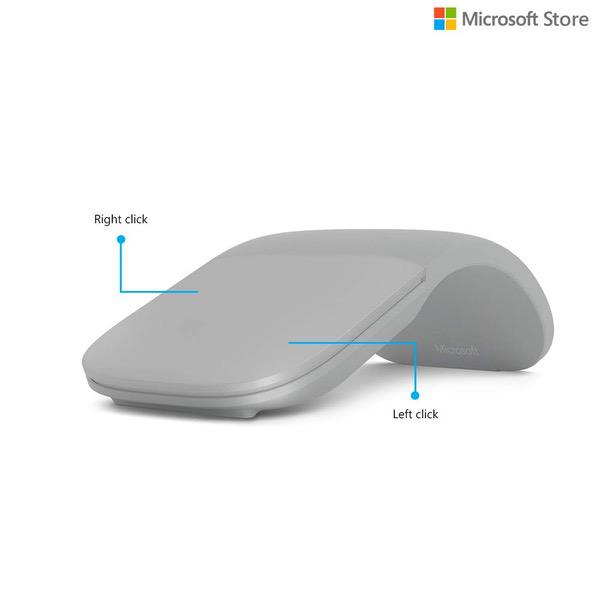
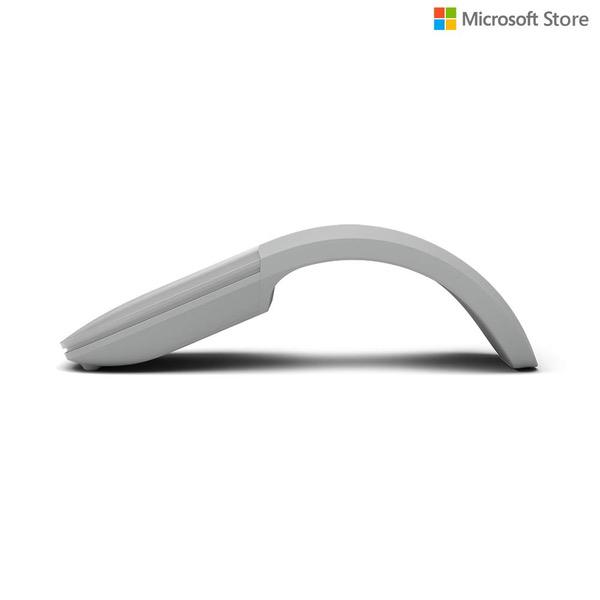
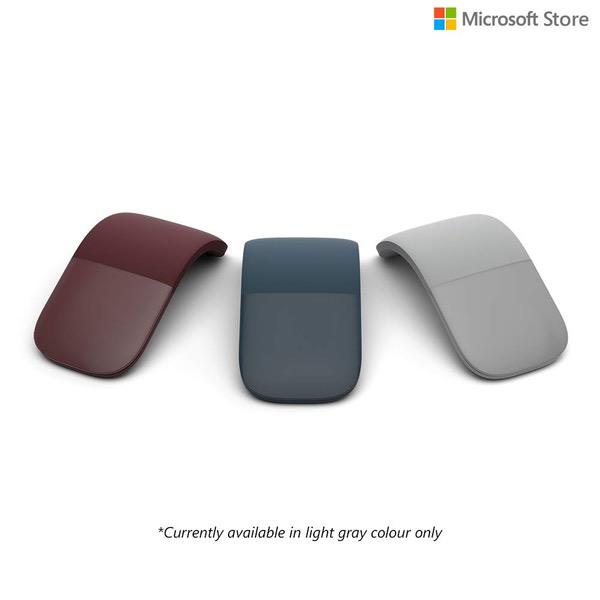
As a long-time techie and gamer, Ive been through a few PC accessories. Lately, in terms of mice, Ive settled on the Logitech G600 MMO mouse, which is great for both gaming and productivity at my desktop. I recently picked up a Surface Book for travel/school/portable computing. I love the trackpad, as its the best of any device Ive used - its spacious, its precise, and it supports a decent number of multi-touch gestures, which are really quite neat. However, I wanted a portable mouse for precision and for light gaming, but I needed something light, portable, and wireless. I was also especially looking for a flatter mouse that would comfortably fit in my laptop case without a bulge. Thus, I decided to give the Surface Arc Mouse a try (in light grey, to match my Book). Design: 4/5 - The mouses design is sleek, minimalist, and creative. I have to give props to the Microsoft team for building a folding mouse, which is a great solution for a portable mouse which is easy to pack away. Its also quite aesthetically pleasing. However, Im docking a point for the single-button design. While I understand that the primary purpose of this mouse is for portability, having to pick up all but one finger to right click (or to pull an additional finger to middle click) is inconvenient. Thats also not to mention the fact that I cant play shooters, as I cant hold right click to aim. I did know this going into the purchase, though. Performance: 5/5 - I havent had enough time with the mouse to investigate the bluetooth connectivity issues that other reviewers have mentioned. The mouse is quite easy and simple to use (pairing is incredibly easy), and I love that its bluetooth, which doesnt require an additional dongle or cable. The tracking takes a bit to get used to, as the sensors at your fingertips rather than in the middle of the mouse - using this mouse, I realized how much I use my wrist, palm, and side fingers to make precise movements. The tracking is acceptable once you get used to that, though. Features: 2/5 - My greatest gripe with this mouse is that its features are very limited, especially when compared to the Surface trackpad. Before I get into that, Ill discuss the pros: the highly marketed touch scrolling is fantastic and well-implemented, in my opinion, and I appreciate that I can change sensitivity/direction using Mouse and Keyboard Center. I also love that I can have multiple fingers on there and only need to move one finger to scroll. However, some of Microsofts design decisions were a bit questionable, namely the single-button design (and not including a click-on-tap feature). I have to raise my other fingers to right click, and I have to pull my ring finger over on top of the mouse to middle click (another MKC feature). I also cant simultaneously left and right click, nor can I use either click with the middle mouse button (which is generally okay since you can scroll while clicking). My biggest gripe, though, is the lack of touch gestures like those available on the touchpad, and the lack of options in using the mouse. I would love to be able to use three- or four-finger gestures to switch apps or control my music, and I really think the mouse could be so much better if that were possible. Value: 3/5 - Ultimately, Id argue that the extra cost of this mouse over other portable bluetooth mice comes from a few sources: the flat design, the bending feature, touch scrolling, and Microsoft branding. In terms of raw performance, many other mice will do significantly better than this one at a similar price. I personally think I paid a bit more than the mouse was worth ($63), but for me it was worth it as a fun gadget with a nice design that I can toss into my laptop case without second thoughts. I intend to use it for a bit longer before updating my review, at which point I think Ill be able to say whether it was truly worth it or not.