
















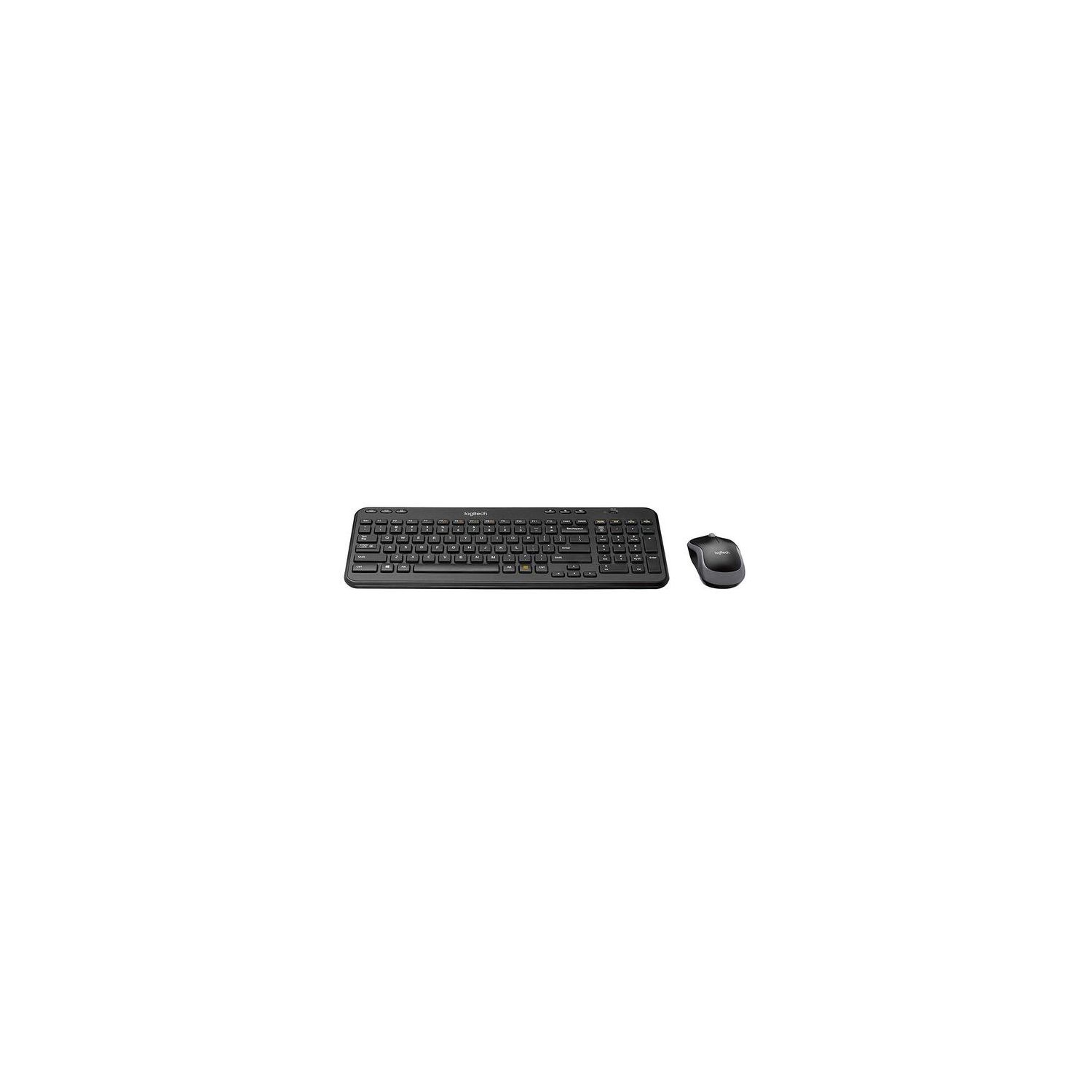
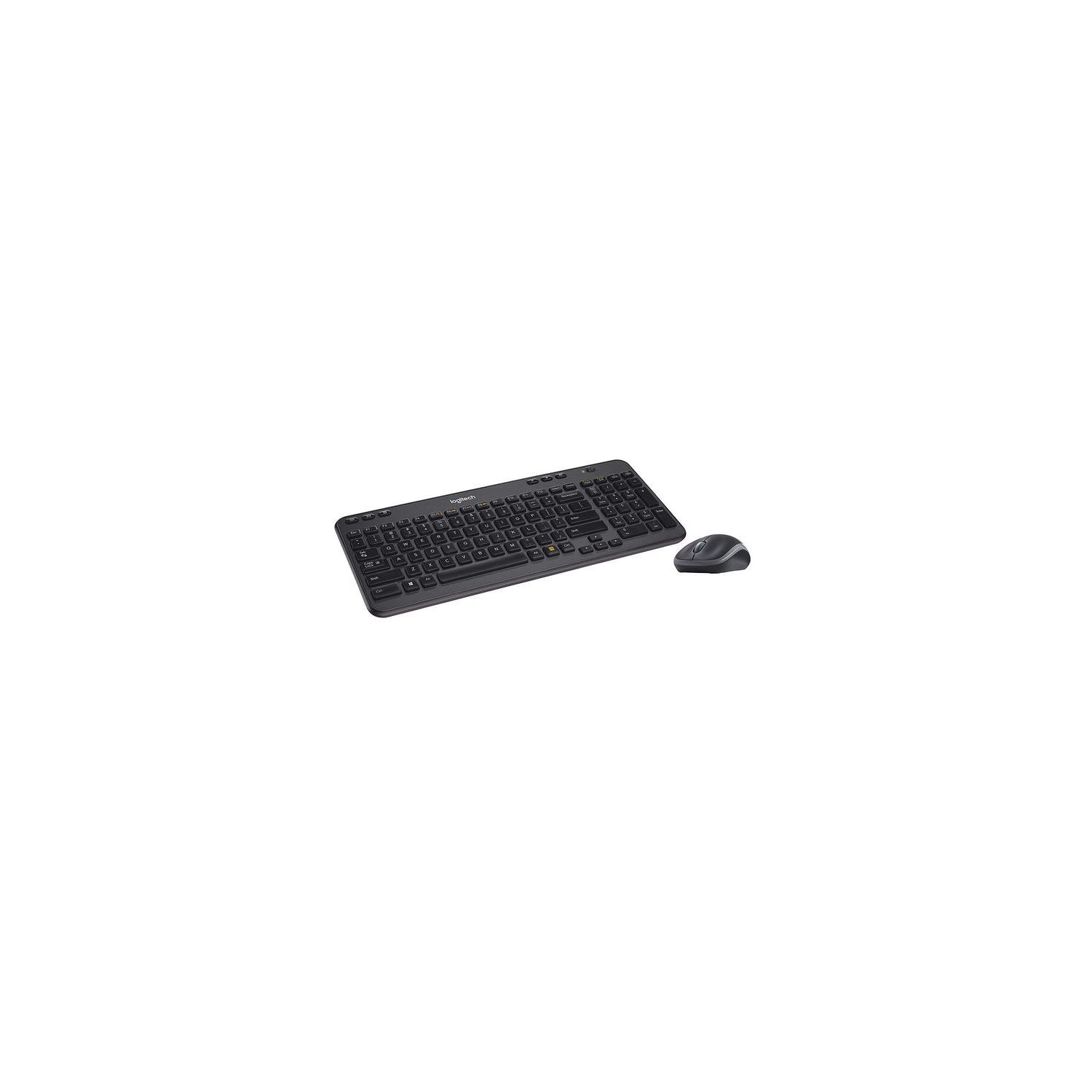
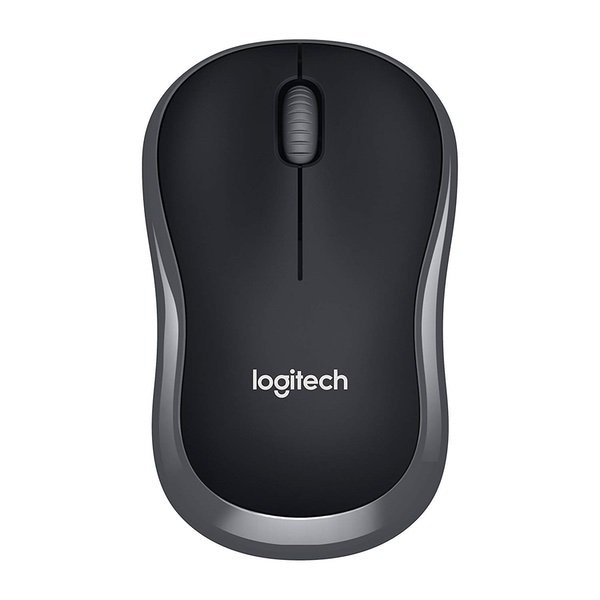
Logitech Wireless Combo MK360 – Includes Keyboard with 12 Programmable Keys and Wireless Mouse, Compact Package Perfect for Travel, 3-Year Battery Life
Write a review
1563 3906

Logitech Wireless Combo MK360 – Includes Keyboard with 12 Programmable Keys and Wireless Mouse, Compact Package Perfect for Travel, 3-Year Battery Life

Write a review
B00L1Y11D4
+
Add to wish list
Target is a general merchandise retailer with stores in all 50 states and the District...

City: US, New York

Delivery
Pickup at your own expense
Tomorrow from 09:00 to 20:00, Store location
Free
Payment options
Apple Pay Google Pay Mastercard Visa
Cash, bank card, credit/installment payments, cashless payment for legal entities
Warranty and returns
Exchange/return of products of proper quality within 14 days Official manufacturer's warranty: 12 months
Description
This fits your .
Make sure this fits by entering your model number. 20% SMALLER – The K360 wireless keyboard is 20% smaller than a full-size keyboard but provides all the functionality of its larger counterpart. Automate your frequent navigation paths using the programmable hotkeys so you can access your favorite programs with the touch of a button 3-YEAR BATTERY LIFE – Work for longer with the K360’s extensive battery life, which lets you work for up to 3 years on 2 AA batteries (included in the package) INCLUDED PRECISION MOUSE – Forget using your touchpad—the MK360 comes with an included precision mouse NO-LAG CONNECTION – The built-in 2.4GHz signal creates a disruption-free connection to your computer, meaning you can work without delays when you’re typing 128-BIT AES ENCRYPTION – Your keystrokes are protected using 128-bit encryption, so your information remains secure when working wirelessly Assembled Product Dimensions (L x W x H) :18.10 x 6.40 x 1.90 Inches
Reviews
4
Reviews: 20
5 stars
50%
4 stars
10%
3 stars
30%
2 stars
5%
1 star
5%
Jake
5
I just got it today, so I cant give any information about how long it will last, but this keyboard is pretty great, Its small, thin and comfortable. The keys are half the high of a "normal" keyboard, which makes for much quieter keystrokes. Limited space between the keys and the keyboard itself, making dirt and crumbs or anything else small hard to get in and should be easier to clean. Setup is simple, you plug it in and it self-installs the driver. Wireless is nice, no cord hassle to deal with. If youre looking for a smaller keyboard similar to the size of a 15.6 inch laptops, this is it. It feels like a $20 keyboard, because thats what it is. And thats all you need. Edit since review, the other week I spilled a glass of beer on this keyboard and have had no problems. Still works, keys dont even stick though I was sure some would. Still very happy with this keyboard.
Rod
5
I just love it. Battery life is outstanding, it feels great in your finger and you can use it from across the classroom. It looks nice on the desk, takes up very little space and is easy to carry in my laptop bag. I simply loved the usb wireless connector being saved inside the keyboard in a non visible place. You cant lose it. Superb!!
Crtclthinkr
5
I used to think all keyboards were pretty much the same, so why spend a lot? Until the GE one. Not only did the surface lettering wear off quickly, the e and other keys stuck depressed halfway, making difficult to tell if it took when doing passwords etc, and the enter key would stick, creating pages and pages before you could get unstuck. This one is smaller, has the chicklet type keys (which seem fun to this old-timer), has all those neat button features, can be turned off-- and its so nice not having a blasted cord in the way, and is same brand as my mouse....all for $18, BTW I almost skipped looking at it because I thought it was 2/3 black and 1/3 grey, as it looks in picture, but its solid black. (Note to Logitech; that marketing ploy might not be working for you.)
W. Sherman
5
I have not had it long, but Dang NICE! To start off, it is encrypted. It looks great, it connected in 1/2 second, it is a great size (slightly smaller, but good), and it feels great. Ive tried a lot of different keyboards. As a writer, I have tossed a lot to the side, but so far, this is a great keyboard. And the cost? You cant do better. At 15$, I can order a spare, but I dont think I will need to:) Logitech for mice and keyboards! YEAH!
Frank
5
If youre looking for simplicity, look no further! This mouse/keyboard combo is as barebones as it gets. I got this for my parents because they want something simple just to browse and browse videos with. I saw this and the best part is it only uses one USB port, so it keeps the computer from having undue clutter. Moreover, the USB receiver is really low profile, so it wont be knocked out or break accidentally... Those factors all together make this a perfect unit for simple daily use, or if you need to attach a keyboard/mouse to your laptop without the hassle of larger units. If youre looking to game with this combo, it wont work how you want... but for just typical daily use, you cant beat this convenience and price.
Bichon Mom
5
I bought a Logitech K360 about 3.5 years ago and it immediately became my favorite keyboard. This year I made the switch from windows pcs to chromeboxes and again went keyboard shopping. I decided to try the Logitech K400 920-007119 Plus Wireless Touch Keyboard with Keyboard for TV Connected Computer because I wanted to also use it on my Android tv. I soon realized that the functioning of the K400 with Android apps was hit or miss. In addition, I found that the close set of the keys hindered my ability to type rapidly and error free. I placed the K400 Plus with my kitchen chromebox since it does take up less space than the K360 and a mouse. When I purchased another Chromebox for the den, I chose to buy a second K360 since the first one has served me so well with heavy daily use. With batteries, the K360 weighs 20 ounces compared to the 14 ounces of the K400 Plus. It feels much sturdier and I like having a numeric keypad. Both keyboards work with Chrome operating system. Although the function keys are labeled for windows, they work in the same order as Chromebook keys. If you are looking for a comfortable and durable keyboard to use along with your favorite mouse, the Logitech K360 is a really good choice.
J. Rosenberg
5
I just ordered my fourth keyboard of this model, because it is the only model Ive found that has the right combination of size, weight, clickyness, etc. without straining my fingers. I have rheumatoid arthritis and Ehlers Danlos syndrome and wrote about 300,000 words of fiction last year, and the difference between this and my laptop keyboard is HUGE. This is really well designed. It takes a lot to break one, and of the four Ive had, Ive only had the one just stop working, and that was after a year or two. Ive used these when my shoulders were bad by using two at once, one on each side, so I would not have to type at the midline, and theyre MUCH cheaper than a split keyboard, not too big, and easily manageable in that configuration. My setup is in a lift/recliner, leaned back, feet elevated, Laptop above me, and I type with this on my belly (if I was thinner, Id need a pillow to put it in the right position, but this works well for me) and even when I had 29 joints flaring at once, and my hands hurt like hell, typing didnt actually hurt worse than not typing on this keyboard (but did on my laptop keyboard.) The unifying software is great, however, if you are using two keyboards at once, you will want to use two receivers, as putting two keyboards on one receiver resulted in a lot of duplicate/missed letters. It works flawlessly to type with two hands on two keyboards with two receivers. The bounce of the keys is just right without requiring much pressure to use. The spacing of the keys is perfect--I do not have small hands, and I really love this keyboard layout. Its more spacious than the laptop (15.6 inch, not small) keyboard, and much more compact than most separate keyboards.) Ive taken one of these apart before, and theyre really well designed to minimize damage from spills. My keyboards get dropped a lot due to kids, and these are quite resilient to that. ETA: Probably going to buy a couple more of these--hubby is now using the second one and my sons is starting to get too sticky (not the keyboards fault). Main gripes after years of using: 1. Letters wear off. I tried applying new stickers to one but they were a sensory nightmare. I touch type but my son doesnt yet. 2. The print screen button needs to be its own thing, not a function key. Ridiculous. Still the most comfortable keyboard. Good size, good weight, far easier than anything else. Survives being dropped and carried in bags. Good battery life (though not as long as indicated, Id say I get... eh 3-6 months? Enough to be surprised when it stops working, not long enough to be shocked.)
Ben G.
5
After much debate and trying to find an ergonomic keyboard that was comfortable to type with and that it didnt strain my hands too much, I settled with this one. Even though it is not described as en ergonomic keyboard, I find this comfortable enough. Its a full sized keyboard in a compact size. It fits my space perfectly. I had bought the MK360 package from Amazon, but had to return it as the USB receiver was not the Logitech Unifying type (falsely advertised), but just a standard USB receiver. So, I bought this one that has the Unifying Receiver and also the M570 ergonomic mouse. This way, I only need to have one USB receiver plugged in and forget about the rest. The build quality is great for a $20 keyboard. If you want a less plastic feeling, than go invest more. But at $20, this keyboard is great. I decided to keep the film covering the gloss finish as, although pretty, this attracts fingerprints and dust. The type-style is soft. It doesnt take much effort to press each keystroke. This is an "island-type" keyboard, meaning all the keys are separated, like little islands. It has great function buttons that work right out of the box. They are quitter than other keyboards, but they could be a little more silenced, but hence the plastic and the price. So, at $20, I am not complaining. I would not pay any more than $20, though. If you made it this far, thanks for reading my review!
Fadams
5
Exactly what I was looking for. The graphics card in our computer has an HDMI output, so we run a cable under the floor until it pops up right behind our big screen TV. Works great, but It seemed like we were living in the 1970s every time our wired mouse and keyboard forced someone to make a trip to the computer to change tv shows. Wireless mouse and keyboard are now on a coffee table next to the sofa: problem solved. I like: That the compact profile is perfect for a coffee table That you can rewind and fastforward a streaming video from the keyboard. That you can raise, lower, or mute the volume from the keyboard. That the keys are not packed too closely together for a "compact" keyboard, and typing feels pretty natural. That said, if I wanted to type a thesis or a novel I would do it on the full sized keyboard at my desktop. They should tell you the USB receiver is inserted into the cardboard packaging of the keyboard. It took me about ten minutes to find it. However, it seemed like the future had arrived when I finally plugged the gizmo my desktop. It went onto the internet, downloaded its driver, and in a couple minutes the keyboard was fully functional. It worked like a charm, and I got the warmest fuzziest flashback to the first time I ever used a remote control to change a tv channel (I guess that statement betrays my age a bit). Its nice that they give you two AA Duracell batteries for no extra charge. I dont like the on/off switch. Its so tiny you have to move it with your finger nail, and it doesnt really "click" in place. Im not sure, but I dont think theres a timed auto shut-off to save battery power, so dont forget to shut the thing off.
Cal
5
Let me start by saying that I am a little bit of a peripheral enthusiast. My wife would say that I own much more than I need in that area. I have also become quite a Logitech fan over the last decade, with most of the products I have purchased still working. When the opportunity to purchase this keyboard for the price of a wired keyboard, I bit. At my desk currently sit 3 different Logitech Keyboards all serving different needs. This one is my newest and current favorite for the following reasons: The size is perfect. It is not as large as my Wave Ergonomic keyboard, leaving valuable space beside me for my mouse to the right and my smartphone to the left. It may not have all the bells and whistles of the Wave, but the 10-key pad to the right and the convenience keys along the top cover 90% of my needs. Being very light, I can easily throw this in a backpack or carry it anywhere that I go. It also fits perfectly in my lap, without having to move my legs wider or more narrow to support it. The power key allows you to chuck it in a bag full of stuff and not worry about inadvertent button pushes or unnecessary battery waste. The location of the Home, End, PgUp, and PgDn buttons above the 10-key make reaching all the keys much easier than if they were located between the main board and the 10-key pad. As for buttons, I initially thought they were on the small side since there is so much space between the keys. But after using it, I realized that the larger buttons were not necessary and the gaps actually gave me a better tactile understanding of where each key ends and the next one begins. They are also SILENT when typing, yet give a good feedback that the button was pushed. The pressure required is between a laptop keyboard and a raised keyboard, leaning a little more towards laptop feel. As for looks, the piano black plastic is a soothing feature, although I question how long it will continue to look decent. It does tend to attract some smudges from my hand creme. Summary of Things I like: On-Off Switch Unifying System and included new dongle 2 Duracell AA batteries included 8 degrees of tilt from the legs Convenience buttons Good button feel and feedback Compact size and light weight Things it doesnt have (not necessarily cons): Backlit buttons Rechargeable battery Bluetooth Trackpad Scroll buttons Ergonomic Shape
You may be interested
  • Bestsellers
  • Recently Viewed
 
Fast and high quality delivery

Our company makes delivery all over the country

Quality assurance and service

We offer only those goods, in which quality we are sure

Returns within 30 days

You have 30 days to test your purchase