

























Thomas T.
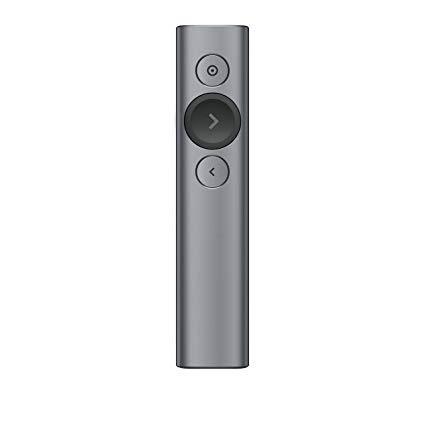
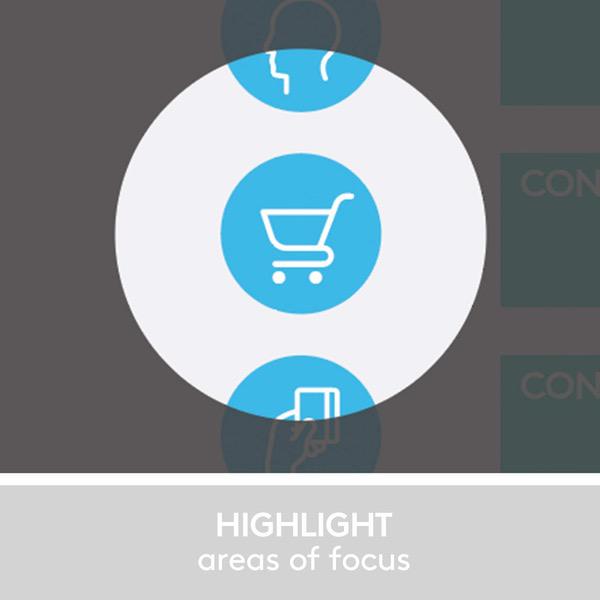
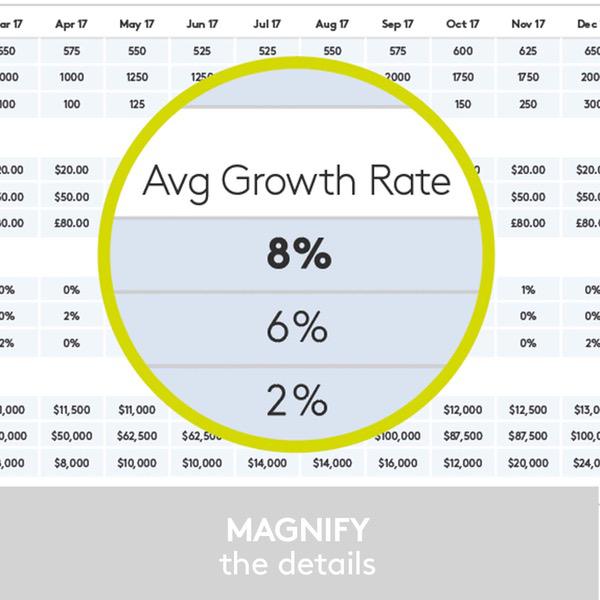
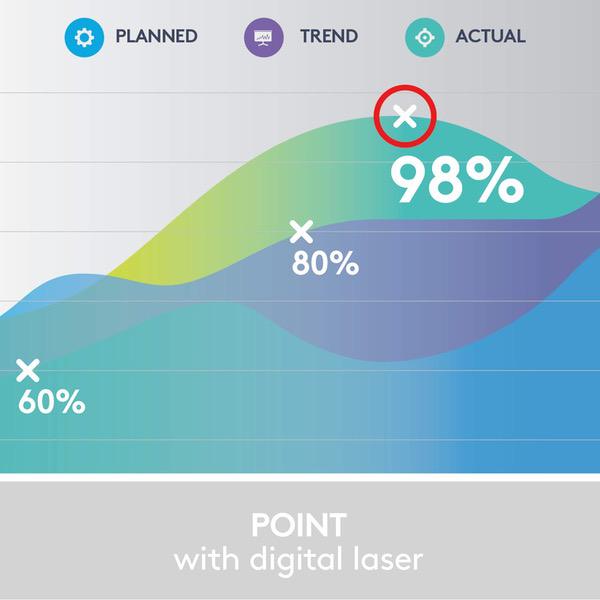
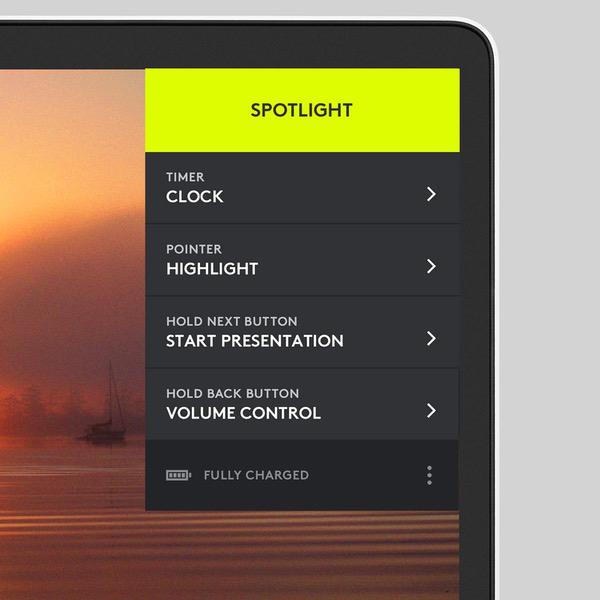
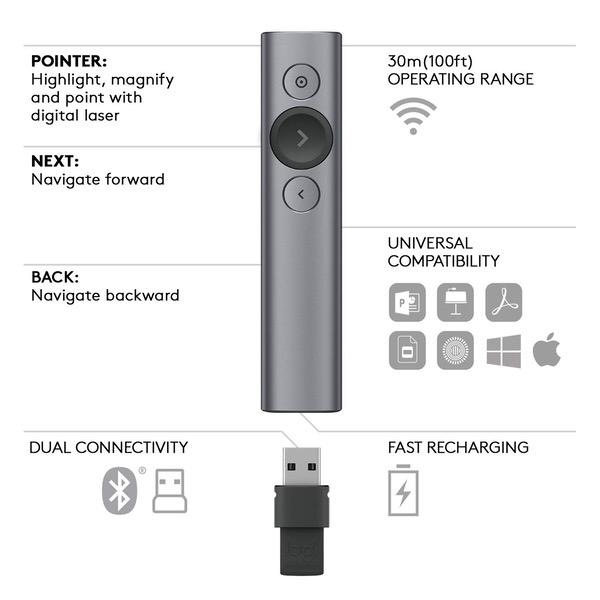
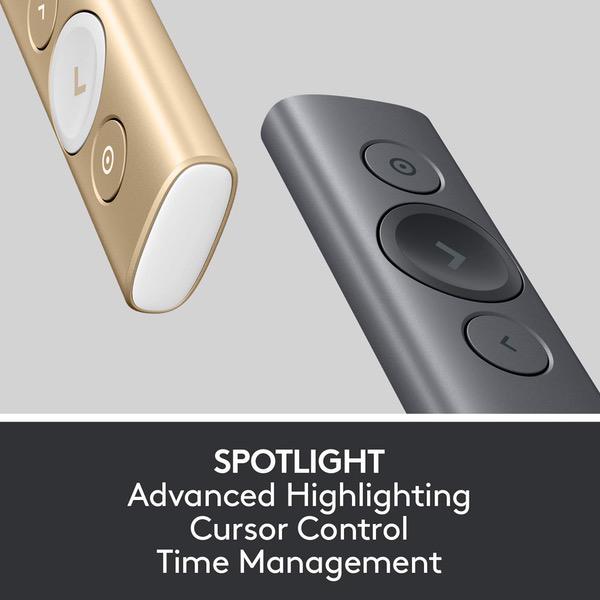
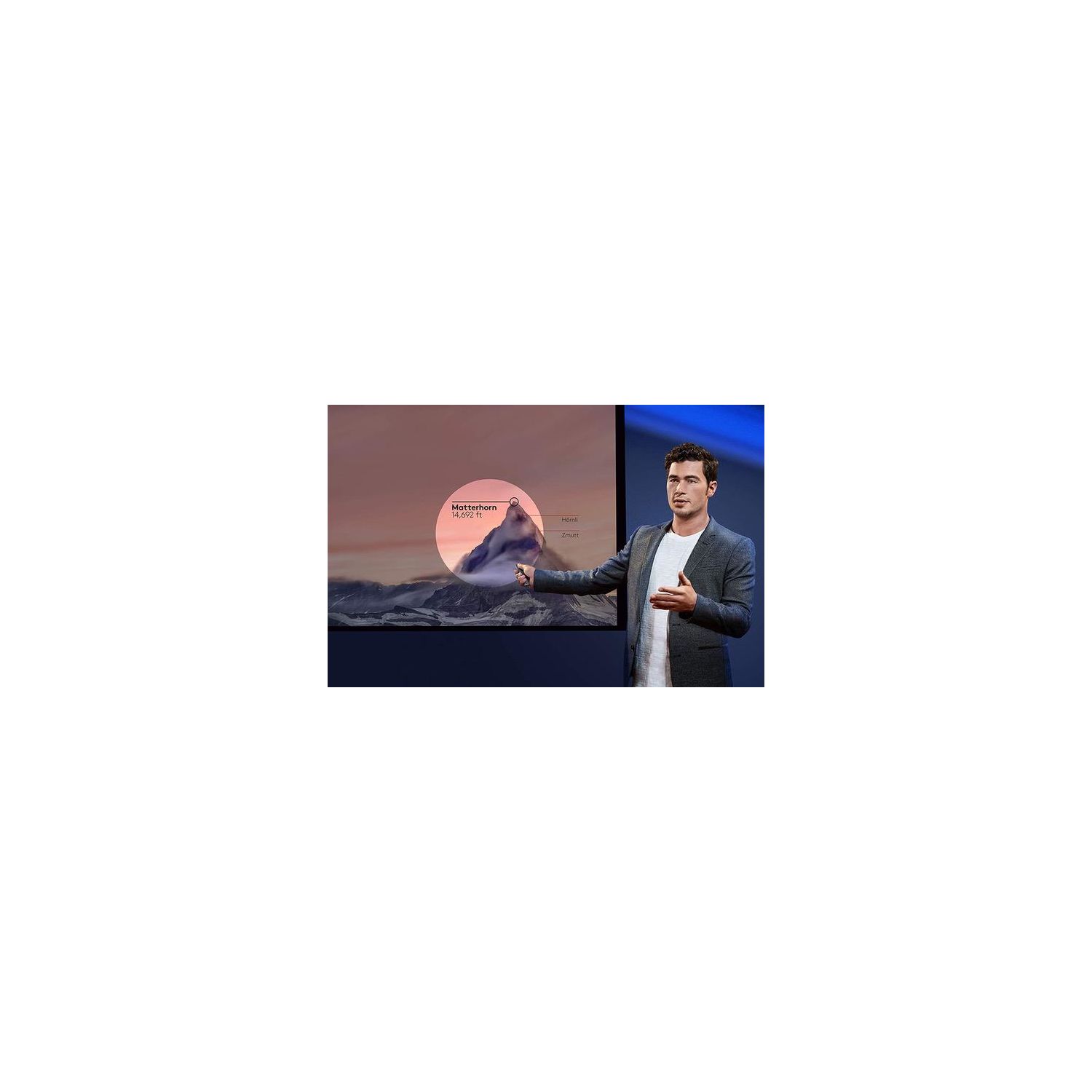
I first saw this device a while ago and while very interesting, the $129 price tag effectively kept me from even considering the purchase. This is when most other devices cost a fraction of the Spotlight, and that includes gyroscopic mice which are essentially not that different. Recently Logitech dropped the price to $99, and thats more interesting even if its still one of the most expensive devices on the market. WITHOUT SPOTLIGHT APP: The remote does work without the Spotlight app. In that case, the operating system installs the proper driver once the Bluetooth connection is established. The gyroscopic presenter simulates a mouse and controls the cursor, while the pointer button acts as a left mouse button. In a PowerPoint presentation, the "next" and "previous" slide work as expected. The special functionality of the spot light is of course not available since the special functionality is not in the operating system or the application (PowerPoint). WITH SPOTLIGHT APP: The Spotlight app requires admin rights and once installed allows to extend functionality. Thats not really a whole lot more, but quite useful to dim the presentation and keeping an area of interest bright, hence the name spotlight (or think of a flashlight). Equally interesting and useful is the magnifier function which does what the name suggests. Thats almost more useful when you have detailed drawings and large venue. Depending on which functions are enabled, a double click on the highlight button switches between Spotlight, Magnifier and Cursor. The latter is closest to a laser pointer and far less innovative. The HARDWARE of the Spotlight is simple and sturdy. The metal housing isnt difficult to hold, although the slick, featureless body is also not the easiest to hold on to. The prominent forward button (middle) is larger and ensures "blind" orientation. The other two buttons are smaller but easy to use. Often criticized is the lack of an actual laser pointer. I can see the argument for cases when the app isnt loaded. However, that kind of negates the point of the spotlight feature and good luck trying to point with the laser in spotlight area. The possibly most impressive feature of the Spotlight is battery life and charge time. Depending on your use, you have potentially months between charges. That makes the charging cable one of those rare utilities that you may forget where you stored it between times of need. The included sleeve is a good home for the presenter, but not the cable. So I opted for a hard case that allows to store the cable. Should you forget to charge until shortly before prime time, the Spotlight needs only 1 minute to be charged for up to 3 hrs (typical) presentation use. Please note that the implied loop on the USB receiver is not a reliable method to attach the remote via lanyard or similar ways. It holds in the remote is a good snap fit, but cannot guarantee that you wont lose the hardware when holding it on the loop only (i.e. when hooked to a key chain etc.). The device comes in a large box, but without manual. Okay, most functionality is intuitive, although I have yet to find out how the Clock function works that supposedly displays a timer on the presentation screen. (Which I have yet to see.) Also, the size of the spotlight area can be pre-set, but during a presentation there is no way to change it from the remote (if thats needed). So overall its a great addition to your presentation to help your audience focus. Unlike PowerPoint animations, I cant see the spotlight function to grow old too quickly, and for now theyre not everywhere. Even if it was, I think its a great addition to your presentation.