

















Logitech Spotlight Presentation Remote - Advanced Digital Highlighting with Bluetooth, Universal Compatibility, 30m Range and Quick Charging – Slate
Write a review
7734

Logitech Spotlight Presentation Remote - Advanced Digital Highlighting with Bluetooth, Universal Compatibility, 30m Range and Quick Charging – Slate

Write a review
B01N9X3DBQ
+
Add to wish list
Target is a general merchandise retailer with stores in all 50 states and the District...

City: US, New York

Delivery
Pickup at your own expense
Tomorrow from 09:00 to 20:00, Store location
Free
Payment options
Apple Pay Google Pay Mastercard Visa
Cash, bank card, credit/installment payments, cashless payment for legal entities
Warranty and returns
Exchange/return of products of proper quality within 14 days Official manufacturer's warranty: 12 months
Description
This fits your .
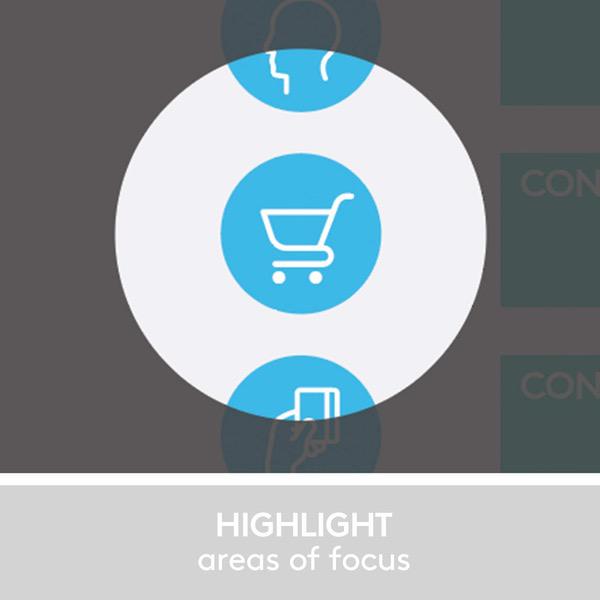
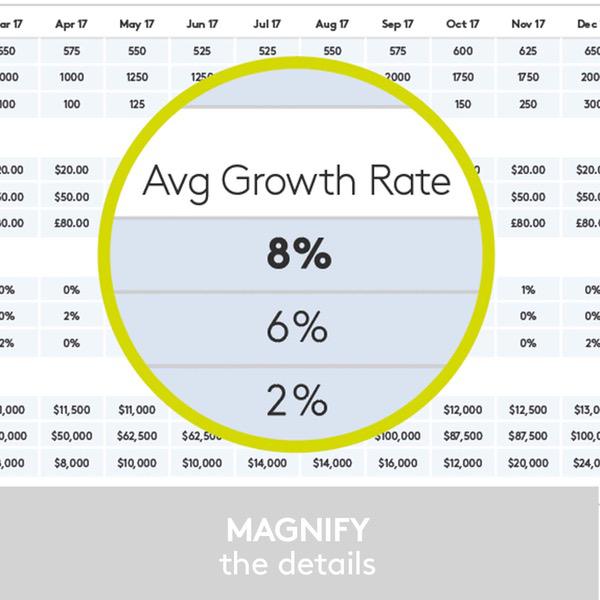
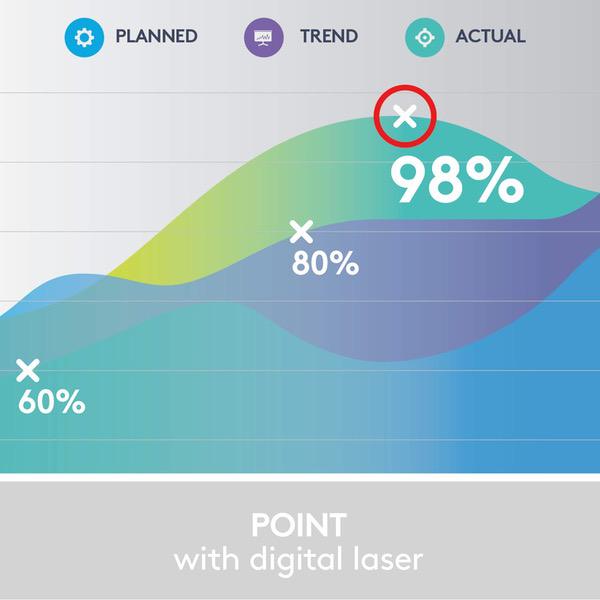
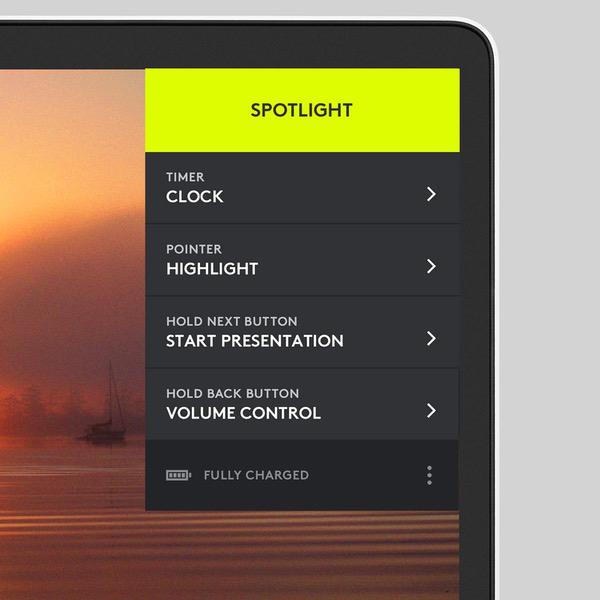
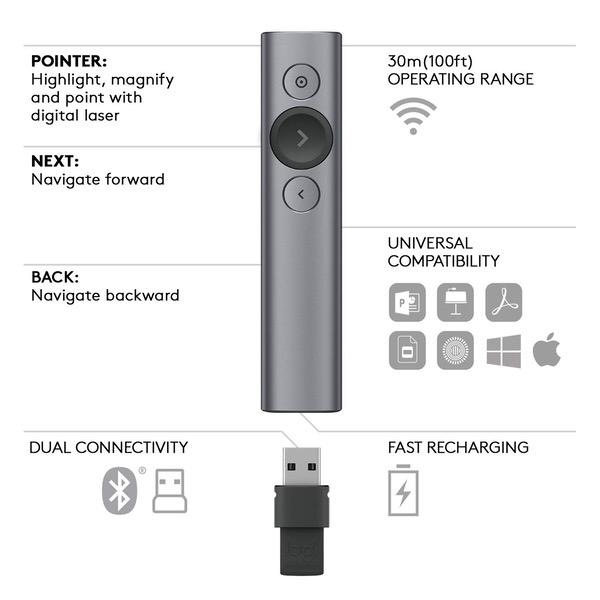
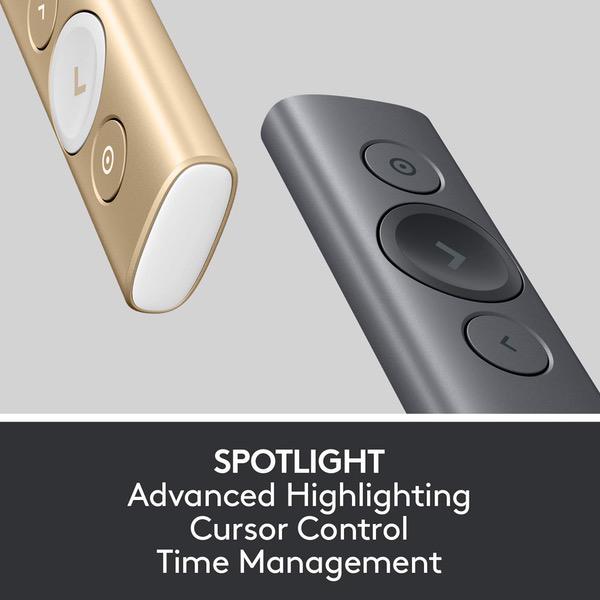
Make sure this fits by entering your model number. Advanced Highlighting* – The Logitech Spotlight remote allows you to highlight or magnify on screen. Visible to audience in-person and video conference. It also has a mouse-like cursor control for you to interact with your content (videos, links, etc.). *Requires installation of Logitech Presentation software (available for download at Logitech. com). Smart Time Management* – Manage your time perfectly from your first until your final slide. Set timed milestones within the app and receive vibration alerts directly to hand. *Requires installation of Logitech Presentation software (available for download at Logitech. com). Universal Compatibility – The Logitech Spotlight remote is optimized to work with Windows or macOS as well as leading presentation software including PowerPoint, Keynote, PDF, Google Slides and Prezi. Dual Connectivity – Connect the Logitech Spotlight remote to your computer via USB receiver or low energy Bluetooth. A convenient, built-in dock stores the USB receiver inside the remote when not in use. 30 Meters Operating Range* – Move and present freely from as far as 30 meters away. Perfect for medium to large-size rooms. *May vary based on use and computing conditions.
Reviews
4.4
Reviews: 20
5 stars
60%
4 stars
25%
3 stars
10%
2 stars
0%
1 star
5%
Thomas T.
4
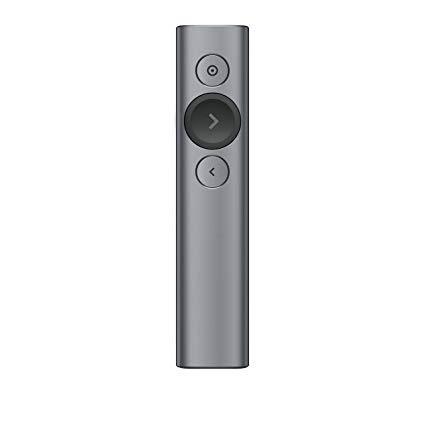
I first saw this device a while ago and while very interesting, the $129 price tag effectively kept me from even considering the purchase. This is when most other devices cost a fraction of the Spotlight, and that includes gyroscopic mice which are essentially not that different. Recently Logitech dropped the price to $99, and thats more interesting even if its still one of the most expensive devices on the market. WITHOUT SPOTLIGHT APP: The remote does work without the Spotlight app. In that case, the operating system installs the proper driver once the Bluetooth connection is established. The gyroscopic presenter simulates a mouse and controls the cursor, while the pointer button acts as a left mouse button. In a PowerPoint presentation, the "next" and "previous" slide work as expected. The special functionality of the spot light is of course not available since the special functionality is not in the operating system or the application (PowerPoint). WITH SPOTLIGHT APP: The Spotlight app requires admin rights and once installed allows to extend functionality. Thats not really a whole lot more, but quite useful to dim the presentation and keeping an area of interest bright, hence the name spotlight (or think of a flashlight). Equally interesting and useful is the magnifier function which does what the name suggests. Thats almost more useful when you have detailed drawings and large venue. Depending on which functions are enabled, a double click on the highlight button switches between Spotlight, Magnifier and Cursor. The latter is closest to a laser pointer and far less innovative. The HARDWARE of the Spotlight is simple and sturdy. The metal housing isnt difficult to hold, although the slick, featureless body is also not the easiest to hold on to. The prominent forward button (middle) is larger and ensures "blind" orientation. The other two buttons are smaller but easy to use. Often criticized is the lack of an actual laser pointer. I can see the argument for cases when the app isnt loaded. However, that kind of negates the point of the spotlight feature and good luck trying to point with the laser in spotlight area. The possibly most impressive feature of the Spotlight is battery life and charge time. Depending on your use, you have potentially months between charges. That makes the charging cable one of those rare utilities that you may forget where you stored it between times of need. The included sleeve is a good home for the presenter, but not the cable. So I opted for a hard case that allows to store the cable. Should you forget to charge until shortly before prime time, the Spotlight needs only 1 minute to be charged for up to 3 hrs (typical) presentation use. Please note that the implied loop on the USB receiver is not a reliable method to attach the remote via lanyard or similar ways. It holds in the remote is a good snap fit, but cannot guarantee that you wont lose the hardware when holding it on the loop only (i.e. when hooked to a key chain etc.). The device comes in a large box, but without manual. Okay, most functionality is intuitive, although I have yet to find out how the Clock function works that supposedly displays a timer on the presentation screen. (Which I have yet to see.) Also, the size of the spotlight area can be pre-set, but during a presentation there is no way to change it from the remote (if thats needed). So overall its a great addition to your presentation to help your audience focus. Unlike PowerPoint animations, I cant see the spotlight function to grow old too quickly, and for now theyre not everywhere. Even if it was, I think its a great addition to your presentation.
Swain
4
I purchased this after all of the reviews and the features. I was EXTREMELY disappointed when I plugged it in and couldnt get most of the features to work (including the forward and back buttons). The only button that worked was the one at the very top. After searching the web I found nothing but complaints of people that had Macs. This will help you. First, plug it in using the USB dongle (a pain I know). I actually have one of the Macbook Pros that are only USB C. If youre like me, you probably have an adapter because you still have to use USB A. After youve plugged it in, go to Security & Privacy on your Macbook and click Accessibility. You may have to click on the padlock on the lower left to make changes. Do that and click to give LogiPresentation access (youd think Logitech would have instructions advising you of this but if theyre like most companies, theyve optimized it for Windows and may not know this themselves). Once you do that, you can go into the Logitech app and customize the buttons. After that, you can take out the USB A dongle and connect via Bluetooth and all of the settings will be there and it will work the way you customized it (I saw where another user was upset because they couldnt customize the remote when using Bluetooth... Contrary to what Logitech stated, I found the exact same issue the user had and was only able to customize using USB A to set it up and then it worked). A lot of pain and probably bad reviews could be eliminated by something simple... A complete user guide. Shame on Logitech for half @## rolling out the product with very little common sense support for Mac users. I did this and it has now been working PERFECTLY. Hope this helps save you the same frustration I originally had (I almost sent it back).
Cristian
4
The software/driver is easy to instal in OS X (macOS) and it is very intuitive. In less than 20 minutes I managed to use the magnify and highlight functions. For me those are the key characteristics, because I use to present on with dual projectors and if you use a laser pointer only one half of the audience will see clearly what are you pointing at. With this, thats no longer an issue, and I can imagine that will be pretty useful if your presentation is been broadcasting in real time to another location. Although not officially supported by logitech, I could pair the Spotlight with iOS (Bluetooth) and it works as a basic clicker (next and back buttons) for iPad/iPhone. That is pretty useful (for me). Whats nice: the USB dongle can be inserted upside-down, so you dont need to pay attention when you are storing it. Wishlist: For sake of completeness, would be the perfect product if it also includes a laser pointer (green). Updates Week 1: Logitech supports for institutions is nonexistent. I have been trying for the past two weeks to get the driver installed in classroom computers but logitech support havent been responsive to our IT concerns (-1 star).
JL
4
I love this product. It fits smoothly in the hand and you barely notice it. The battery lasts a very long time as well. The only thing I wish about it is that I wish the clicker was a tad quieter. Its not noticeable from across the room but if you are close to the person presenting, you can hear the "click". Otherwise, wonderful purchase and by far better than any other presentation remote on the market.
Malcolm Granger
4
This is NOT a laser pointer. It is run from software placed on your laptop. It will not work with a laptop without the logitech software running in the background. It will not work with a common projector - it has to run from your device. You cannot hand it off to another speaker with that package running on their device. You cannot have the spotlight running alongside the magnifying glass at the same time. Needs to be chosen from the software running on your device. However, once the software is installed and running and the lights go down, the Spotlight will absolutely draw gasps from the crowd once they see what this thing can do. Magic but at a price.
You may be interested
  • Bestsellers
  • Recently Viewed
 
Fast and high quality delivery

Our company makes delivery all over the country

Quality assurance and service

We offer only those goods, in which quality we are sure

Returns within 30 days

You have 30 days to test your purchase