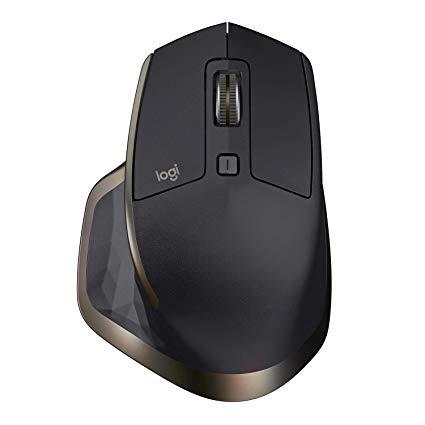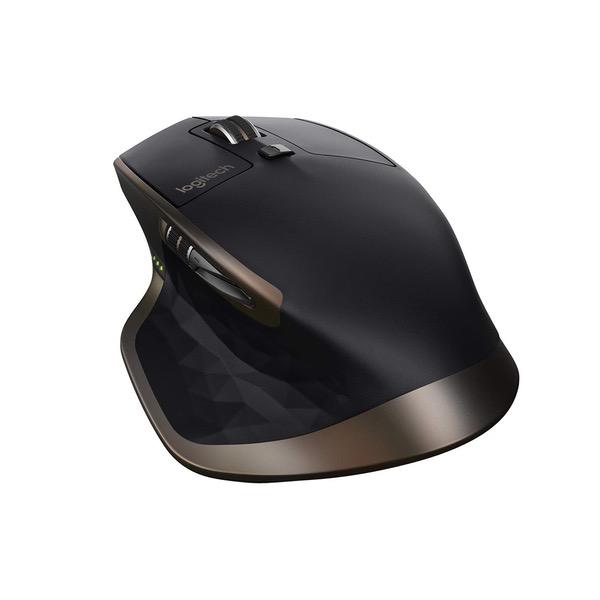
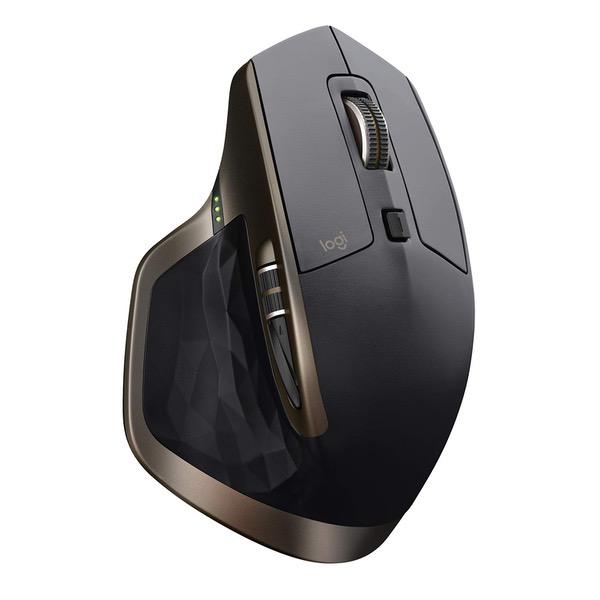
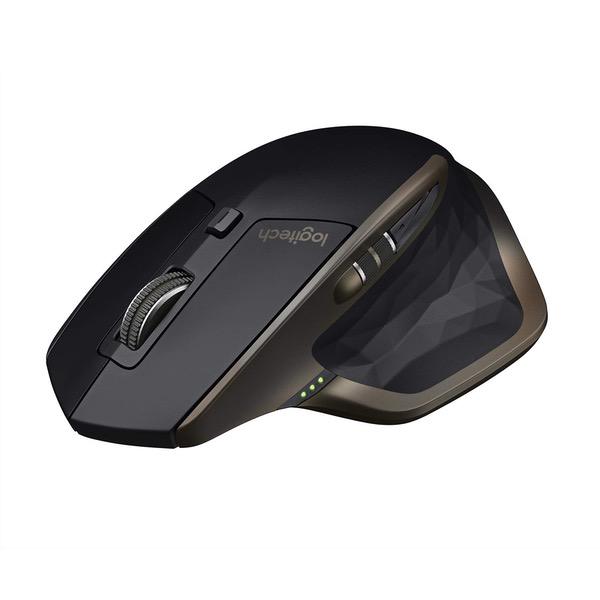
Logitech MX Master Wireless Mouse – High-Precision Sensor, Speed-Adaptive Scroll Wheel, Easy-Switch up to 3 Devices - Meteorite
Write a review
$5900

Logitech MX Master Wireless Mouse – High-Precision Sensor, Speed-Adaptive Scroll Wheel, Easy-Switch up to 3 Devices - Meteorite

Write a review
B07DHDFW5V
+
Add to wish list
Target is a general merchandise retailer with stores in all 50 states and the District...

City: US, New York

Delivery
Pickup at your own expense
Tomorrow from 09:00 to 20:00, Store location
Free
Payment options
Apple Pay Google Pay Mastercard Visa
Cash, bank card, credit/installment payments, cashless payment for legal entities
Warranty and returns
Exchange/return of products of proper quality within 14 days Official manufacturer's warranty: 12 months
Description
This fits your .
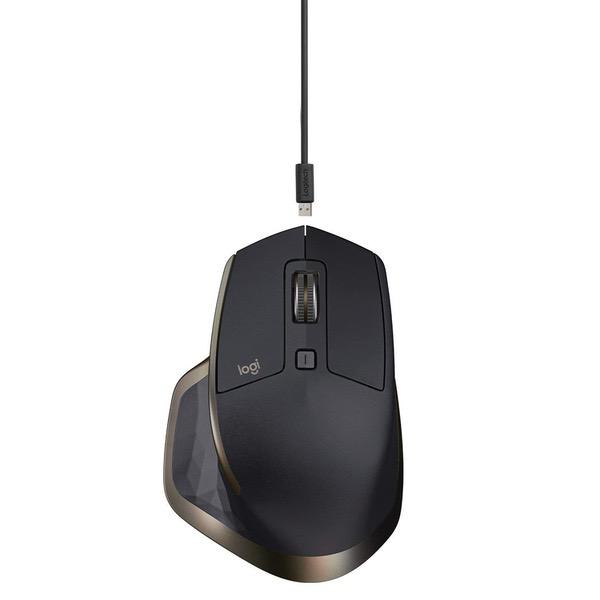
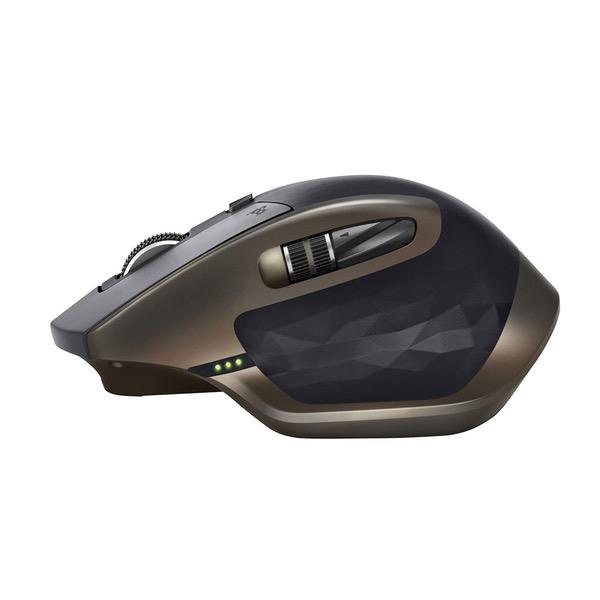
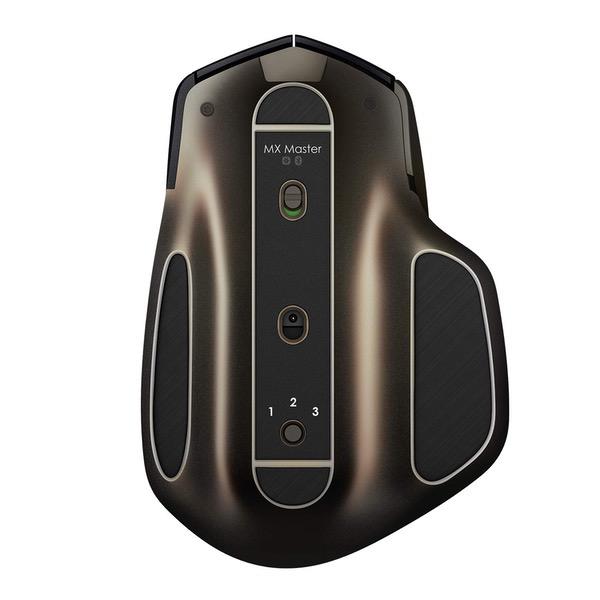
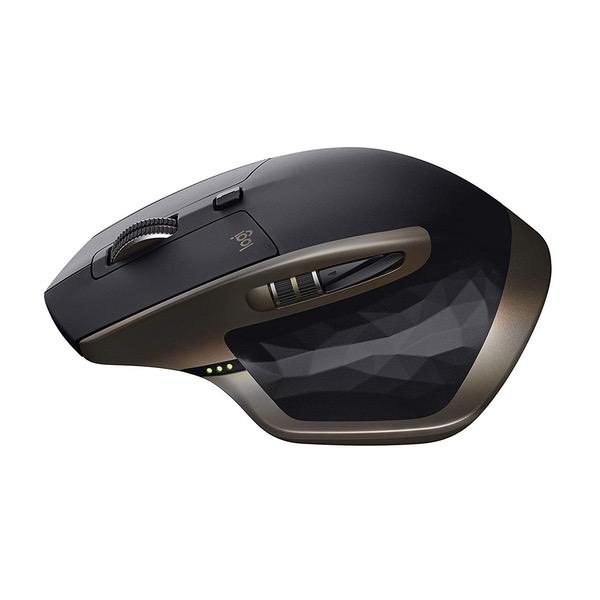
Make sure this fits by entering your model number. Unique thumb wheel: for horizontal navigation and advanced gestures Easy connections for multiple computers: use with up to three Windows or Mac computers via included Unifying receiver or Bluetooth smart wireless technology Easy switching between computers with the touch of the button Tracks virtually anywhere - even on glass: the dark field sensor tracks flawlessly even on glass and high-gloss surfaces (4mm minimum thickness) Advanced power management: up to 40 days of power on single charge. You can get enough power for a full day of usage in only 4 minutes, with No downtime while recharging
Reviews
3.1
Reviews: 20
5 stars
25%
4 stars
20%
3 stars
15%
2 stars
20%
1 star
20%
SnayKize
2
Good news is I was able to replace this mouse with the Logitech M720 Triathlon. I work with 2 laptops and 3 screens. Bought this mouse and the K850 keyboard to quickly switch between laptops/screens. Ran into some design issues with this mouse: 1. The button to switch laptops is on the bottom of the mouse so you cant quickly switch on the fly. You have to turn the mouse over and press the button with other hand every time you want to swap devices. Other Logitech Flow mice such as the M720 Triathlon have the button on the top within easy reach. 2. This is a big mouse (palm design) and pretty heavy. I prefer a smaller mouse thats also better for travel. The M720 Triathlon is smaller and lighter. 3. Laser didnt respond well to my hard mouse pad 4. The gesture button is nearly impossible to press. It was so hard that I didnt even know it was there. Trying to program commands with this button was futile. What I liked about this mouse was the power supply. You can recharge without having to replace AA batteries. Wish more mice were like this. TIP: If youre using a Logitech Flow mouse, install the Flow software first and then connect the mouse via Bluetooth. I did it the other way around and had to reconnect my mouse.
SanSun
2
Wouldve given it 5 stars if the Back & Forth buttons werent so impossible to use. I never had problems with earlier Logitech mice. This one was supposed to be the latest and the greatest. What were those engineers thinking when designing this mouse, or maybe all the good ones have left the company already? What is this? How do you expect the user to hold the mouse so that the backward and forward buttons can be utilized?
Firefighter Steve
2
Im not sure if mine was just a fluke or not, but the top wheel seemed to be heavier on one side. Whenever I would scroll to the position on the page that I wanted, the wheel would start to roll one way or the other until the heavy side was down. No problems in ratchet mode because it couldnt spin on its own. Other than that, this mouse is gorgeous and fits my hand perfectly. Logitech makes you use their Options software instead of SetPoint. SetPoint, in my opinion, makes the mouse more customizable and has the "Snap-to" option in which I miss with the new Options software. Hopefully Logitech will work out the software issue to do justice to one of their premier mice. I am returning the MX Master and going with the Logitech MX Master 2S Wireless Mouse. Hopefully I will get what I pay for.
Greg
2
My Microsoft Wireless Mouse 5000 scroll wheel got damaged after about 3 years of use and I was looking to find a great mouse to use daily. The reviews told me the Logitech mouse as the best in the price range I was willing to spend. I completely disagree. I didnt like the feel of the scroll wheel, either in step or free mode. I didnt find it that comfortable at all and just felt cheap in my opinion. Went back and bought another Microsoft Wireless Mouse 5000 with a keyboard at the same price. I really believe Microsofts Mice and Keyboards have the absolute best/smoothest feel. Everytime I try a different brand, I am disappointed.
You may be interested
  • Bestsellers
  • Recently Viewed
 
Similar products
Fast and high quality delivery

Our company makes delivery all over the country

Quality assurance and service

We offer only those goods, in which quality we are sure

Returns within 30 days

You have 30 days to test your purchase