
















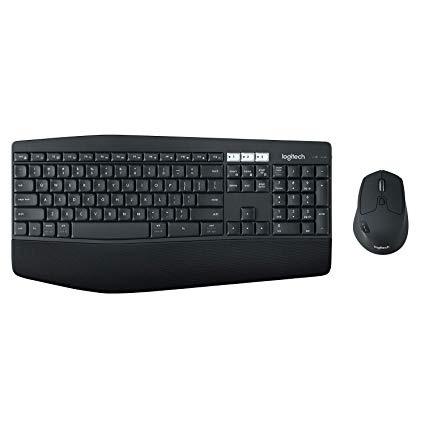
Logitech MK850 Performance Wireless Keyboard and Mouse Combo
Write a review
$7500

Logitech MK850 Performance Wireless Keyboard and Mouse Combo

Write a review
B01NAVO5PF
+
Add to wish list
Target is a general merchandise retailer with stores in all 50 states and the District...

City: US, New York

Delivery
Pickup at your own expense
Tomorrow from 09:00 to 20:00, Store location
Free
Payment options
Apple Pay Google Pay Mastercard Visa
Cash, bank card, credit/installment payments, cashless payment for legal entities
Warranty and returns
Exchange/return of products of proper quality within 14 days Official manufacturer's warranty: 12 months
Description
This fits your .
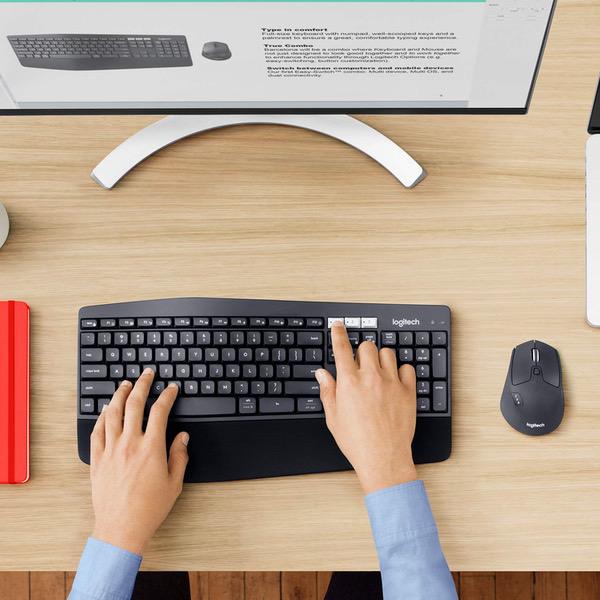
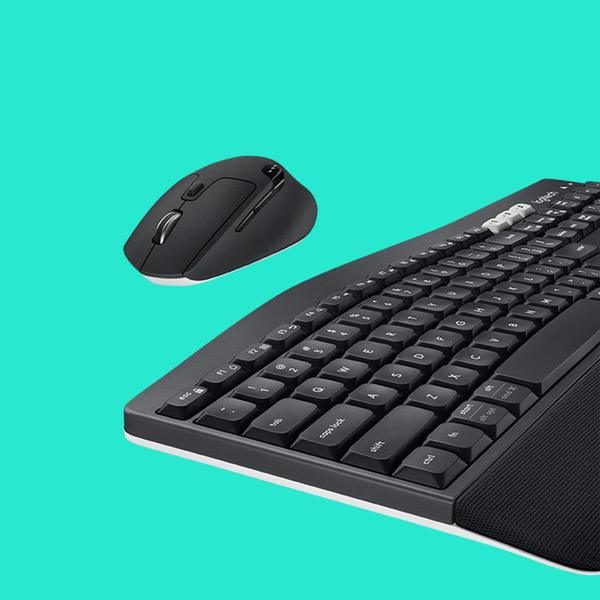
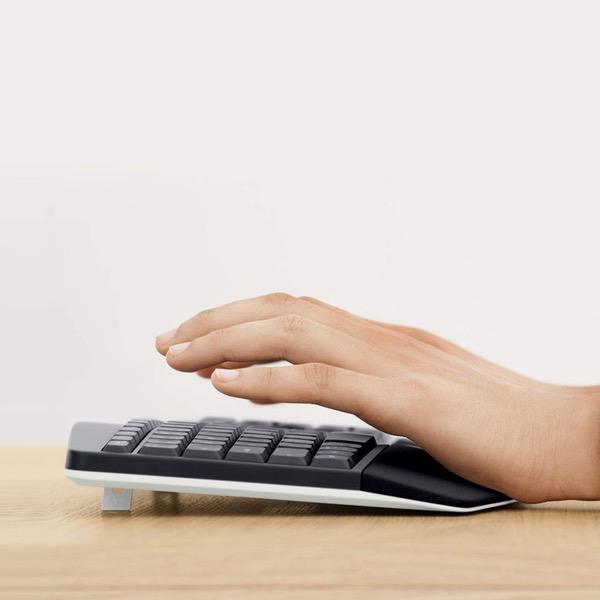
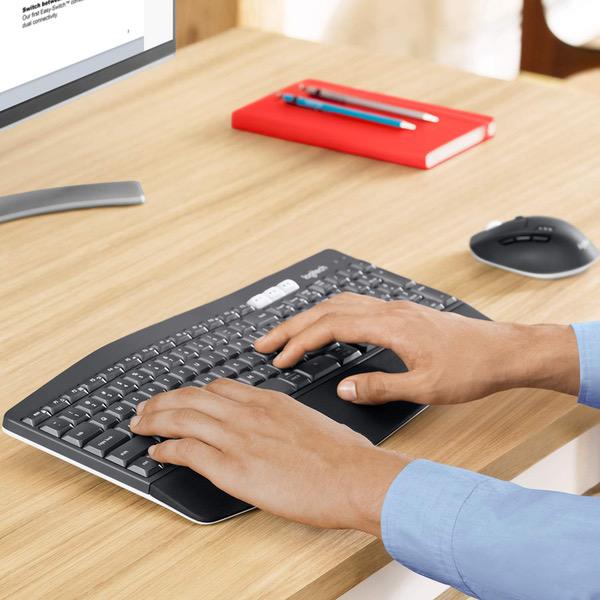
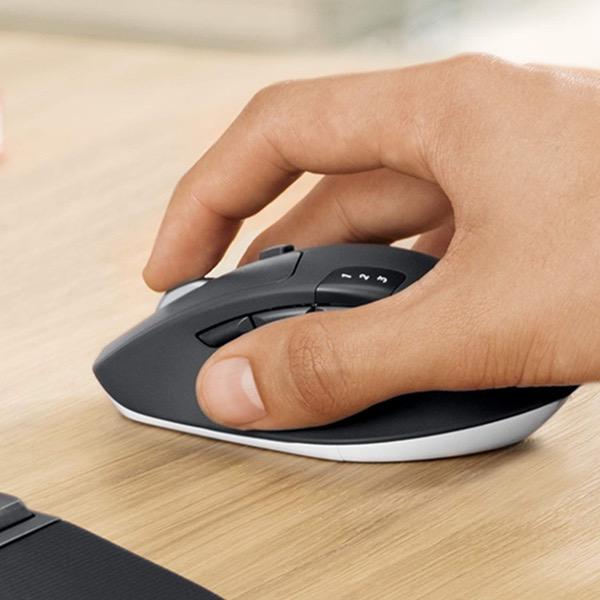
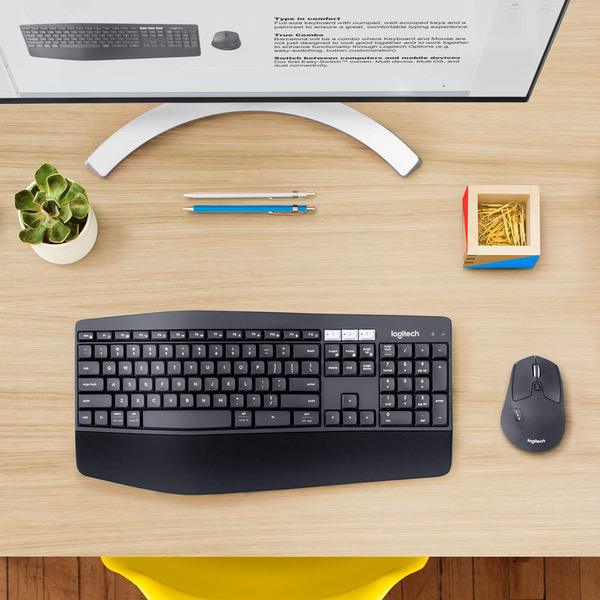
Make sure this fits by entering your model number. Logitech MK850 Performance Wireless Keyboard and Mouse Combo Contoured right-handed mouse with hyper-fast scroll wheel enables you to fly through documents and web pages Type quietly and comfortably for hours at your desk on a full-size keyboard with cushioned palm rest and carefully-crafted keys Both keyboard and mouse are fully multi-device and multi-OS friendly for powering through projects Start typing on your computer, then switch and type on your tablet, phone or on a second computer
Reviews
3.6
Reviews: 20
5 stars
35%
4 stars
30%
3 stars
10%
2 stars
10%
1 star
15%
falkenhagen
4
This keyboard offers a comfortable typing experience and the multi-device feature works flawlessly with the 3 devices currently on my setup (Windows PC via Unifying receiver, Huawei Mate 9 Android Phone and iPad via Bluetooth). The mouse is also very comfortable and the extra features by means of the Function key are a nice addition. Only complaints are that the wrist rest is made of some type of fabric or rubber that traps dust and residues quite easily (and is very hard to clean) and that keys (especially the spacebar) are already showing discoloration. These complaints are quite worrying considering that the keyboard has only been used for a couple of weeks. I like Logitechs products, however, their build quality certainly seems lower than before.
Amazon Customer
4
Just to be clear about missing keystroke - this definitely was a problem for me and the firmware update seems to have definitely fixed it. Logitiech shouldnt have allowed this product to ship. But firmware update fixed it. Just google "MK850 going into sleep mode" to find it. I bought this keyboard online here Feb.18, 2018. Now I think this keyboard is pretty good.
Jane
4
I purchased this keyboard because I didnt want a KVM sitting on my desk and I need to use two systems regularly. My monitors have their own switching capabilities so I didnt need to worry about those. Note, Im not using the mouse, I have been using the Logitech trackball for about a year now. It has the capabilities to pair and switch between two systems via a button on the mouse itself. I love the trackball but that is for a different review. This keyboard is well made. The keys are responsive and have a small click to them which my old nerdy side finds pleasing. The ability to pair with multiple devices we simple and I can easily switch back and forth. I have noticed that on occasion the keyboard and Windows 10 can take a few seconds to pair, and once or twice I had to switch back and forth more than once to get them to pair up, but that hasnt been a real hardship. The delay on pairing can be a bit annoying for a fast typist or someone thinking ahead to what they need to do on the other system. There seems to be some sort of buffer for a few keystrokes built into the keyboard as it does send a few keystrokes even if you typed before pairing was evident, however it isnt many. The one feature I dont like about this keyboard is the ergonomics. It has a slight shape to it but not much of one and the keys feel a little smaller and closer together than my previous Logitech Ergonomic Keyboard which I loved but which wouldnt multi-pair. If you need a keyboard that can switch between devices, this is great. If you dont require that function, I would go with a larger ergonomic keyboard.
Nipith
4
Theres a lot to like about this keyboard mouse combo. The one thing that Logitech go really right is making it easy to switch between multiple machines. I switch between a Mac and PC as easily as swiping my cursor off on side of the screen. Its almost as if the PC laptop is my second screen. The system even carries over text that are copied from one screen to another. I can copy a block of text on the Mac, swipe to the PC, and paste it into a document. That is very helpful. I dont like how squishy the keys on the keyboard is. But I think thats probably subjective. Some people may like that. I also dont like the angle of the front of the mouse. I always bump the front of the mouse against something on my desk, and accidentally click. I guess I need to learn to keep the mouse area very clear.
Mykii
4
The keyboard is made with pretty cheap material and doesnt really weigh much at all. The wrist pad is quite nice, but the keys are kind of boxy for the lack of any other term that comes to mind. The keyboard works, but if youre used to any sort of mechanical keyboard, MacBook keyboard, or any standard keyboard, this might throw you off a bit. The curve in the keyboard is pretty slight, but its enough to throw someone off. I do like that the keys to switch to different computers via Unifying receivers or Bluetooth is located where the print screen buttons are, but I dont like how there isnt a print screen button at all. The mouse is quite nice, although some people might find that its a little tall and short and may cause hands to cramp. My hand is pretty dang large, and I have to use the claw grip to hold this guy. If I try and palm it, my fingers extend way past the front of the mouse. The scroll wheel is pretty nice, theres a toggle button that allows it to spin freely or give the tactile click feeling. The primary and secondary buttons feel really good, and the gesture button on the side is wonderful. There are three buttons on the left side of the mouse above the gesture button (which works with Logitech Options for things like switching desktops/full screen apps in OSX, or viewing all your windows in Win10), and they function well, they are just positioned a little but too much toward the rear of the mouse for me. The closest side button to the rear of the mouse (the area that says Logitech), is the button that switches which computer youre connected to. Logitech Flow is quite nice, and has gotten better with the updates. Theres less of a delay. I personally have two different Unifying receivers connected to two different laptops (I had one laying around and thought to forgo bluetooth). I have mine set up so I just go to the edge of the screen to transfer to the other computer. Logitech Options makes this pretty simple to do and configure-- just make sure you have have the latest version of Logitech Options installed on both computers at the time, otherwise, they may not connect. Pairing two different receivers was done simply by plugging in the receiver into one computer, pairing the mouse and keyboard by following the wizard for Logitech Options. Then unplugging the receiver and plugging in the other receiver and doing the same thing. Flow is quite nice, the only gripe I have with it is that if you switch from one computer to the next and quickly switch back to the original one on accident, it takes a bit to make work. Having a wired network connection is recommended, or a low latency wireless network. There are times where the little bit of lag on the network has made me though about purchasing a wired cable solution in place of Flow-- that way, I can use my preferred keyboard and mouse combo.
mikemac9
4
This has a smooth keyboard and works nicely with my PC and laptop, the mouse movement is smooth. Im taking a point off because all you get for instructions is a silly cartoon in the box cover. It is embarrassing that they dont include a page with instructions. Sure they sell to places with differerent languages but how expensive can a few sheets of paper be? Looking online on their website (which begs the question, how do you go to their website until you have the keyboard/mouse working?) they dont explain how to switch devices. So here is what I found. To switch between devices you need to press the keyboard number of the paired device you want, and you also must press the button on the side of the mouse to get it to the same number. You need to do this everytime you want to switch devices. They seem to have a utility that will let you switch by dragging the cursor to the edge of the screen but that doesnt work for me, I dont use multiple devices simultaneously.
You may be interested
  • Bestsellers
  • Recently Viewed
 
Fast and high quality delivery

Our company makes delivery all over the country

Quality assurance and service

We offer only those goods, in which quality we are sure

Returns within 30 days

You have 30 days to test your purchase