

















Logitech MK850 Performance Wireless Keyboard and Mouse Combo
Write a review
5859

Logitech MK850 Performance Wireless Keyboard and Mouse Combo

Write a review
B01NAVO5PF
+
Add to wish list
Target is a general merchandise retailer with stores in all 50 states and the District...

City: US, New York

Delivery
Pickup at your own expense
Tomorrow from 09:00 to 20:00, Store location
Free
Payment options
Apple Pay Google Pay Mastercard Visa
Cash, bank card, credit/installment payments, cashless payment for legal entities
Warranty and returns
Exchange/return of products of proper quality within 14 days Official manufacturer's warranty: 12 months
Description
This fits your .
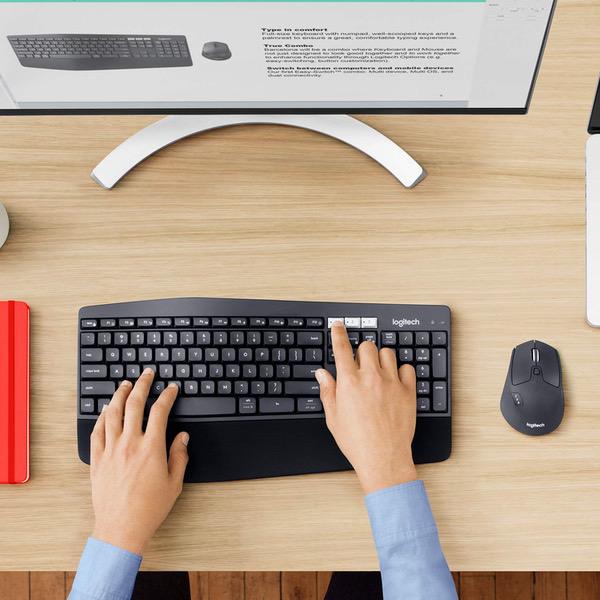
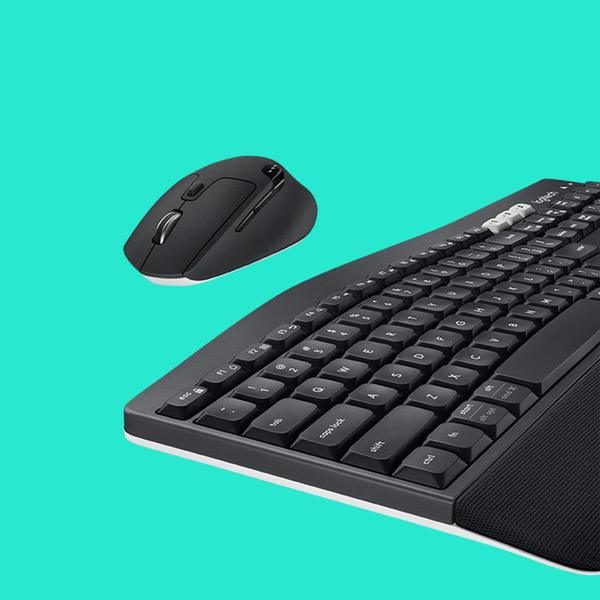
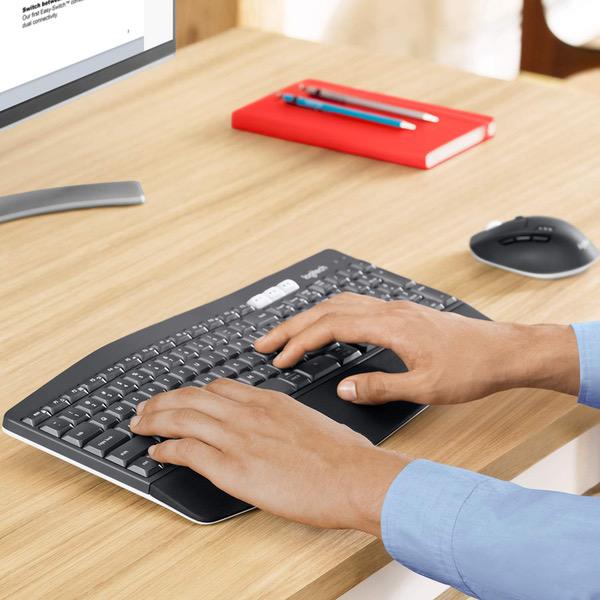
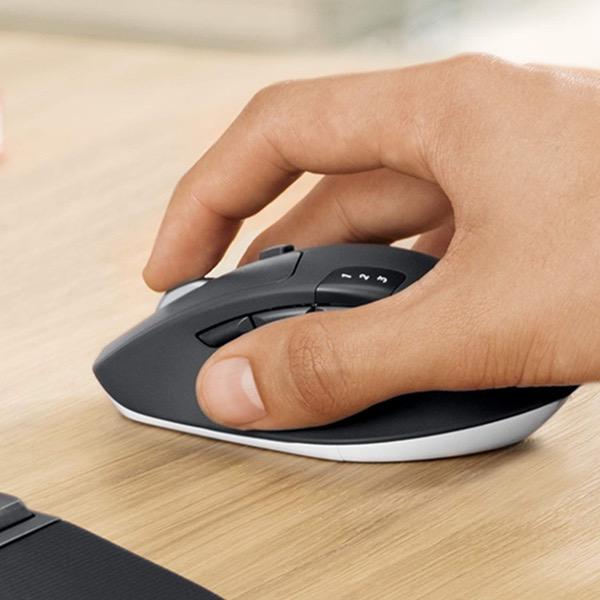
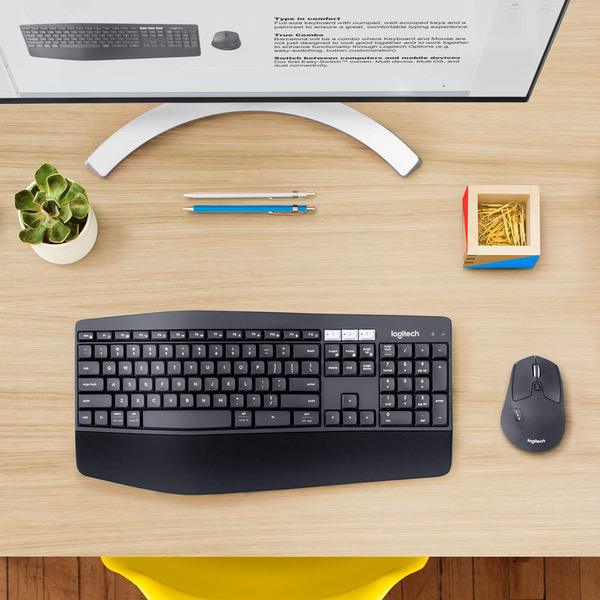
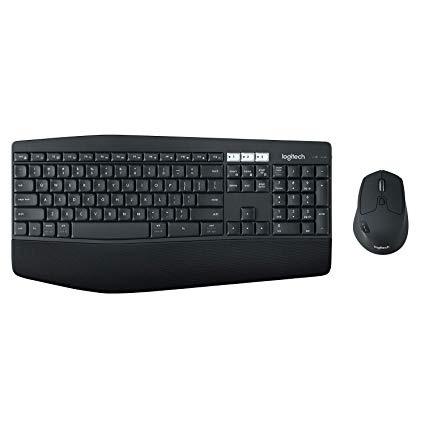
Make sure this fits by entering your model number. Logitech MK850 Performance Wireless Keyboard and Mouse Combo Contoured right-handed mouse with hyper-fast scroll wheel enables you to fly through documents and web pages Type quietly and comfortably for hours at your desk on a full-size keyboard with cushioned palm rest and carefully-crafted keys Both keyboard and mouse are fully multi-device and multi-OS friendly for powering through projects Start typing on your computer, then switch and type on your tablet, phone or on a second computer
Reviews
3.6
Reviews: 20
5 stars
35%
4 stars
30%
3 stars
10%
2 stars
10%
1 star
15%
Brad S
1
First off, I have been a long time, loyal Logitech user. I have owned literally dozen of Logitech keyboards and mice. The reason I have stuck with Logitech is the quality. So, recently I bought a M720 / K850 combo set. I love the functionality and multi-device support, but as far as usability: These are the worst Logitech products I have ever owned. The M720 has MAJOR scrolling issues. When I am scrolling, in frictionless mode, which is the only mode I can stand to use, it quite often will scroll backwards up as mcu as half a page after I stop. Other times it will scroll forward a few lines after the wheels stops turning. Sometime I move the mouse and the scroll jumps all over the place. As a coder this is ANNOYING to say the least! It is to the point where I want to throw it through the wall. Unfortunately I am past my 30 return period... Now to the keyboard: It is better than the mouse, but I also have issues with the keyboard not typing the first few characters after I stop typing for a few minutes. I saw there was firmware upgrade what was supposed to fix it. It did not. This is REALLY annoying when you are on a login screen and end up mistyping the password because of this issue. Then to top it off, I contacted Logitech support over a week ago about these issue. No response other than the automated acknowledgement...
R. Baker
1
I have used logitech products for decades. For many years I was huge fan of Logitech. Over the last 3-4 years I have had nothing but difficultly using their products. Over the last year I have switched to purchasing off brand items from Amazon for both personal and for my employees. The really sad thing is that the off brand products always work out of the box, no issues, no setup, they just simply pair with the computer and work. Logitech seems to always require additional software, driver updates, etc. and lots of extra time to get their products working. I purchased this particular product to allow me to connect to two computers using the logitech "unifying receiver". From the start this thing is a pain. The "instructions" (a few graphics on the inside of the box) only show how to connect one device. Go to their website for help, unable to find one single item on connecting multiple devices other than FAQs that are not how tos but rather marketing junk, you know the ones, "Logitech offers the best Blah blah blah and can connect all your devices with a simple blah blah blah" but no description on how to accomplish the task. They use terms like, "smart button", uh not sure what a smart button is (one that went to college?). Clearly everything is written for those who enjoy the old days when the designers wrote the instructions and mortals were left to figure it out. Never did get the second computer to connect to the keyboard mouse so returning this lame product and going to get a quality knock off that will actually perform without all the hassle. For the techies - both systems are win10, lenovos, latest updates, using USB ports w/unifying receivers in both.
cplwillis
1
Had it for less than a week and it loses connection to bluetooth constantly. I have to either wait several minutes or turn the mouse off/on to get it working again. My second machine is connected via USB transmitter and although the mouse works, the it will not recognize the keyboard without installing the logitech software (which I cannot because it is a work machine that I cant modify). Very Disappointed.
You may be interested
  • Bestsellers
  • Recently Viewed
 
Fast and high quality delivery

Our company makes delivery all over the country

Quality assurance and service

We offer only those goods, in which quality we are sure

Returns within 30 days

You have 30 days to test your purchase