
















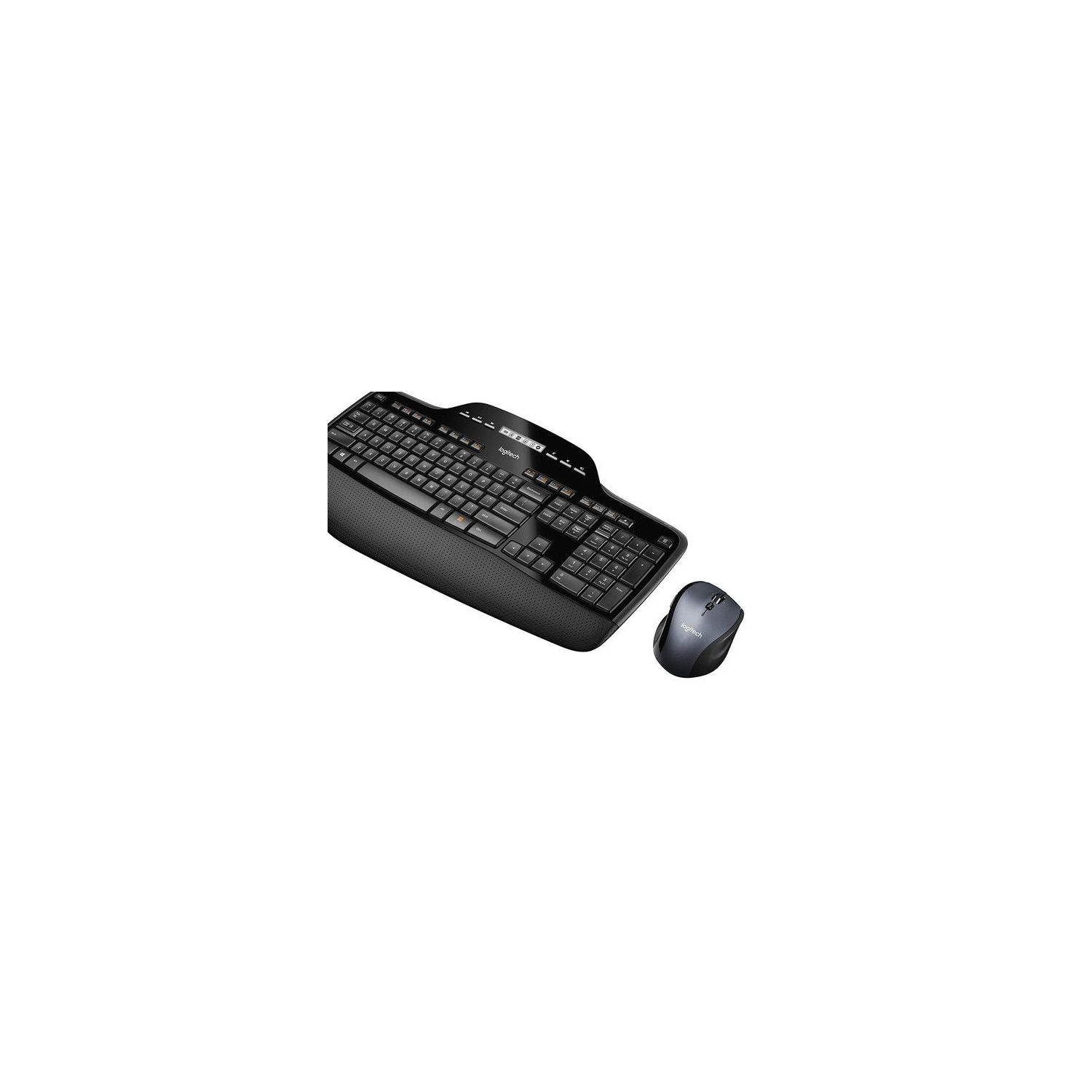
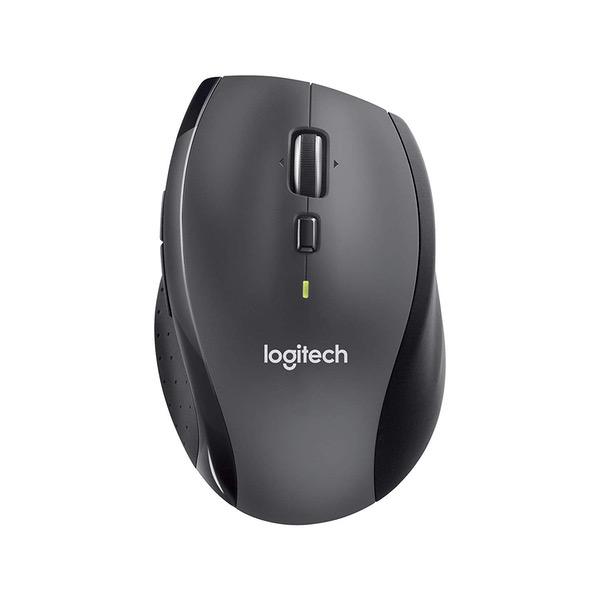
Logitech MK710 Wireless Keyboard and Mouse Combo — Includes Keyboard and Mouse, Stylish Design, Built-In LCD Status Dashboard, Long Battery Life
اكتب تقييم
$‎ 5500 $‎ 10500

Logitech MK710 Wireless Keyboard and Mouse Combo — Includes Keyboard and Mouse, Stylish Design, Built-In LCD Status Dashboard, Long Battery Life

اكتب تقييم
B0036E8V08
Target is a general merchandise retailer with stores in all 50 states and the District...

المدينة: US, New York

Delivery
Pickup at your own expense
Tomorrow from 09:00 to 20:00, Store location
Free
Payment options
Apple Pay Google Pay Mastercard Visa
Cash, bank card, credit/installment payments, cashless payment for legal entities
Warranty and returns
Exchange/return of products of proper quality within 14 days Official manufacturer's warranty: 12 months
Description
This fits your .
Make sure this fits by entering your model number. The MK710 contains the MK700 keyboard with Unifying Technology and the wireless Marathon Mouse M705. AA Batteries Required (Best with Polaroid AA Batteries) Up to three years of battery life virtually eliminates the need to change keyboard and mouse batteries Logitech Incurve keys and cushioned palm rest help your fingers glide comfortably from key to key, hour after hour LCD dashboard icons give you at-a-glance status of battery power, Caps Lock, Scroll Lock and Num Lock so you won't miss a beat while typing Hyper-fast scrolling lets you fly through long documents and web pages. System Requirements:Windows-based PC,Windows XP, Windows Vista, Windows 7, Windows 8, Windows 10 We recommend moving the receiver away from other radio interference devices such as WIFI routers, Cordless Phones, etc. to alleviate any receiver interruption
Reviews
2.7
التقييمات: 20
5 نجمة
15%
4 نجمة
25%
3 نجمة
5%
2 نجمة
20%
1 نجوم
35%
Theresa
1
Pros: The keyboard is sturdy, doesnt wobble (even when one corner of it is placed on a mousepad), and so far the key letters have not rubbed off. Also the electronic display showing whether caps lock and num lock are engaged is useful. Cons: Sometimes the keyboard takes forever to actually transmit the letters you are typing to your computer. On many occasions (including just now, which is what prompted me to write this review), I will start trying to type and nothing will transmit to my computer. Then eventually all of the letters will come out at once in a weird jumble, and then I am forced to delete it all and try to start the process over. This is incredibly annoying, especially since I am using this keyboard at work. I hate wasting time trying to get my keyboard to work. This was never a problem with my other keyboards. For this reason alone, I would not recommend this keyboard.
Nobody
1
Keyboard and mouse are awesome but.... after a few months the letters started wearing away on the keyboard. After 6 months the "A", "S", "E" and "L" (I guess "L"s are more used than I ever thought!) are gone. I called Logitech while it was still in warranty and they said they would replace the keyboard - but they never did. You wont believe this but they told me they lost a bunch of customer records including mine - so they couldnt replace it. I wouldnt believe someone if they told me that happened to them -- but it happened to me. And they simply would not replace the keyboard. Oh well. Ive used Logitech keyboards since they were the latest greatest thing (mid 90s) but after a few more letters disappear Ill try another brand. UPDATE: Its 2 years later and I have almost no letters left! This keyboard has incredible battery life - and I love it! I decided to read the reviews and see if the problem has been fixed. Also just got off the phone with support. The problem has not been fixed. I will reluctantly buy another brand.
Cynthia Cincinnati
1
OMG. This is the worst combination of keyboard and mouse I have ever experienced. I thought I was ordering a different keyboard (upgrade) than the one I already had. This is the same exact keyboard with a different model number label (MK710) on the bottom of it! "The matching" (thats a laugh) wireless mouse is labelled M705. They dont work together. The problem is when you type on the keyboard there is a delayed response or no response at all on the monitor screen (no letters show up). I constantly have to turn the mouse off and back on multiple times to get the keyboard to type. What would normally take me 3 or 4 minutes to type can take as much as 15 or 20 minutes. This is the first time I have ever had an issue with a Logitech product..I think Amazon received a batch of defective equipment and should stop selling this model. I kept the keyboard and purchased a new Logitec mouse, model #M310 , and the problem was solved. The problem was definitely in the #705 mouse which originally came with the keyboard
Ken Frechman
1
If you like FRUSTRATION, buy this product! It is unbelievable but true that this combo set consists of an older keyboard and a newer mouse. The result of this is that two separate pieces of software are necessary in order to control and program the two devices. Logitech Setpoint is needed for the keyboard and Logitech Options for the mouse – even though both pieces of software control both keyboards and mice. Just not both of the ones in this set! Unbelievable! Believe it or not, I spent more than an hour and a half in a chat with their support people (after waiting nearly an hour in the queue I might add). These people don’t have a clue as to what is going on. They had me uninstalling, reinstalling, rebooting, etc, trying this version and that version (yikes!). All unnecessary. All annoying. All unacceptable. This is information they should have known about and told me in the first 30 seconds. Worse, Logitech should never have let this situation occur. The support tech actually told me (in his less than ideal English) “some not in-demand keyboard as for now is selling thru combos” when he told me I had an old keyboard - which I just bought today! I’ve been using Logitech mice and keyboards for over 20 years and I’m not happy about this. Ok, I can deal with having to have redundant software loaded. But - this keyboard constantly types the wrong letters and I have to backspace and correct. I just had to enter and delete the period at the end of the last sentence 9 times - it kept entering a "k". The receiver is 2 inches away from the keyboard. Really bad product or lemon? Ill try a replacement. We will see...
S. Hawkins
1
I bought this keyboard/mouse combo about 2 years ago. Almost from day one, I noticed that the keys were hard to push unless my finger came down precisely in the center of the key. Ive never experienced this with another keyboard and Ive used computers heavily for 25 years. If I miss dead center, the keys require a great amount of force to depress. The problem has gotten worse over time, to the point that Im going to replace it. It wont be with another Logitech device. Im a decent typist, but this keyboard is just too difficult to use for touch typing.
Lee H.
1
My MK710 combo keyboard and mouse arrived a couple of hours ago and I was eager to get it installed. I am very annoyed with the fact that I purchased a new unit and received what clearly appears to be a refurbished unit. The keyboard does not provide any clues that it has been refurbished but the mouse certainly does as evidenced by the attached photos. It is clear from the embedded scratch marks on the slide pads. Additional evidence is the very noticeable lack of dimples on the thumb side. It has the appearance of being severely scrubbed down to remove dirt and grime. My old 4 year old mouse has more dimples remaining than the so called new one even after I have scrubbed it down several times myself. I can say these things with some degree of confidence as I am replacing an MK710 set which is 4 years old and the keys are becoming difficult to depress at times. This is a know trait of this model but Im willing to overlook that. I love the keyboard and mouse. What I dont care for is being shipped a used (refurbished) combo when I went out of my way to avoid purchasing a refurbished unit. I went back and examined the item detail page and nowhere does it state this a refurbished unit. Im not placing blame. Just sharing facts. Check your product carefully when you receive it.
R-Star
1
The keyboard work just fine, but the mouse is terrible. From day one it has had scrolling issues. It will not stop scrolling when I stop the wheel. Instead it bounces back to the top. Even worse, as I work with digital blueprints and use the wheel as a zoom function, when I try to stop it at a level I can work with it then takes off by itself and either blows my drawing up or shrinks it to minimum size. Logitech has not returned my emails. Stay away from this one folks...
You may be interested
  • Bestsellers
  • Recently Viewed
 
Similar products
Show more
Fast and high quality delivery

Our company makes delivery all over the country

Quality assurance and service

We offer only those goods, in which quality we are sure

Returns within 30 days

You have 30 days to test your purchase