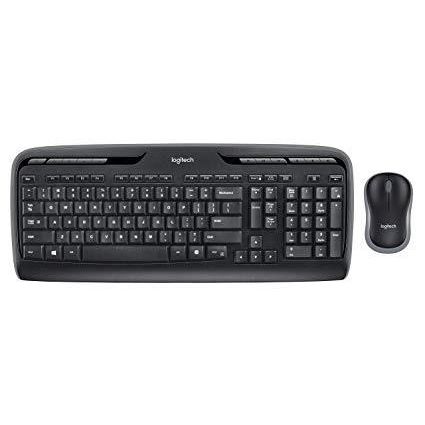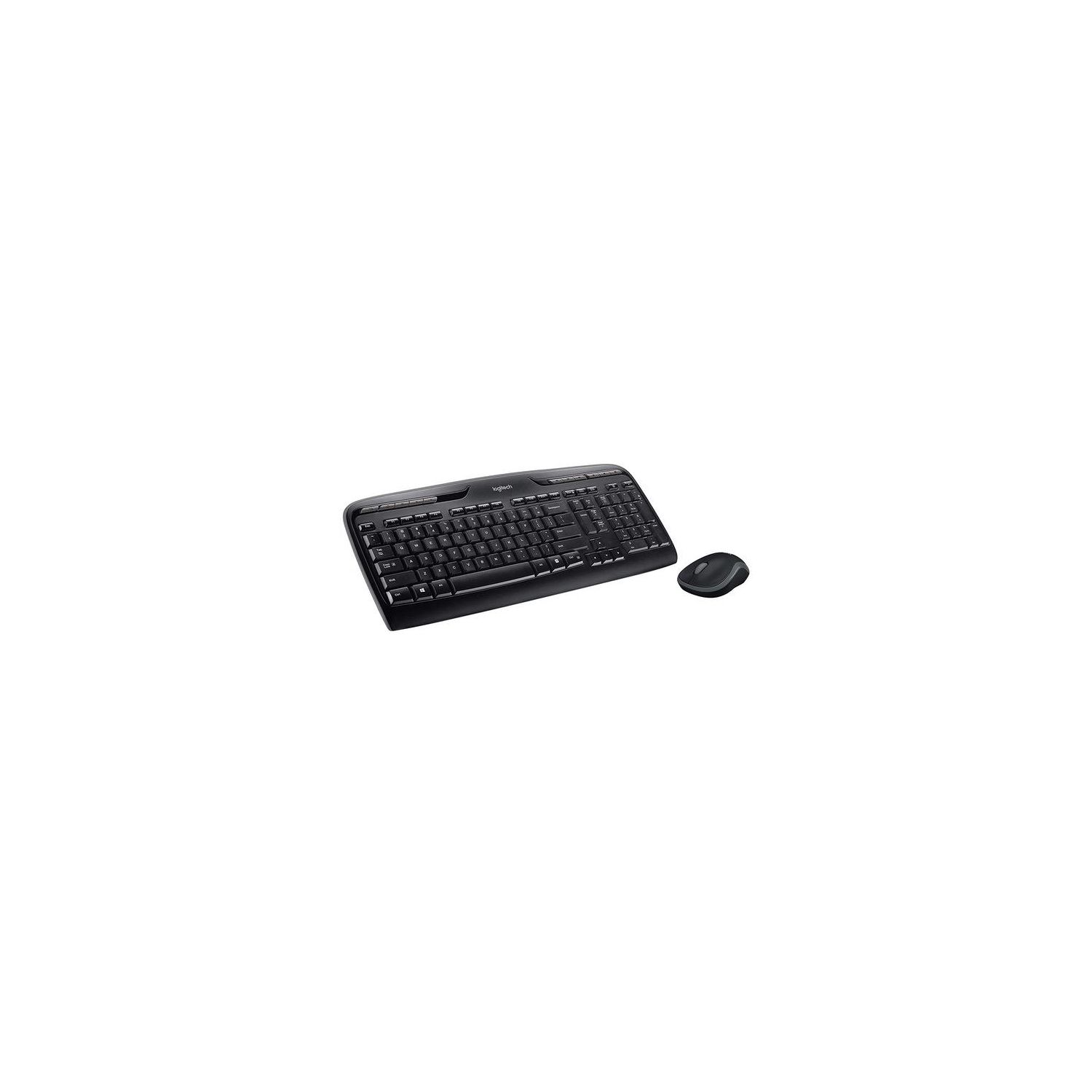
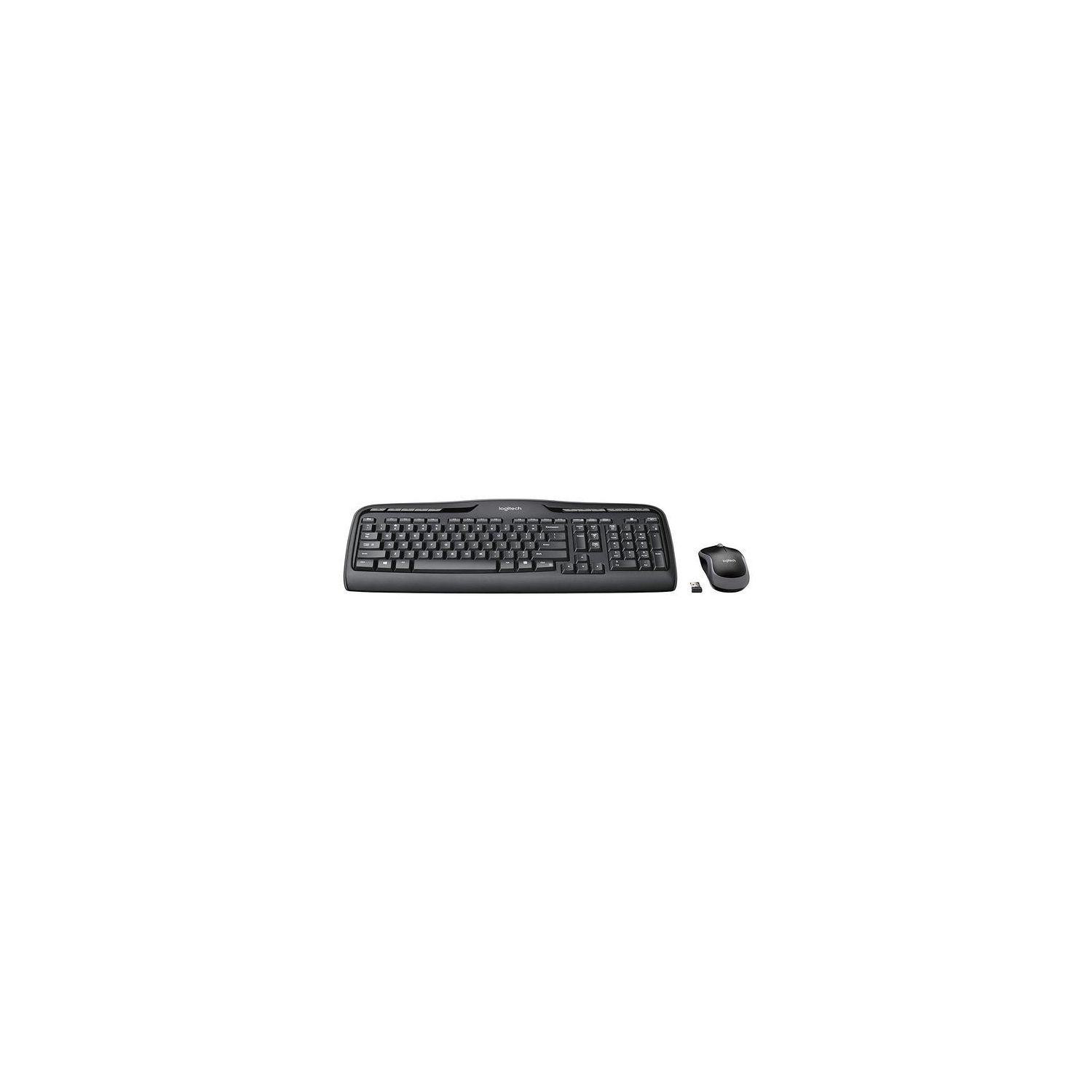
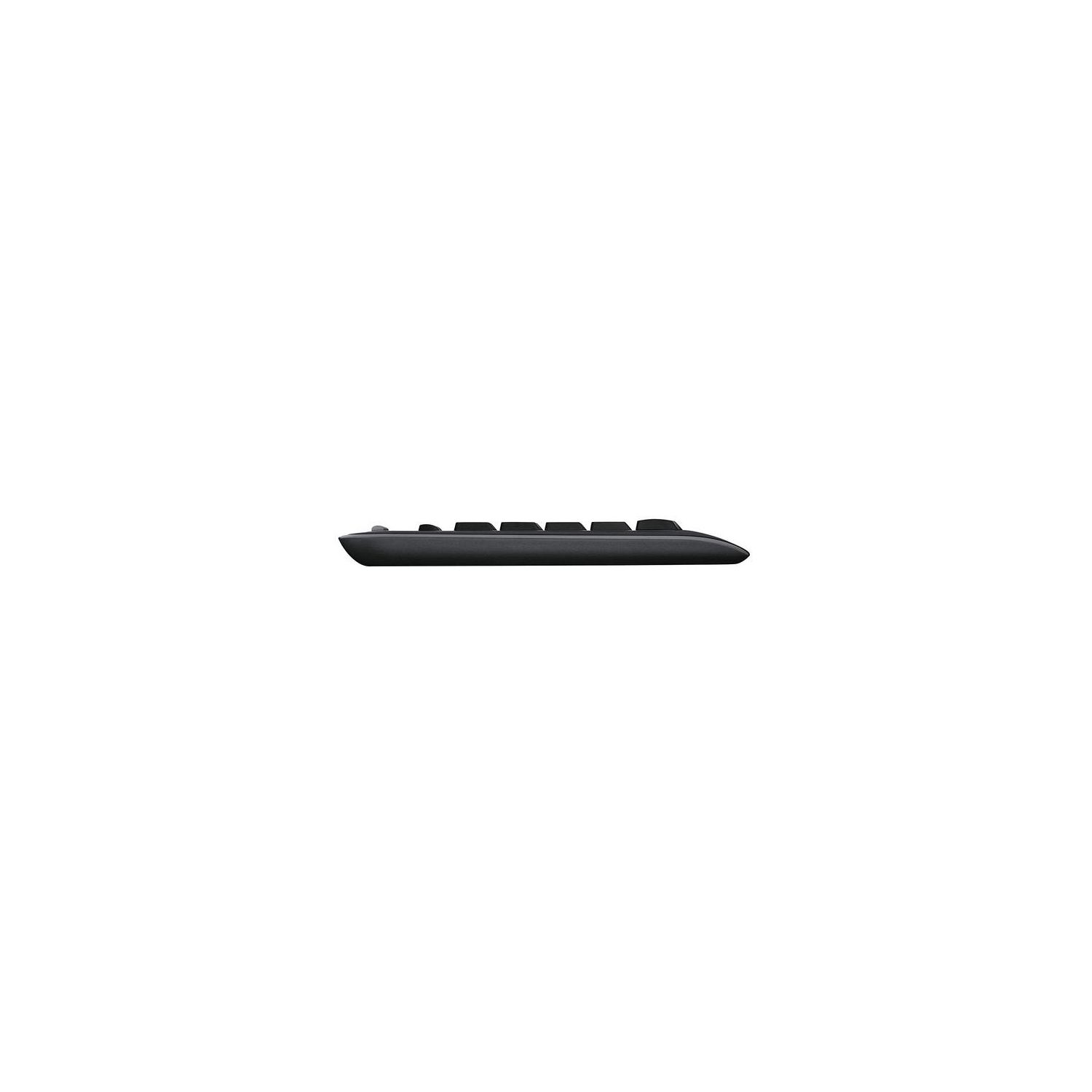
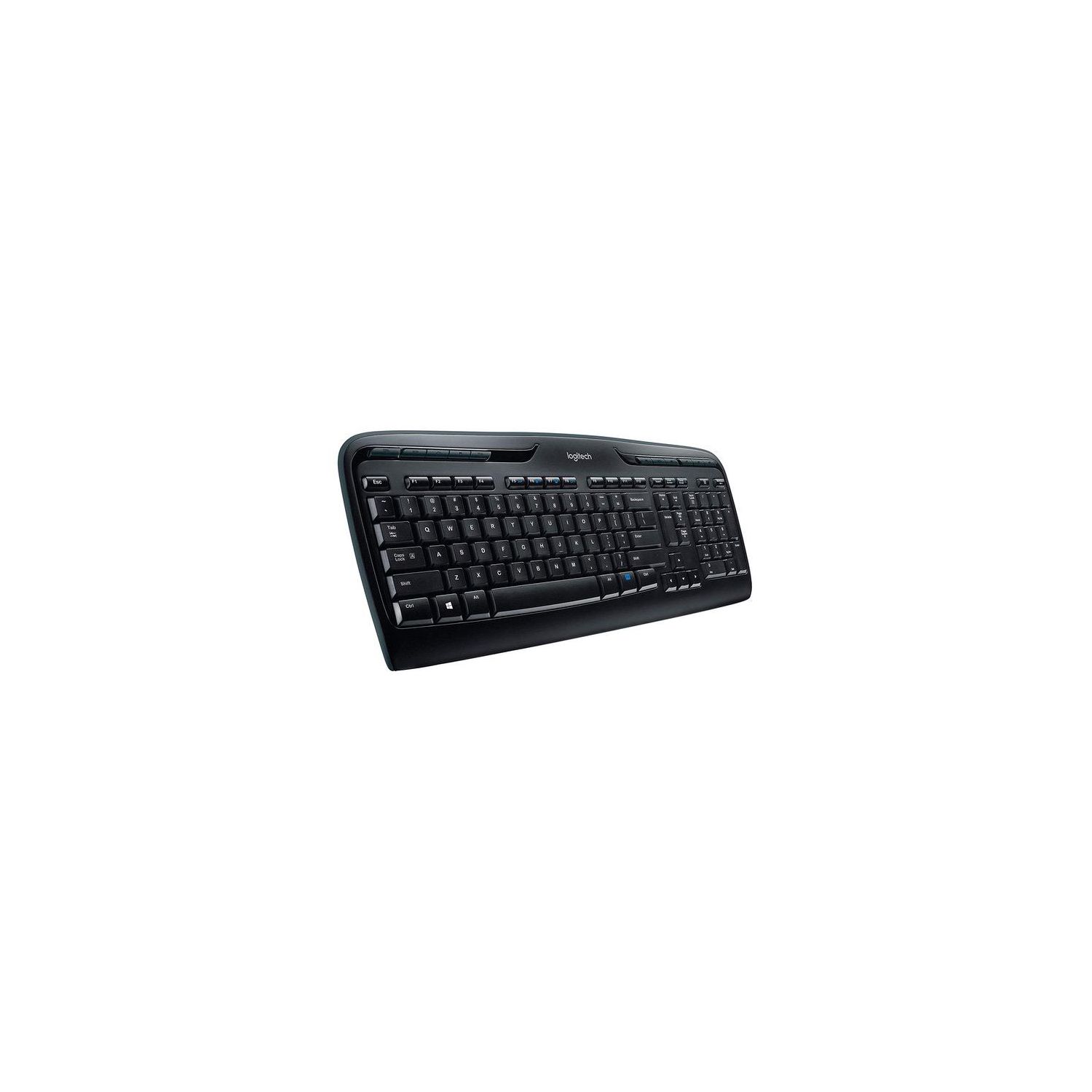
Logitech MK320 Wireless Desktop Keyboard and Mouse Combo — Entertainment Keyboard and Mouse, 2.4GHz Encrypted Wireless Connection, Long Battery Life
Write a review
$2200 $5000

Logitech MK320 Wireless Desktop Keyboard and Mouse Combo — Entertainment Keyboard and Mouse, 2.4GHz Encrypted Wireless Connection, Long Battery Life

Write a review
B003VAGXZC
+
Add to wish list
Target is a general merchandise retailer with stores in all 50 states and the District...

City: US, New York

Delivery
Pickup at your own expense
Tomorrow from 09:00 to 20:00, Store location
Free
Payment options
Apple Pay Google Pay Mastercard Visa
Cash, bank card, credit/installment payments, cashless payment for legal entities
Warranty and returns
Exchange/return of products of proper quality within 14 days Official manufacturer's warranty: 12 months
Description
This fits your .
Make sure this fits by entering your model number. Compatibility- Windows XP, Windows Vista, Windows 7 or Windows 8 Comfortable full-size keyboard and easy-to-carry sculpted mouse with snap-on wireless receiver Go for months without changing batteries—up to 15 for keyboard and up to five for mouse* (* Keyboard and mouse battery life may vary based on user and computing conditions.) One-touch hot keys let you instantly watch videos, play music and launch applications like email Works with Windows-based PCs.Gives you a range of up to 10 m The Wireless Combo MK320 comes with a K330 Keyboard, and a M215 Mouse
Reviews
3.1
Reviews: 20
5 stars
20%
4 stars
30%
3 stars
10%
2 stars
15%
1 star
25%
Jake DuBois
5
As the IT guy for the mid-sized company I work for, the Logitech MK320 Wireless Keyboard and Mouse are my go-to for everyone. Whenever we purchase a new computer or laptop for an employee, I always add one of these on top because they reduce visual clutter and are high-quality. The construction of both the keyboard and mouse are solid, and unless you have very specific tastes in keyboards or need particular extra features, there is nothing to complain about in their design or feel. The set comes with batteries included and the battery-life is great. In an office environment, I have not had to replace my batteries since Ive been using the keyboard and mouse (a little over a year) and I do not hear any complaints from any of the other employees about battery life. I also appreciate how simple the set-up is for anyone. You do not need to know anything about technology! Just unbox the keyboard and mouse, plug in the tiny USB receiver, remove the battery tabs, and youre done! You can be up and running in literally three minutes. Finally, I do also recommend this set--which includes the Logitech Unifying receiver--because of the ability to mix and match other Logitech wireless mice and keyboards. This is especially helpful if you have a laptop that you take between your work and home office: you can keep a single receiver plugged in and not have to lug a keyboard and mouse back and forth.
5150
5
I bought this keyboard and mouse combo about a month ago. Instead of using the mouse it came with, I paired it with a Logitech M705 mouse. I began having latency issues as others have described, but even worse problems with the aforementioned mouse. The short: DISABLE the Logitech Setpoint software AFTER you set everything up. Leave it installed, but remove it from running at login. Yes, you WILL lose advanced functionality (like assigning special functions to buttons) but its worth it in the end. The long: Logitech Setpoint needs updated to work better in Windows 10. Install it, select the Unifying option and allow it to pair up your keyboard and mouse with the Unifying Receiver. Once its paired, close out of, and disable the software from running at login (Ccleaner is GREAT for easily doing this). Once Setpoint is disabled, say goodbye to the keyboard latency problems, as well as mouse problems (more on that in my M705 review.) What will still work with Setpoint disabled: All basic functions of the keyboard All top-row keys (Email, Browser, Media Player (all still assignable WITHOUT Setpoint). Track forward/back Play. Volume Up/Down and Mute Calculator. What WONT work after disabling Setpoint: Buttons youve assigned and customized. --I changed the Show Desktop to Media Player Stop and that wont work without Setpoint running. On-screen notifications. --The CAPS lock will not alert you on-screen when turned on/off. Volume keys still work fine though for on-screen notifications. Ive been using this keyboard now for days without any latency issues whatsoever. Yes, you are giving up advanced functionality for what is just basic functionality but youre at least still wireless. This is a fresh Windows 10 64-bit Pro custom build PC that I built myself. Bottom line: Logitech needs to fix their software. Their hardware, on the other hand, works GREAT once you disable Setpoint! HOPE this helps someone save some time and headache! Finally, one other thing to note: As others have stated, the keyboard I received states K330 as the model number on it. NO difference in features and still works PERFECT once you disable the Setpoint software. Im VERY happy with this wireless keyboard. My Logitech mouse M705 review: https://www.amazon.com/gp/customer-reviews/R3Q0AJBV40GZCP/ref=cm_cr_getr_d_rvw_ttl?ie=UTF8&ASIN=B003TG75EG
RTS
5
Logitech keyboard / mouse combo MK320. The descriptions and images of this item on Amazon are confusing and contradicting at best. It makes it difficult to know exactly what you are buying. I bought my combo in August 2015. What is currently being sold does differ somewhat from what was shown and described on the Amazon web site, at least at the time I purchased mine. My box was labeled “wireless combo MK320" The keyboard inside Is K330 and the mouse M215. The photos of the mouse on Amazon show a giant USB receiver stored on the bottom of the mouse. This is not the present configuration of the mouse. There is one of the small Logitech Unifying USB receivers included with this combo. Since the keyboard and mouse can be paired together one Unifying receiver services both the mouse and keyboard, so they need to be used together. If you want to use the keyboard one place and the mouse another, you will need to buy another USB receiver. The mouse is very basic. Nothing flashy to look at. It feels like the inexpensive plastic it’s made of but it does have Logitech’s Unifying technology. That is it’s best feature. It uses one AA battery and the small Logitech Unifying USB receiver that comes with this combo (Unlike the large one shown) can be stored inside the battery compartment. The mouse is just under 4 inches long and is marked on the bottom with the Unifying star symbol. (Unlike the one shown). The keyboard and mouse in this combo are both unifying devices and both can be connected to the one unifying USB receiver included. Pairing the mouse and keyboard to the one receiver was easy using the Logitech Set point Unifying Software. If you don’t have the software you can download it from the Logitech website. The keyboard is a standard size keyboard. The spacing of the keys is like any other full size keyboard. If this is what you are used to typing on there should be no difference from what you are used to. The keys have concave tops which is the feel I’m used to and prefer. The keys are pretty quiet. You can hear them, but this keyboard is much quieter than my old Microsoft keyboard. The tactile feel and functionality of a keyboard or mouse is quite subjective so your impressions could be different than mine. With that said, I think my comments on the keyboard and mouse would, on average, be considered a fair representation of them. There is an on / off switch on the keyboard, but it’s located on the bottom. If you turn your keyboard on and off often you will have to turn the keyboard over to do so. I personally never turn it off which does not appear to have any negative effect on battery life. The gray one touch hot keys across the top of the keyboard work right out of the box, no programming needed. There is no indicator light for either the caps lock or num lock key, probably to save battery power. Each time you hit either key a brief message halo pops up on screen indicating if the function is on or off. This method does the job and I dont miss the indicator lights on the keyboard. I have used this keyboard since August 2015 and the batteries still show as fully charged so battery life is excellent. I use rechargeable Eneloop batteries so in the end battery life and replacement cost is not an important consideration for me. The price for this combo fluctuates. Mine was $23.99 and sold by Amazon. I see today it’s $28.45 and fulfilled by Amazon. If you just need a basic keyboard and mouse at twenty four dollars I don’t see how you can go too far wrong with this combo. After using them, I’d buy them again.
mountainwalrus
5
As a freelance writer, I type about 800,000 words per year. That means that, after about 18 months or so, I literally wear out a keyboard. Ive tried a number of different models of keyboards, but I find myself most satisfied with the Logitech MK320 model. The "click" is crisp and positive, and it doesnt require me to pound the keys, so that my wrists and fingers are spared soreness. The layout is logical and user-friendly (although that may be a function of my familiarity with it after five or six years). Never had any trouble with power -- one AA battery is enough to carry me through the typical 18-month lifetime of each keyboard -- and the wireless connection works just fine. Its a good, steady, dependable workhorse of a keyboard. Highly recommended.
You may be interested
  • Bestsellers
  • Recently Viewed
 
Fast and high quality delivery

Our company makes delivery all over the country

Quality assurance and service

We offer only those goods, in which quality we are sure

Returns within 30 days

You have 30 days to test your purchase