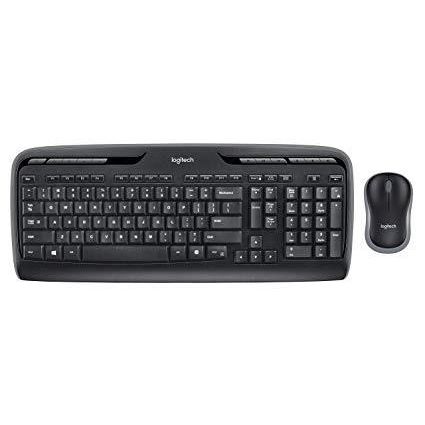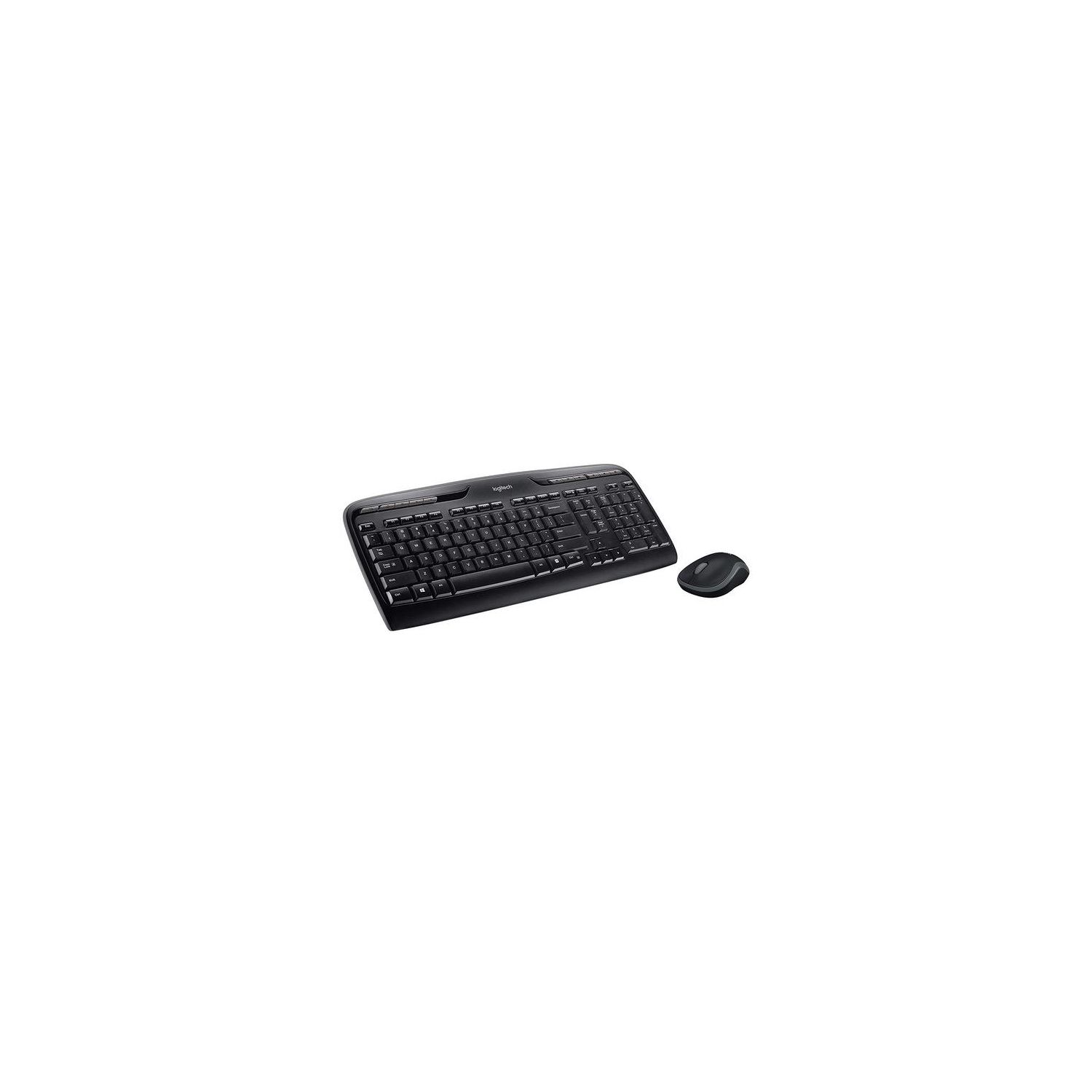
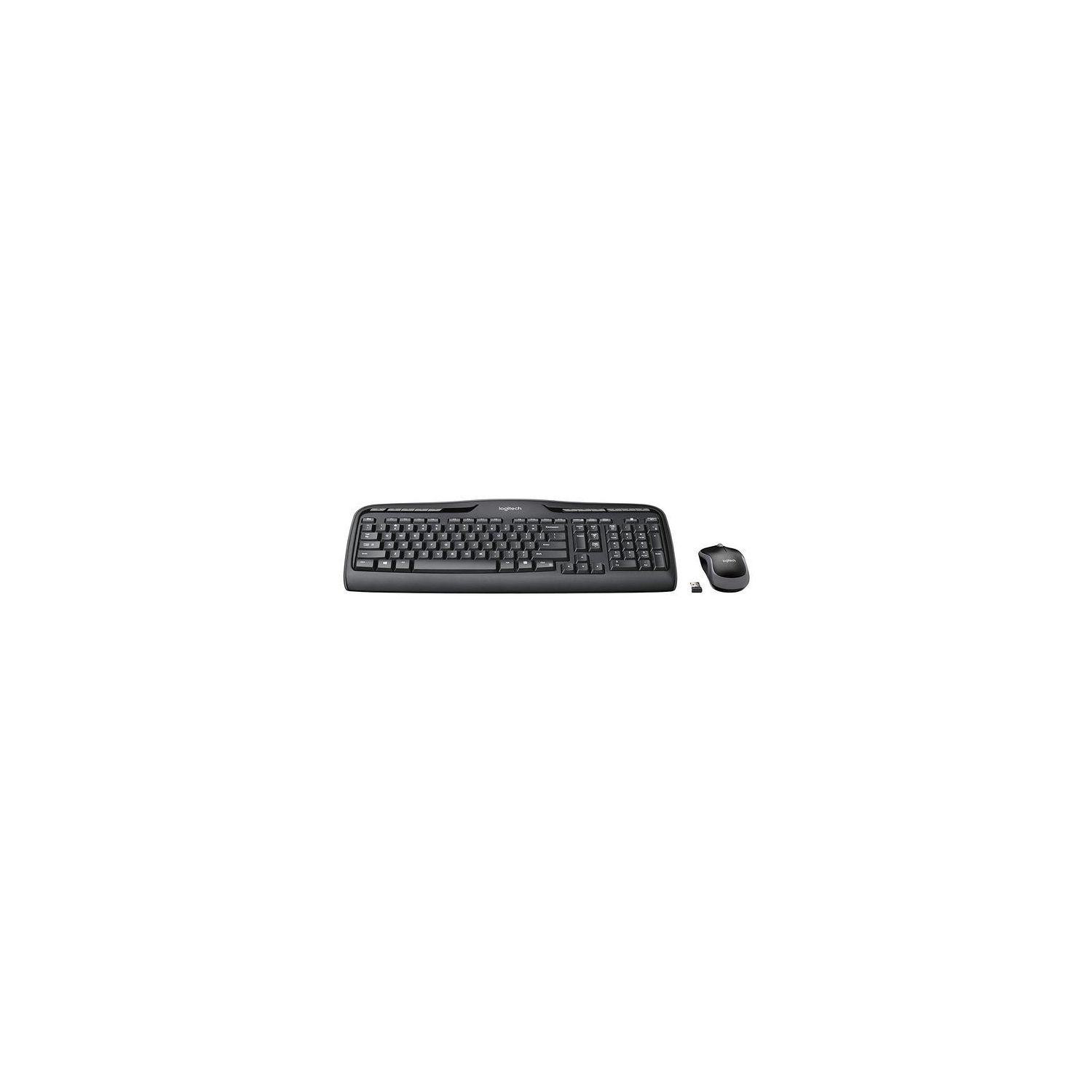
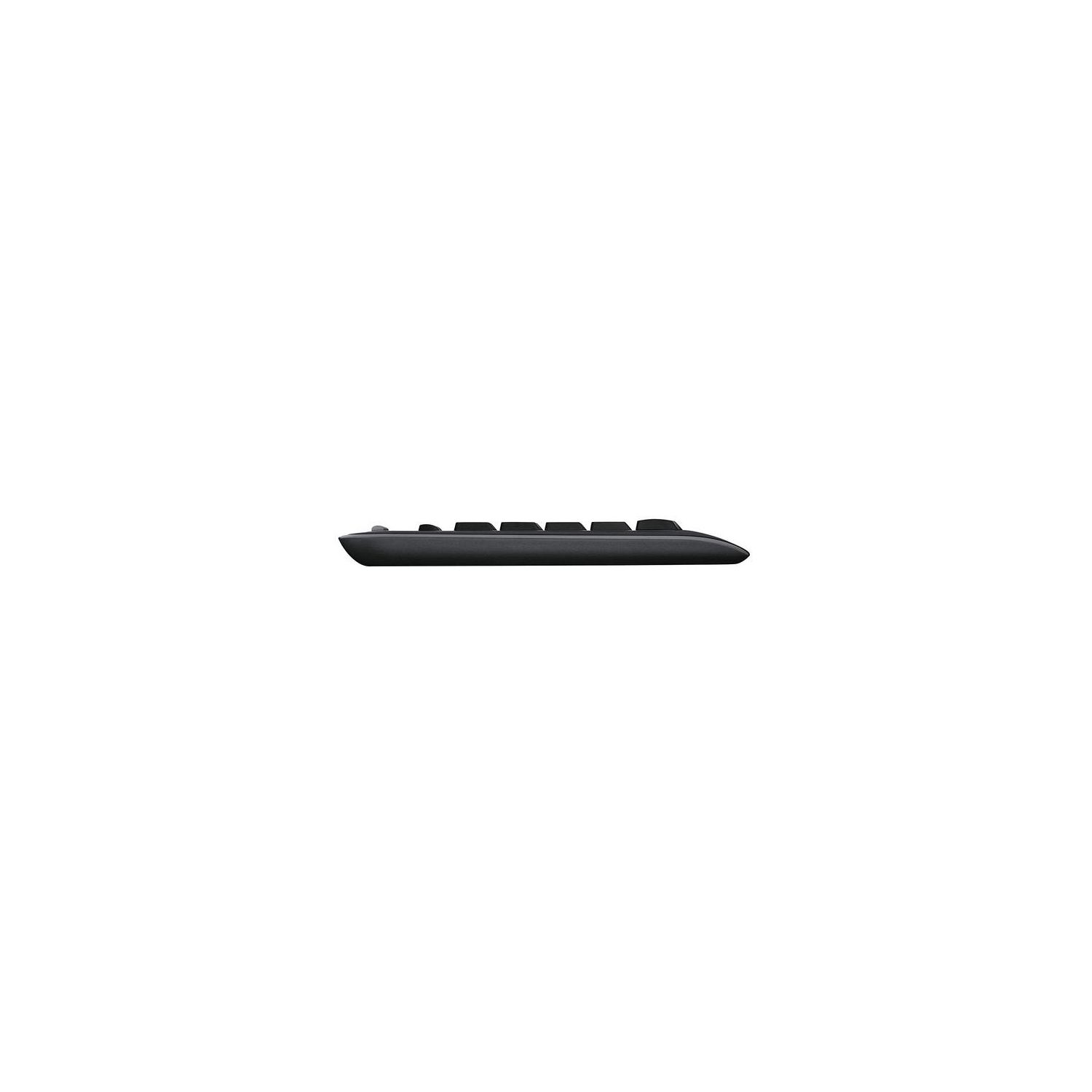
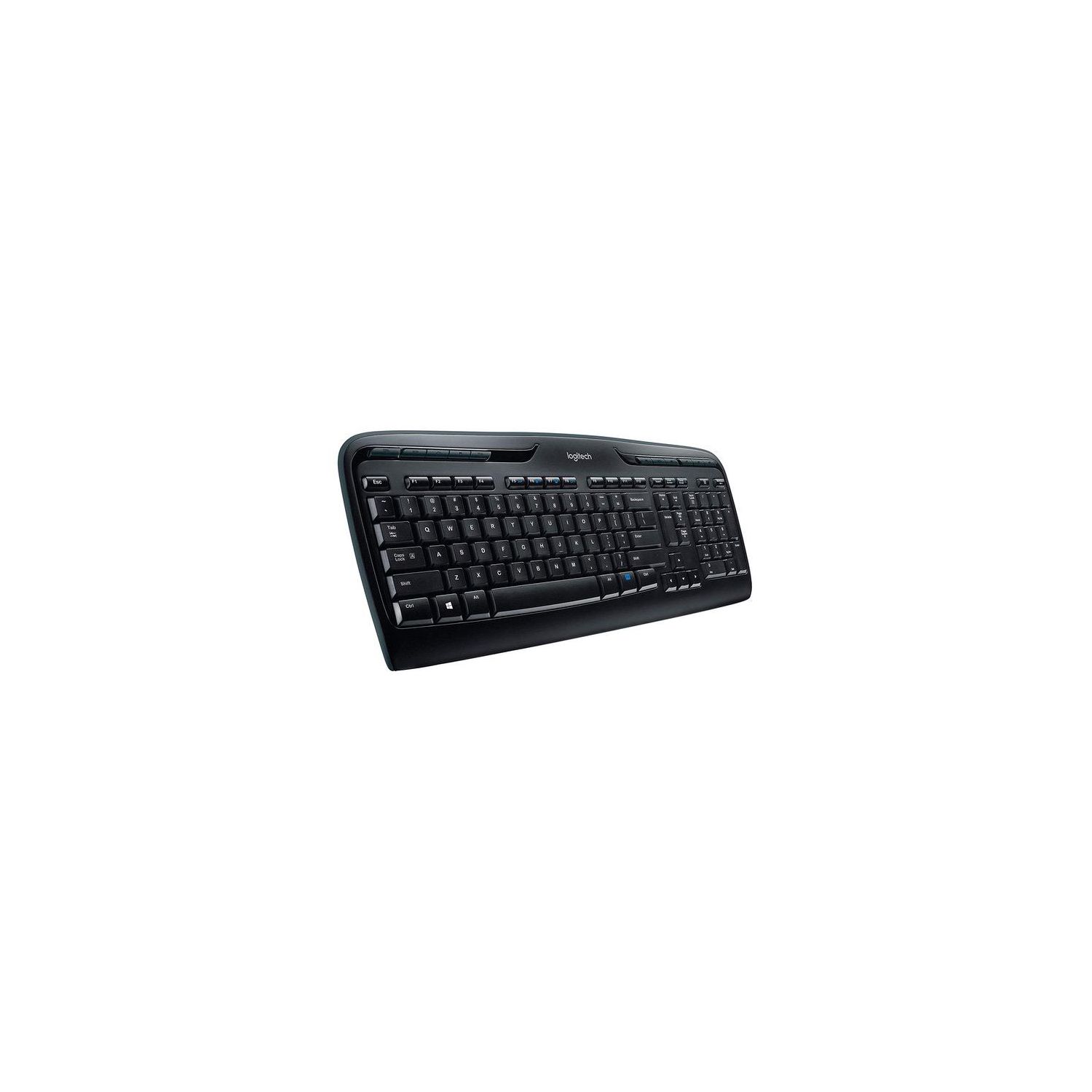
Logitech MK320 Wireless Desktop Keyboard and Mouse Combo — Entertainment Keyboard and Mouse, 2.4GHz Encrypted Wireless Connection, Long Battery Life
Write a review
$2200 $5000

Logitech MK320 Wireless Desktop Keyboard and Mouse Combo — Entertainment Keyboard and Mouse, 2.4GHz Encrypted Wireless Connection, Long Battery Life

Write a review
B003VAGXZC
+
Add to wish list
Target is a general merchandise retailer with stores in all 50 states and the District...

City: US, New York

Delivery
Pickup at your own expense
Tomorrow from 09:00 to 20:00, Store location
Free
Payment options
Apple Pay Google Pay Mastercard Visa
Cash, bank card, credit/installment payments, cashless payment for legal entities
Warranty and returns
Exchange/return of products of proper quality within 14 days Official manufacturer's warranty: 12 months
Description
This fits your .
Make sure this fits by entering your model number. Compatibility- Windows XP, Windows Vista, Windows 7 or Windows 8 Comfortable full-size keyboard and easy-to-carry sculpted mouse with snap-on wireless receiver Go for months without changing batteries—up to 15 for keyboard and up to five for mouse* (* Keyboard and mouse battery life may vary based on user and computing conditions.) One-touch hot keys let you instantly watch videos, play music and launch applications like email Works with Windows-based PCs.Gives you a range of up to 10 m The Wireless Combo MK320 comes with a K330 Keyboard, and a M215 Mouse
Reviews
3.1
Reviews: 20
5 stars
20%
4 stars
30%
3 stars
10%
2 stars
15%
1 star
25%
Matt
3
I specifically bought this product because the description states, "Tiny Unifying receiver stays in your laptop and connects up to six compatible mice and keyboards." Logitech has products with Unifying receivers which have a little orange star on them and theyre all cross compatible with one another (they also use Logitechs Unifying software). This product is not part of that system. I spent like an hour looking at keyboards making sure that that was in the description, so imagine my aggravation when this arrived. The keyboard and mouse are both fine for what they are—they type and point effectively—but this error in the product description means I either have to send it back or deal with it not being what I want. Very. Annoying.
James Reynolds
3
I understand that this keyboard was not marketed as being super ergonomic, so I dont expect the same sort of wrist pad that the Microsoft Wireless Comfort Keyboard 5000 had, nor do I expect the key rows to gently curve in consideration how the human hand naturally falls. What I do, however, expect is to be able to locate the home row on feel alone. F and J both the slightest little hint of a raised bar on the very, very edge of the keycap - but the height is only about 0.08mm (based on my 3D printers 0.1mm layer high being more noticeable than this). Same for the raised bit on the 5 key of the numpad. Does it work? Yes, I mean, its a keyboard: There werent too many ways for this to go wrong. Im typing this review on it right now and thoroughly hating every moment of it as Im typing at roughly 10% my normal speed and accuracy. If I needed a full sized keyboard and reasonably sized (albeit too small for my liking) mouse to keep in my laptop bag, this wouldnt be a bad system for short term usage. But as an everyday driver? As the keyboard I will be using for 50+ hours a week in varied lighting conditions and postures? No. For my specific needs, this is a 0 star keyboard. That review, however, is not only impossible but unfair to you, the assumedly average user. This came with batteries right out the box - a nice feature and a rarity these days. The optical mouse doesnt use light visible to the human eye so thats good if youre tired of bright LED driven mice. The connection range and latency are both perfectly acceptable from all of my testing so far. And the signal has no problem with going through any people, pets, cushions or whatever might happen to be in the way. So, I wont tell you NOT to buy this keyboard. But I will say that if youre going to buy a keyboard for your main system (Laptop, desktop, or otherwise) consider finding one that is easier on the hands, and provides an easier experience overall. Switching from one QWERTY keyboard to the other should not require you to look down to find the home row. It simply shouldnt. Could I burn this non-ergonomic layout into muscle memory? Yes, of course. But why? Why would I do that?
You may be interested
  • Bestsellers
  • Recently Viewed
 
Fast and high quality delivery

Our company makes delivery all over the country

Quality assurance and service

We offer only those goods, in which quality we are sure

Returns within 30 days

You have 30 days to test your purchase