


























Simon
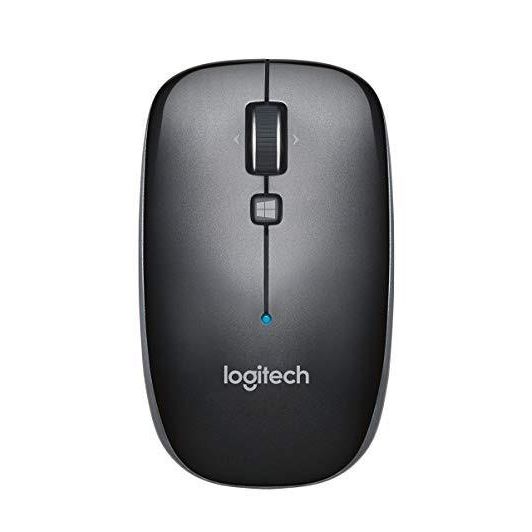
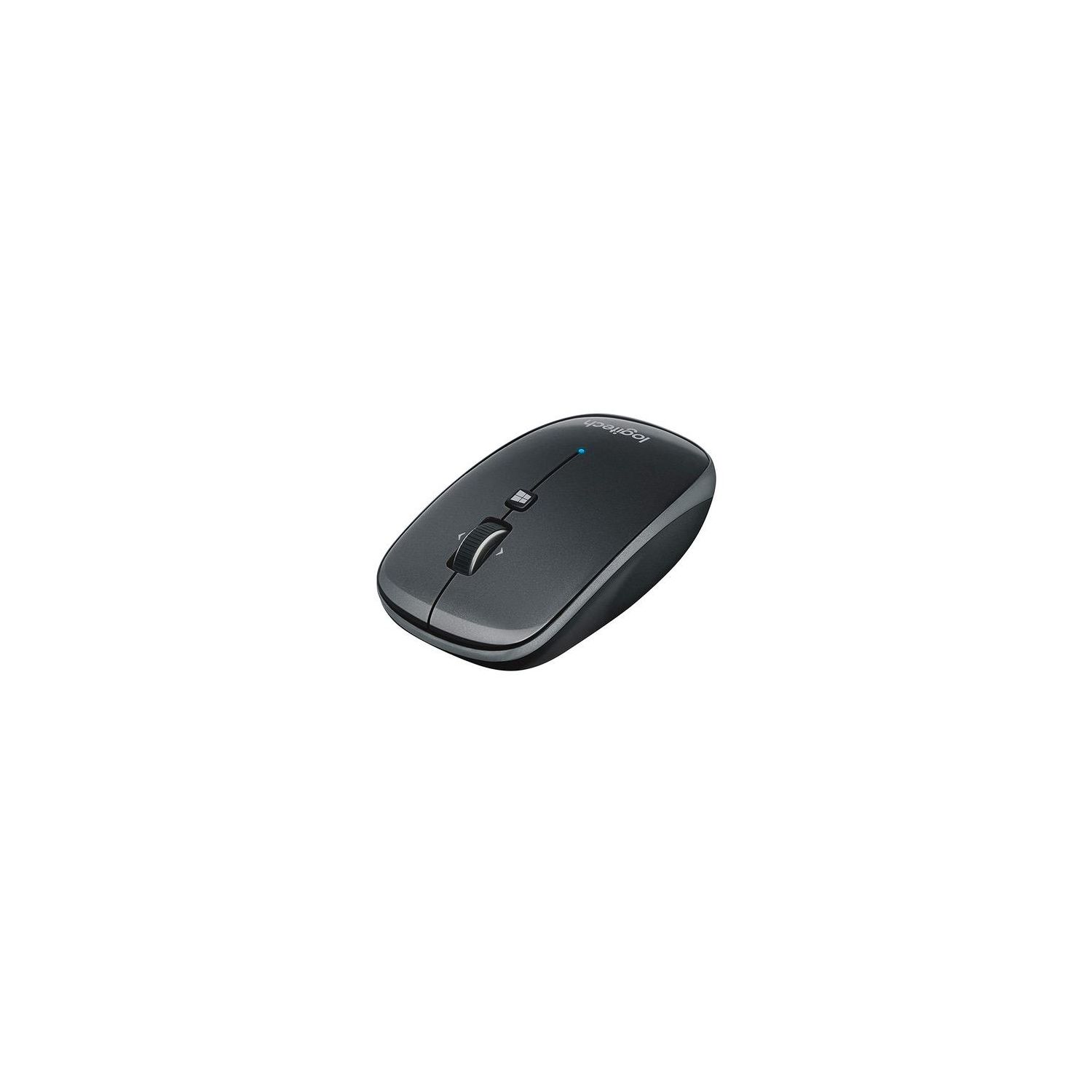
I purchased the Logitech M557 bluetooth mouse for just $13 and it was an obvious steal. BT mouse usually cost more than wireless ones and so this was a no brainer. However, there stands to be many improvements to be made for this mouse. Lets go over the pros first. Pros: - Connectivity. With a BT mouse, youre usually going to pair it up with a laptop. This means youre free from having a wireless adapter dongle from having to be connected to your laptop all the time. With todays laptop getting thinner and thinner, there just isnt enough USB ports to spare. While you could obviously use a USB hub, this is an inconvenience. For the majority of users, Im assuming that the mouse will be used very close in proximity to their laptop and so in most cases, connectivity strength will not be a problem. This holds true for all the times Ive used this mouse. - Back/Forward Buttons. The mouse wheel not only scrolls up and down as expected but includes the ability for left and right clicks as well. By default in Windows, this translates to the back button (left press) and forward button (right press). This is very useful when browsing in your browser of choice because no longer are the dedicated back and forward buttons in an awkward location as in most mouse. - Windows Button. The dedicated Windows button right below the wheel by default opens up the Start Menu. I believe you can download the Logitech software to customize what this button can do. I rarely go into the Start menu in Windows 10 so Ill definitely change it to something more useful when I can think of something! - Build Quality. The M557 seems very sturdy and well-built for a mobile mouse. - No Hyper-Scroll. This may be a con for many but I hate Logitechs hyper-scroll wheel feature with a passion! Ive had to return a wireless mouse in the past (which I loved) because middle clicking was extremely frustrating and error prone. The M557 does not have this scroll wheel feature and I for one am glad. - Absence of Light. Not sure if this can be considered a pro but be glad to know that there is no optical light whatsoever under the mouse. - Power Switch. Yes, Im old school. I like a dedicated on/off switch. The mouse does have an energy saving mode but still, nothing beats a power switch! Cons: - Weight. Immediately upon using the mouse I realized that this was not a good sign. Im using the Logitech M100 as my daily driver (which in my opinion is the best budget wired mouse ever) and switching to the M557 is a night and day difference. The semi good news is that the mouse can actually operate with just one AA battery! It has slots for two but Im currently using it with only a single battery and have not experienced any issues so far. Trust me, youll want to do this because that extra battery makes a big difference. Its not a deal breaker but its weird how other wireless mouse that requires battery and that seem larger in size feels actually a bit lighter than the M557 here. - Ergonomics. The mouse is not that comfortable to use. It has a fairly square design and although there is a slight hump acting for a hand rest, its not enough. I have very small hands and so I cant imagine how users with larger hands than mine will like this. To be fair though, this is a "mobile" mouse first and foremost so we must understand that some sacrifices must be made. Just realize that using this mouse as your daily driver might be a bit uncomfortable for you. I have no choice but to use the claw style mouse grip with this mouse. This slightly offsets the weight issue since I wont be lifting the mouse a lot (weight con) and the ergonomic con since my palm will be resting on the table instead. - Click Noise. The noise made when clicking on the buttons are fairly audible. This can be quite irritating when used in meetings. This is the complete opposite when scrolling the mouse wheel because that produces almost zero noise. All in all, I think this is a pretty good companion mouse for the mobile user. Youre probably not going to want to use it daily but only at times when it is required. You can throw the mouse in your travel bag and have a peace of mind that you wont have to use that crappy touchpad on your laptop.