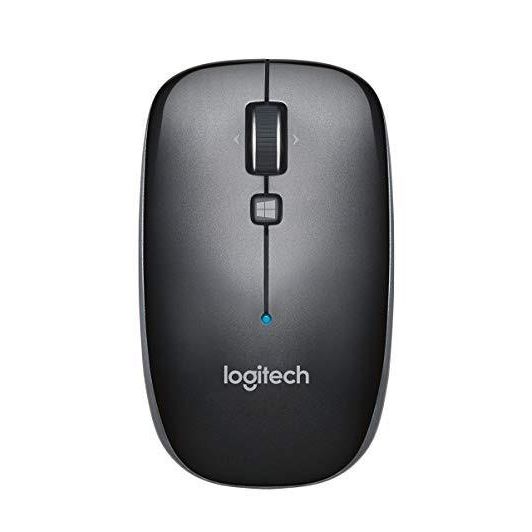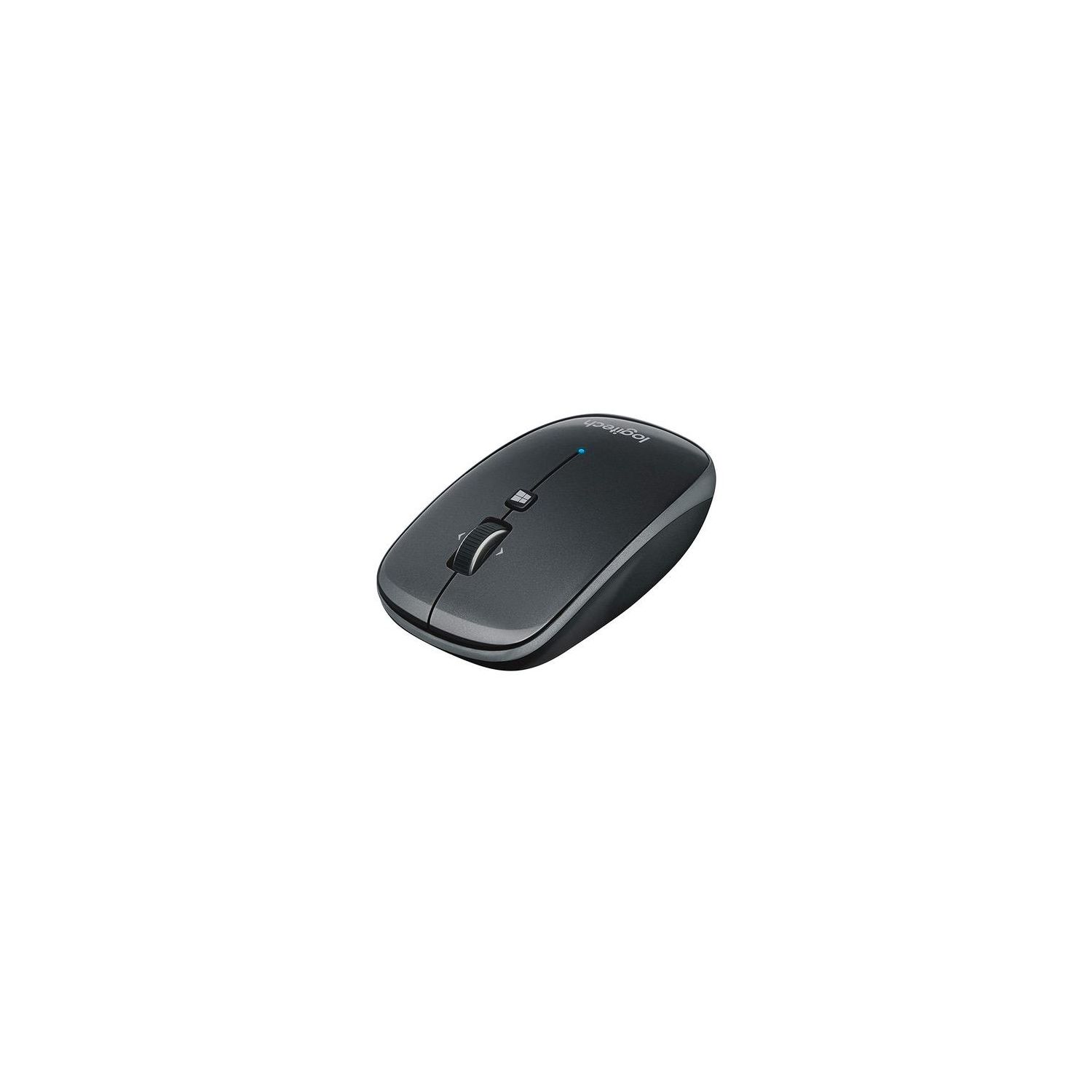
Logitech M557 Bluetooth Mouse – Wireless Mouse with 1 Year Battery Life, Side-to-Side Scrolling, and Right or Left Hand Use with Apple Mac or Microsoft Windows Computers and Laptops, Gray
Write a review
$2400 $7400

Logitech M557 Bluetooth Mouse – Wireless Mouse with 1 Year Battery Life, Side-to-Side Scrolling, and Right or Left Hand Use with Apple Mac or Microsoft Windows Computers and Laptops, Gray

Write a review
B00JUHDYSO
+
Add to wish list
Target is a general merchandise retailer with stores in all 50 states and the District...

City: US, New York

Delivery
Pickup at your own expense
Tomorrow from 09:00 to 20:00, Store location
Free
Payment options
Apple Pay Google Pay Mastercard Visa
Cash, bank card, credit/installment payments, cashless payment for legal entities
Warranty and returns
Exchange/return of products of proper quality within 14 days Official manufacturer's warranty: 12 months
Description
This fits your .
Make sure this fits by entering your model number. BLUETOOTH CONNECTIVITY - Use with virtually any Bluetooth enabled computer, laptop, or tablet: Connects to Mac, Windows, Chrome OS and Android SIDE-TO-SIDE SCROLLING - You can scroll up and down through documents, and also tilt the wheel left and right to move back and forth between web pages, open windows and apps SLIM DESIGN - Whether you’re a righty or a lefty, whether you use a fingertip or palm grip, the M557 is always a perfect fit for desktop or laptop LONG BATTERY LIFE - 1 year battery life and smart sleep mode help you go longer between battery changes. Supported OS-Windows 7, Windows 8, Windows 10. Mac OS X 10.6.8 or later and Chrome OS PROGRAMMABLE CONTROLS - Configure the buttons to do exactly what you want like switching applications, opening browser windows or jump to full screen while watching videos
Reviews
3.3
Reviews: 20
5 stars
25%
4 stars
30%
3 stars
10%
2 stars
15%
1 star
20%
Trevor Curtis
2
Overall, the mouse performs well. It connects quickly and easily and it does not stutter or lag. However, it does loose connectivity randomly and I sometimes find that I have to restart the computer for it to reestablish a connection. I have it running on a macbook pro and use it on OSX and Windows 7 bootcamp. I have seen the connection randomly lost on both sides. It also does not have a lot of resistance with the buttons and I find that I click just while resting my finger on the button. Those are some minor complaints for an otherwise well made, well performing, and well sized mouse. UPDATE 8/21/15 Ok, so I use this mouse primarily on my Macbook on OSX. The mouse looses connection often. It usually happened when I got up from the computer and came back after at least 15 mins. Now it will loose connection while I am using it. I am using it within 1.5 feet of my computer at all times and it is usually only inches away. It has become so much of an issue that I cannot recommend it to anyone. Also, when I turn the mouse over to switch it off, the bottom battery cover often unclips and the batteries fall out along with the cover. I really like Logitech and have owned mice, keyboards, and speakers. This one is not that great though.
Paul Kingtiger
2
I own several Logitech wireless mice, all the others use the unifying receiver and work great. I needed a Bluetooth mouse to work with a laptop with very limited USB ports. I didnt get a good result with the mouse, not sure if it was just the one I had or a problem with the models in general, but it jumped when making very small movements. Once it was going it worked well but that initial movement was terrible for doing precision work, exactly the work I do. I ended up going with a Microsoft Sculpt Bluetooth mouse which works great with the same laptop.
Xformer
2
Very disappointed by this mouse for use with Mac OSX 12+. I bought it during the summer and hadnt really used it to find out its flaws just now. 1) By default it will not "hover-select" anything. Meaning when navigating through menus it wont highlight anything moused over like the Mac trackpad does by default. I have not found a way to change this via any setting in the bluetooth mouse config on my Mac. 2) The logitech MacOSX software crashes upon opening. It appears that its supposed to be for OSX 12+ and Im not sure what the problem is, but to try to work around #1 I tried their software. It doesnt work. 3) The right-click on the mouse is suddenly non-functional physically. As I stated Ive barely used this mouse. Yet using it now, the right click doesnt click at all--Hardware problem. Its unfortunate to find out all of this months after purchase as I cannot return it. Should have gone for a more expensive option.
You may be interested
  • Bestsellers
  • Recently Viewed
 
Similar products
Fast and high quality delivery

Our company makes delivery all over the country

Quality assurance and service

We offer only those goods, in which quality we are sure

Returns within 30 days

You have 30 days to test your purchase