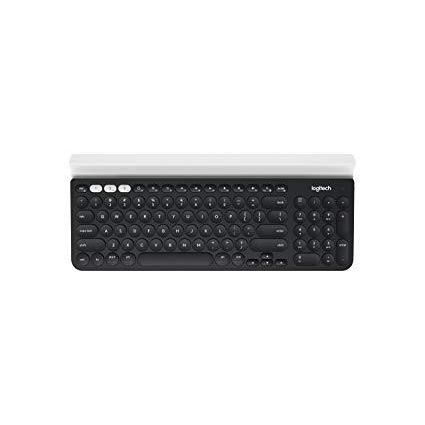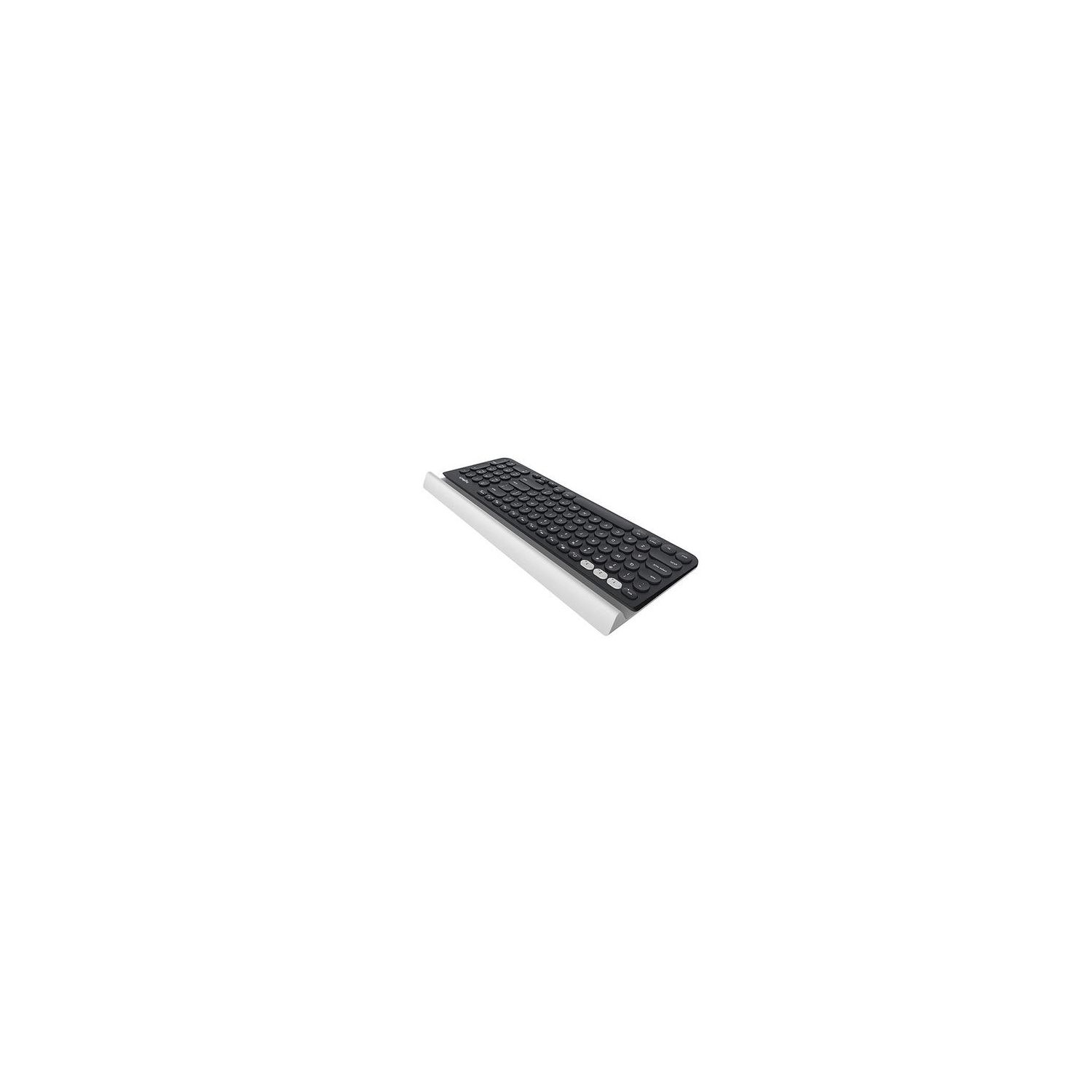
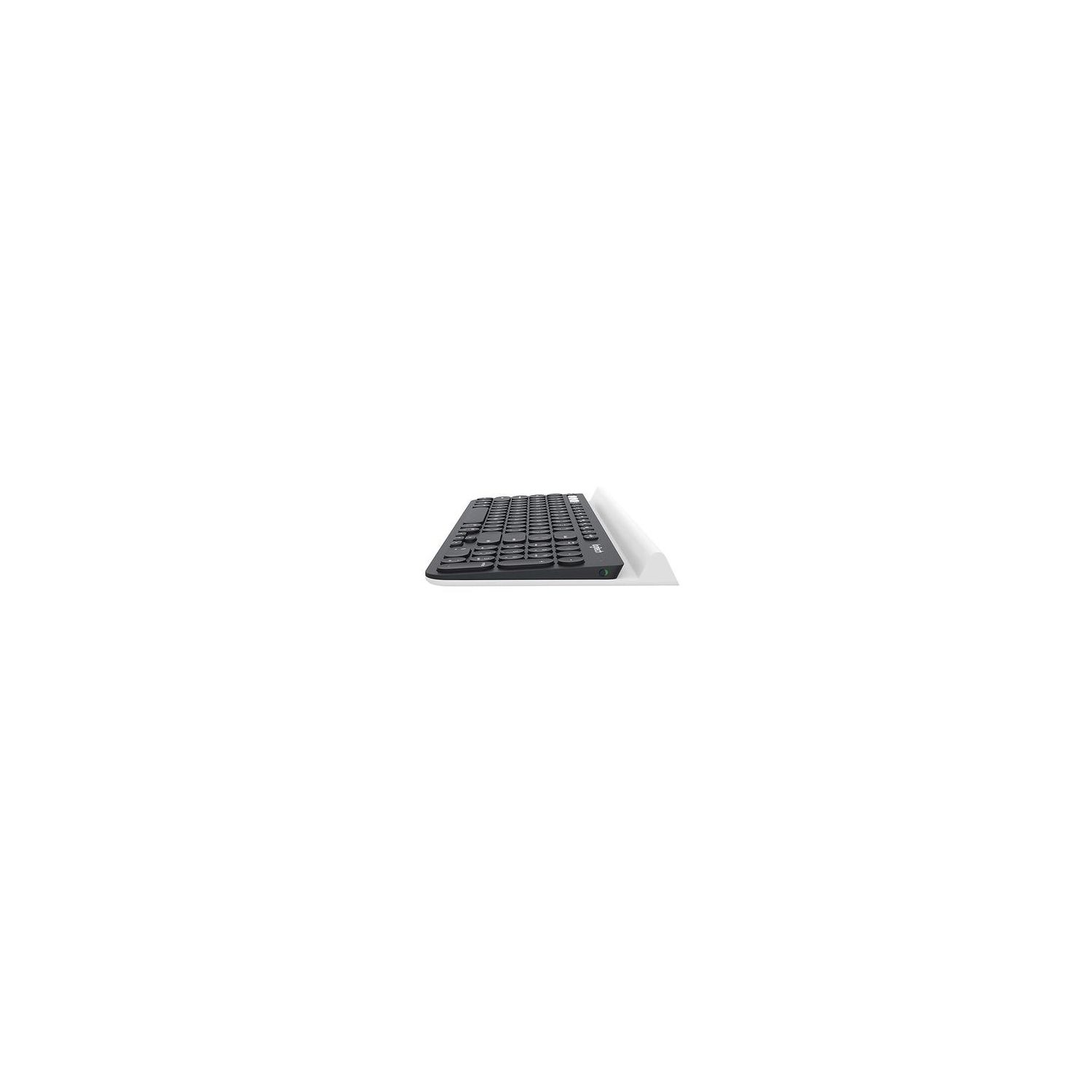
Logitech K780 Multi-Device Wireless Keyboard for Computer, Phone and Tablet – Logitech FLOW Cross-Computer Control Compatible
اكتب تقييم
$‎ 5900

Logitech K780 Multi-Device Wireless Keyboard for Computer, Phone and Tablet – Logitech FLOW Cross-Computer Control Compatible

اكتب تقييم
B01LZAK8MM
Target is a general merchandise retailer with stores in all 50 states and the District...

المدينة: US, New York

Delivery
Pickup at your own expense
Tomorrow from 09:00 to 20:00, Store location
Free
Payment options
Apple Pay Google Pay Mastercard Visa
Cash, bank card, credit/installment payments, cashless payment for legal entities
Warranty and returns
Exchange/return of products of proper quality within 14 days Official manufacturer's warranty: 12 months
Description
This fits your .
Make sure this fits by entering your model number. Multi-device wireless keyboard: Beautiful type-on-everything keyboard with easy switching between three devices, including any computer, tablet and smartphone Logitech FLOW cross-computer typing: Use as a regular keyboard or combine with a compatible Logitech FLOW mouse (sold separately) to type, copy, paste and move files seamlessly between computers Comfortable typing: Full size, fully equipped keyboard with large, quiet keys and convenient number pad Integrated phone and tablet stand: Holds your devices at the perfect angle to type and read Wide compatibility: Windows 8 or later , Mac OS X 10.10 or later , iOS 5 or later , Android 5.0 or later Chrome OS OS Adaptive: Automatically recognizes each device and maps keys to give you a familiar layout, including hotkeys and shortcuts Two year battery life*: Virtually eliminates the need to change batteries (*Battery life calculation based on an estimated two million keystrokes/year in an office environment. User experience may vary.)
Reviews
3.7
التقييمات: 20
5 نجمة
45%
4 نجمة
20%
3 نجمة
10%
2 نجمة
5%
1 نجوم
20%
Sam Lau
1
Bought this keyboard and has been using it for a month. I am sad to say that this keyboard has a auto sleep feature which cannot be turned off. It is so irritating when the keyboard will go to sleep mode after 30seconds without activity. You will miss the the first character you trying to type when it goes into sleep mode. Whoever who design this feature should be fired !!
Paul C.
1
I bought this keyboard because I wanted a wireless keyboard with a numpad and device switching capabilities to support my Windows PC and two iPhones. However, this keyboard falls short in every way so I returned it. First, the keyboard itself is quite heavy because of the built in mobile device stand. I think the stand was a cool idea, but in practice is not very useful for me because I like typing with the keyboard in my lap and so the devices screen ends up uncomfortably close and low relative to my eye level. Second, the wireless connectivity was quite spotty beyond 3 feet. When switching devices, if I was too far away from the USB receiver Id have to get closer momentarily before switching, after which I could go a few feet further back, which was annoying. Also, my first few keystrokes after having the keyboard idle for a while or switching devices consistently were not detected, so I had to keep backspacing to retype my first word. I used Bluetooth to connect to my mobile devices, which seemed to work OK, but I put the devices on the stand, so I dont know how well it works from a distance. Regardless, even with Bluetooth some of my keystrokes were still not detected. Third, the keyboard layout itself is kind of weird. I didnt realize when I bought this keyboard that it is not actually a full-sized keyboard despite the numpad and I found myself missing the arrows and insert/home/pageupdown/etc keys being in their regular place on a full-sized keyboard instead of being compressed alongside the alphanumeric keys and having to use Fn keys to toggle certain behaviors. Also, by default, the F keys at the top require you to use the Fn key, so things like Alt+F4 become Alt+Fn+F4 to close windows. The only way to force the F keys to behave as F keys without using Fn is to download some special software called Logitech Options, which again was pretty annoying. Perhaps the more egregious error that I found with this keyboard was that the Windows Start key and the Alt key were swapped (as in the keys were labeled correctly and had correct placement, but pressing Alt would bring up the Start menu and I had to use Start in place of Alt for some keyboard combos, like Start+F4 instead of Alt+F4) for some reason that I was not able to resolve, even with the Logitech Options software. Additionally, the right Ctrl and right Alt keys simply did not work at all. Logitech tech support is also pretty lousy and didnt get back to me for weeks when I had already returned this keyboard out of frustration. In conclusion, if youre looking for a full-sized wireless keyboard with device switching capabilities, dont get the K780. Instead, I recommend the K375S, also by Logitech. The K375S is full-sized, wireless, and has essentially the same device switching feature as the K780. The wireless range through the unifying receiver USB dongle is also not great, but I have no complaints after switching to Bluetooth. I have encountered significantly fewer issues with my keystrokes not being detected using this keyboard and all the keys function as intended. I still needed to install Logitech Options to force the F keys to behave like F keys without using the Fn key, but that is a minor annoyance relative to everything else. Also, the K375S comes with a detached device stand that you can place further away from the keyboard, like on a table, which makes the keyboard itself much lighter than the K780 since it doesnt have all that extra weight of the stand.
Kindle Customer
1
Pros: The keyboard feel is very solid and positive. Eliminated a USB keyboard/mouse switch and a lot of USB cabling Cons: I knew about the non-standard key layout before I purchased, but it is harder to get used to than I expected. The Bluetooth connection is not stable; I must rediscover the keyboard at least two or three times a week. It would be better if the keyboard and mouse were a set so you could switch from one computer to another with one button. As it is, you must switch the mouse and keyboard separately. UPDATE: Changed to one star as the connection is dropping more and more frequently. Im being forced to consider replacing the system.
Tom Rizzo
1
After using this device for a couple of weeks, it suddenly decided to stop operating. After attempting to connect several times by Bluetooth, I finally attempted to use the so-called "unifying" device. Pretty much of a joke. Neither connection worked. A lot of time wasted. I finally had to connect my old keyboard which - of anything - is reliable. I especially enjoyed Logitechs support instruction advising me to log on to the computer and go to Bluetooth pairing. Excellent advice--IF you are online. Unfortunately, I require an operational keyboard to connect to the computer to connect to pairing. Duh! A complete disappointment and a waste of valuable time.
You may be interested
  • Bestsellers
  • Recently Viewed
 
Fast and high quality delivery

Our company makes delivery all over the country

Quality assurance and service

We offer only those goods, in which quality we are sure

Returns within 30 days

You have 30 days to test your purchase