
















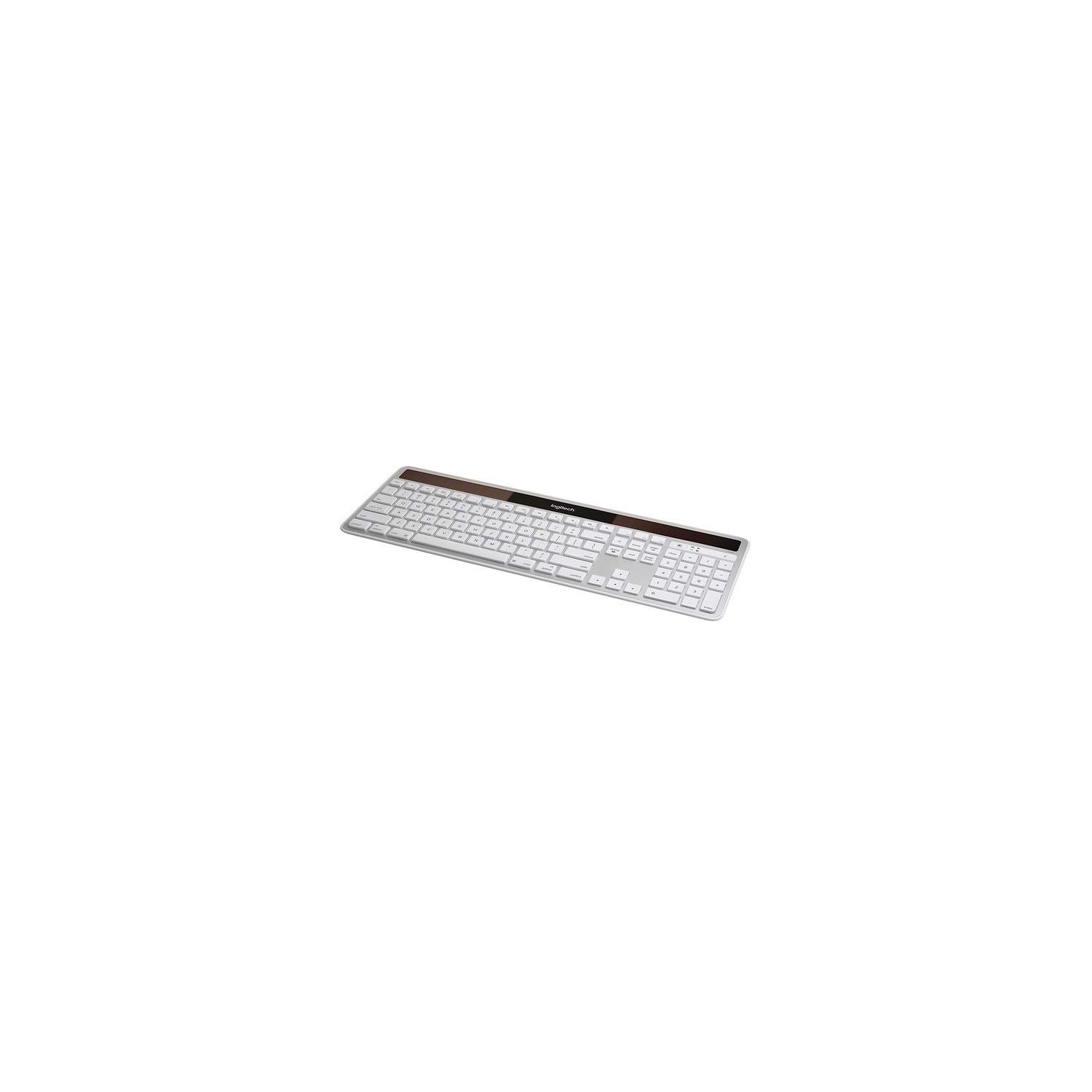
Logitech K750 Wireless Solar Keyboard for Mac — Solar Recharging, Mac-Friendly Keyboard, 2.4GHz Wireless - Silver
Write a review
3047 6953

Logitech K750 Wireless Solar Keyboard for Mac — Solar Recharging, Mac-Friendly Keyboard, 2.4GHz Wireless - Silver

Write a review
B005L38VRU
+
Add to wish list
Target is a general merchandise retailer with stores in all 50 states and the District...

City: US, New York

Delivery
Pickup at your own expense
Tomorrow from 09:00 to 20:00, Store location
Free
Payment options
Apple Pay Google Pay Mastercard Visa
Cash, bank card, credit/installment payments, cashless payment for legal entities
Warranty and returns
Exchange/return of products of proper quality within 14 days Official manufacturer's warranty: 12 months
Description
This fits your .
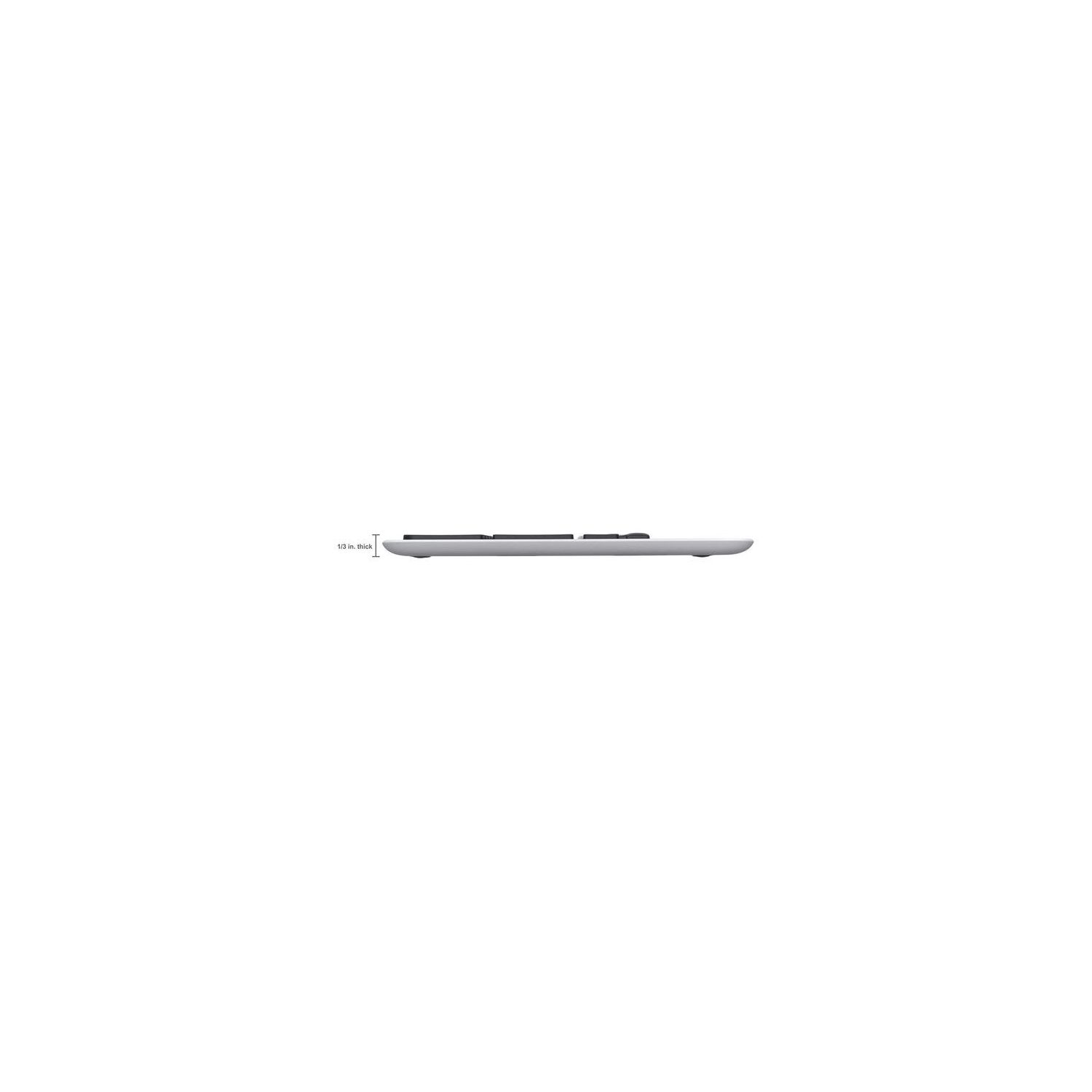
Make sure this fits by entering your model number. Solar-powered keyboard: No battery hassles—any light source keeps your keyboard charged for at least three months in total darkness Only 1/3-inch thick: Ultra-thin design adds sleek style to your workspace Familiar Mac layout: All the keys you're used to, plus a Launchpad hot key, are exactly where you expect them Feel-good typing: Logitech-only concave key cap design for faster, quieter, more comfortable typing. System Requirements - Mac OS X 10.5 or later,USB port,Light source from sunlight and/or indoor lighting Tiny Logitech Unifying receiver: Stays in your laptop and connects additional compatible wireless devices. Not Bluetooth compatible
Reviews
2.7
Reviews: 20
5 stars
25%
4 stars
10%
3 stars
15%
2 stars
10%
1 star
40%
Dizeyner
1
Im downgrading this from 4 stars to one. I purchased it Dec 2, 2016. today is February 25, 2017. Ive had it for less than 3 months. In the beginning it charged super fast and never drained. It was amazing. However, in the past few weeks it drains in less than a day and no longer charges unless I pop it in the window. And then only charges nicely if the sun is shining. there is no way to know when the caps lock is on or off and this is pretty critical element. My guess is that its not an oversight but a battery saving design element. after all a light on would drain the solar battery faster. the board is super thin but doesnt feel cheap. actually feels nicer than my official thin mac keyboard which I hate because it has no numeric keypad. yes, I know you can order one. but what person in their right mind wants two pieces to a keyboard sitting on their lap board? Because Ive used a logitech mouse for many, many, years (instead of that lame small mac mouse) I already trusted this brand. They keyboard started up right out of the box after peeling off the right plastic bits. That parts super intuitive for getting started. The product box was also intuitive and easy to pull out the keyboard and its USB stick. TIP: if you can find the solar app it will help you keep track of the battery usage. Unfortunately the link on the site does not take you to the solar app. I found it on the apple website. This little app is works with the puzzling icons. You press a button and if the app is installed on your computer it will tell you how much battery life is left. really did love the app. wish Id known about it out of the box instead of stumbling across it when I was looking for reasons why the keyboard is no longer charging like it used to. Apparently it takes TWO days to fully charge IF you do not use it for two days and put it in a sunny window. But I never had that problem in the beginning. And now of course...its simply drains faster than it can charge. It used to be so good it charged by lamplight! The so called "manual" that comes with the keyboard is a tiny bit of paper with microscopic text that you can not read without a magnifying glass. All in all I was happy with the purchase. But now that it cant keep a charge its pretty much a waste of money. Ive ordered a new NON-solar keyboard.
Steven C. Simmons
1
This keyboard worked great for the first 11 months. Then it began losing keystrokes and becoming unresponsive for long periods. Since its got a three-year warranty, I registered myself and the keyboard with Logitech, and attempted to submit a warranty claim. Five times, plus two additional failures. It was and is a nightmare. The first four, Id get all the data entered and all the text, then hit continue or send email, depending on the whim of the page. Id be taken back to the support page and have to start over. The fifth time I got a page that actually accepted my report when I clicked send email. I then attempted to use their contact us page to let them know about the web page problems. Hitting the phone number button gave page not found. Filled out the form to send them email, submitted it - and was sent back to the general support page. Gave up on letting them know about the problem. And after six failures out of seven attempts to communicate with them, Im not encouraged about the rest of the warranty process. Update 1: 12 days after filing the trouble report with Logitech, they sent me an automated email saying their customer service was overloaded. It asked me to provide them a bunch of data which Id already supplied to them in the original report, and sent me links to their troubleshooting steps which Id already tried. Ive replied, well see. In the meantime, this review has been marked down to a single star. Update 2: Logitech didnt respond to my reply, then sent a note saying theyd close my report as solved satisfactorily if I didnt respond. Again. I responded: the keyboard is now in our electronics recycling pile. A few days after that, they sent me a customer satisfaction survey. My response was zeros across the board, with a comment that summarizes this review. End of story.
E
1
Ive ordered TWO different keyboards for my desktop mac and both have been defective...my luck! I have the Logitech k750 for my windows computer at work (black), and thought that the mac version would be just as good for my mac computer at home but that has not been the case. The first one i purchased wouldnt charge, it got to the point where i would leave it on my window before heading off to work a 13 hour shift and when id return itd show that it was in the green on the battery indicator, but the very next day itd be in the red showing a low battery!! I also found the typing to be very delayed but that couldve been a result of the low battery 85% of the time. I really like this keyboard so i went ahead and ordered another one, and im having the same problem...so im going to return it again. im very disappointed because this keyboard has an amazing feel, a full numeric pad, and its solar powered, but i unfortunately i need something thatll work..this is not it.
G. Nelson
1
This review is more about Logitechs software than the hardware. I have been using this keyboard with a couple Macs (iMac and my Powerbook Pro (2014). The keyboard itself is wonderful and responsive. Used in an extremely dimly lit room and the battery always had a charge. However, when I upgraded to Mac OS Sierra, things were OK for a while then the Keyboard would not connect. Updating the drivers also had no effect. The unifying software would see it paired but not connected. Thinking that because the unit was over a year old, I bought a new one which worked for a few days then back to disappearing. Chat with Tech Support ultimately revealed that "all new versions of OS X tend to break Logitechs software and they will be looking into it." I said the support person that Sierra was beta back in June so they had months to work on this. Frustrating. Logitech software has always been a "bag of hurt" to begin with (mice and scrolling speeds), but this problem has forced me to purchase a regular corded keyboard. Ironically the Performance MX mouse that is also Unifying is still working properly.
Shopper DeLuxe
1
Disappointing. The one star is only because it looks and feels great. Had it six months, and the battery life went steadily down to 15% and then 10%, no matter how much sunlight or artificial light I provided. After reading Logitech forums about the same problem, I ordered a Maxell ML2032 rechargeable battery from Amazon, and when inserted it wouldnt even register on the battery life app at all, and would not take a charge. Returned it to Amazon, put the old one back in and have a limited-life battery again. Maxell website states this battery is not for sale except to manufacturers, and it is not available in retail outlets. So, do I buy another $60 solar keyboard and hope I get a good battery this time? Or consider that it sounded too good to be true, and, indeed, it was. I went to Logitechs website, and the link to customer service just freezes. I imagine they have a lot of these complaints. I would warn buyers to avoid this product unless they own stock in Maxell and can get all the batteries they want. Too bad, it could have been a great product.
Beth
1
This worked well for approximately 24 hours after I removed it from the box. Then it started randomly disconnecting and refusing to reconnect, typing multiple letters and numbers, and generally being a giant useless mess. Thankfully it was still within the return period so I was able to return it. This is also not like the Apple Bluetooth Keyboard (besides the fact that it does not connect via bluetooth and requires a USB dongle) visually or tactilely. Keyboard is plastic and has a silver colored finish but it does not feel as sturdy as the aluminum keyboard from Apple. Also, the keys are taller and have a slight curve to them that makes typing not as comfortable. The keyboard (because it has so many extra keys) is also significantly larger than the Apple keyboard (both top to bottom and side to side) so it takes up a lot more desk space. Overall, Id recommend an original Apple wired keyboard with the numeric keyboard over this mess. Dont waste your time or money.
Feisty Harriet
1
First keyboard would not type correct symbols, the comma and period keys typed colons and semicolons instead, the shift+number symbols were totally off. Went through Logitechs forums and did every possible fix I could find, still wouldnt work. I assumed it was an issue with just my keyboard, so I ordered a replacement. Replacement through Amazon had the exact same issues. I submitted a ticket through Logitech to see if they could troubleshoot the problem, it took 4 weeks, dozens of emails, and finally a ranty call-out to their company on Twitter before I got any kind of helpful response. Still no fix for the keyboard, but Logitech sent me a new one from their factory (not through Amazon). Well see if the issue is resolved. *I used my keyboard(s) with a Macbook Pro, when I hooked it up to a friends PC the symbols worked fine. But, as this keyboard is specifically FOR Macs...yeah, not very helpful. Both faulty keyboards returned. Beware in ordering this.
helloandyhihi
1
I wanted a keyboard with the same three Ctrl Opt and Cmd key placements without spending over $100+ for Apples Magic Keyboard. But this was a big disappointment. - Severe lag when hitting a key (and especially a combination of keystrokes) and the character or function actually working on the computer. I figured the little USB plug-in thing would work perfectly but it just didnt. - Keystrokes do not feel Apple-like. I know that people roll their eyes at how obsessively Apple designs the feel an sound of its keyboards, but man this Logitec keyboard subtly felt like it was harder to push each key, yet there was not the same satisfying "click." Each time you press a key it feels a little mushy. - The overall look is big, bulky and clunky. its quite ugly. Im typing this from my new Magic Keyboard and it feels great. I typically need to replace keyboards once every 3-5 years. As much as I dont want to spend that money, I think its worth it.
You may be interested
  • Bestsellers
  • Recently Viewed
 
Fast and high quality delivery

Our company makes delivery all over the country

Quality assurance and service

We offer only those goods, in which quality we are sure

Returns within 30 days

You have 30 days to test your purchase