
















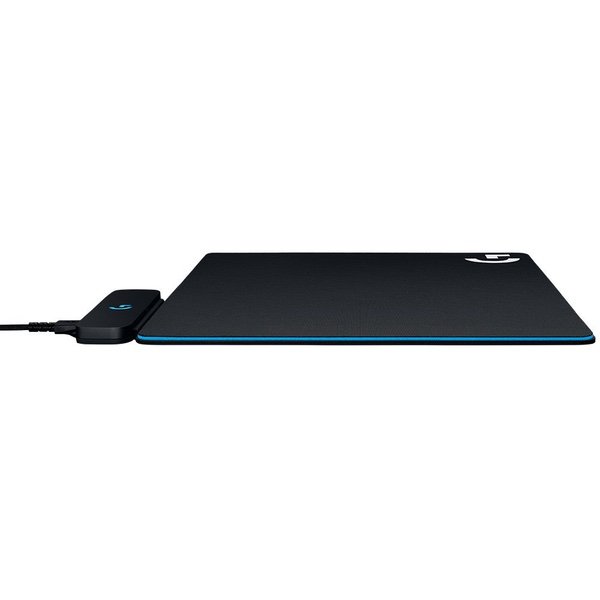
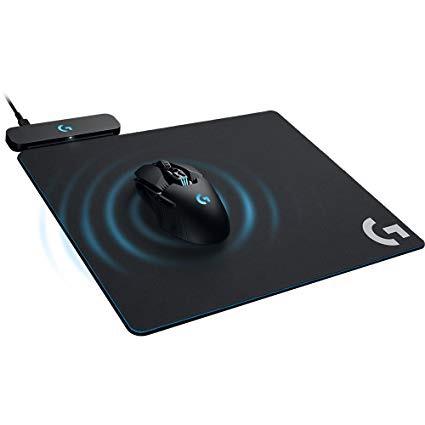
Logitech G Powerplay Wireless Charging System for G703, G903 Lightspeed Wireless Gaming Mice, Cloth or Hard Gaming Mouse Pad

Write a review
B071WZ56G9
Target is a general merchandise retailer with stores in all 50 states and the District...

City: US, New York

Delivery
Pickup at your own expense
Tomorrow from 09:00 to 20:00, Store location
Free
Payment options
Apple Pay Google Pay Mastercard Visa
Cash, bank card, credit/installment payments, cashless payment for legal entities
Warranty and returns
Exchange/return of products of proper quality within 14 days Official manufacturer's warranty: 12 months
Description
This fits your .
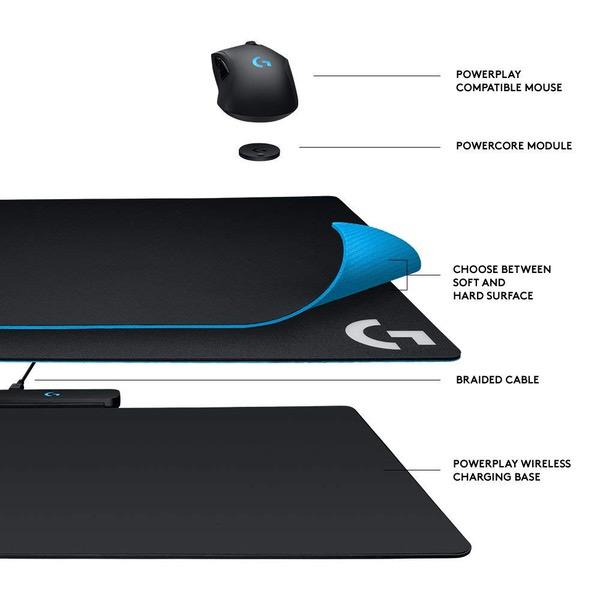
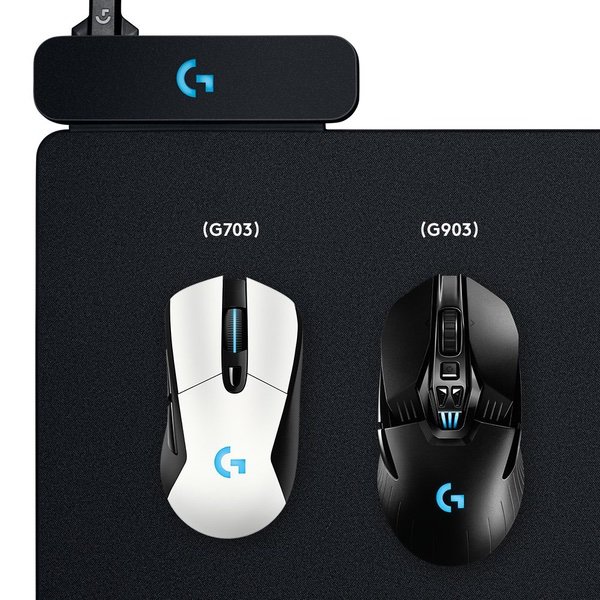
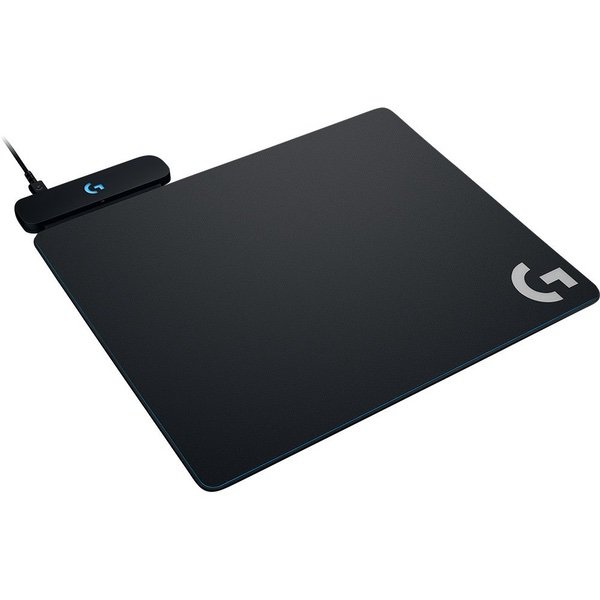
Make sure this fits by entering your model number. Innovative new POWERPLAY continuous wireless charging technology Continuously charges wireless gaming mice while in Gaming use Powercore module converts compatible mice Integrated light speed wireless receiver Choice of two surfaces – soft or hard gaming mouse pads Works with Logitech G703 and G903 gaming mice
Reviews
3.8
Reviews: 20
5 stars
65%
4 stars
5%
3 stars
0%
2 stars
5%
1 star
25%
EmTea
2
If youre thinking about getting a mousepad that can charge your mouse while you use it, this works great. Pros: - Sufficiently charges the mouse while in use. This is pretty cool. - Acts as a wireless receiver for the mouse as well. Cons: - Some sort of interference causing strange static noises and pops when I use my headphones. It may be because its a noise cancelling headphone (sony WH1000XM2), but whenever the mousepad is charging the mouse, it starts picking up static noise and pops, which get louder and more intense if I move closer to the mousepad. At first I thought it was some sort of interference on the usb port and the audio out jack. But I unplugged the mousepad from the computer and plugged it into a completely separate usb hub that is plugged into a different wall outlet, and the static/popping still happens. All of it stops immediately if I unplug the mousepad in either scenario. -Bright LEDs that cannot be disabled. There are two lights on this mousepad, the RGB Logitech logo, and another white LED that indicates if the mouse is charging. The RGB logo can be disabled if you install logitechs gaming software and have it running (exiting the app will revert it back to on), but the charging light cannot be disabled. Both lights are pretty bright and distracting/unappealing to me. - This last complaint Im less sure of, but I definitely feel like my hand/wrist gets warmer and sweater when I use this mousepad vs the one I used to. Maybe its the material or perhaps the inductive coil itself is generating a bit of warmth. Not a deal breaker, but it is another thing I disliked about it. I could deal with the LEDs (good ol tape) and the extra warmth, but the static noise on my favorite pair of headphones was a deal breaker to me.
You may be interested
  • Bestsellers
  • Recently Viewed
 
Similar products
Fast and high quality delivery

Our company makes delivery all over the country

Quality assurance and service

We offer only those goods, in which quality we are sure

Returns within 30 days

You have 30 days to test your purchase