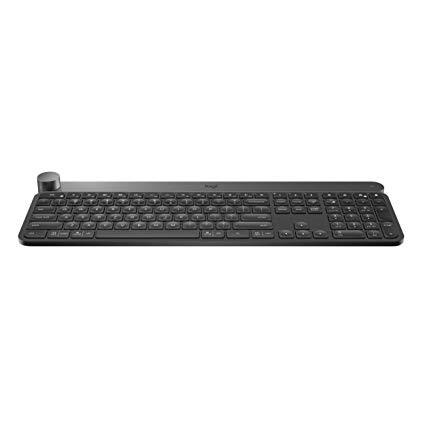
Logitech Craft Advanced Wireless Keyboard with Creative Input Dial and Backlit Keys, Dark grey and aluminum
Write a review
$17500

Logitech Craft Advanced Wireless Keyboard with Creative Input Dial and Backlit Keys, Dark grey and aluminum

Write a review
B0768LTVCQ
+
Add to wish list
Target is a general merchandise retailer with stores in all 50 states and the District...

City: US, New York

Delivery
Pickup at your own expense
Tomorrow from 09:00 to 20:00, Store location
Free
Payment options
Apple Pay Google Pay Mastercard Visa
Cash, bank card, credit/installment payments, cashless payment for legal entities
Warranty and returns
Exchange/return of products of proper quality within 14 days Official manufacturer's warranty: 12 months
Description
This fits your .
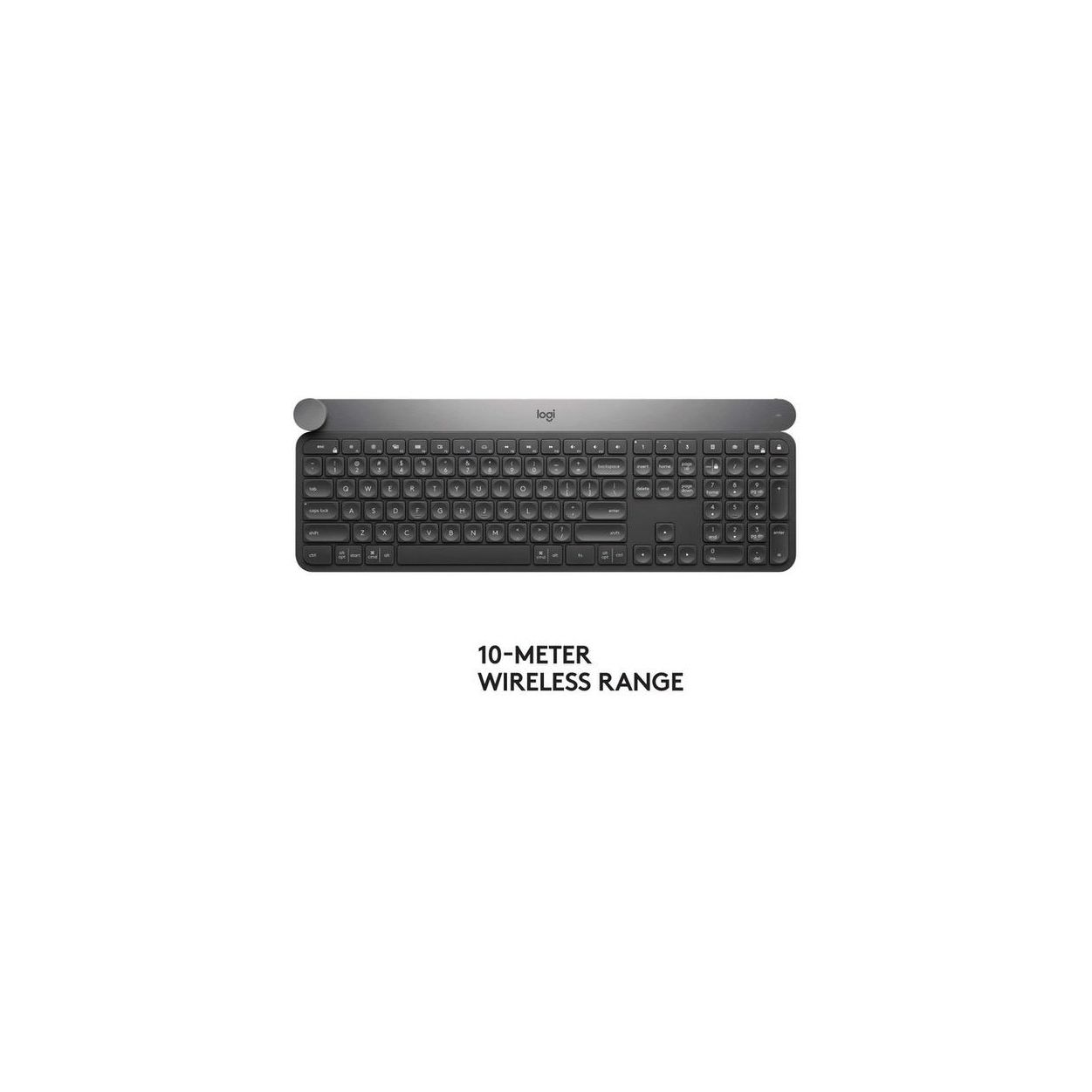
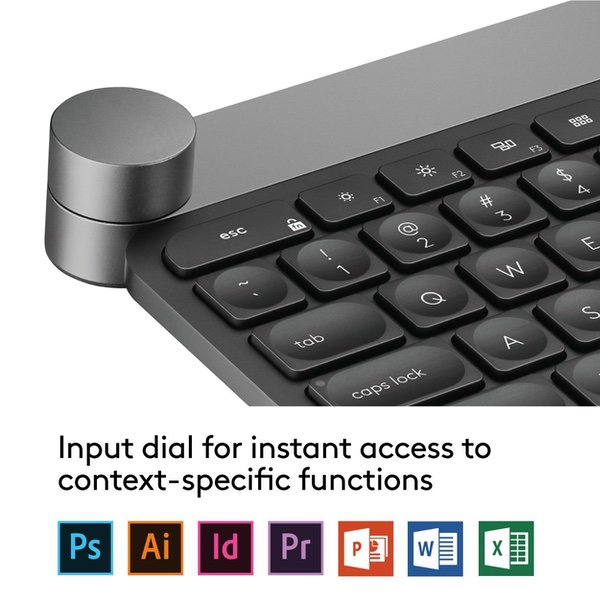
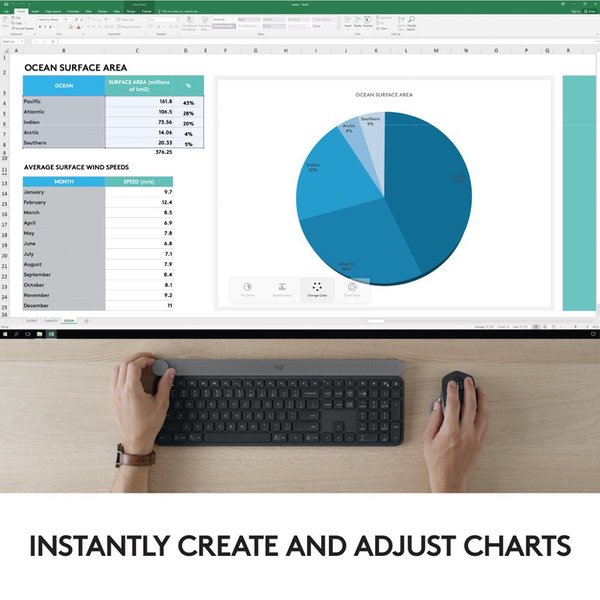
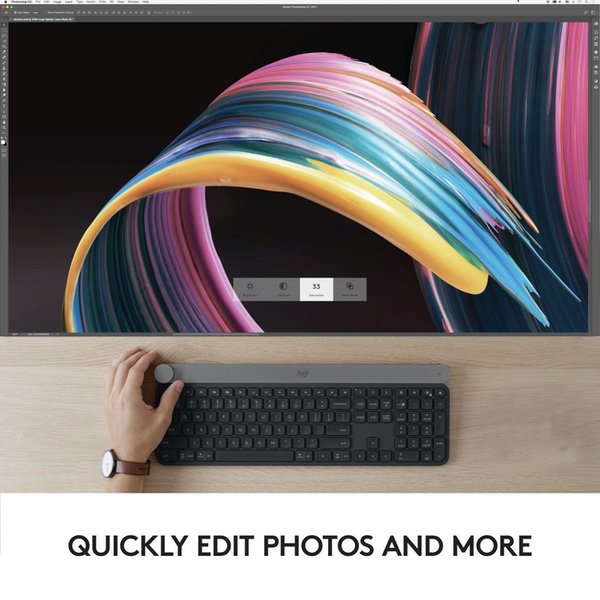
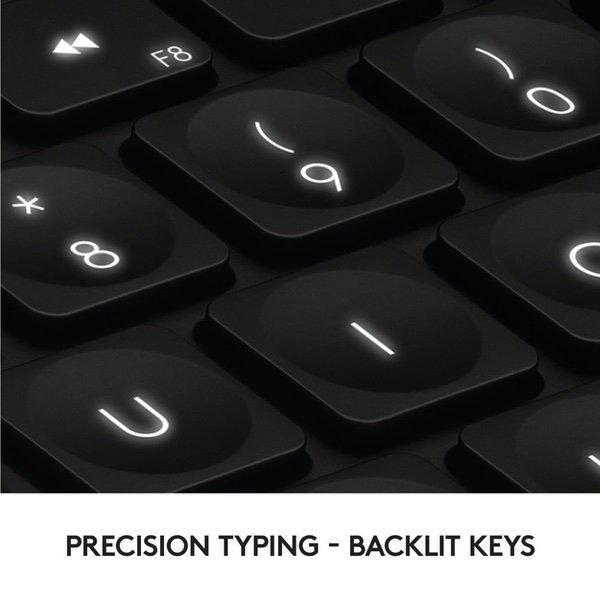
Make sure this fits by entering your model number. Touch the Crown to instantly access context-specific functions Type with confidence on a keyboard crafted for efficiency, stability, and precision Backlit keys let you type in any condition Type on up to three devices with the touch of a button. Connect via Logitech Unifying USB dongle or Bluetooth Low Energy Compatible with Windows 7 and above and mac OS 10.11 and above. Rechargeable with USB type C
Reviews
3
Reviews: 20
5 stars
35%
4 stars
10%
3 stars
10%
2 stars
5%
1 star
40%
Shadow HR
5
I took my keyboard search very seriously and tried out a number of different products. My search ends with this keyboard. Things I like: Low profile keys. Very nice typing action with high accuracy. I can really rip on this thing. Although, honestly, Im almost a bit surprised by how well I type on it because at first touch I thought the layout was a bit cramped. In terms of audio, they could be a bit quieter, but theyre not too clickity clack at all. Illumination is beautiful. Also dig how it lights up without touching the board, just on approach. Keyboard has excellent weight to it. Its a solid piece of metal. An outright fixture. The Craft Knob is pretty cool. Havent dug into it too much yet, but it seems to function well. Integration with other Logitech products, and even non-logitech products, is bloody seamless. Im really looking forward to opening up the possibilities of using my MX Master 2 mouse with this keyboard. The customizations are virtually endless, and all out of one USB dongle - though I could run both devices over bluetooth if I wanted...a nice option to have. Wishlist for the next gen: The boards profile could be slightly larger with a little more roominess around the keys - for my taste, anyways. Some ergonomic flare would also be appreciated. If the microsoft sculpt and this keyboard had a baby - Id be in heaven. Price. $200 is a pretty ambitious price point. $150 would be more than sufficient and more consistent with the market, I believe, in-terms of value proposition. The price gave me significant pause, but Logitech wins out over my feeble attempt to better manage my money. This is a great board that Im not sending back.
Ralph Montague
5
This is perhaps the best keyboard I have ever owned. My all-time favorite was the IBM keyboard sold with the original PCs. But we all know you cant use that at night in a silent household. I am a light user of the Adobe suite (Illustrator, Photoshop. InDesign, Premier, After Effect, and about two others) I am also a heavy Office user, MS. Word, Excel, PowerPoint, Outlook, Sharepoint, SQL, and others. The knob thingy on the upper left of this keyboard is a game changer. I find myself using it more and more in the above apps. For instance I have to proportionately over or downsize assets daily; with this knob thingy, all I haveto do is click the asset (image, etc.) and turn it. It saves so much time. In MS Word, I applied a lot of styles to my documents; with this knob thingy, its a breeze to see my document transformed into an endless variety of different versions. I also love two other features: At night, with low-light in my room, as I approached the keyboard, by hovering my hand over it, it lights up very soft and gently. Its very quiet. The keys have an indenture that help position your fingers. Another feature I love is that I have two other computers on my desk, and a Qnap NAS that can also be used as a computer. This keyboard allows you to operate three devices. It works with both MAC and PC. I also love the fact that its wireless, good battery life, and its literally built like a tank. As a matter of fact, if someone were to whack a burglar on the head with this keyboard, I very much doubt anyone would survive. Its the heaviest keyboard I have ever seen. I only have one small complaint; I wish that the knob thingy would be located at least an inch or so away from the top of the keyboard. I find myself touching t as I reach for the Escape key; but it doesnt interfere with my work... at least so far. I also purchase the Logitech MX Master 2S mouse. Logitech stopped manufacturing the Performance Mouse MX; best mouse EVER! The MX Master 2S also controls three devices by pressing a small switch on the bottom labeled 1-2-3. A little LED tells you (just like on the keyboard) which number is selected. By the way, how I got to connect three devices to this keyboard and to the MX Master 2S, was by using old dongles from old Logitech devices I had lying around. Make sure the dongles (which are really bluetooth transmitters) have the little orange star on top.
MichaelX
5
Im really liking this keyboard so far. Keys have a really nice & solid feel, yet easy to type on. The key travel is fairly short, which I like. In other words, its not like a mechanical style keyboard - which again for me is a plus, as I very much dont like that. Nor is it like a super short-travel type of keyboard - which I dont much care for either. A nice middle ground. And you should note - I bought this keyboard for the feel, not the touch sensitive dial - which Ive hardly used. I use a the keyboard with a MacBook pro 15 inch (2017) - and something I noticed might be useful. I dont tend to like to install a lot of third-party bits of software that tend to come with accessories (as most of it is rubbish and not needed anyway). So I used the keyboard for a while without installing the "Logitech Options" software. That was a mistake - as at least on the mac, the command key didnt map to the right key on the keyboard, some of the smart keys didnt work, etc. So finally I decided to install the Logitech Options software, and glad I did - as all of that stuff started working correctly afterwards. In terms of battery life, I seem to be getting about four full working-days from a full charge. Not awesome, but certainly workable. Overall, would highly recommend this keyboard.
Amazon Customer
5
I dont care much for the wheel in the upper left, but this keyboard types like a dream. I liken it to a Lenovo laptop keyboard where the keys are responsive and require just the right amount of pressure to activate. You will need to download the Craft driver package as it is not contained in the box, but doing so allows you to set the keyboard up to meet your preferences. Out of the box, the function keys are a secondary function, so the software allows you to make them primary. This keyboard is expensive, but feels great, types great and looks great.
T.T.
5
First of all, right of the package you can tell that at least the material is of high quality. The keyboard is heavier than expected and seems to be made of great quality metal. It reminds me a bit of metal Apple keyboards but with more to it. The keys feel really nice and they are easy to type on. My previous keyboard had the type of keys that have the key caps that jut out a bit. This doesn’t, but, surprisingly, I like it more. I was hesitant to move to a wireless keyboard because they aren’t usually as responsive or have issues connecting, but this one has been working great. I love that there are buttons at the top for maneuvering through multiple apps and windows. I wanted a keyboard that felt good on my lap while I use my computer that is connected to my tv and this did not dissapoint. After a month the battery still hasn’t run out, even after I left it on a few times, which is very nice. The biggest downside to this keyboard is the software. The software is great in that it pairs well to the keyboard and the keyboard runs smoothly through it. The issue is that it lacks customizability. You can choose what pressing the dial does, etc but there aren’t as many options as I want. You can’t change how quickly the key lights dim out. I basically just use the knob for volume control which seems like a waste. I would almost rather that they just remove the knob and do custom buttons or maybe a custom button touchscreen or something. Or maybe just make a version without the knob and reduce the cost. The only core issue that I found with this keyboard is that when you use the dial, sometimes the menu that pops up doesn’t go away. This is very annoying as I had to quit the Service to make it disappear. I would like it if there was a custom option where you could disable the pop ups or at least fix the disappearing issue. However, I don’t use the keyboard for the knob, so I don’t find this being a big issue. Despite the above drawbacks, this is a great keyboard. The best wireless keyboard I have had the pleasure of using. I am a sucker for quality. I just hope that they perfect it and improve the software.
Darrell G.W.
5
Been working on this keyboard for about a week now and I really love it. The typing experience is the best of any keyboard I have ever used. The touch and feel of the keys is outstanding. I replaced a Microsoft ergonomic keyboard, so that took some getting used to. The Microsoft used to sporadically skip key strokes, especially when typing fast. Ended up becoming an issue I couldnt live with anymore, so I got the Logitech. Glad I did. In addition, I installed the Logi Options software and I have no issues with it whatsoever. I installed the software on a Lenova desktop running Windows 10, then on a MacBook Pro running Mojave 10.14.2 and also on a Microsoft Surface Pro running Windows 10. I can switch the keyboard and mouse (have the Logitech MX Master 2S) seamlessly using the software, or just as easy by selecting the button on the device. It works fantastic on three machines all running different things. Bluetooth connection was super easy and completed within seconds. Pros: Built well - very heavy and durable / The key pressure and overall feel is second to none. / Looks nice and doesnt take up too much room. Cons: As others have mentioned, the keyboard feels a little cramped, especially at first. However, after a couple of days of typing I have adjusted well. It is pretty much in line with laptop keyboard spacing so going from this keyboard to a laptop is easier. Jury still out on: Battery life - after a week, no issues and still trucking. I did turn back-lighting off in order to extend the battery life. / The knob - not sure its all that useful or just a gadget. In some applications it is pretty cool, in others totally useless. For instance, I was using for zoom in Adobe Illustrator and with a short twist I was maxed out at 6400% zoom, which is pretty useless really. But switching artboards in the same program is really handy. Time will tell whether I end up using the knob much. To summarize, I would gladly recommend this keyboard, I am enjoying (and typing this review on) mine.
C. ludwig
5
I was skeptical I would like this, and that it could justify the price tag. While Ill say it is still expensive, I do love this keyboard, its quiet, with a good feel, solid build, confident feeling when using. Not like any keyboard ive used before. The control knob is a great addition for people in the creative field. Although Ive experienced some problems when i loaded the adobe profiles on an older MAC IOS. once i un-installed it, everything was good. The bluetooth connection is eh, and I have yet to use the whole "Flow" function. but love that I can swap between my mac and PC by a simplre press of a button.
You may be interested
  • Bestsellers
  • Recently Viewed
 
Fast and high quality delivery

Our company makes delivery all over the country

Quality assurance and service

We offer only those goods, in which quality we are sure

Returns within 30 days

You have 30 days to test your purchase