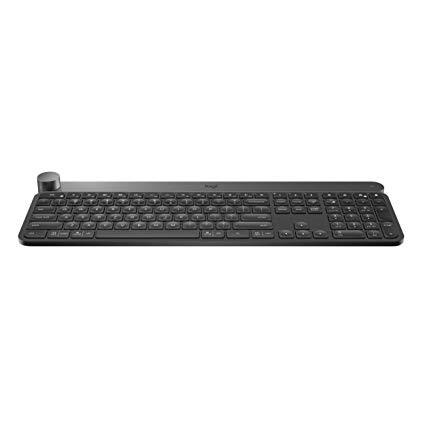
Logitech Craft Advanced Wireless Keyboard with Creative Input Dial and Backlit Keys, Dark grey and aluminum
Write a review
$17500

Logitech Craft Advanced Wireless Keyboard with Creative Input Dial and Backlit Keys, Dark grey and aluminum

Write a review
B0768LTVCQ
+
Add to wish list
Target is a general merchandise retailer with stores in all 50 states and the District...

City: US, New York

Delivery
Pickup at your own expense
Tomorrow from 09:00 to 20:00, Store location
Free
Payment options
Apple Pay Google Pay Mastercard Visa
Cash, bank card, credit/installment payments, cashless payment for legal entities
Warranty and returns
Exchange/return of products of proper quality within 14 days Official manufacturer's warranty: 12 months
Description
This fits your .
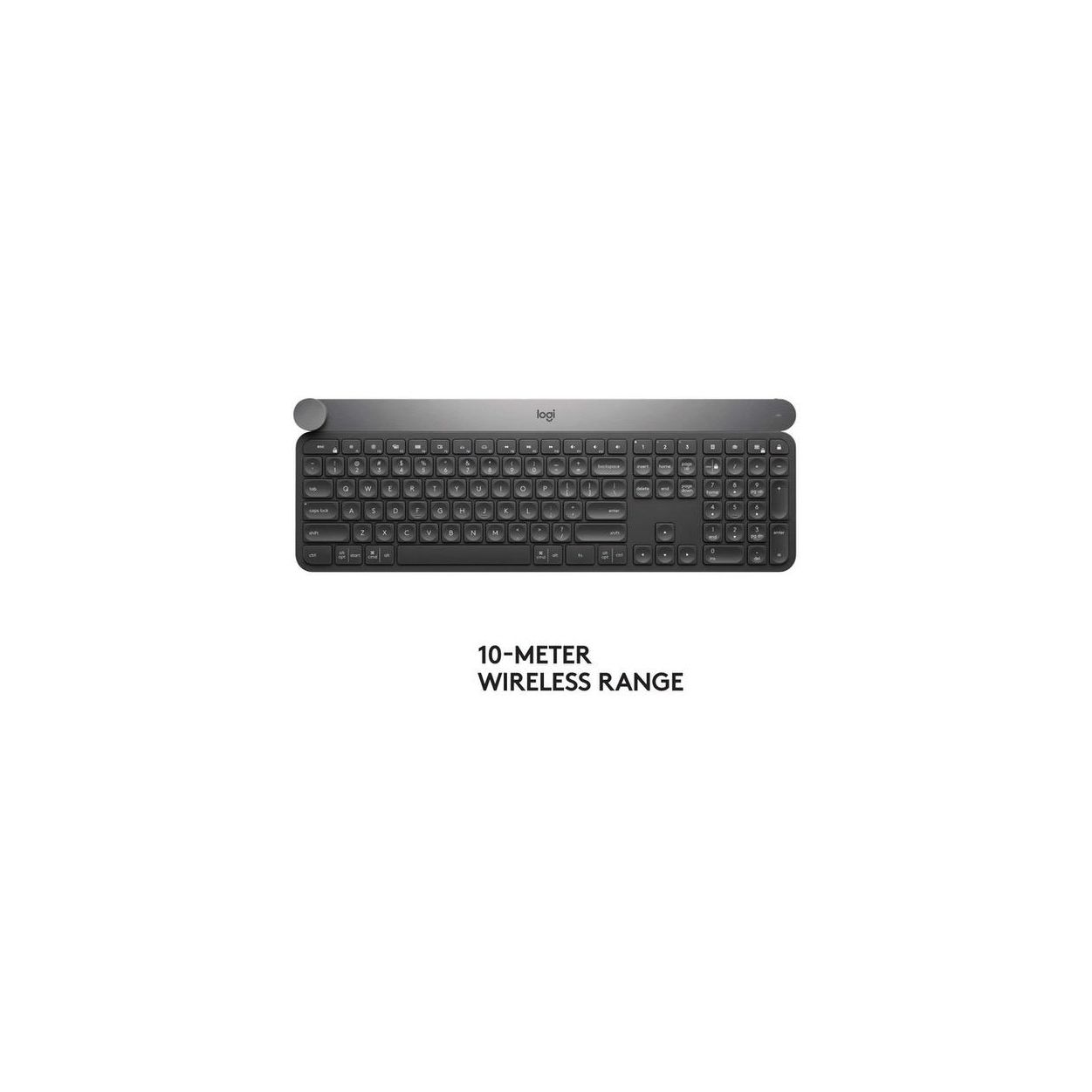
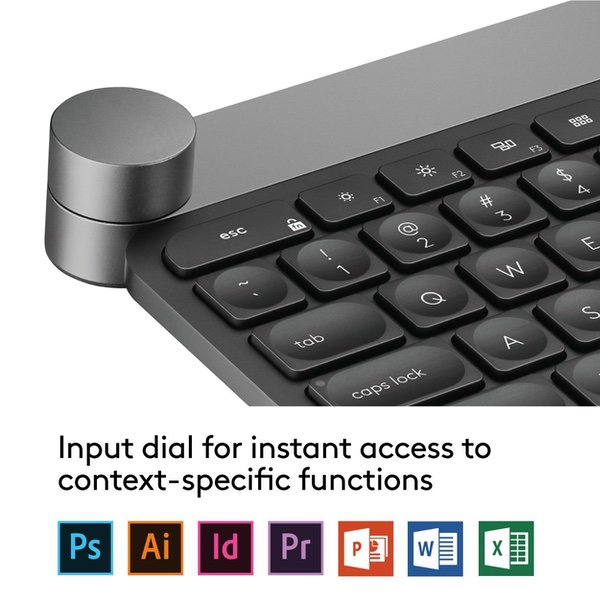
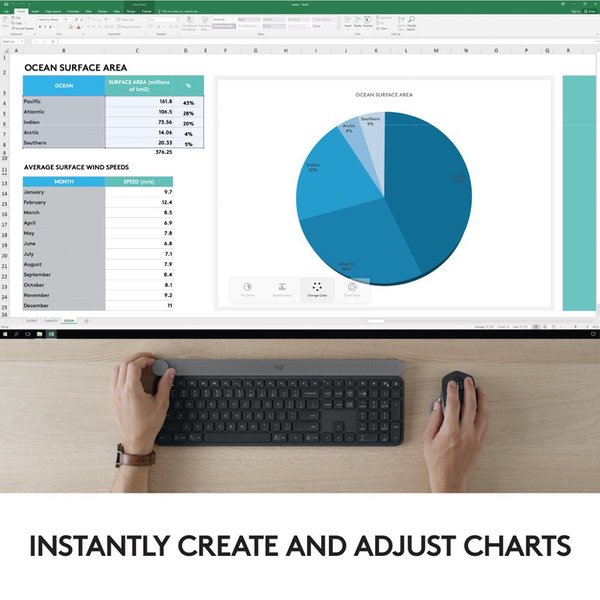
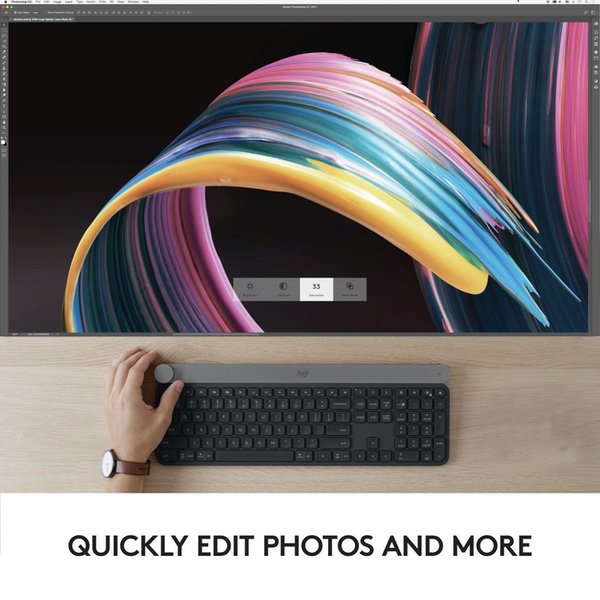
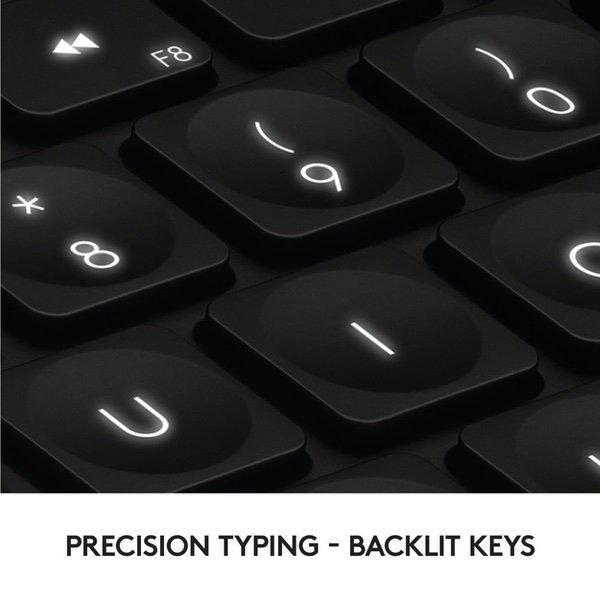
Make sure this fits by entering your model number. Touch the Crown to instantly access context-specific functions Type with confidence on a keyboard crafted for efficiency, stability, and precision Backlit keys let you type in any condition Type on up to three devices with the touch of a button. Connect via Logitech Unifying USB dongle or Bluetooth Low Energy Compatible with Windows 7 and above and mac OS 10.11 and above. Rechargeable with USB type C
Reviews
3
Reviews: 20
5 stars
35%
4 stars
10%
3 stars
10%
2 stars
5%
1 star
40%
Jason K.
3
(Im on MacBook Pro) Only ok, unfortunately. I really wanted to love this keyboard, backlit keys in a non-gaming, flat-style form. Unfortunately the keyboard <-> Mac interface leaves a lot to be desired. Had to update the firmware out of the box to get a silly key binding bug fixed, but even after that... If I connect using the Universal adapter then when my machine is under load (like any time the fans start spinning) then I start losing keystrokes, or keystrokes are received out of order. Terrible. If I connect using Bluetooth then whenever I take my laptop out of range it forgets that keyboard, so when I bring the laptop back I have to re-pair it with the Craft every time! I wish it would just connect using the USB cable, but unfathomably Logitech ONLY use that for charging (no data). As a bluetooth keyboard it also doesnt appear in the Keyboard preferences, so I cant remap my capslock keY, SO IM CONSTANTLY HITTING IT ACCIDENTALLY AND TYPING IN ALL CAPS.
Eric C.
3
I REALLY want to give this keyboard 5 stars for the way it looks and the way the keys feel. Ive long been searching for a keyboard that had 4 features: 1. chicklet-style keyboard 2. bluetooth 3. full numeric keypad 4. backlit keys I dont think there is any other keyboard on the market that has all 4 features. When this keyboard came out it offered everything I was looking for. But ... now for the bad news: The Bluetooth connectivity is HORRIBLE. As I am typing away for no apparent reason, the keyboard will disconnect and the light will flash. Wait about 10 seconds (seems like an eternity when youre in the middle of typing something) and the keyboard will re-connect. Over an 8 hour day this will happen 5-10 times. (Not exaggerating). Logitech customer support is not fun. You open a ticket. You wait a few days and you get a painfully-obvious canned response, where fully 50% of the recommended suggestions do not even apply. They recommended unplugging the keyboard cable from the usb port. (Umm, this is a wireless keyboard?). They also recommended removing the battery. (I can imagine some poor soul desperately trying to figure out how to do this. Hint: the battery is sealed. Its non-removable). The canned email prompts you to reply back with loads of information. I was happy to provide the requested information. They also requested that I attach proof of purchase, which I did. A few days later here comes another email. This one is obviously another pre-written rebuttal but at least this time its more in line with how you would typically expect to troubleshoot a bluetooth device. They want you to disconnect the device from your computer and the reconnect it. They ask you to reinstall the bluetooth software in Windows. They ask you to try another computer. "have you tried turning it off and back on again?". Oh and again they asked me for proof of purchase. Dont get me wrong, its appropriate to ask these questions but so far a week had gone by and I am no closer to resolving the issue. The keyboard continues to disconnect. I even took an hour to contact Dell support, explain the situation and much to my surprise they even helped me ensure the Bluetooth software was installed and up to date. I am still waiting to hear back from Logitech. In the meantime, as a test, I re-connected the Craft keyboard to my computer using the USB Unifying adapter INSTEAD OF bluetooth. (For those who dont know, there are 2 ways to connect this keyboard - either through Bluetooth or through the included Logitech USB dongle). I prefer Bluetooth since its built into the laptop, and I dont want to permanently lose 1 of my 2 usb ports on my laptop because of the Logitech unifying connector. This is why bluetooth was one of my criteria for a keyboard. In any case I am frustrated. I have the latest firmware installed on the keyboard. I have the latest version of Windows 10 with all updates and I have the latest Bluetooth drivers and software installed on my laptop. I have other Bluetooth devices which work fine - a pair of headphones, earbuds and a bluetooth mouse. These devices NEVER disconnect when I am using them. It is ONLY the Craft keyboard that disconnects. As long as the Craft keyboard is connected via the annoying usb unifying adapter, it stays connected. When I switch it back to Bluetooth, it goes right back to randomly disconnecting throughout the day.
You may be interested
  • Bestsellers
  • Recently Viewed
 
Fast and high quality delivery

Our company makes delivery all over the country

Quality assurance and service

We offer only those goods, in which quality we are sure

Returns within 30 days

You have 30 days to test your purchase