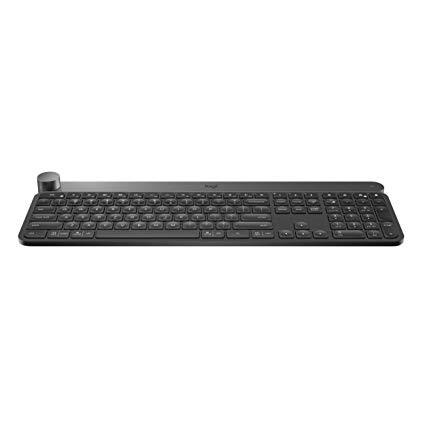
Logitech Craft Advanced Wireless Keyboard with Creative Input Dial and Backlit Keys, Dark grey and aluminum
Write a review
$17500

Logitech Craft Advanced Wireless Keyboard with Creative Input Dial and Backlit Keys, Dark grey and aluminum

Write a review
B0768LTVCQ
+
Add to wish list
Target is a general merchandise retailer with stores in all 50 states and the District...

City: US, New York

Delivery
Pickup at your own expense
Tomorrow from 09:00 to 20:00, Store location
Free
Payment options
Apple Pay Google Pay Mastercard Visa
Cash, bank card, credit/installment payments, cashless payment for legal entities
Warranty and returns
Exchange/return of products of proper quality within 14 days Official manufacturer's warranty: 12 months
Description
This fits your .
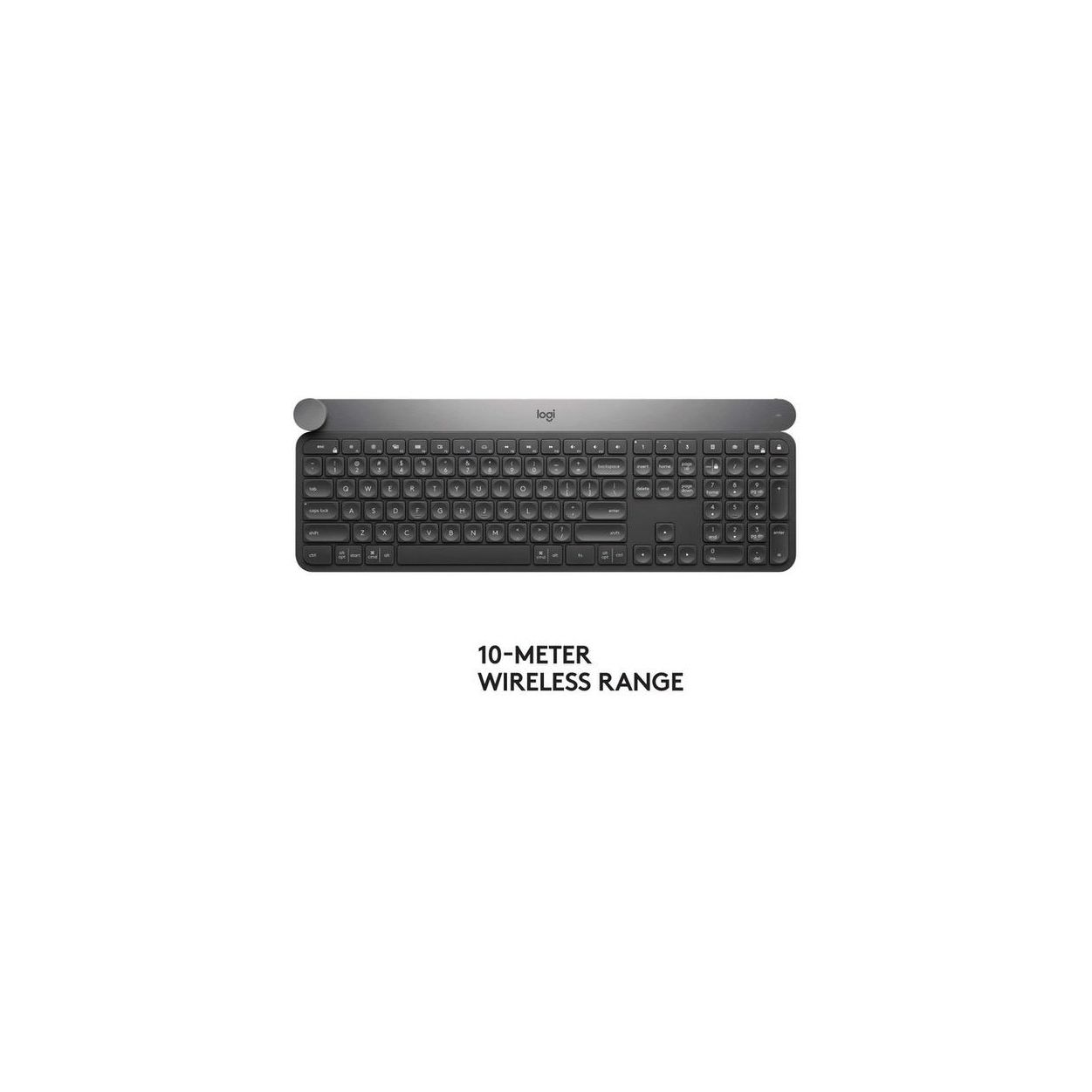
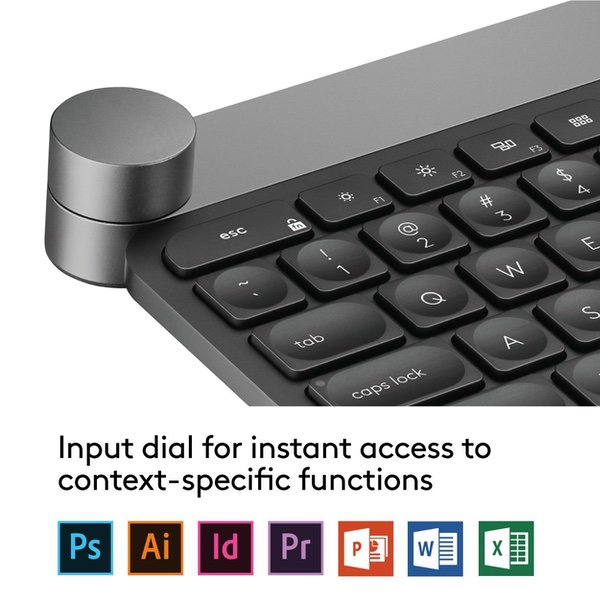
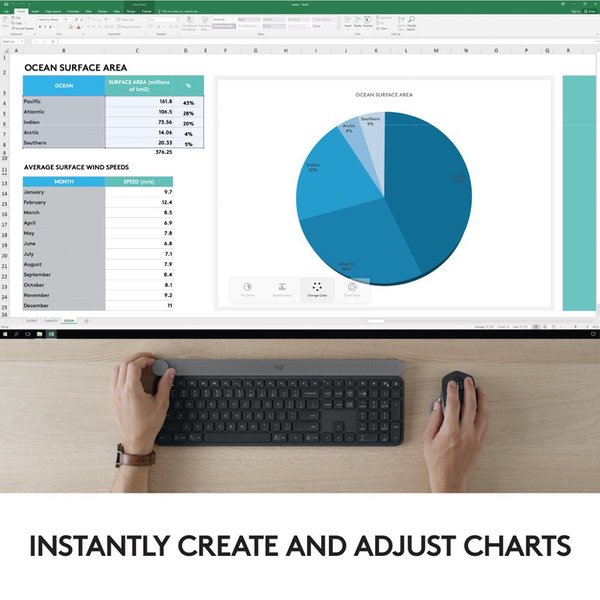
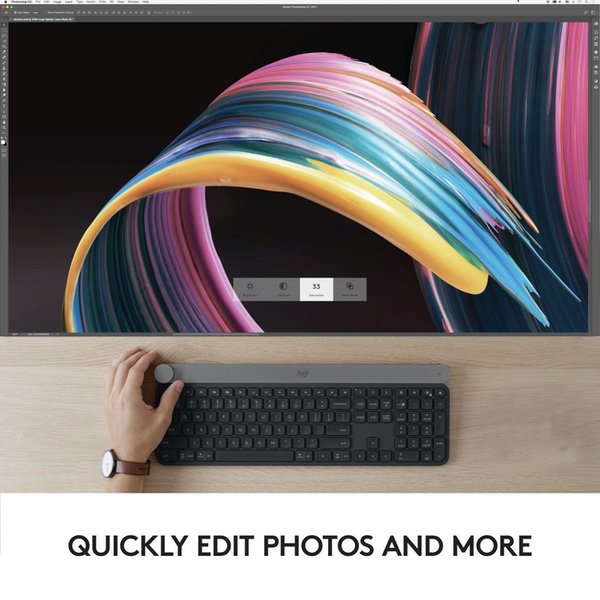
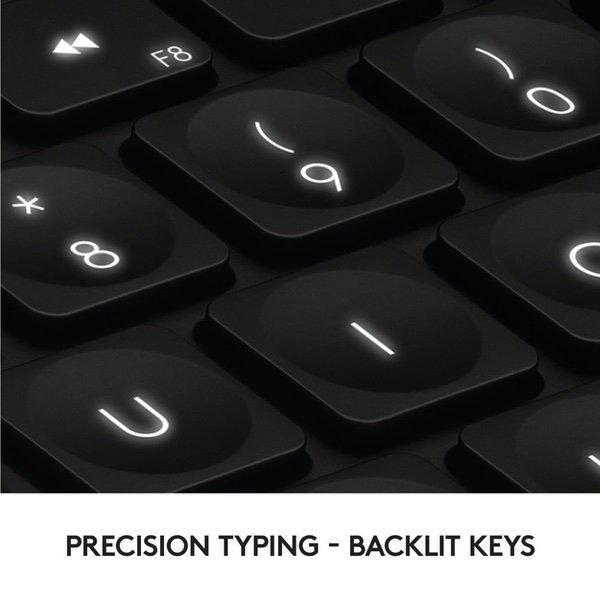
Make sure this fits by entering your model number. Touch the Crown to instantly access context-specific functions Type with confidence on a keyboard crafted for efficiency, stability, and precision Backlit keys let you type in any condition Type on up to three devices with the touch of a button. Connect via Logitech Unifying USB dongle or Bluetooth Low Energy Compatible with Windows 7 and above and mac OS 10.11 and above. Rechargeable with USB type C
Reviews
3
Reviews: 20
5 stars
35%
4 stars
10%
3 stars
10%
2 stars
5%
1 star
40%
Jeff
1
The software aspect is junk. The settings only sometimes take effect. Example: If you disable the caps lock key, it will sporadically work. And then not. And then it will again. Example: The keylights disable themselves every once in a while. This is normal if battery is low, but not on a full charge. The dial is ridiculously touchy. Adjusting any value happens far too fast to be useful. Example: In Lightroom if you want to adjust exposure, by touching the dial you will rocket 2 stops up. Then if touch again in to try and back off a bit, you will be 2 stops below where you started. Example: Starting your volume at zero if you turn 110° then you are at 100%. The average persons hands arent that accurate, and you *will* constantly over and undershoot your targets. No Support. 6 days later Logitech has yet to respond to me asking whether the dial sensitivity can be adjusted at all. I give up.
Mark S
1
Logitechs Craft is seemingly optimized for the creative professional, but fails at allowing the keyboard to be optimized for any workflow. As a designer, I perform multiple shortcuts with in my workflow and I was looking for a hardware solution that could improve that. Logitech’s Craft Keyboard seemed to offer that solution. Although initially offering a good typing experience, there are critical flaws for this keyboard. PRO: My initial interaction with this keyboard was quite nice; the crown offered a satisfying feedback with every turn and it’s low profile is very ergonomic. The typing experience is actually quite nice for a membrane keyboard. CON: The Crown’s functionality could be set per application, however, in my experience, it failed to map itself to my primary application. It seemed to work fine with the preset application list, but I’m not in those application on a daily basis. Also, the "FN" key on this keyboard does not work like the "FN" key on a Mac. I use multiple shortcuts within my workflow that actually utilizes the specific "FN" key, but on this Logitech Craft keyboard, its hooked up to their own special gestural macros called "Duolink". I wouldnt have been as upset if if the Duolink feature didnt lag my maxed-out MacBook Pro. So Logitech couldnt maintain a core "FN" key and they replaced it with some buggy software-based feature. Bottom line: Logitech Craft sets up my expectation for customization and flexibility and fails to meet that. I’d rather regress to a familiar, but a reliable keyboard than pay $200 for a hype-device that fails at critical points in my workflow.
Delinquent
1
Such dysfunctional software for a $200 keyboard should be an embarrassment for Logitech. The Crown (the press-down rotating knob at the left corner of the keyboard) is the unique feature of this keyboard. Theoretically it should be great, but in reality, the software simply doesnt work. I tried to assign a +/- control or macro governing the turning of the knob (crown) in Lightroom. That way, I would not have to rely upon the keyboard cursor up/down keys or the +/- key for increasing or decreasing a function, say exposure, in Lightroom. The Logitech software is supposed to let you name the key combo and then assign the specific keys for turning the knob right and left. It wouldnt let me name the macro, and would not let me assign those keys to the knob, even though the fields for doing so are in your face in their software. Terrible. Actually the Logitech approach for having the knob work with specific software titles, such as Lightroom, is really stupidly implemented. The LR controls it automatically allows you to access are based on an older version of LR, so you have to use your mouse to go back to Dehaze. So every time an app maker changes an interface item, Logitech will have to update their software controls accordingly. Thats a lot of maintenance and means your Logitech controls are obsolete with the latest versions of the software. Dumb strategy. Im going to return this keyboard less than 24 hours after purchasing it.
JMD
1
Received two defective units in a row - returned both. In the first, keys would get "stuck" and pressing for example "p" would often get you "pppppppppppp" and there were long delays between key press and key being entered. On the second unit, the Crown dial was broken out of the box, and the detents/bite didnt work. Keyboard rattled when handled. Trying a third. Third unit has the same problem. My note to logitech re a warranty claim: Keys appear to get stuck often. In the middle of typing, a key will suddnnnly get stuck, such as there, or keys will not appear. sometimests it creates some really odd effects, like there. Other tttmes, there it did it again, it peated the "t", and missed the "i" and dropped the "re" in repeated. Completely unusable.
K. Garcia
1
The keyboard is rock solid. The physical design is very attractive. The keys all illuminate well. Sadly, with my mac tower, I have tried everything to get it to work as described, but the machine will not recognize the keyboard on startup as a bluetooth wireless device. So Im always forced to use some USB connected other keyboard. Even when connected through the USB cable, the keyboard is not recognized by my mac until Ive signed on using another device. This keyboard also comes with a USB dongle, but that does not work either to allow it to sign on to the machine when it is first starting up. Furthermore, even with the logitech software, I cannot get the turning dial to do anything it is assigned to do. How could a company put so much work into producing such a physically and ergonomically superior product and not get it to interface with my mac computer? I cant tell whether this is Apple not cooperating or Logitech not knowing how things need to be done.
Opentoe
1
Thought this keyboard would be much better than it is. The lighting is really good, but tactile feel isnt any good and the keys are starting to squeek and make a funny noise when I hit them. Like they all need to be oiled or something. The price for such a premium product should demand a premium experience. And the battery gets eaten alive by the lights, so Im always charging it and having to use it with a cable hanging on the end of it. It is more or less a very expensive WIRED keyboard with squeeky keys that I have to hit harder and harder as time goes by. Looks like Logitech should have done some more testing on this one before releasing it to the public. And I do think the "wheel" is useless. Only certain program and use it and if you accidentally touch it makes it change easily. UPDATE: Keys are getting more squeaky and lighted keys are all different brightness. Drives me nuts! Come on Logitech I know you can make a better product than this. I will contact Logitech and get an RMA for in-warranty repair / service.
J. Villano
1
- Keyboard is beautiful - Keys have a very nice soft action, feels great under the fingers - The knob in the upper left is cool, but really has special use cases and is more of a shiny object than truly functional (and I accidentally hit it and start my music all the time. Guess I need to change that.) - Its so great to have easy volume and brightness buttons again! - The charge doesnt seem to last very long, but Im not sure how it compares to other keyboards BUT Logitech recently released a software update and now this keyboard disconnects from Bluetooth every time my computer goes to sleep. (I also have their MX Master Mouse which also disconnects frequently, but not as much. Neither of this happened before the update.) I looked around their website for help but there wasnt anything that successfully solved my problem. So I emailed Customer Service... Five days later (FIVE!) Im still waiting for any kind of response. Nothing at all so far. At. All. So now Im stuck with an expensive keyboard that disconnects every time my computer sleeps, and then takes anywhere from 3-10 attempts to reconnect... Every... Single... Time... Since my computer goes to sleep about 4-6 times a day, I need to either reconnect my keyboard about 15-60 times a day, or just turn off the power save, which is what Ive done. Which is really, really, really frustrating. Until someone from Logitech responds, which, at this point, who knows... UPDATE: Two weeks later, still no response to my initial request for help from Logitech. Problem persists despite reseting everything, confirming all software is current, yada yada. Taking away another star. UPDATE 2: 2.5 weeks since I asked for help from Logitech and still nothing. Ive sent 5 emails and have an on-going chat on Facebook and still they havent been able to find one person to connect me with to help figure out why this keyboard disconnects constantly from Bluetooth. Any one want to place any bets? Down to one star.
Jay P
1
The keyboard is beautiful. Sitting on a desk - it looks like something that is worth $215. But that is all this thing is good for. It sporadically disconnects!! I usually do not write reviews... unless a product is so bad that I feel its important to let people know. This is one of those products. The software is useless. Just junkware. The hardware is nice, but what good is a keyboard that will stop working whenever it wants. The keyboard just disconnects and starts blinking. I have used it on multiple devices - same issue. I have disconnected / connected bluetooth countless times! I even re-installed windows - assuming it may be my PC. NOTHING has worked. AND IT IS VERY FRUSTRATING!! Only solution I found was to restart my PC every time it disconnected. Not worth it for a $215!!
You may be interested
  • Bestsellers
  • Recently Viewed
 
Fast and high quality delivery

Our company makes delivery all over the country

Quality assurance and service

We offer only those goods, in which quality we are sure

Returns within 30 days

You have 30 days to test your purchase