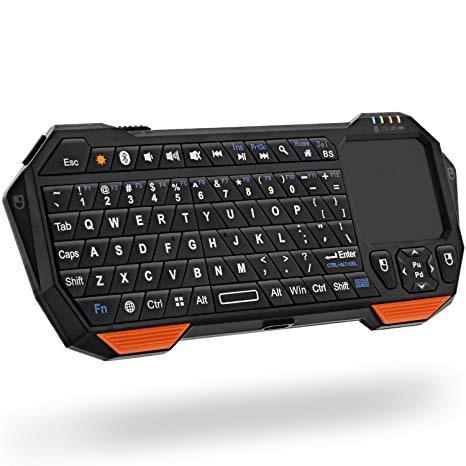
Fosmon Portable Lightweight Mini Wireless Bluetooth Keyboard Controller (QWERTY keypad) w/ Built-In Touchpad for Apple / Android / Windows Smartphones, Tablets, PS4, Laptop, Notebook - Black & Orange
Write a review
$2500 $5000

Fosmon Portable Lightweight Mini Wireless Bluetooth Keyboard Controller (QWERTY keypad) w/ Built-In Touchpad for Apple / Android / Windows Smartphones, Tablets, PS4, Laptop, Notebook - Black & Orange

Write a review
B00BX0YKX4
+
Add to wish list
Target is a general merchandise retailer with stores in all 50 states and the District...

City: US, New York

Delivery
Pickup at your own expense
Tomorrow from 09:00 to 20:00, Store location
Free
Payment options
Apple Pay Google Pay Mastercard Visa
Cash, bank card, credit/installment payments, cashless payment for legal entities
Warranty and returns
Exchange/return of products of proper quality within 14 days Official manufacturer's warranty: 12 months
Description
This fits your .
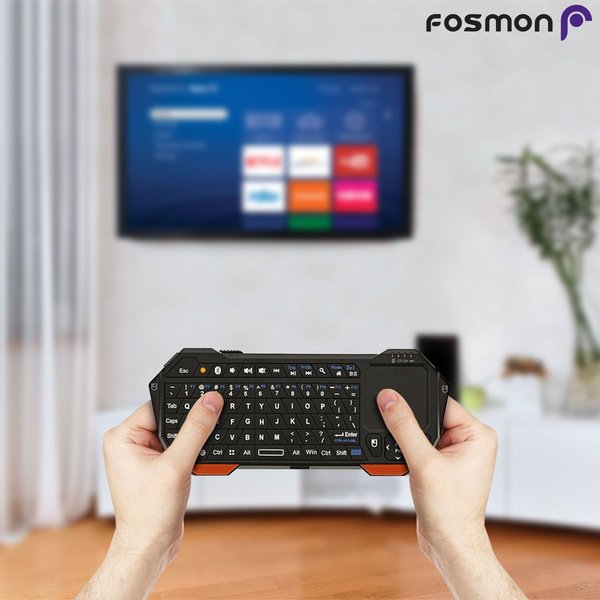
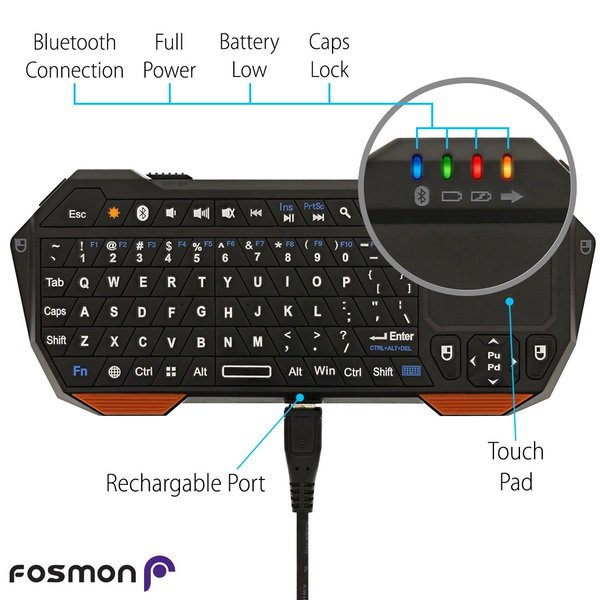
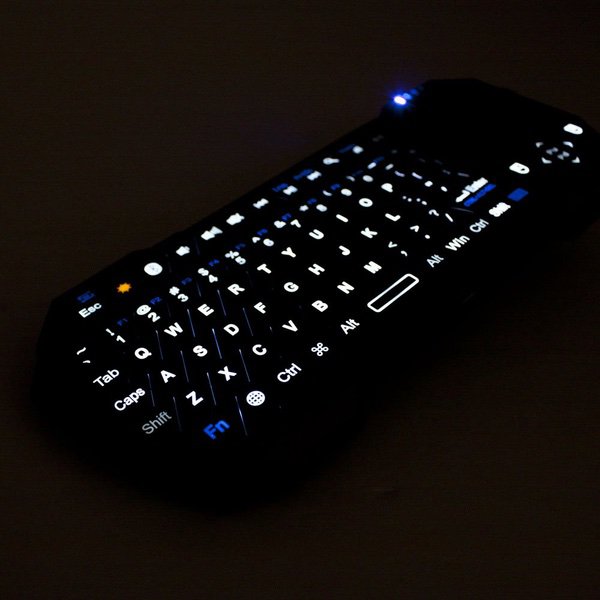
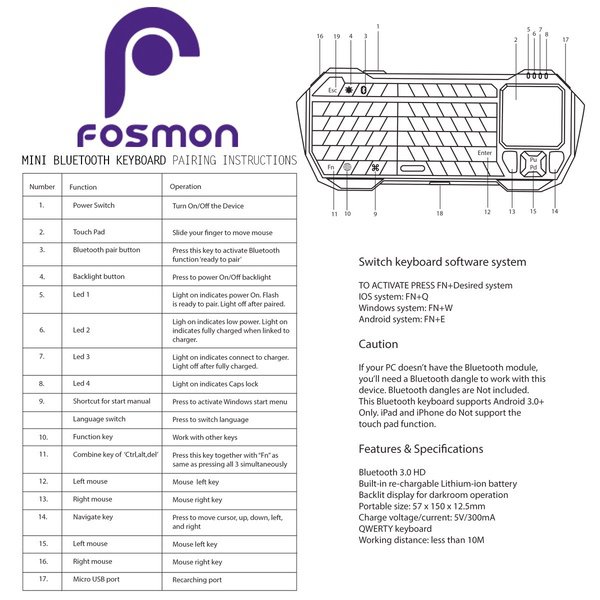
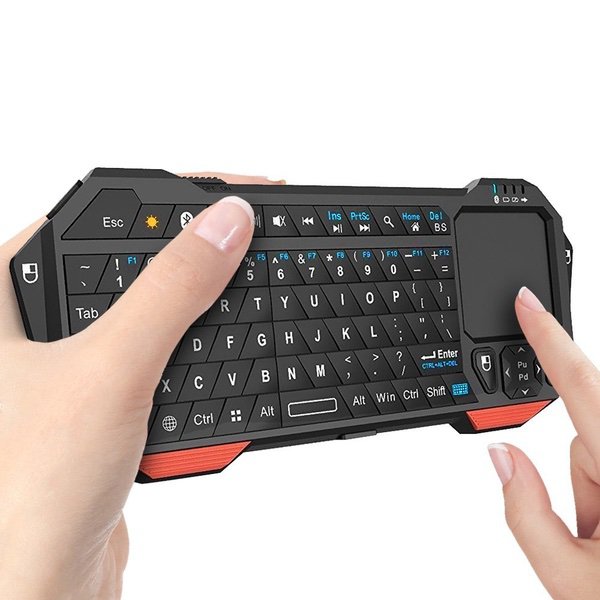
Make sure this fits by entering your model number. Fosmon mini wireless V3.0 bluetooth keyboard works great for PC, iPad, Android / Google TV Box, xBox 360, PS4, HTPC/IPTV Mini wireless keyboard with Built-in touchpad and Full QWERTY keyboard. Built-in rechargeable lithium-ion battery. Wireless keyboard makes texting accurate and easy, and user friendly for PS4 gamer. LED blacklight helps when using it in dark environment. Main feature buttons: Home, Page Up/Down, Volume Control, Ctrl+Alt+Dlt, Esc, Search, and more Portable, elegant and lifestyle design. Lightweight and convenient to carry around.
Reviews
4.1
Reviews: 20
5 stars
65%
4 stars
5%
3 stars
15%
2 stars
0%
1 star
15%
CrystallineHeavens
3
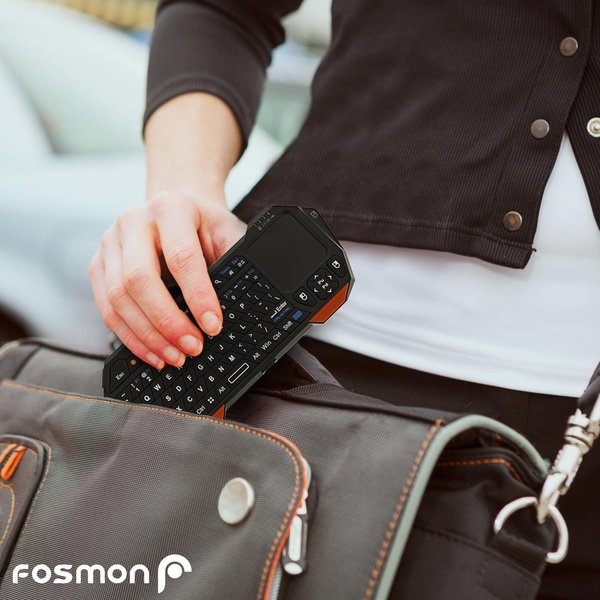
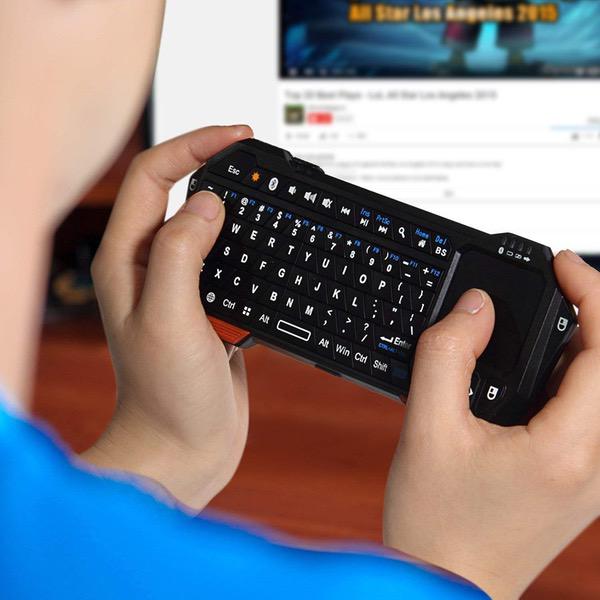
The keyboard over all is great. Light, petite. Fits into my small bag with my paper notebooks for journalling. I wanted a light strurdy KB to pair with my phone so that I could easily write on the go. The layout of the KB is nice except the mousepad is in the way. The con I found was the mousepad. I wish it could fold back under the kb. To hold the KB in my hands to type I am over stretching my right had to type across the mousepad. It is uncomfortable, I do like KB and I will dealt with it. If you lay the KB on a table to type the mouse pad isnt an issue.
Berlon Burch
3
This keyboard is quite the multipurpose device. It has a touch mouse, mouse buttons on the bottom of the touch pad and on each side of the top of the keyboard. It is advertised to have multiple back light colors but I only found one, white. It is a full QWERTY keyboard and has positive feedback when you press the key. However, the layout of the keys is at an angle and are a little small. The whole keyboard rests in the palm of my hand. I originally purchased this for my NVidia shield so that entering my passwords and search terms would be easier than the remote or keyboard. The board feels a little cheap to me. Weighing in at 2 ounces, I doubt it will survive a fall to a tile floor. Upside to this is that it can be used as a game controller if needed. I personally do not game but I can see that it could be a back up controller. The battery life is ok, lasting about a week if you turn it off and use it moderately. It is a little awkward in the hands to type as the touch pad takes up the right side space. Making this difficult to type with two thumbs like on a cell phone as this is the natural inclination to do.
DaveC
3
First thing I want to say is this did everything I needed, but didnt do it conveniently. My whole need for this was for KODI installed on the Fire TV box. PROS: It connected to the Fire TV via Bluetooth, it entered text into the search screens as needed via the keypad, went to the home screen on one key click, went back one screen on one key click, and I could navigate with the arrow keys. CONS: To connect to bluetooth the keyboard needed to be right next to the Fire TV box, but worked no problem from 15 away after connecting the first time. The keys are so close together clicking the wrong key is highly probable. The movement keypad area, bottom right, is extreeemly small and tough to manipulate, plus there is no enter key in the middle of the four keys, it is the page up/down keys. The ESC key worked getting me back to the KODI home screen, which was great, until for some reason it stopped doing that. The right mouse key worked sending me back one screen, which was great, until for some reason it stopped doing that. I was using a Rii I8+ for my last KODI box. That mini-keyboard is absolutely awesome, but the one I had didnt work with the Fire TV, so I changed to this one...not great for KODI use. I finally found the Rii I8 in true Bluetooth, Im going to see how that works.
You may be interested
  • Bestsellers
  • Recently Viewed
 
Similar products
Fast and high quality delivery

Our company makes delivery all over the country

Quality assurance and service

We offer only those goods, in which quality we are sure

Returns within 30 days

You have 30 days to test your purchase