
















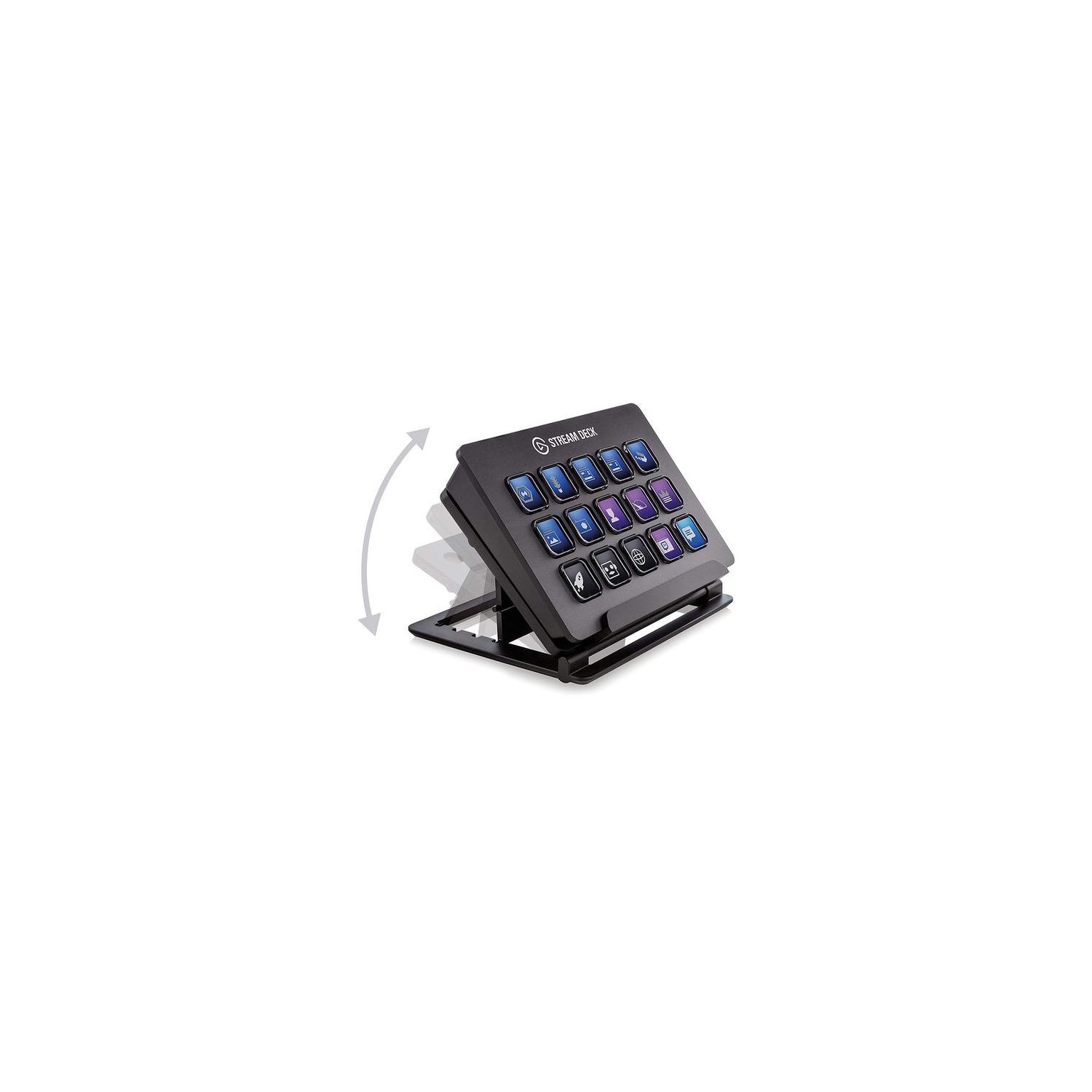
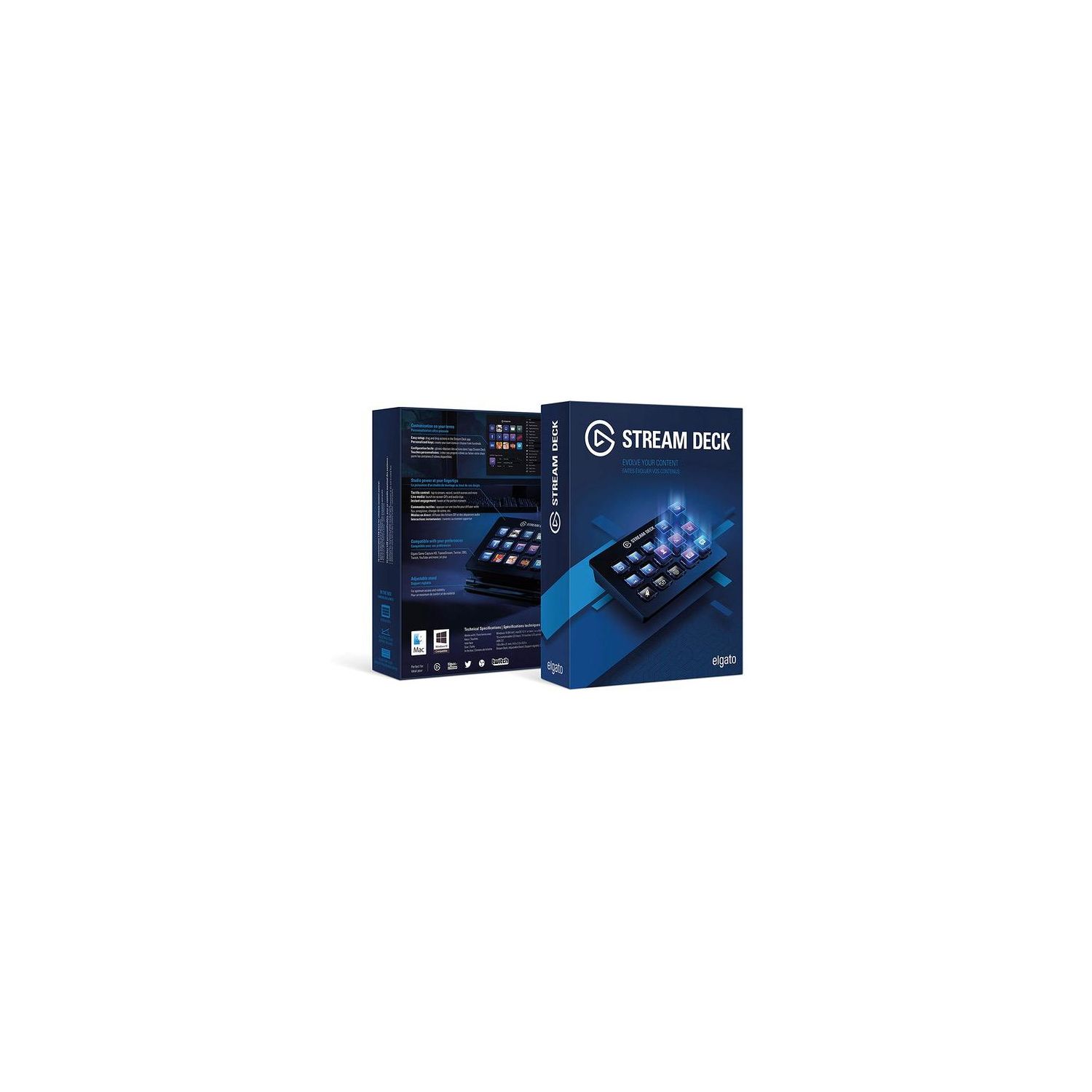
Elgato Stream Deck - Live Content Creation Controller with 15 customizable LCD keys, adjustable stand, for Windows 10 and macOS 10.11 or later

Write a review
B06XKNZT1P
Target is a general merchandise retailer with stores in all 50 states and the District...

City: US, New York

Delivery
Pickup at your own expense
Tomorrow from 09:00 to 20:00, Store location
Free
Payment options
Apple Pay Google Pay Mastercard Visa
Cash, bank card, credit/installment payments, cashless payment for legal entities
Warranty and returns
Exchange/return of products of proper quality within 14 days Official manufacturer's warranty: 12 months
Description
This fits your .
Make sure this fits by entering your model number. 15 LCD keys: tap to switch scenes, launch media, adjust audio and more Fully customizable: personalize keys with custom icons or choose from hundreds Direct integration: control Game Capture, OBS, XSplit, TipeeeStream, Twitch, YouTube, Mixer, and more Easy setup: simply drag and drop actions onto keys in the app Unlimited control: nest folders within folders to store as many actions as you want
Reviews
4.6
Reviews: 20
5 stars
75%
4 stars
15%
3 stars
5%
2 stars
0%
1 star
5%
V. Orlov
4
Let me first stat to say that I did not purchase Stream Deck for gaming purposes. I purchased this thing for my office. I use so many different programs at my work that I needed something where I could program all the shortcuts in to it, in order to save me time. Stream Deck is absolutely amazing!!!! This device is saving me a ton of time. I couldnt be happier. I was so pleased with it, that I purchased a second one for my home office. Here is my quick review: Pros: Price - are you kidding me, I would expect to pay twice as much for a device that I could program shortcuts in to for every software I use: like Acrobat... This time saving Gem is absolutely amazing. And the price is perfect. Quality - it is very well built. You feel the quality and time that went in to this device. Cons: One huge problem at first, which, by the way, nearly made me send this thing back, was lack of any real instructions. in fact, my second Stream Deck came with no paperwork at all. This device is not easy to program... No, it is easy to program, once you figure out how to program. But until that time it is useless. I had to watch several YouTube videos on programming this device. Overall, once you get over this hurdle of programming this little marvel, you will find it extremely useful for everyday work and even for play. I highly recommend it.
Moe Rubenzahl
4
I bought this on a whim when I saw it on sale. I am not a streamer -- not even a gamer. (I had to look up "streamer.") But I am finding the Stream Deck pretty handy. Maybe a little early to be writing a review -- but from what I have already tried, I am pretty sure I am going to love this. If youre a non-gamer, think of this as a way-cooler version of the function keys (or, as we love to call them, Fn Keys, because of the fn key on Apple laptops, and because its fun to say). Or a poor-mans version of Apples Touch Bar. What you have here is a customizable grid of keys that can do things for you. Launch a file. Open a folder. Actuate a tool in Photoshop. Trigger a URL. Like the Touch Bar (and unlike the Fn keys), the keys are labeled electronically and change to accommodate multiple functions. The hardware is great. Very solidly built with a metal case, which gives it enough weight to stay solidly in place, whether its resting on the silicone feet on the back, or placed in the included rack, which tilts to a range of angles. Feels like a premium product. 15 clear buttons are illuminated from behind by a color LCD panel, creating the function labels. The feel of the keys is perfect -- solid, with a great snap, I can see how a gamer would like this -- working at gamer speed, you can hit a button and know it registered. Some reviews complain of a short USB cord; the one on mine is 5 feet (150 cm) so I think they made a hardware change. But the cable is still hard wired (a USB micro jack would mean you can use your own cable of whatever length you want). The software that comes with it is for gamers. Its rich with functions gamers will love but the rest of us will find of no use. But they are customizable. One of the functions is HotKey, which can fire off a key. Combined with the app Keyboard Maestro, I think this will do most of what I want (e.g. trigger Photoshop tools, since all of Photoshop has key commands). But it needs setup so I will not get full use of it right out of the box. Fair enough -- El Gato is focusing on their intended market. Expect to spend a little time with it to learn how to set it up. Fortunately the software is The El Gato website has nicely done tutorials. All are aimed at gaming but I think they cover what I need to so -- start apps, trigger hotkeys, launch files and folders, type text strings, multimedia (play, pause, volume, etc.). You can fully customize the key graphics using El Gatos nicely designed graphics or build your own. Easy to get started. Download the software (Mac or Windows) and install. Plug the Stream Deck into a USB port. Press the Welcome key that is pre-loaded and you are on the El Gato Welcome page on their website. Watch the welcome video and you see how to set up your keys. Their examples are all things gamers will understand but non-gamers will understand well enough.
Amazon Customer
4
Had the Stream Deck for a few days now and I gotta say im really impressed so far. It feels like a very premium product and looks it too. The cord is not too long at only about 3 feet or so, and theres no option to extend it. The LCD screens are very vibrant and the buttons feel solid. When you use a button that is an on/off switch (like a source on OBS) the key will light up or dim depending on whether its activated or not. I can see them in the future possibly releasing updates to add more options to what you can do with the stream deck. Some things i would like to see are live streaming controls for youtube live because currently they only allow you do comment/stream through your twitch account and I have taken youtube gaming as my home for streaming. All the hotkeys that you can program are nice and you can even set buttons to bring up certain websites at the click of a button. The option to make folders is also a very good feature; though you can only have folders on the main page. I hope they allow for more folders within folders in the future. This has been a game changing device that i have been able to use for my streams, but ive also set up some pages for Photoshop tools, and am planning on doing one for the Sony Vegas Pro tools as well. The option to tweet directly with 1 button is an awesome feature and I use it frequently. My time with he product has been short and sweet so far, and I can honestly see myself using this product (and future products of this line) for years to come! Pros: Sturdy, plastic material is light and solid Buttons have a good feel to them Stream deck doesnt move much on desk Folders option allows for hundreds of inputs twitter integration custom hotkeys Media controls (volume up/down ect.) Fast response time within stream deck and between the deck and PC On/Off hotkeys will light up/dim when on or off on the stream deck Cons: Lack of Youtube live support limited to creating folders strictly on the home screen lack of cool startup animations (though not really a con just a visual thing) Short cord and lack of changeable connection Future hopes: Release update to include support for Youtube live like the options for Twitch (chat message, subs, viewers, go live/end stream) Future models with more keys/features would be awesome. Hopefully any future models will also have longer cords/ possibly be wireless, though i admit to not knowing how this would affect the latency
You may be interested
  • Bestsellers
  • Recently Viewed
 
Similar products
Fast and high quality delivery

Our company makes delivery all over the country

Quality assurance and service

We offer only those goods, in which quality we are sure

Returns within 30 days

You have 30 days to test your purchase