
















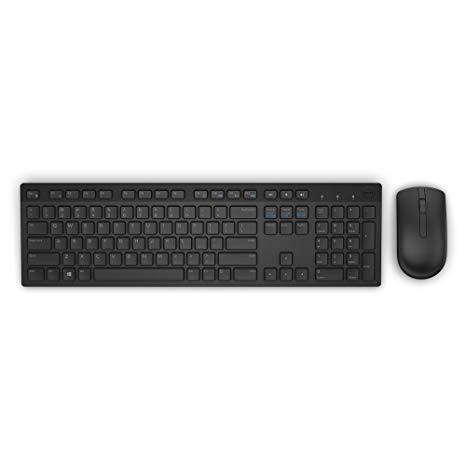
Dell KM636 Wireless Keyboard & Mouse Combo (5WH32)
Write a review
2500 6406

Dell KM636 Wireless Keyboard & Mouse Combo (5WH32)

Write a review
B01FM8H22S
+
Add to wish list
Target is a general merchandise retailer with stores in all 50 states and the District...

City: US, New York

Delivery
Pickup at your own expense
Tomorrow from 09:00 to 20:00, Store location
Free
Payment options
Apple Pay Google Pay Mastercard Visa
Cash, bank card, credit/installment payments, cashless payment for legal entities
Warranty and returns
Exchange/return of products of proper quality within 14 days Official manufacturer's warranty: 12 months
Description
This fits your .
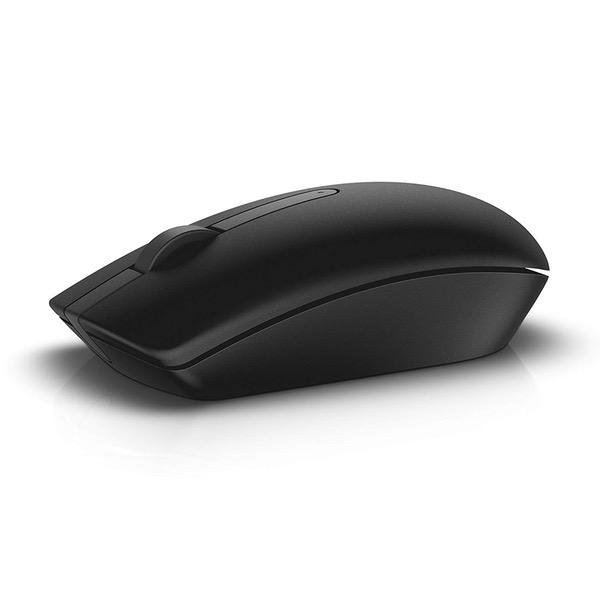
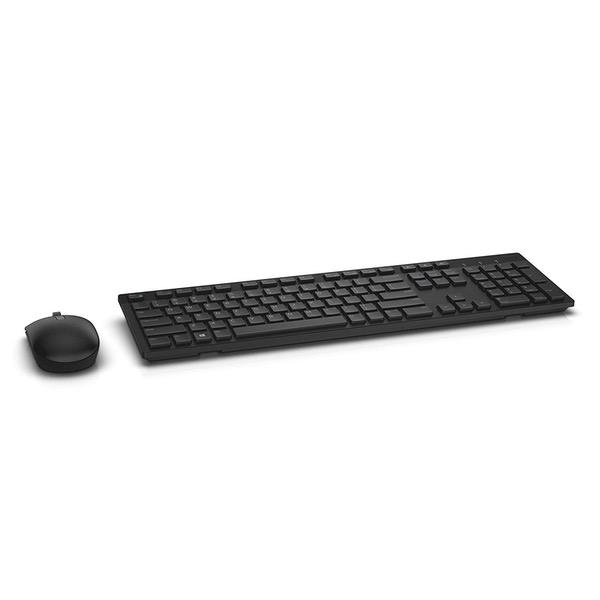
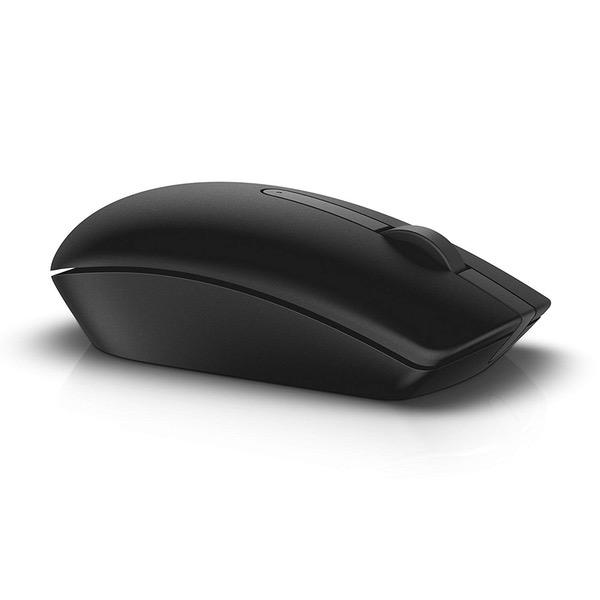
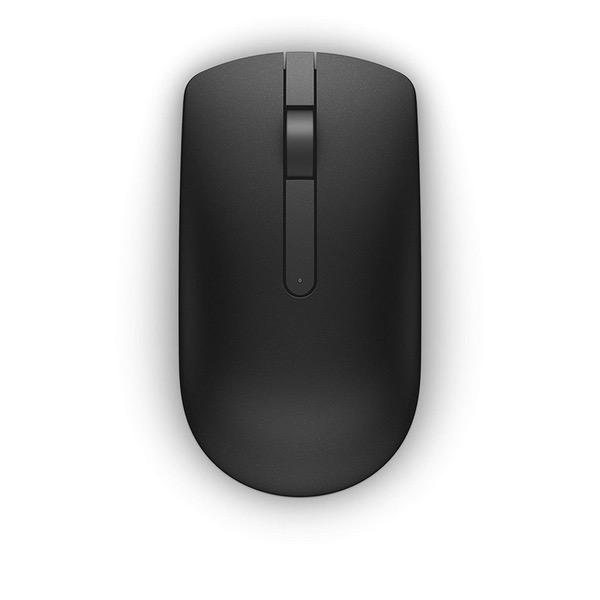
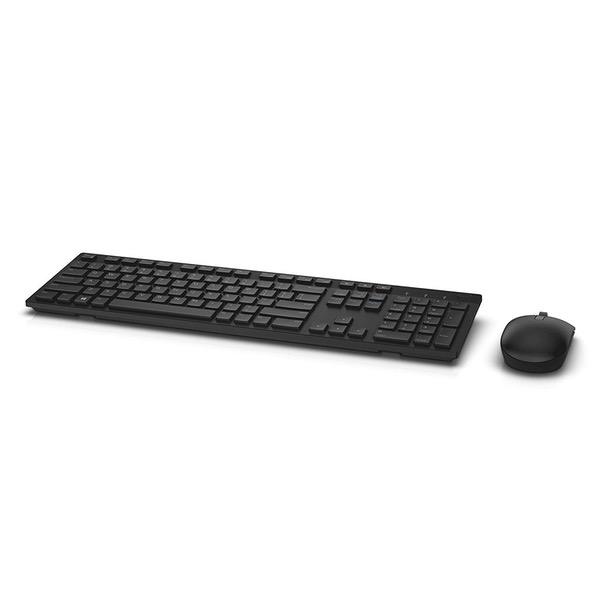
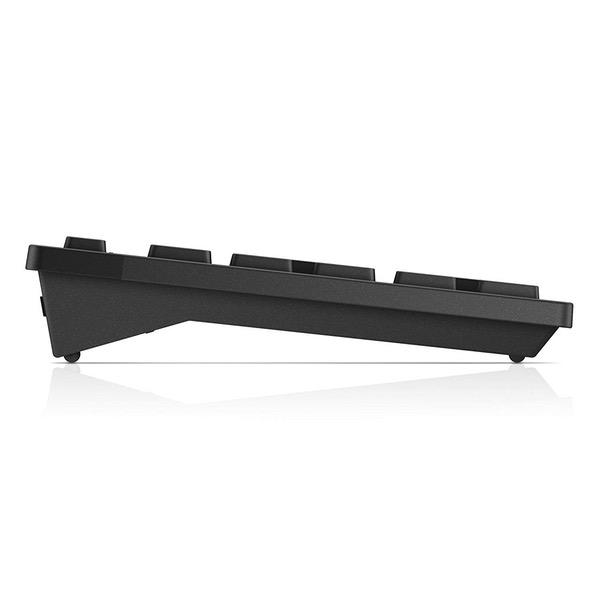
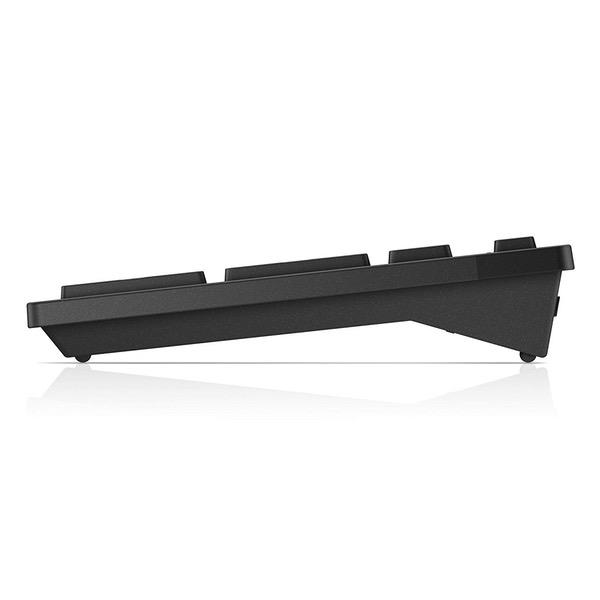
Make sure this fits by entering your model number. Contemporary Design Wireless convenience and performance Designed for: Inspiron 11 3179, 32XX, 3459, 3668; latitude 12 5289, 13 7350, 7370, E5270, E5460, E5470, E5570, E7270, E7470; optiplex 30XX, 3240, 50XX, 5250, 70XX, 7440; precision mobile workstation 3510, 55XX, 7510, 7710; precision tower 3420, 3620, 5810; vostro 15 35XX, 32XX, 3668; dell wyse 30XX, 50XX, 7010. Long, efficient battery life Elevated and spacious chiclet keys, multimedia keys, plus optical tracking for precise mouse movement Refer user guide below
Reviews
3.3
Reviews: 20
5 stars
35%
4 stars
15%
3 stars
15%
2 stars
15%
1 star
20%
Family 1st Tech
3
Soooo.....Im not in love with this combo but I wanted to love it so badly that I intentionally overlooked its short comings at first. My situation was this, I had a desktop setup and dual monitors, which I hijacked one of those monitors to use with my work laptop when docked. I have the whole get up, the docking station and all. Unfortunately, my desk is very limited on real-estate so I started looking for an alternative to using only one keyboard and mouse. I looked into a KVM switch of sorts, but when I took into account I could use one peripheral to control up to 3 devices, all without cables, I was sold. Out of the box I was very excited how things were running. My configuration was such that I selected 1 Bluetooth channel to control my work laptop, another Bluetooth channel to control my iPad typing, and the proprietary wireless supplied by the micro dongle for my desktop (it does not have Bluetooth support). Everything appeared to be working great! After months of usage I am now sad to say that I wish I hadnt purchased this combo. Its no so much that the feel of the keyboard or mouse is unappealing, in fact, the keyboard is pretty tight. If only it had back-lit keys that would be a huge plus. No, it boils down to how the internal Bluetooth radios take FOR. EV. ER. to initialize. I thought it wouldve been more seamless, I envisioned me typing on my desktop, flipping the switch over to respond to a work email, flipping over to reply to an instant message, then flipping back to continue where I left off on the PC. Yeah....that was swiftly shot down when reality hit. In truth, I can flip back and forth, but going to any of the Bluetooth devices can often take up to 10 seconds to initialize and begin working. The mouse is much slower than the keyboard but its the mouse that I use most often. Not only is the mouse slow to switch, there have been a number of times it completely drops the connection and I have to cycle it between channels for it to initiate the handshake and connection again. Ive also had to re-pair the Bluetooth on my laptop 3 times now as it just up and fails to see it. Lastly, the mouse does this really weird thing where when I click the button that switches it between connections, it quickly returns to the #1 connection (the physical dongle). I could sit and hit it multiple times and it just immediately goes back to #1. FINALLY after like 20 clicks it starts to cycle through the Bluetooth channels. I dont know if its that the Bluetooth radio in the mouse is not initialized or something but its frustrating. In the end, the setup works but, man is it a pain in the you-know-what to use among multiple devices at times. The 3 stars are for the fact that it does provide a solution to control multiple devices with one keyboard and mouse, but the execution/technology is hindered probably just due to the very nature of Bluetooth and its inherent slowness. I continue to use the set but keeping my eyes peeled for something with better performance. I cant recommend this combo simply due to the frustrations of the Bluetooth, because if all you want is wireless there are a ton out there that perform better than this.
Kristina Lyons
3
I was looking for a wireless keyboard for work and passed on another keyboard that was on my wishlist. The reason why I opted for this one is because the picture shown on the description looked just like my wired keyboard complete with cap and num lock lights. I figured I was already used to my keyboard so why not stick with what I know. The keyboard that arrived didnt have any lights whichwas a great disappointment. I dont understand why this isnt a standard feature especially since its so often intertwined and desired in a wireless keyboard, but I digress. It does come with instructions on downloading onscreen notification of the cap lock but you only see it at the time you are locking or unlocking. To me if Ive been on calls, pulled stray or have just come back from a meeting and have to type to see if the cap lock is on whats the point of my downloading the program? Ive made it work. On a high point there isnt a num lock which for me is very convenient. Sometimes I would overeach thereby turning the function off but wouldnt realize until after i looked at the screen. Now I dont have to deal with that frustration. Add for the most I want sure about it because I had another I had for years and liked. I notice the difference in the two but it isnt major enough to be a concern. I noticed a number of complaints over the mouse so I will say this, the u.s. since drag vs smooth movement with the mouse wheel. Its something you will notice if your current mouse isnt like that but just takes getting used to. I can only see this being an true inconvenience if this is your main function with your mouse and do a lot of scrolling. I admit originally i was very disappointed with my purchase. I took my time selecting a new wireless keyboard and did a lot of research before ordering. I was so disappointed the features i wanted went included included and kept putting the keyboard back in the box ready to return it but would take it back out again. This happened 3 times before I finally decided enough was enough and kept the shipping materials on my desk to give the keyboard/ mouse a trial period for a week before making a final decision. I came to realize it really wasnt all that bad a product once I got over my initial disappointment and realized my little world wouldnt implode without a cap lock light especially since I no longer have num lock frustration. Alls well that ends well!
M. Crist
3
I would have given this 5 Stars if I wasnt already having to change the battery in the Mouse after only about a week of using it. The product description says long extended battery life but it isnt. However to be fair I also thought that may have meant that it is like so many other mice these days that come with a built in "Sleep Mode" where the mouse goes to sleep after a period of inactivity to really prolong the battery life. Aside from that the mouse and keyboard are well designed and comfortable to use. The keyboard is on the smaller side but it is still a full + 10 key keyboard and fits nicely in my laptop bag. I would still recommend this but would remind people to always turn the devices off when not in use. EDIT March 2019 The battery life thing must have just been an issue with the batteries that came with it being old. However I am removing one star from my review as after many months of using the keyboard and mouse I have run into several other issue. Keyboard: - There will occasionally be a delay in typing something before it appears on the screen - From time to time pressing a key a single time will result in multiply entries being registered. This includes doing such things as Control-V to paste where what you are wanting to paste into whatever you are working on appears multiple times - Occasionally it wont register a key press at all so you need to do it multiple times Mouse: The buttons do not always register being clicked but on the flip side sometimes register being clicked multiple times The cursor tends to jump around the screen a lot while using it These issues, while annoying, would be bearable if you only wanted to use this combo for light work. But if you are looking for a higher quality wireless mouse / keyboard combo for gaming or the such look elsewhere.
You may be interested
  • Bestsellers
  • Recently Viewed
 
Fast and high quality delivery

Our company makes delivery all over the country

Quality assurance and service

We offer only those goods, in which quality we are sure

Returns within 30 days

You have 30 days to test your purchase