

























J. Campbell
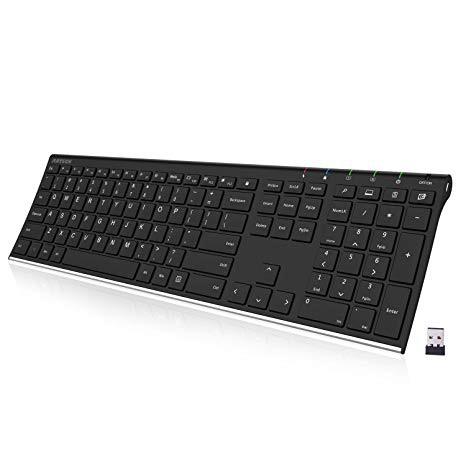
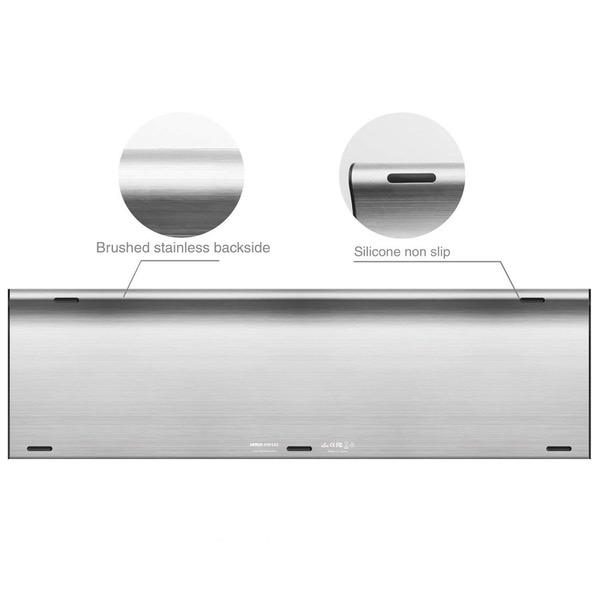
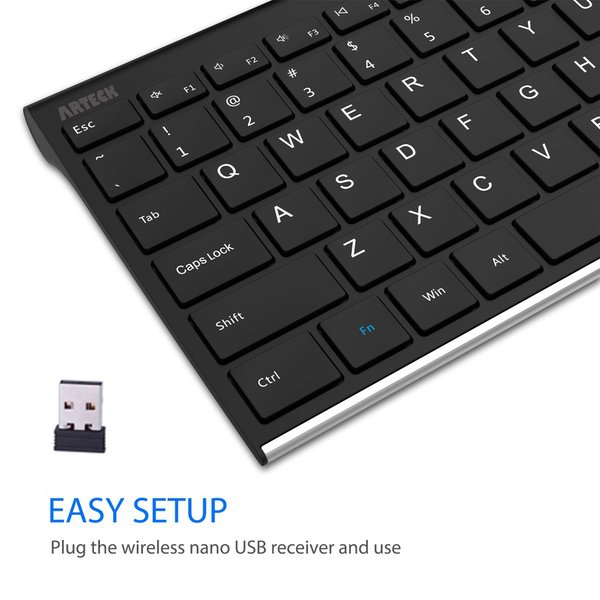
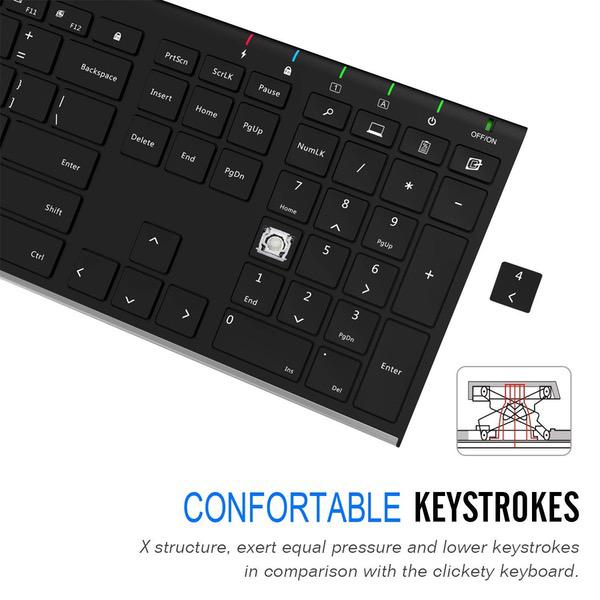
Let me start off by saying that I really wanted to like this product. It is a super slim wireless keyboard that doesn’t run off of interchangeable batteries but a mini USB plug charges the internal battery. It was really everything that I was looking for when I bought this. We use laptops at work that we move around throughout the day to different dock stations. The issue with changing different docks throughout the day is the computer seems to take forever to recognize the wired keyboard and mouse that are plugged into the dock so I wanted to cut the cords! Initially, unboxing the product at home I was very impressed with the looks. This thing is light and I mean light! It is extremely thin and felt very natural to “type” on just sitting at my table (it wasn’t charged or in use, I was just pretending to type getting a feel for the keys). I was very excited to take it to work so I charged it up Sunday night to be ready Monday morning. I really like that the keyboard doesnt utilize AA or AAA batteries but instead uses an included mini USB cable to charge its internal battery. Once the small USB dongle was plugged into the laptop the keyboard paired very quickly. I love all the function key shortcuts at the top. The keyboard is super thin and light and moves with my laptop very easily. Hopefully the keyboard is equally impressive turned on and in use as it is off and sitting on the desk looking sleek and cool. Unfortunately the keyboard is not as impressive once in use. The major issue are the keys, they do not register on screen when pushed about half the time. Most keys work as they should and register the character on screen when pushed but there are a few in particular that do not. At all. You take for granted how good a keyboard is until you use one that doesnt work like it should. If you are a touch-typist this keyboard will drive you absolutely insane!!!! I work in a setting where I type a lot of what people say as they talk, very close to dictating their words. After typing for minutes on end every other word is missing letters and misspelled. The problem is with the very poor copy of Apples butterfly keys (which Im not a huge fan of even though I own a newer MBP that has these keys). They just dont register as pushed unless youre pushing in the dead center of the key and really push them hard. If your finger lands anywhere off perfect center it will not register on screen as pushed. Look at the pictures I uploaded for an example. In the one photo where my finger is pushing the key ALL THE WAY DOWN but on the edge of the key, it is not registering on screen at all! The next photo shows me pushing less hard but in the middle of the key and it registered as pushed. This is the case with almost all of the keys and you can never predict which key stroke won’t register. It is absolutely unacceptable and makes it completely unusable for anyone to type fast and accurate. I emailed the seller about the problem and they said they would send me a replacement free of charge and not to return the current keyboard. The replacement keyboard took about two weeks to come. Two long agonizing frustrating weeks! In the mean time I continued to get jealous compliments on the looks of the keyboard from coworkers. The seller said they would personally try out the replacement keyboard before shipping to me. This was evident as the box appeared to be gently opened, the normally sealed bag was opened, and the USB dongle was out of its little bag. Hopefully they tested the product and this means it works better than the last one. Nope. Not at all. The replacement keyboard had exactly the same issues as the first one with different keys being the problem this time around. The most notably frustrating key was the backspace key because when the other keys would mess up and I needed to backspace to correct the error, it would not even backspace!! The other issue with this replacement is that the actual keyboard is warped! From the left end all the way down to the right side up front at the thinnest point the plastic is warped so that the far left and far right feet were ever so slightly lifted off the desk. It is more noticeable on the right side by the number keys and the whole right side shakes and bounces when you push the keys. I couldnt take it more than one day and emailed the seller immediately. Being so fed up with two keyboards and all the time that this took going through the returns I asked for a refund and not another keyboard. The nice thing is the seller did refund my money rather quickly. Unfortunately I cannot recommend this product based on my personal experience. Others seem to have rated this keyboard with high marks so maybe my two keyboards were a fluke, but I dont think so. I ultimately went to Best Buy and walked out with an HP wireless keyboard for the same price that has zero issues. Although it does not have the slim wow factor or the nice function shortcut keys at the top. When it comes down to every day use, I could not use this product at all and am much happier with my Best Buy replacement. Now I have two unusable keyboards and don’t know what to do with them.