
















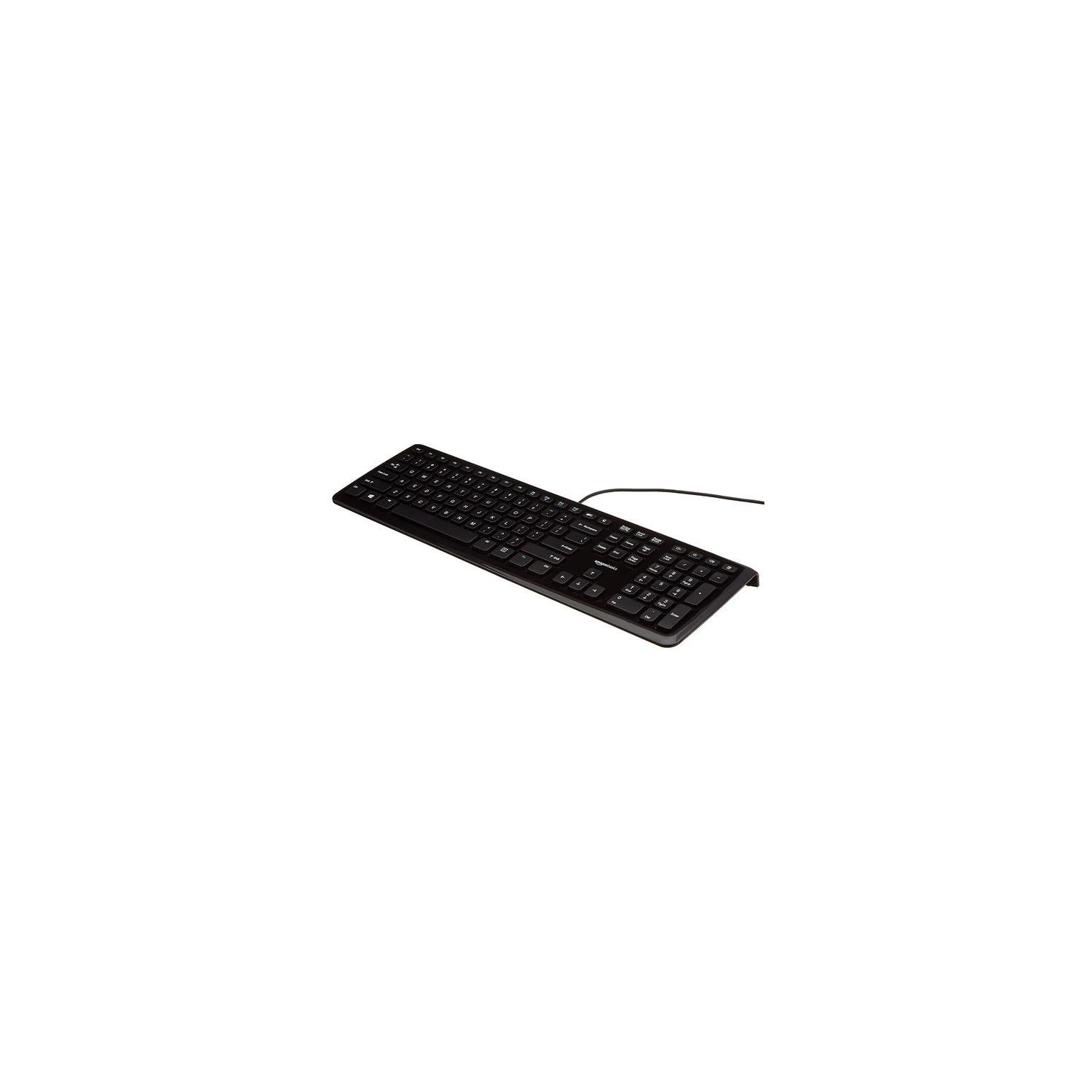
AmazonBasics Wired Keyboard
Write a review
$1300 $6300

AmazonBasics Wired Keyboard

Write a review
B005EOWBHC
+
Add to wish list
Target is a general merchandise retailer with stores in all 50 states and the District...

City: US, New York

Delivery
Pickup at your own expense
Tomorrow from 09:00 to 20:00, Store location
Free
Payment options
Apple Pay Google Pay Mastercard Visa
Cash, bank card, credit/installment payments, cashless payment for legal entities
Warranty and returns
Exchange/return of products of proper quality within 14 days Official manufacturer's warranty: 12 months
Description
This fits your .
Make sure this fits by entering your model number. Low-profile Keys Provide a Quiet, Comfortable Typing Experience Hotkeys Enable Easy Access for Media, My Computer, Mute, Volume down, Volume up, and Calculator; 4 Function Keys Control Previous Track, Stop, Play/pause, next Track on Your Media Player Simple Wired USB Connection; Works with Windows 2000, XP, Vista, 7, 8, and 10 Backed by One-year Amazon Basics Warranty Ships in Certified Frustration-free Packaging
Reviews
3.7
Reviews: 20
5 stars
40%
4 stars
35%
3 stars
0%
2 stars
5%
1 star
20%
goonsquad
1
Just received it a day or two ago. The form factor and key clicky-ness are fine for me. What Im having a lot of difficult with is the fact that some of the keys require much more effort depending on where you hit them. For most keys, if you hit them dead center, they are great, but if you manage to strike the outer ridge of a key, the effort level required is double or more. What this means is I end up with a lot of keys which are touched but not fuly depressed, causing typing errors. I bought this as a docking-replacement for my laptop keyboard, but the build quality of that keyboard is head and shoulders above this one. I bought this expecting a cheap, no frills keyboard, but didnt realize what a compromise Id be making. UPDATE A DAY LATER: I am updating this from 2 stars to 1. Its the same issue. There is something fundamentally cheap/flawed about how the keys are pressed. When you press dead center, you get a satisfying eas, but quiet click. When you press a corner, you are met with stiff resistance. The key size matters. Presing the Tab or Caps lock (which are 2-3x size) on an edge, you are met with ~10x resistance. Again, its a function of the fact that the keys must be depressed without tilting, and there is static friction keeping the key from torquing. So unless you are pressing form the middle, straight down, you get variable resistance. Ive tried with two laptops, which have chicklet keys (including my Lenovo Thinkpad, whose keys look very similar) and they dont suffer this same flaw. For me, this issue is a non-starer. I am a decent typist, but by no means pro-speed. I type in the 60-70 wpm range, and this causes me to miss keys. Its a difference Im not willing to compromise on. Ill be returning this.
Al
1
Just received the new keyboard and have not used it yet. I was disappointed to learn that it lays too flat. Normally I wouldn’t care and if the legs were too short I’d replace them with a disassembled binder clip (shown in photo). However there are no legs at all, just a lip. Very disappointed as this makes me uncomfortable when it lays too flat. P.S. the photo showing the height difference is a keyboard without my custom binder clip fix. That keyboard still has its factory legs. I was just showing the height difference between the Original and the Amazon Basics board.
Jennifer Wilson
1
Oky, I love this keybord. It hs mute, for when websites (which one cnnot find where the music is coming from) you cn just press the mute button. I lso love tht it is soft touch.... mostly... the eh or rther the first letter of the lphbet requires tht you POUND relly hrd, so tht defets the purpose when you re typing letter nd your pinky finger is crying out...
JG
1
This was my substitute keyboard but ended up being used anyway. I hate this thing! It is way too noisy, for one thing, and that I noticed immediately but I wasnt bothered too much because it was supposedly the spare. Then I noticed if I do anything except the usual typing of letters, that is, if my fingers reach anywhere else, God forbid, some unwanted window pops up, some program I never use such as Windows Media Player. I have used Keytweak and other programs but with my system no program will properly disable these annoying keys! If I could give this keyboard negative stars for lowering my test score on a typing speed test due to unwanted popup windows, I sure would! For anyone else who truly despises this popup feature, FYI, if I recall correctly, Logitech makes their own propriety programs that work with their keyboards. I am buying one of their keyboards next and not bothering with Bargain Brand anymore. This is going to Goodwill ASAP.
You may be interested
  • Bestsellers
  • Recently Viewed
 
Fast and high quality delivery

Our company makes delivery all over the country

Quality assurance and service

We offer only those goods, in which quality we are sure

Returns within 30 days

You have 30 days to test your purchase