

























Nameless Faceless One
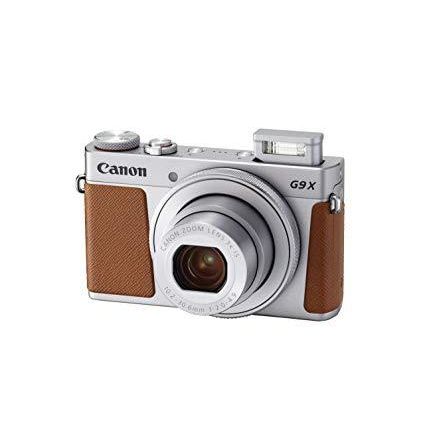
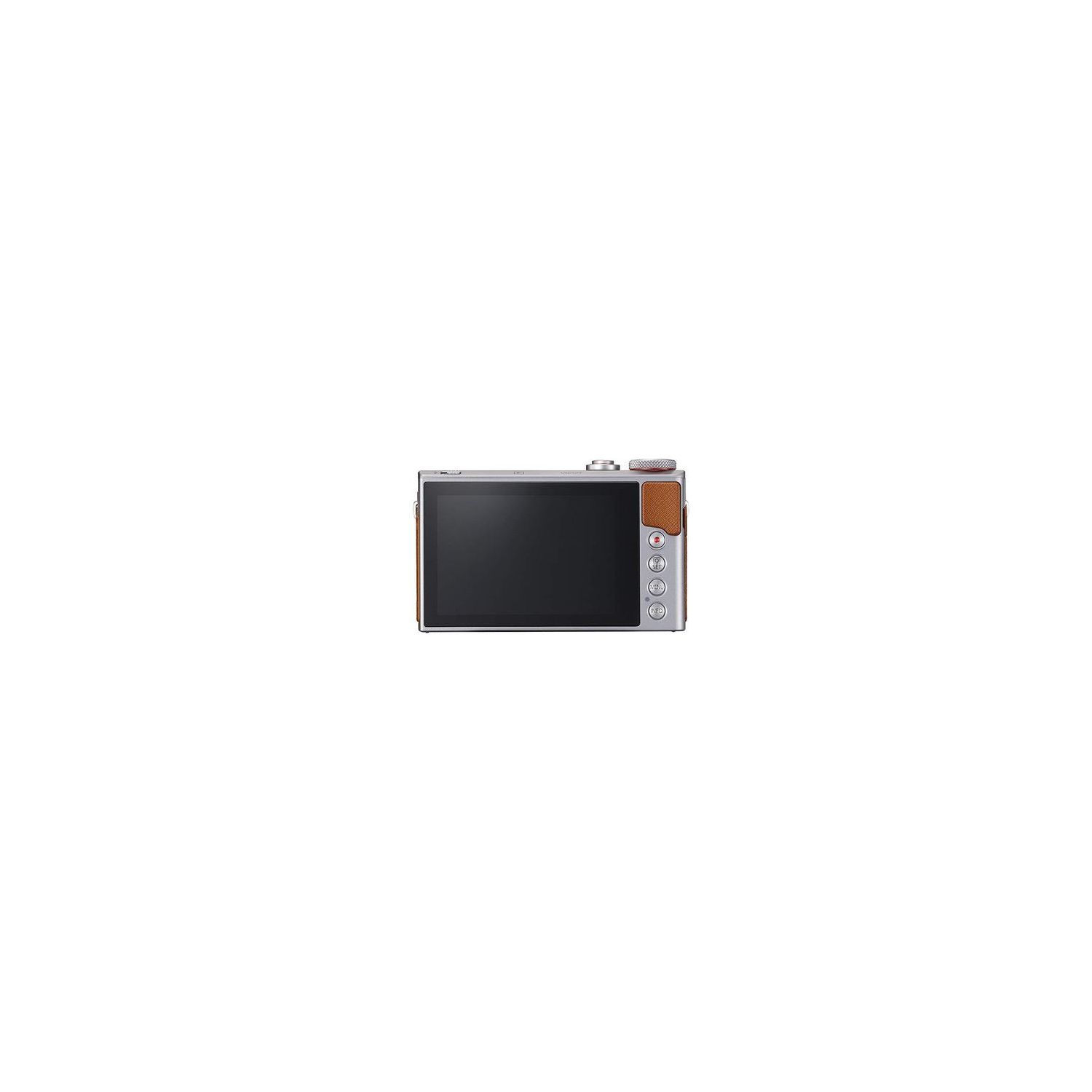
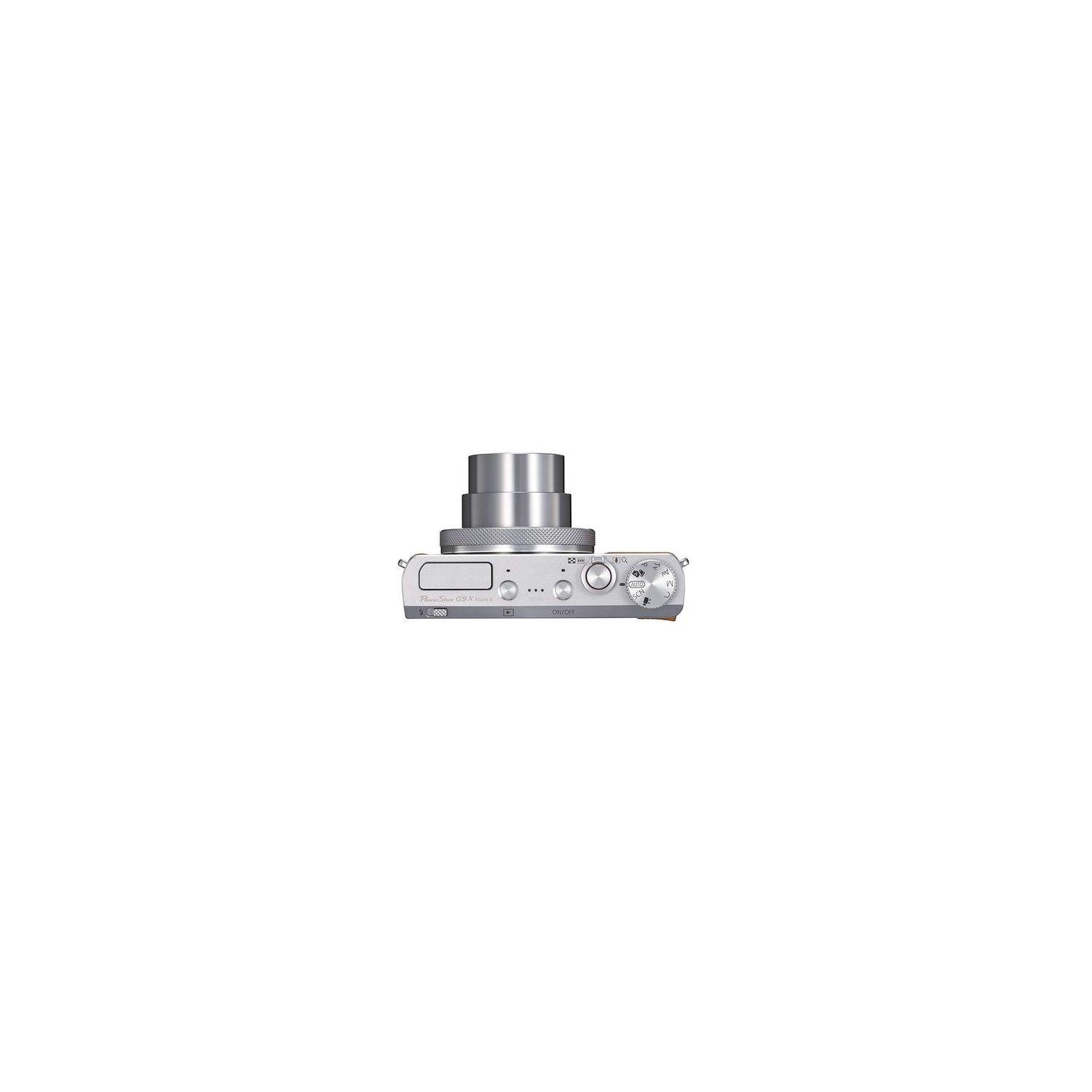
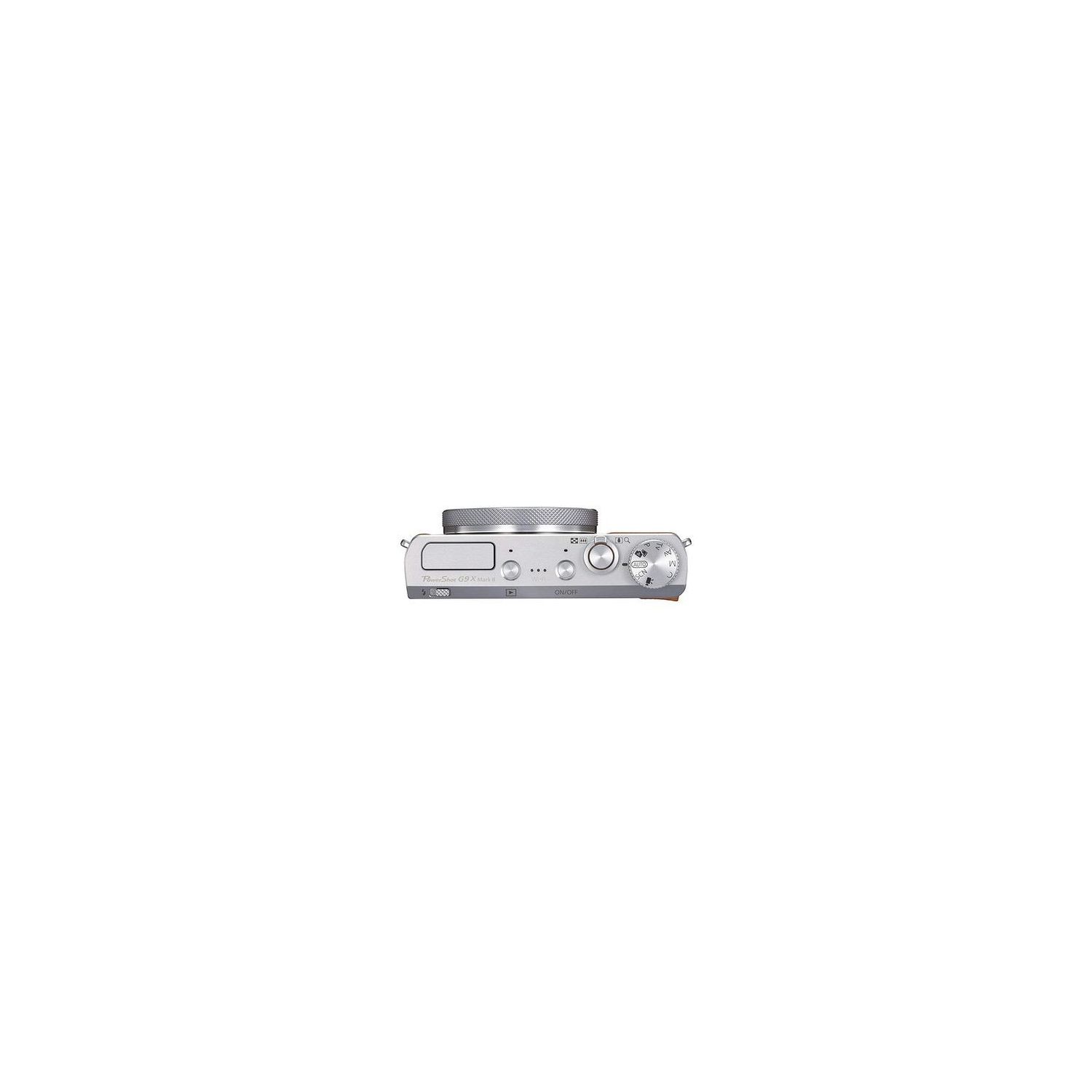
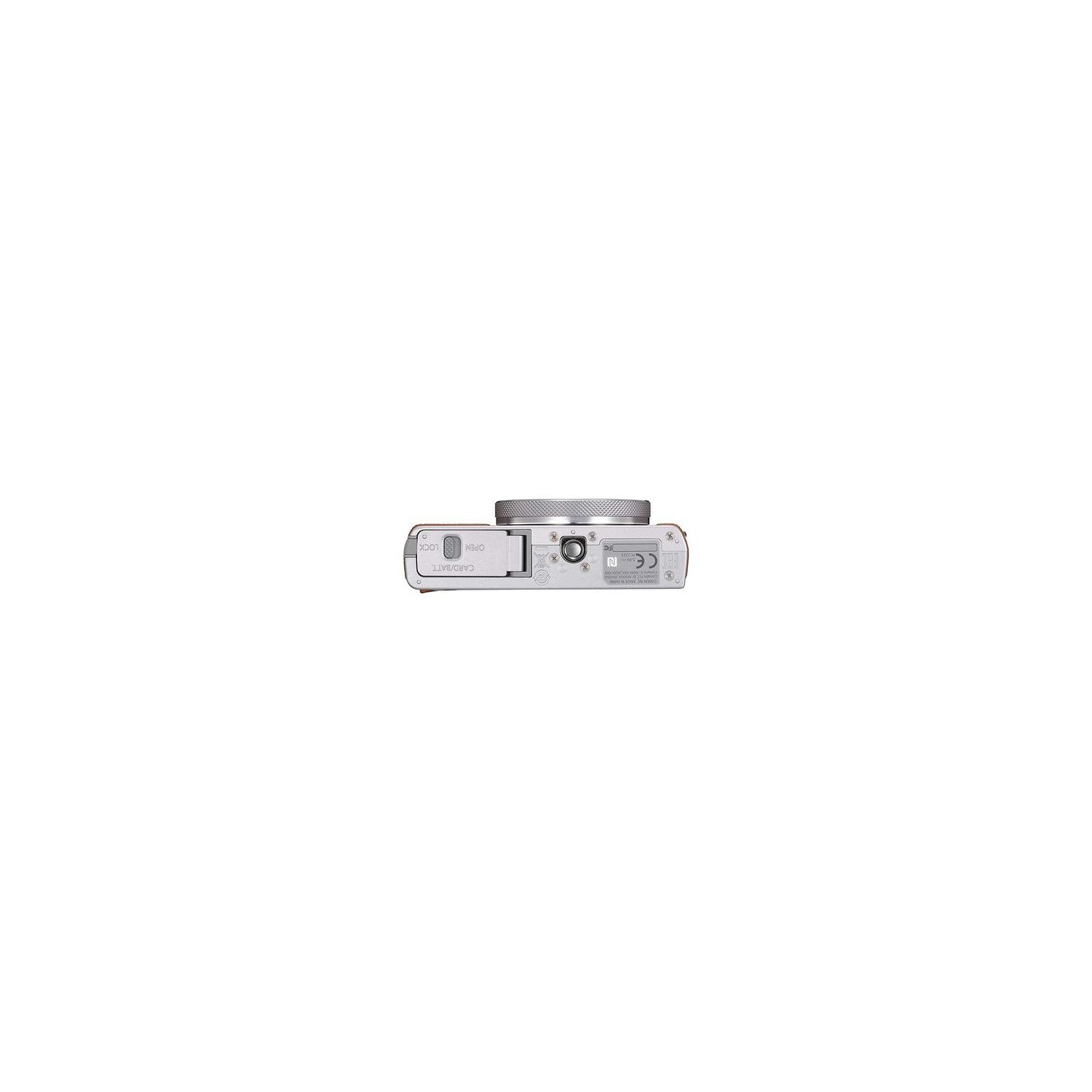
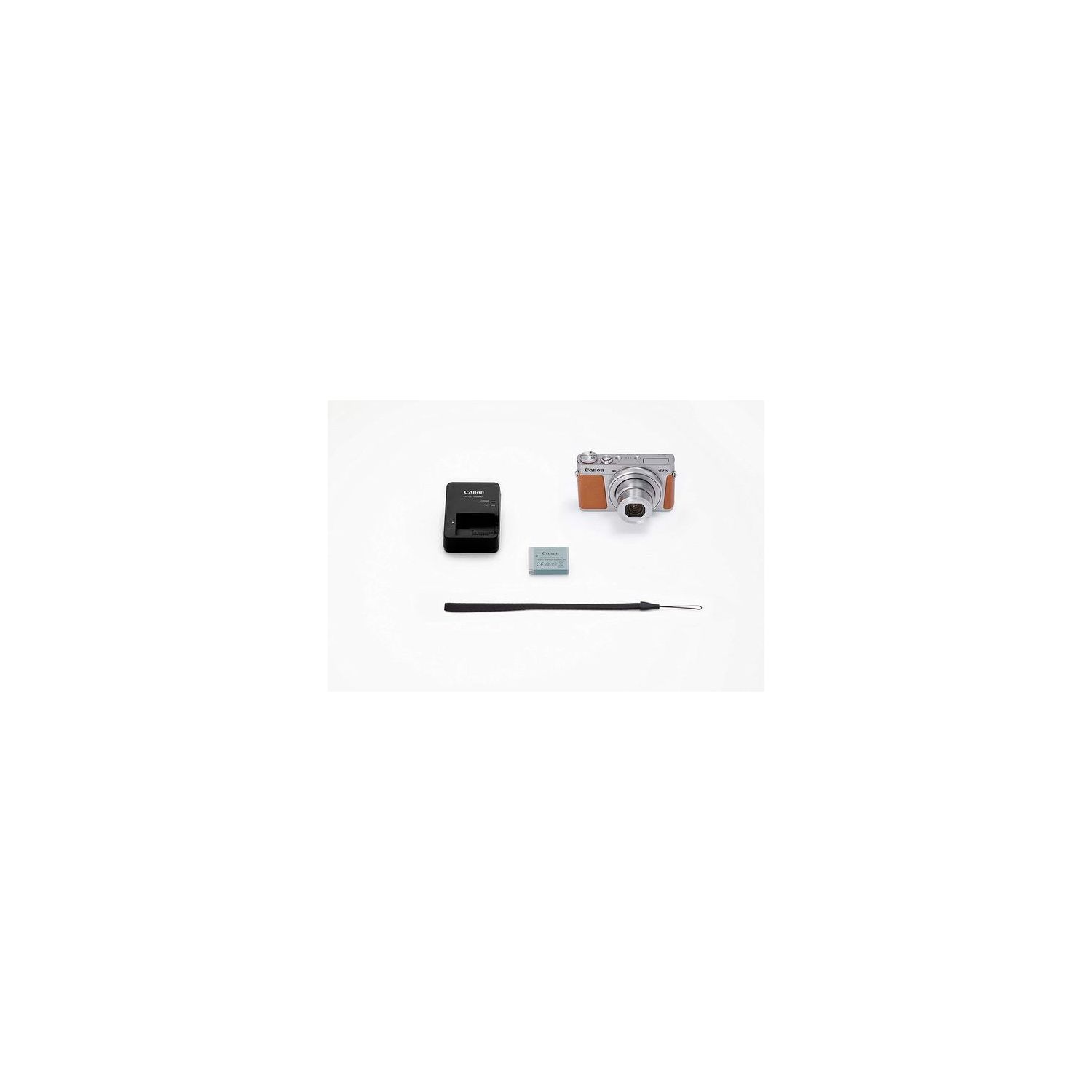
I will start off by saying this is the best compact camera Ive ever used. The menus and settings are intuitive giving me the ability to drill down into how much I want to do manually vs. automatically. The touch screen responsive such a great idea where once I was limited to pressing buttons - and, it supports gestures like pinch to zoom and touch to focus. It takes great pictures for a compact camera and does well in high contrast scenes as well as low light. The retro styling is reminiscent of a vintage Leica M6 chrome Gold Dragon. Its small yet the screen is large and bright. It does everything - movies, still photos, macro photography, manual focus, and most important raw format. My favorite feature is the exposure lock which allows me to dial in the shutter/aperture combination Id like for the intended exposure i.e. if I want to blur the background I simply open the aperture and not need to rely on digital magic. Yet, I nearly returned it after looking at the first photographs. This is NOT my idea of a "point and shoot" camera. Its a compact camera which requires a learning curve and has firmware which fights with you rather than helping you to take great pictures. My idea of a phd camera (Press Here Dummy) is that if I set the dial to "AUTO" or "P" I expect the camera to take the photograph in the best possible way. This is sadly not the case. Here are all the gotchas, some of which can be compensated for by learning to use "C" custom settings and custom scenes. My first photographs were both blotchy and grainy. The camera defaults to ISO 320 rather than AUTO, even in a brightly lit scene. The noise filter was turned all the way up to compensate. The better idea is to set the ISO to the lowest possible setting to reduce noise on a bright day for the best clarity. I also used the "Fine Detail" scene. I thought it was a good idea at the time. What this does, however, is crank up the sharpening filter which produces unwanted blotches and artifacts. In fact, most of the so-called scenes are just combinations of 6 settings, 3 of which are sharpening. Sharpening should not be done in the camera. If you want a sharper photo use a tripod and focus carefully. One of the great features is combination AF+MF which allows you to autofocus then tweak in for perfect sharp focus. Thats how you get sharp photos. Dont use the built-in sharpening because it wont look as nice. Automatic White Balance was fine outdoors but indoors under LED lighting it had a difficult time. Yet, the custom white balance was great, once I figured out how to use it. You need to first take a photograph of something mostly white, then get into the settings for custom white balance. It took me a while to figure it out. Im used to a single-button, "press shutter for custom white" but this is a confusing multi-step process. Its worth learning how to use it and obtain a white balance card. 20.1 megapixels. True, but you get that resolution at the expense of digital zoom and image stabilization. Digital Zoom uses your unused pixels to magnify the image. If you use all 20meg of them theres nothing left to zoom. Solution: use the full resolution and crop your photos with your PC while ditching the digital zoom. Image stabilization? yea, kinda. Once again the camera uses your unused pixels to lock in on the photograph to eliminate unwanted movement blur. You loose this feature if you shoot at full resolution or save your RAW files. Solution: Use a tripod or enforce a higher shutter speed using shutter speed priority setting or locked AE to reduce motion blur and forget about image stabilization. Geo-tagging? yea, kinda. Its mentioned in the manual and is a function of the camera if (big IFF - If and only If) you shoot your photos using the Canon smartphone app. The camera lacks GPS on its own. Bluetooth? yea, kinda. Its only for the shutter and zoom. If you want to remote view on your smartphone the app automatically switches to WiFi for those operations. Its good for selfies and selfie sticks. WiFi transfer to PC or cloud? yea, kinda. Once again, Canon cripples this functionality to force you to obtain an on-line account, transfer the images to Canons website after forcing you to agree to all kinds of stipulations about your photographs and agreeing to let them delete photographs they dont like. You need to do this just to transfer photos wirelessly to your PC located just 6 feet away. It might be fine for bloggers and tweeters but not for professionals. Despite having Bluetooth and Wifi, the most direct way to get photos off the phone is via a microUSB cable which Canon does not supply. At least its a standard connector. Or, open the bottom door and pop out the CF card to use with a card reader. The most useful software Canon provides is the RAW developing to bypass a lot of the dysfunctional automatic camera settings. Care needs to be taken with their RAW software development which *defaults* to heavy sharpening. Again, if you are shooting RAW you probably dont want to apply your sharpening filter at this stage. The first time I used it I neglected to scroll down to notice the sharpening filter defaults to ON and was disappointed with the blotches and artifacts. Solution: double-check everything and save your settings. Another helpful tip - the settings in your "C" custom profile are NOT saved by default. You need to "register" your settings. You can also toggle the automatic save to ON; else, the next time you turn your camera on it will reset all your settings. I found that if I always use the "C" setting and custom scene setting to town down the sharpening filter, lower the ISO, save my RAW files, and double-check all my settings every time then I get good quality pictures. This is not my definition of a "Point and Shoot" camera. Its a good "compact camera." I just wished Canon had chosen to make this a "smarter" camera.